 Illustrative preview
A build-to-order per-tenant AL extension that captures Facebook and Instagram lead-ad submissions and creates
them as Dynamics 365 Business Central leads in real time — with form-to-field mapping, dedup, source attribution, and instant follow-up triggers. Built, installed, and supported by
ECOSIRE on your tenant.
What is Facebook & Instagram Lead Ads Connector for Dynamics 365?
A build-to-order per-tenant AL extension that captures Facebook and Instagram lead-ad submissions and creates them as Dynamics 365 Business Central leads in real time — with form-to-field mapping, dedup, source attribution, and instant follow-up triggers. Built, installed, and supported by ECOSIRE on your tenant. Built to order by ECOSIRE for Dynamics 365 BC (build-to-order) — indicative price from $999.00 USD; request a quote for a scoped proposal.
Key Features
Built to order, done for you
No DIY setup — a working app, built, installed and supported by ECOSIRE.
- 1
You order
Start with a one-time build price. We scope it with you at kickoff.
- 2
We build & install
ECOSIRE builds, configures and installs it on your Dynamics 365 Business Central.
- 3
Go live + support
You go live in about one working week, with two weeks of go-live support. Defects in the code we deliver are fixed free of charge.
About this Product
When a prospect taps "Submit" on your Facebook or Instagram lead ad, that intent is hottest in the first few minutes — yet most teams export Meta CSVs hours later or pay for a generic sync tool that drops leads into a spreadsheet, not your ERP. This connector closes that gap directly inside Dynamics 365 Business Central.
ECOSIRE builds this as a per-tenant AL extension installed on your own Business Central environment (cloud/SaaS or on-prem). We register a Meta webhook against the Facebook Graph API for the leadgen field on your selected Pages, receive each submission in real time, retrieve the full field set, and create a matching record through Business Central's data model. Depending on your setup we target the native Lead/Contact tables in Business Central or push into Dataverse so Dynamics 365 Sales (CE) and Power Platform stay in sync — we confirm the target during scoping.
Incoming Meta form questions are mapped to BC fields via a configuration page you control (no redeploy to remap). A Job Queue entry handles retries and replays missed events if Meta's webhook is briefly unreachable, so leads are never silently lost. Dedup matches on email/phone before insert, ad and ad-set IDs are stored for campaign attribution, and an event subscriber fires your auto-assignment and follow-up logic the moment the record lands.
This is not an instant AppSource download. It is scoped, built, code-reviewed, and installed by our AL engineers against your tenant, with a clear delivery lead time and a handover walkthrough. You own the extension. Honest, supported, and built around how your team actually works leads.
What you get
- Scoping session to confirm your Meta Pages/forms, target object (native BC Lead/Contact or Dataverse), field mapping, and assignment rules
- A custom-built per-tenant AL extension (.app) covering capture, mapping, dedup, attribution, and triggers
- Meta webhook and Graph API app configuration wired to your Facebook/Instagram Pages with verified leadgen subscription
- Installation and publish of the extension to your Business Central tenant (sandbox first, then production)
- Configuration of the field-mapping page, permission set, and Job Queue entry on your environment
- Handover walkthrough plus a short admin guide covering remapping, monitoring, and re-authorizing Meta tokens
- Source code of the extension delivered to you, plus a defined support and update window
Who this is for
SMB Marketing Manager
Runs Facebook and Instagram lead-ad campaigns and is tired of exporting CSVs or losing leads in a third-party inbox. Wants every submission to land in Dynamics 365 instantly, attributed to the campaign that produced it, so the sales team can follow up while interest is fresh.
D365 Business Central Administrator
Owns the BC tenant and needs any new integration installed cleanly as a per-tenant extension with its own permission set, Job Queue entry, and audit log — not a brittle script or an opaque AppSource black box. Values owning the source and having a clear support channel.
B2C / Inside Sales Lead
Manages reps who live in Dynamics 365 Sales. Needs new Meta leads auto-assigned and a follow-up task fired the second they arrive, with dedup so reps never double-call the same person, and source data so they know which ad the lead came from.
How Facebook & Instagram Lead Ads Connector for Dynamics 365 Compares
| Criterion | ECOSIRE | Custom Build | Competitor | Dynamics 365 Business Central Native |
|---|---|---|---|---|
| Real-time Meta lead-ad capture into Dynamics 365 | Included | Included | Partial support | Not included |
| Installed as a per-tenant AL extension you own (source delivered) | Included | Included | Not included | Not included |
| Configurable form-to-field mapping without redeploy | Included | Partial support | Partial support | Not included |
| Lead dedup/matching before insert | Included | Partial support | Partial support | Not included |
| Campaign / ad-set / ad source attribution stored on the lead | Included | Partial support | Partial support | Not included |
| Auto-assignment + instant follow-up trigger via AL event subscriber | Included | Included | Partial support | Not included |
| Job Queue retry/replay so no submission is silently lost | Included | Partial support | Partial support | Not included |
| Built, installed, and supported on your tenant by the vendor | Included | Not included | Not included | Not included |
| Optional Dataverse / Power Platform sync | Included | Partial support | Partial support | Not included |
| Instant self-service download (no build lead time) | Not included | Not included | Included | Partial support |
Frequently Asked Questions about Facebook & Instagram Lead Ads Connector
Is this an instant download from Microsoft AppSource?
No. This is a build-to-order solution. ECOSIRE scopes, builds, and installs it as a per-tenant AL extension on your own Business Central environment — it is not a self-service AppSource app. You receive a working, configured extension on your tenant plus the source code, not a generic listing.
How long does delivery take after I order?
After purchase we begin with a short scoping session to confirm your Meta Pages, forms, target object, and assignment rules. Typical delivery is roughly one working week depending on the number of Pages/forms, whether you need native BC or Dataverse targeting, and your sandbox/production access. We confirm a firm timeline in writing during scoping and install to a sandbox first.
What do you need from me to build and connect it?
Admin access (or an admin collaborator) on your Business Central tenant for publishing the extension, and access to manage the relevant Facebook/Instagram Pages so we can configure the Meta Graph API app and leadgen webhook subscription. We guide you through the Meta app setup and token authorization step by step.
Does it work with Dynamics 365 Sales (CE) and Power Platform, not just Business Central?
Yes, when needed. We can target Business Central's native Lead/Contact tables directly, or write into Dataverse so Dynamics 365 Sales (CE) and your Power Automate flows stay in sync. We confirm the right target for your stack during scoping so the leads land where your team actually works them.
What happens to ongoing support and updates after delivery?
You receive a defined support and update window after handover. If Meta changes the Graph API or your lead forms change, we update the mapping or webhook configuration within that window. Because you own the source code, you can also maintain it yourself or extend the support engagement. Token re-authorization and minor remapping are covered by the admin guide we hand over.
How do you make sure no leads are lost if Meta's webhook hiccups?
Every submission is processed through a Job Queue-backed handler with retry logic, and inbound webhook payloads are signature-verified. If a webhook delivery is briefly missed, the connector can replay/reconcile from the Graph API so the lead still gets created. Every received event is logged on a status page so you can audit captures and any failures.
Related Modules
Excel Report Builder & Financial Reporting
A build-to-order Business Central extension that pushes live, refreshable account-schedule and operational reports into Excel — with drill-down to source entries, pivot-ready OData feeds, and scheduled distribution. Built, installed, and supported by ECOSIRE on your tenant.
Expense Management for Business Central
A per-tenant AL extension that lets employees capture receipts on mobile with OCR, log mileage and per-diem, reconcile corporate card statements, and route everything through a policy-checked approval workflow straight into Business Central purchase invoices and the general ledger. Built, installed and supported by ECOSIRE on your tenant.
Fawry Payment Gateway for Business Central
An Egypt-focused Fawry integration for Dynamics 365 Business Central, built as a per-tenant AL extension. Collect via cash-at-agent reference codes, Fawry Wallet, and cards; expose pay-by-reference on posted invoices; and auto-reconcile agent settlements against customer ledger entries.
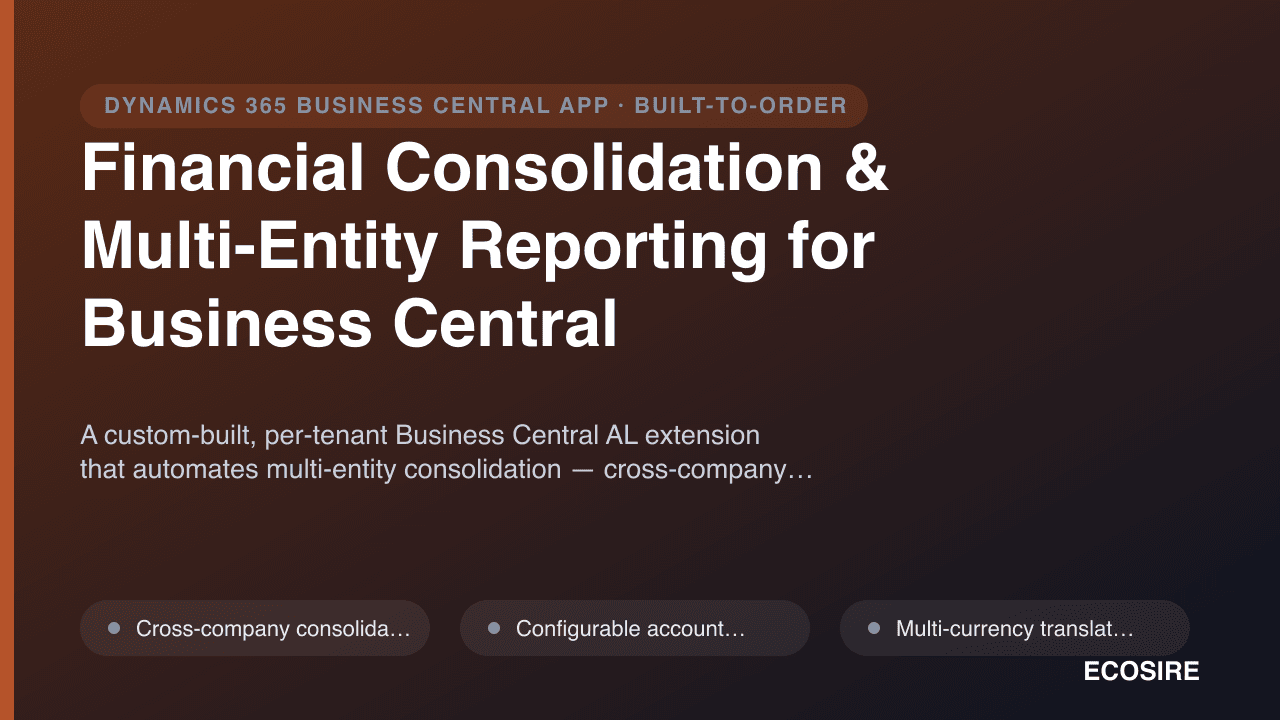
Financial Consolidation & Multi-Entity Reporting for Business Central
A custom-built, per-tenant Business Central AL extension that automates multi-entity consolidation — cross-company and cross-environment data collection, multi-currency translation with revaluation, intercompany eliminations, minority-interest handling and drill-down consolidated statements. Built, installed and supported by ECOSIRE on your tenant.
Facebook & Instagram Lead Ads Connector
A build-to-order per-tenant AL extension that captures Facebook and Instagram lead-ad submissions and creates them as Dynamics 365 Business Central leads in real time — with form-to-field mapping, dedup, source attribution, and instant follow-up triggers. Built, installed, and supported by ECOSIRE on your tenant.
- Real-time capture of Facebook and Instagram lead-ad submissions via a Meta Graph API webhook subscribed to the leadgen field on your chosen Pages
- Per-tenant AL extension (table extensions, page extensions, and codeunits) installed directly on your Business Central environment — you own the code
- Configurable Meta form-question to Business Central field mapping page, so you re-map fields without a redeploy
- Multi-Page and multi-form support, including separate mapping profiles per Page or per lead form