 Illustrative preview
A per-tenant Business Central (AL) extension that adds patient and encounter records,
a service/procedure catalog, insurance claim and co-pay billing, batch/expiry pharmacy inventory, and department-level cost centers — built, installed and supported by
ECOSIRE on your environment.
What is Healthcare Clinic & Hospital Management for Business Central?
A per-tenant Business Central (AL) extension that adds patient and encounter records, a service/procedure catalog, insurance claim and co-pay billing, batch/expiry pharmacy inventory, and department-level cost centers — built, installed and supported by ECOSIRE on your environment. Built to order by ECOSIRE for Dynamics 365 BC (build-to-order) — indicative price from $999.00 USD; request a quote for a scoped proposal.
Key Features
Built to order, done for you
No DIY setup — a working app, built, installed and supported by ECOSIRE.
- 1
You order
Start with a one-time build price. We scope it with you at kickoff.
- 2
We build & install
ECOSIRE builds, configures and installs it on your Dynamics 365 Business Central.
- 3
Go live + support
You go live in about one working week, with two weeks of go-live support. Defects in the code we deliver are fixed free of charge.
About this Product
Clinics and hospitals run on Business Central for finance and inventory, but core BC has no concept of a patient, an encounter, an insurance claim, or a drug batch nearing expiry. Teams end up patching those gaps with spreadsheets and a disconnected practice-management tool that never reconciles back to the general ledger.
Healthcare Clinic & Hospital Management closes that gap as a native AL extension installed directly on your Business Central tenant. It adds patient and encounter master tables, a service and procedure catalog with payer-aware pricing, an insurance claim and co-pay billing engine, pharmacy and medical inventory tracked by lot/batch and expiry, and department-level cost centers mapped to BC dimensions — so clinical activity posts straight into your existing chart of accounts.
This is build-to-order, not an instant AppSource download. After purchase, ECOSIRE scopes your payer mix, service catalog, departments and posting rules, then builds the extension using table and page extensions, event subscribers and the BC REST/OData v4 API. We deploy it as a per-tenant extension to your sandbox first, validate billing and claim flows with your finance team, then publish to production. Permission sets scope clinical, pharmacy and billing roles; the BC job queue runs recurring claim batches and expiry alerts.
The build typically lands in one working week depending on payer and catalog complexity. Because it lives inside Business Central, patient invoices, claim receivables, pharmacy stock and department P&L all stay in one ledger — no nightly imports, no reconciliation drift. ECOSIRE provides the source AL, documentation, and ongoing support and version compatibility as Microsoft ships BC updates.
What you get
- A per-tenant Business Central AL extension (.app) installed on your sandbox then production environment
- Full AL source code — table/page extensions, event subscribers, codeunits, permission sets and the app manifest
- Configured service/procedure catalog and payer pricing seeded with your real rates during onboarding
- Department-to-dimension mapping and posting setup wired to your existing chart of accounts
- Job queue entries configured for recurring claim batches and expiry/low-stock alerts
- Role Centers and permission sets assigned to your front-desk, pharmacy, billing and finance users
- Administrator and end-user documentation plus a recorded handover walkthrough
- Post-go-live support window and ongoing BC version-compatibility maintenance
Who this is for
Finance / Operations Director
Owns the P&L and wants clinical activity, payer receivables and pharmacy stock posting into one Business Central ledger with department-level visibility — no spreadsheet reconciliation between a separate practice system and the GL.
Billing & Revenue-Cycle Manager
Manages claim submission, denials and co-pay collection. Needs each encounter split cleanly into payer and patient portions, claim status tracked end to end, and receivables landing against the correct payer customer.
Pharmacy / Store Manager
Responsible for medical inventory and dispensing. Relies on lot/batch and expiry tracking, FEFO picking and automated expiry alerts to cut wastage and stay compliant on controlled-stock handling.
How Healthcare Clinic & Hospital Management for Business Central Compares
| Criterion | ECOSIRE | Custom Build | Competitor | Dynamics 365 Business Central Native |
|---|---|---|---|---|
| Patient billing & claims posted natively into the BC general ledger | Included | Partial support | Partial support | Not included |
| Pharmacy inventory with lot/batch + expiry (FEFO) tracking | Included | Partial support | Partial support | Partial support |
| Built, installed and supported on your tenant as a per-tenant extension | Included | Included | Not included | Not included |
| Configured to your payer mix, catalog and departments out of the box | Included | Partial support | Not included | Not included |
| Full AL source code handed over to you | Included | Included | Not included | Not included |
| Ongoing BC version-compatibility maintenance included | Included | Not included | Partial support | Included |
| Predictable one-time build cost without a full in-house AL dev team | Included | Not included | Partial support | Not included |
Frequently Asked Questions about Healthcare Clinic & Hospital Management for Business Central
Is this an instant download from Microsoft AppSource?
No. This is a build-to-order extension. After purchase, ECOSIRE scopes your payers, service catalog, departments and posting rules, then builds and installs the app as a per-tenant extension directly on your Business Central environment. There is no public AppSource listing to download — you get a solution configured for your tenant, not a generic one.
How long does delivery take?
Typically one working week from kickoff. Simple single-clinic, single-payer setups land at the shorter end; multi-department hospitals with several insurers and contracted-rate matrices take longer. We deploy to your sandbox first, validate billing and claim flows with your finance team, then publish to production on an agreed date.
How does ongoing support and updates work after go-live?
Your purchase includes a post-go-live support window plus ongoing BC version-compatibility maintenance. Microsoft ships Business Central updates roughly twice a year; ECOSIRE keeps the extension compatible across those cycles. You also receive the full AL source code and documentation, so you are never locked out of your own solution. Extended support and enhancement plans are available separately.
Does it post into our existing Business Central chart of accounts?
Yes. The extension uses BC's native posting routines and dimensions. Patient invoices, co-pays and claim receivables post as standard sales documents, pharmacy stock uses standard item ledger entries, and each department maps to a BC dimension so revenue and cost flow into your existing chart of accounts without imports or middleware.
Can it handle multiple insurers with different contracted rates?
Yes. The service and procedure catalog resolves pricing per payer — list price, each insurer's contracted rate, and self-pay rates. At billing time each encounter is split into the payer claim and the patient co-pay using the resolved rates, and claim receivables post against the correct payer customer record.
Can it integrate with our lab system, payer portals or Power BI?
Yes. The extension exposes patients, encounters and claims through the Business Central REST/OData v4 API, and can optionally integrate with Dataverse and the Power Platform. That lets you connect lab systems, build Power Apps front-desk capture, automate claim-status notifications with Power Automate, or report directly in Power BI.
Related Modules
Graphical Work-Center Load Manager
A visual load board for Dynamics 365 Business Central manufacturing that shows what is scheduled at each work center, flags overload and underload, and lets supervisors drag production orders to rebalance capacity. Built, installed, and supported by ECOSIRE as a per-tenant AL extension.
GS1-128 Barcode & Label Designer
A per-tenant Business Central AL extension that generates GS1-128, Data Matrix, and QR labels with SSCC, GTIN, lot, and expiry application identifiers — printed at receiving, production output, and shipping to ZPL thermal printers. Built, installed, and supported by ECOSIRE.
HVAC Field Service Management
A build-to-order AL extension that runs HVAC installations, AMC contracts, job cards, dispatch and van stock inside Dynamics 365 Business Central. ECOSIRE scopes, builds, installs and supports it for your tenant.
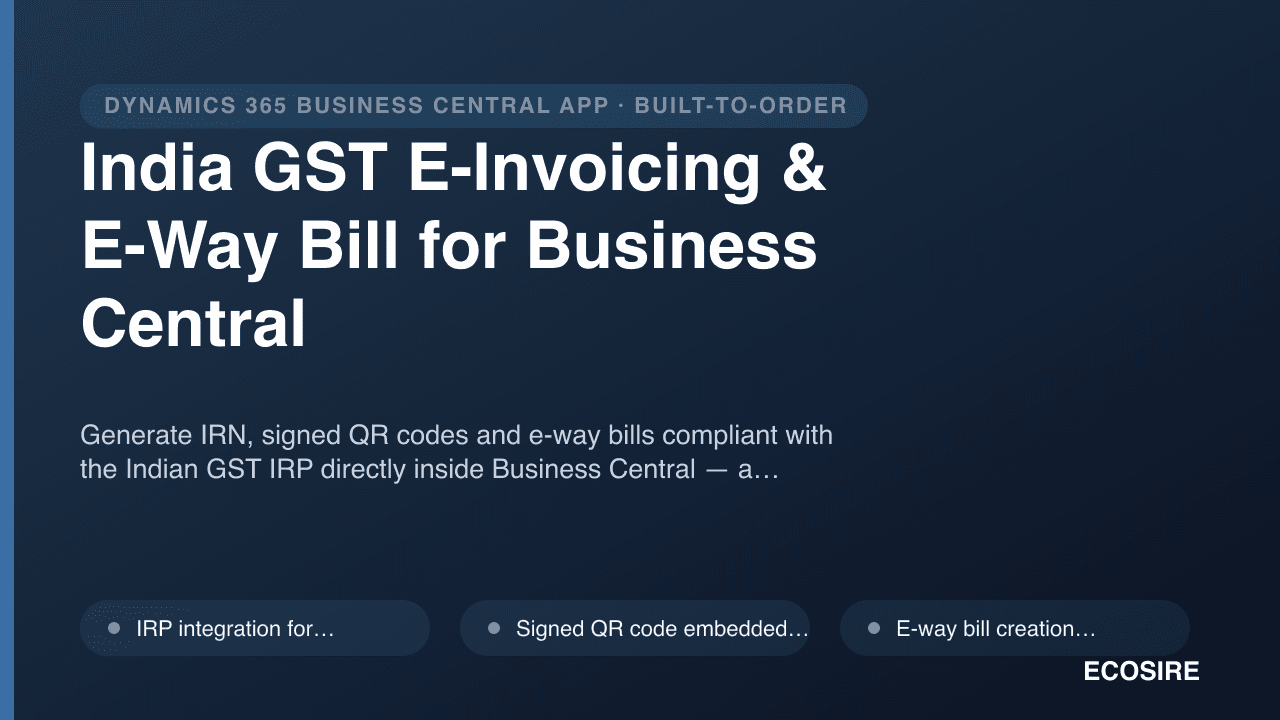
India GST E-Invoicing & E-Way Bill for Business Central
Generate IRN, signed QR codes and e-way bills compliant with the Indian GST IRP directly inside Business Central — a per-tenant AL extension built, installed and supported by ECOSIRE.
Healthcare Clinic & Hospital Management for Business Central
A per-tenant Business Central (AL) extension that adds patient and encounter records, a service/procedure catalog, insurance claim and co-pay billing, batch/expiry pharmacy inventory, and department-level cost centers — built, installed and supported by ECOSIRE on your environment.
- Patient and encounter master records as dedicated AL tables, linked to BC Customers so every visit ties back to a billable account and the general ledger
- Service and procedure catalog with payer-aware pricing — list price, contracted insurer rates, and self-pay rates resolved per encounter
- Insurance claim and co-pay billing engine that splits each encounter into the payer portion (claim) and the patient portion (co-pay invoice)
- Claim lifecycle tracking — draft, submitted, accepted, partially paid, denied — with denial reasons and resubmission, posting receivables against the correct payer customer