 Illustrative preview
A custom-built per-tenant AL extension that adds revision-controlled item and BOM data,
engineering change request/order (ECR/ECO) workflows, multi-stage approvals, and impact analysis to Dynamics 365 Business Central — bridging engineering and operations inside your ERP.
What is PLM & Engineering Change Management (ECM)?
A custom-built per-tenant AL extension that adds revision-controlled item and BOM data, engineering change request/order (ECR/ECO) workflows, multi-stage approvals, and impact analysis to Dynamics 365 Business Central — bridging engineering and operations inside your ERP. Built to order by ECOSIRE for Dynamics 365 BC (build-to-order) — indicative price from $999.00 USD; request a quote for a scoped proposal.
Key Features
Built to order, done for you
No DIY setup — a working app, built, installed and supported by ECOSIRE.
- 1
You order
Start with a one-time build price. We scope it with you at kickoff.
- 2
We build & install
ECOSIRE builds, configures and installs it on your Dynamics 365 Business Central.
- 3
Go live + support
You go live in about one working week, with two weeks of go-live support. Defects in the code we deliver are fixed free of charge.
About this Product
Most manufacturers run engineering change off email threads, shared spreadsheets, and a PDF drawing register that nobody trusts. Meanwhile Business Central holds the released items, BOMs, and routings that production actually builds from — with no native concept of a controlled change request, an approval chain, or a revision history on a released BOM. That gap is where wrong-revision builds, scrapped inventory, and audit findings come from.
PLM & Engineering Change Management (ECM) closes it. ECOSIRE designs, builds, and installs this as a per-tenant AL extension directly on your Business Central environment (cloud or on-prem). It is not an instant AppSource download — it is engineered around your item master, BOM structure, and approval reality, then deployed and supported by our AL team.
The extension introduces revision control on released items and production BOMs via table and page extensions, a structured Engineering Change Request (ECR) and Engineering Change Order (ECO) lifecycle, and multi-stage, role-based approval workflows wired into the Business Central job queue and notification system. Before any change is released, automated impact analysis surfaces every affected parent BOM, routing, open production order, and purchase line. Effectivity dates let you schedule a change to roll out cleanly without disrupting in-flight orders.
Because it is built on native BC objects — permission sets, event subscribers on item and BOM tables, the REST/OData v4 API, and optional Dataverse/Power Platform surfacing — it behaves like part of the platform, upgrades with your environment, and exposes change data to Power BI and Power Automate. You own the engineering change process inside the ERP, with a full, defensible audit trail.
What you get
- A per-tenant AL extension (.app) built, code-signed, and installed on your Business Central environment by ECOSIRE — sandbox first, then production
- A discovery and design session mapping your current engineering change process onto the ECR/ECO lifecycle, revision scheme, and approval stages
- Configured approval workflows, permission sets, and reason/disposition codes tailored to your roles and change types
- REST/OData API endpoints and, where requested, Power BI sample reports or Power Automate approval flows for change records
- Source code ownership or an escrow arrangement, plus the AL project so you are never locked to a black box
- Administrator and end-user documentation covering the ECR-to-ECO flow, revision rules, and approval setup
- A hand-over and training session for engineering, quality, and production users, plus a defined post-go-live support window
Who this is for
Engineering / Product-Data Manager
Owns the item master and BOMs and needs released product data under formal revision control, with a clear request-review-approve-release flow instead of ad-hoc edits and emailed drawings.
Quality / Compliance Lead
Must demonstrate a defensible change audit trail for ISO 9001, IATF 16949, or FDA-style audits — who changed what, who approved it, and when it became effective — directly from the ERP of record.
Manufacturing Operations Manager
Needs confidence that production only ever builds the current released revision, that effectivity dates protect in-flight orders, and that the impact of any change on open work is known before it ships to the floor.
How PLM & Engineering Change Management (ECM) Compares
| Criterion | ECOSIRE | Custom Build | Competitor | Dynamics 365 Business Central Native |
|---|---|---|---|---|
| Revision control on released items and BOMs inside BC | Included | Partial support | Partial support | Not included |
| Structured ECR/ECO change lifecycle | Included | Partial support | Included | Not included |
| Multi-stage role-based approval workflows | Included | Partial support | Partial support | Partial support |
| Impact analysis across BOMs, routings, and open orders | Included | Not included | Partial support | Not included |
| Effectivity-date controlled rollout | Included | Partial support | Partial support | Not included |
| Built around your specific item/BOM/approval reality | Included | Included | Not included | Not included |
| Installed and supported by the builder on your tenant | Included | Partial support | Not included | Not included |
| Source-code ownership / escrow, no black box | Included | Included | Not included | Not included |
Frequently Asked Questions about PLM & Engineering Change Management
Is this an instant download from Microsoft AppSource?
No. This is a build-to-order extension. ECOSIRE designs it around your item master, BOM structure, and approval process, then builds and installs it as a per-tenant AL extension on your Business Central environment. There is no instant AppSource purchase — you get software fitted to how your engineering change process actually works, deployed and supported by us.
How long until it is live on our environment?
Typical delivery is about one working week from the discovery session, depending on the complexity of your revision scheme, approval stages, and any Dataverse/Power Platform integration. We install and validate in a sandbox first, run through your real change scenarios, then promote to production on a scheduled date. We confirm a firm timeline after the discovery call.
What happens with support and Business Central updates after go-live?
The extension is built on supported AL objects and event subscribers, so it carries forward through Microsoft's major and minor Business Central updates. ECOSIRE provides a post-go-live support window for defects and questions, and offers ongoing support and enhancement plans. When Microsoft ships a major release wave, we test and recompile against the new runtime so you stay current.
Does it work with cloud (SaaS) and on-premises Business Central?
Yes. It is delivered as a standard per-tenant extension and works on Business Central online (SaaS) and supported on-premises deployments. The same AL codebase targets both; the only differences are install mechanics and which integration surfaces (Dataverse, Power Automate) your licensing enables.
Will it conflict with our existing customizations or other extensions?
We scope this during discovery. Because it uses table/page extensions and event subscribers rather than modifying base objects, it coexists with other well-behaved extensions. If you already run customizations on items, BOMs, or routings, we review them up front and design the integration points so the change-control logic layers on cleanly without clobbering existing behavior.
Related Modules
Peppol E-Invoicing Connector for Business Central
A per-tenant AL extension that connects Business Central to the Peppol access-point network — outbound BIS 3 / XRechnung / FatturaPA generation, certified access-point delivery, inbound receipt and posting, and SMP participant lookup. Built, installed and supported by ECOSIRE on your tenant.
Pest Control Service Management
A build-to-order Dynamics 365 Business Central extension for pest control operators: recurring treatment plans and route-aware scheduling, a validated chemical register with batch traceability, treatment certificates, and a contract renewal pipeline with price uplifts. ECOSIRE scopes, builds, deploys and supports it — typical delivery is one working week from confirmed scope.
Poultry Farm Management for Dynamics 365 Business Central
A build-to-order AL extension that gives Dynamics 365 Business Central a real poultry operating model: flock and batch registers, daily feed and mortality logs, egg and bird production with grading, and per-flock profitability. ECOSIRE scopes, builds, installs and supports it for your tenant.
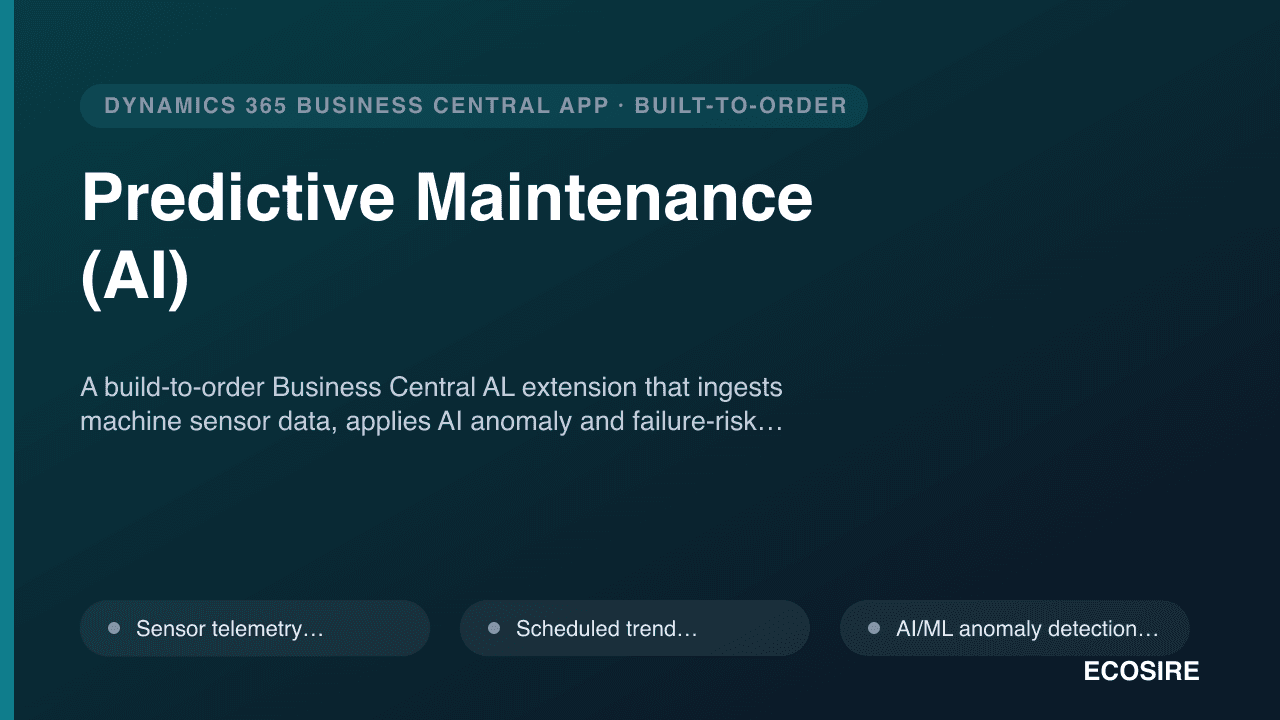
Predictive Maintenance (AI)
A build-to-order Business Central AL extension that ingests machine sensor data, applies AI anomaly and failure-risk detection, and auto-creates predictive maintenance work orders before equipment fails. Installed as a per-tenant extension and supported by ECOSIRE.
PLM & Engineering Change Management
A custom-built per-tenant AL extension that adds revision-controlled item and BOM data, engineering change request/order (ECR/ECO) workflows, multi-stage approvals, and impact analysis to Dynamics 365 Business Central — bridging engineering and operations inside your ERP.
- Revision control on released items and production BOMs via table/page extensions, with a complete version history and the active/superseded revision visible on every item card
- Engineering Change Request (ECR) entry with originator, reason code, affected items, attachments, and a status lifecycle from draft to approved or rejected
- Engineering Change Order (ECO) generation that converts an approved ECR into an executable change with effectivity dates and a controlled release step
- Multi-stage, role-based approval workflows configurable by change type, value, item category, or affected BOM, built on Business Central approval entries and notifications