 Illustrative preview
A build-to-order Odoo module that hides or trims the top-right user menu
— avatar dropdown, preferences, developer tools, documentation, and logout — by user, group, or company.
ECOSIRE scopes, builds, installs, and supports it on Odoo 17, 18, and 19.
What is Hide User Menus?
A build-to-order Odoo module that hides or trims the top-right user menu — avatar dropdown, preferences, developer tools, documentation, and logout — by user, group, or company. ECOSIRE scopes, builds, installs, and supports it on Odoo 17, 18, and 19. Built to order by ECOSIRE for Odoo 17, 18, 19 — indicative price from $999.00 USD; request a quote for a scoped proposal.
Key Features
Built to order, done for you
No DIY setup — a working app, built, installed and supported by ECOSIRE.
- 1
You order
Start with a one-time build price. We scope it with you at kickoff.
- 2
We build & install
ECOSIRE builds, configures and installs it on your Odoo.
- 3
Go live + support
You go live in about one working week, with two weeks of go-live support. Defects in the code we deliver are fixed free of charge.
Technical Specifications
- Odoo Compatibility
- Odoo 17, Odoo 18, Odoo 19
- Editions
- Enterprise & Community
- License
- Licence confirmation required
- Python Requirement
- Python 3.10+
- Database
- PostgreSQL 12+
About this Product
Every Odoo session renders a user menu in the top-right corner — the avatar dropdown with Preferences, My Odoo.com Account, Documentation, Support, Shortcuts, the developer-tools toggle, and Log out. For back-office power users that is fine, but for kiosk terminals, shop-floor tablets, warehouse scanners, and locked-down operational roles it is an exposed surface: staff wander into Preferences and change their timezone or language, curious users flip on developer mode and start editing views, or a shared account leaves a Log out link that strands the next person at the login screen. Odoo core gives you no setting to hide or prune this menu — it is rendered by the web client's UserMenu systray component in the web module, so the only "native" levers are heavy-handed: strip permissions until half the UI breaks, or simply tell people not to click it. Neither is a real control.
ECOSIRE builds a made-to-order module that gives you precise, policy-driven control over that top-right menu. Rather than a blunt CSS hide, we extend the web client so the user-menu items are governed by who is logged in. We add configuration — typically boolean and selection fields on res.users and res.groups, and optionally per res.company — that declares which entries (or the entire menu) are suppressed. That policy is exposed to the browser through a lightweight http.Controller (or a value read from ir.config_parameter) so the front end never trusts a hardcoded list. On the client we patch the OWL UserMenu systray component to filter the registry of user-menu items against the policy for the current session.uid, so hidden entries never mount in the DOM instead of being merely visually hidden with display:none — which matters, because a CSS-only approach is trivially bypassed via the browser inspector.
Because the entry points differ across Odoo 17.0, 18.0, and 19.0 — the systray registry keys, the OWL patch surface, and the assets bundle declarations in __manifest__.py all shifted between versions — we target your exact version rather than shipping one brittle build. Access to the configuration screens is protected with ir.model.access.csv and, where you need per-company scoping, ir.rule record rules so only administrators can change the policy. The module ships version-appropriate web.assets_backend entries, an XML/OWL patch, a small Python mixin, and an optional automated action so a newly created user in a designated group inherits the locked-down menu automatically. It works identically on Community and Enterprise; where an Enterprise-only entry (such as an Odoo.com account link) is absent on Community, the policy simply skips it.
Delivery is build-to-order: you request a quotation, we run a short scoping call to confirm which menu entries to hide, for which users or groups, and on which Odoo version and edition, then we build, test on a staging clone of your database, and hand over installable source with documentation. This is not an existing download — it is engineered to your environment, with typical delivery of one working week from confirmed scope. Pricing starts from $999 (indicative, single-company base scope); multi-company per-company policies, custom entry-level rules tied to complex group hierarchies, and integration with an existing access-management module increase the quoted scope. You receive a fixed quote after the scoping call.
What you get
- Installable, version-matched module source code for your exact Odoo release (17.0, 18.0, or 19.0)
- Installation and configuration on your environment, including asset-bundle wiring and initial policy setup
- Technical documentation: model fields, controller/config-parameter contract, OWL patch points, and upgrade notes
- Administrator user guide plus a live training session on managing the hide policy per user and group
- UAT on a staging clone of your database with a documented rollback plan before any production change
- Post-go-live support window for defect fixes and configuration adjustments
- Git repository handover with full commit history and tagged release
- Compatibility notes covering Community vs Enterprise behavior and known interactions with other systray modules
Who this is for
Operations & IT administrator
Runs the Odoo deployment and needs to stop shop-floor, kiosk, and warehouse users from changing their own preferences, toggling developer mode, or logging out of shared terminals — without stripping the permissions that would break their real work.
Retail / POS & kiosk manager
Operates shared front-of-house terminals on a single service account and needs the Log out and account links removed so one user cannot strand the next, keeping the interface clean and locked to the task at hand.
Odoo implementation partner / internal ERP lead
Delivers a polished, distraction-free UI to a client or internal business unit and wants a maintained, version-safe module rather than a fragile web-tweak that breaks on the next Odoo upgrade or points support tickets back at them.
Compliance-conscious business owner
Wants operational roles to stay inside their assigned screens, prevent accidental language/timezone changes that corrupt data entry, and reduce the technical surface area exposed to non-technical staff.
How Hide User Menus Compares
| Criterion | ECOSIRE | Custom Build | Competitor | Odoo Native |
|---|---|---|---|---|
| Time to working solution | one working week from confirmed scope, tested on staging | Weeks to months depending on in-house Odoo expertise | Instant install, but generic behavior you cannot tailor | No option exists — cannot be configured out of the box |
| Hiding mechanism | OWL systray patch — entries never mount in the DOM | Depends on developer; often ends up as brittle CSS | Often CSS-only, bypassable via browser inspector | Not applicable — menu always fully rendered |
| Per-user / per-group control | Policy keyed to `session.uid` via `res.users`/`res.groups` | Possible but must be designed and built from scratch | Usually all-or-nothing, limited targeting | None — same menu for everyone |
| Version coverage | Built and tested for your exact 17.0 / 18.0 / 19.0 | Whatever you build; upgrades are your problem | May lag new releases or break on upgrade | N/A |
| Access security | `ir.model.access.csv` + `ir.rule` record rules on policy | Only if the developer implements it correctly | Varies; often no admin-only policy screen | N/A |
| Multi-company support | Optional per-`res.company` scoping in the quoted scope | Buildable but adds significant effort | Rarely company-aware | N/A |
| Ownership & maintainability | Full git repo handover + documentation + training | You own it, but also all the maintenance risk | Vendor-controlled; limited source visibility | N/A |
| Support if something breaks | Post-go-live support window + named engineer | Whoever built it, if still available | Generic vendor queue, no environment context | N/A |
Frequently Asked Questions about Hide User Menus
How long does delivery take?
This is a build-to-order module, not an instant download. After a short scoping call to confirm which menu entries to hide, for which users or groups, and on which Odoo version and edition, typical delivery is one working week from confirmed scope. We build, test on a staging clone of your database, run UAT, then install to production.
How does pricing and scoping work?
Pricing starts from $999 (indicative, single-company base scope). Drivers such as multi-company per-company policies, entry-level rules tied to complex group hierarchies, or integration with an existing access-management module increase the quoted scope. You receive a fixed, written quote after the scoping call — no firm price is committed before we understand your environment.
What support and updates do I get?
Every build includes a post-go-live support window for defect fixes and configuration adjustments, plus the git repository so your team can maintain it. Because the systray entry points differ between Odoo versions, migrating the module to a future major version (for example 18.0 to 19.0) is quoted separately as a small upgrade engagement.
Is this just hiding the menu with CSS?
No. A CSS `display:none` hide is trivially bypassed with the browser inspector. We patch the OWL `UserMenu` systray component so suppressed entries are filtered against a server-side policy for the current user and never mount in the DOM, which is a genuine control rather than a visual trick.
Does it work on both Community and Enterprise?
Yes. The module runs identically on Community and Enterprise. Where an Enterprise-only entry such as the Odoo.com account link is absent on Community, the policy simply skips it. We confirm your edition during scoping and target the correct entries.
Can different users see different menus?
Yes. The policy is keyed to the logged-in user via `session.uid` and configured on `res.users` and `res.groups` (optionally per `res.company`). Administrators can keep the full menu while a kiosk group sees a stripped-down version — all in the same database.
Will it survive an Odoo upgrade?
Within the version we build for, yes — it is a self-contained module with no external dependencies. A major-version jump changes the systray registry keys and OWL patch surface, so we re-target and re-test the module for the new version as a separate, quoted upgrade rather than assuming it carries over untouched.
Related Modules
Handyman Services Operations
A build-to-order Odoo module that manages handyman service operations end to end — from job intake and scheduling to dispatch, parts, and billing. ECOSIRE designs, builds, installs, and supports it around your workflow; it is not an off-the-shelf download.
Helpdesk Ticket Management
A made-to-order Odoo helpdesk with support teams, configurable ticket stages, and SLA policies tailored to how your service desk actually operates. ECOSIRE builds, installs, and supports it after a scoping call — a productized service, not an off-the-shelf download.
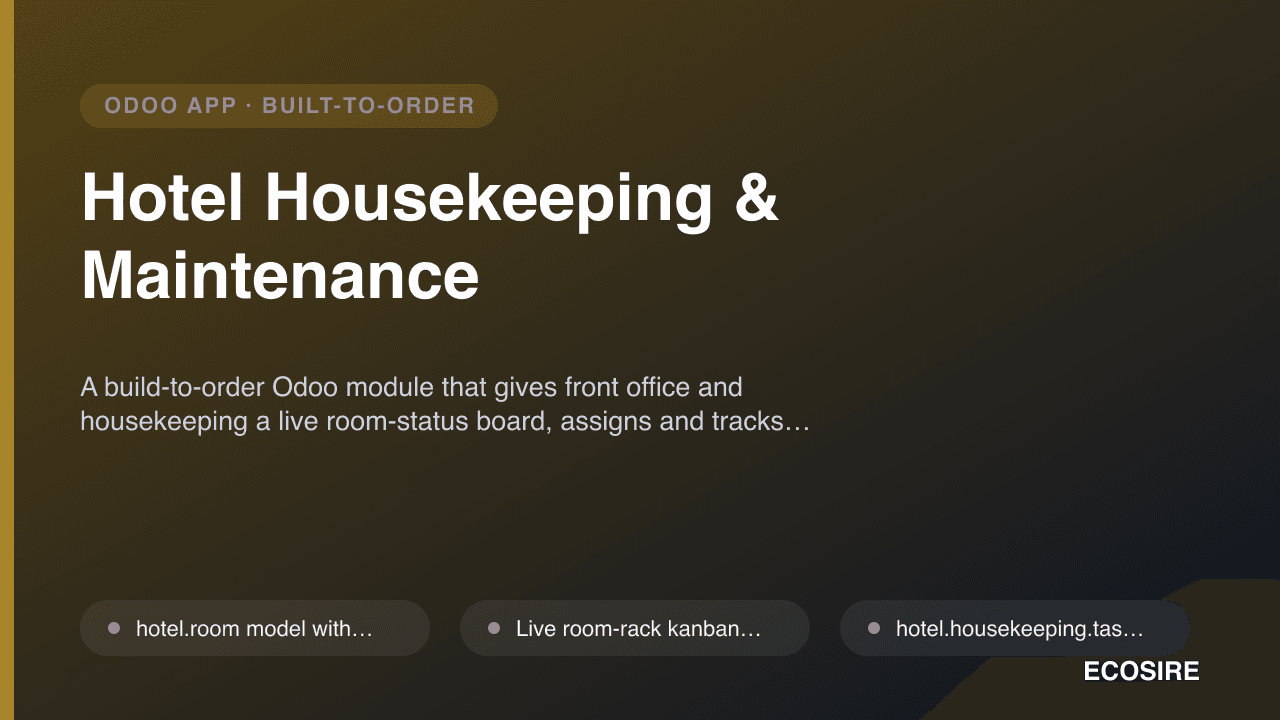
Hotel Housekeeping & Maintenance
A build-to-order Odoo module that gives front office and housekeeping a live room-status board, assigns and tracks cleaning tasks with checklists, and routes maintenance requests to your engineering team. ECOSIRE scopes, builds, installs, and supports it on your Odoo 17, 18, or 19.
Hide User Menus
A build-to-order Odoo module that hides or trims the top-right user menu — avatar dropdown, preferences, developer tools, documentation, and logout — by user, group, or company. ECOSIRE scopes, builds, installs, and supports it on Odoo 17, 18, and 19.
- Patches the OWL `UserMenu` systray component so suppressed entries never mount in the DOM — not a bypassable CSS `display:none` hide
- Policy driven by the logged-in `session.uid`: different users or groups see different menu configurations in the same database
- Hide the entire user menu or selectively prune individual entries (Preferences, Documentation, Support, Shortcuts, Odoo.com account, Log out, developer-tools toggle)
- Configuration fields added to `res.users` and `res.groups`, with optional per-`res.company` scoping for multi-company deployments