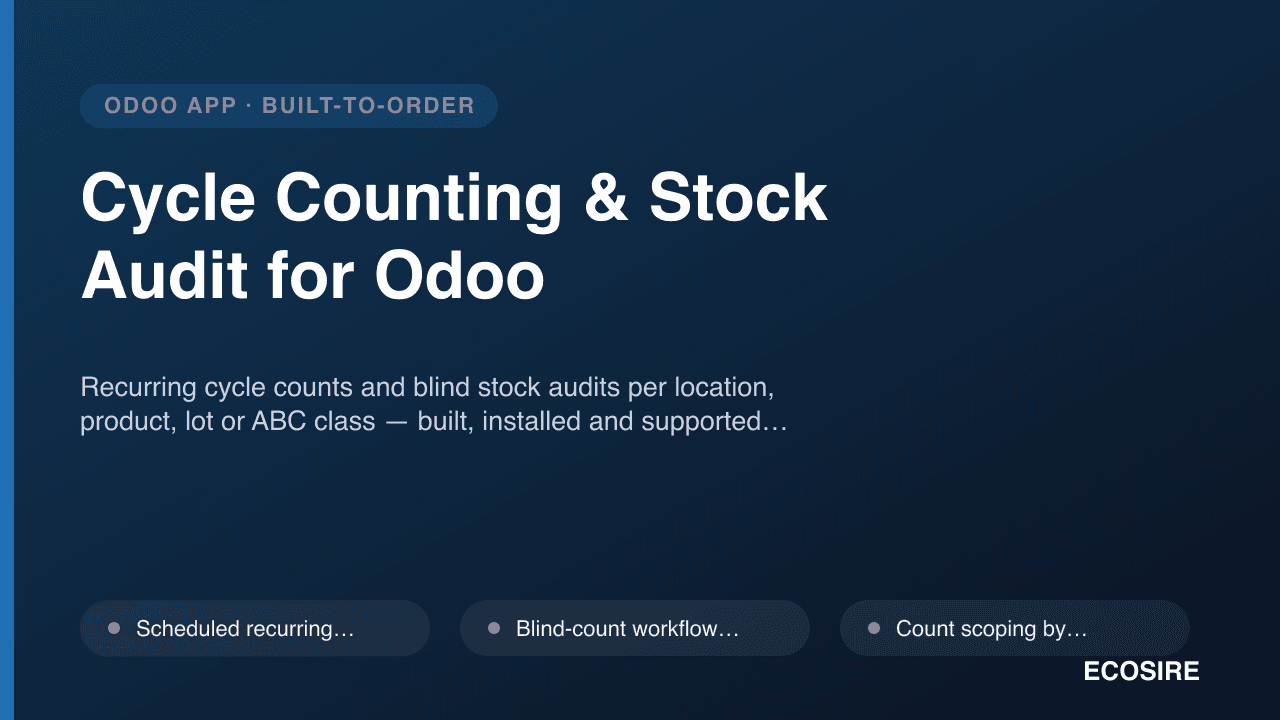
 Illustrative preview
Recurring cycle counts and blind stock audits per location, product, lot or ABC class
— built, installed and supported by ECOSIRE.
What is Cycle Counting & Stock Audit for Odoo?
Recurring cycle counts and blind stock audits per location, product, lot or ABC class — built, installed and supported by ECOSIRE. Built to order by ECOSIRE for Odoo 17, 18, 19 — indicative price from $999.00 USD; request a quote for a scoped proposal.
Key Features
Built to order, done for you
No DIY setup — a working app, built, installed and supported by ECOSIRE.
- 1
You order
Start with a one-time build price. We scope it with you at kickoff.
- 2
We build & install
ECOSIRE builds, configures and installs it on your Odoo.
- 3
Go live + support
You go live in about one working week, with two weeks of go-live support. Defects in the code we deliver are fixed free of charge.
Technical Specifications
- Odoo Compatibility
- Odoo 17, Odoo 18, Odoo 19
- Editions
- Enterprise & Community
- License
- Licence confirmation required
- Python Requirement
- Python 3.10+
- Database
- PostgreSQL 12+
About this Product
Keeping Odoo inventory accurate should not mean shutting the warehouse for a full stocktake every quarter. This is a build-to-order Odoo module — ECOSIRE designs, builds, installs and supports it for you (typical one working week lead time). It is not an instant apps.odoo.com download; you get a module scoped to your locations, operations flow and audit policy.
Cycle Counting & Stock Audit adds a dedicated counting layer on top of Odoo's native stock.quant and stock.move engine. Rather than relying on the ad-hoc "Physical Inventory" adjustment screen, you get scheduled, repeatable count campaigns driven by ir.cron automated actions: count high-value or fast-moving items weekly, slower items monthly, and everything at least once a year — without ever freezing the whole warehouse. Each campaign generates count tasks scoped to the exact locations, products, lots/serials or ABC velocity class you choose.
Counters work through a clean blind-count workflow: the expected on-hand quantity is hidden until the count is submitted, so operators record what they actually see instead of confirming the system number. When a submitted count differs from the theoretical quant beyond your tolerance, the module raises a variance, routes it for recount and then approval, and only posts the inventory adjustment (a genuine stock.move against your inventory-loss/gain location) once an authorized user signs off — giving you a clean, auditable trail instead of silent quantity edits.
Built on Odoo's standard ORM and security model, the module ships as a proper addon: a custom stock.cycle.count model with computed fields (accuracy %, variance value, aging) using @api.depends, list/form/kanban and OWL-based mobile views, ir.model.access.csv plus record rules so counters see only their assigned tasks, QWeb PDF count sheets and variance reports, and JSON-RPC/XML-RPC endpoints so barcode terminals or a WMS can push counts in. It layers cleanly on both Community and Enterprise, and we deliver and test it on your target Odoo 17, 18 or 19 instance.
The result: measurable, defensible inventory accuracy, fewer emergency full counts, faster month-end close, and a documented audit trail your finance and compliance teams can rely on — all inside the Odoo you already run.
What you get
- Complete, installable Odoo addon (the module source with __manifest__.py, Python models, XML/OWL views, security files and QWeb reports) targeting your Odoo 17, 18 or 19 version
- Configuration of your cycle-count policy: ABC classes, count cadences, tolerance thresholds and location scopes mapped to your real warehouse layout
- ir.model.access.csv and record rules set up for your counter, supervisor and approver roles
- Deployment and installation on your instance (staging first, then production) with post-install validation of a full count cycle
- Administrator and end-user documentation, plus QWeb count-sheet and variance report templates ready to print
- A live training session for warehouse managers, counters and approvers on running campaigns and handling variances
- A defined post-go-live support and warranty window for bug fixes and adjustments after handover
- Source code ownership handover so your team (or another partner) can maintain and extend the module later
Who this is for
Warehouse Manager
Owns inventory accuracy and needs recurring, low-disruption counts across locations, lots and ABC classes instead of shutting the warehouse for full stocktakes. Wants clear accuracy KPIs and a defensible audit trail.
Inventory / Stock Controller
Runs the day-to-day counts, investigates variances and posts adjustments. Needs blind counts, easy recounts and scan-based entry so miscounts are caught before they hit the books.
Finance / Compliance Lead
Relies on accurate stock valuation for month-end close and audits. Needs every quantity change approved and evidenced — who counted, who approved, and the before/after — rather than silent manual quant edits.
How Cycle Counting & Stock Audit for Odoo Compares
| Criterion | ECOSIRE | Custom Build | Competitor | Odoo Native |
|---|---|---|---|---|
| Recurring scheduled cycle counts (no full stocktake) | Automated ir.cron campaigns per ABC class / location / cadence | Possible but must be designed and built from scratch | Varies — often basic scheduling, not tailored to your policy | Not included |
| Blind counting (hide expected qty until submit) | Built in, role-controlled via record rules | Requires custom development | Partial support | Not included |
| Scoping by lot/serial and ABC velocity class | Included | Only if you build the ABC engine yourself | Partial support | Not included |
| Recount + multi-level variance approval | Configurable recount and approval before any adjustment posts | Must be modeled and coded | Partial support | Not included |
| Adjustments posted as audited stock.move (no silent quant edits) | Included | Depends on the build's discipline | Partial support | Partial support |
| Fitted to your locations, roles and count policy | Scoped and configured to your warehouse during the build | Included | Not included | Not included |
| Scan / JSON-RPC / XML-RPC integration for WMS & terminals | Delivered endpoints plus OWL scan screens | Build it yourself | Partial support | Partial support |
| Ongoing support, source handover and version upgrades (17/18/19) | Support window, full source, upgrade path | Only if you retain the original developers | Vendor-dependent, often per-version repurchase | Partial support |
Frequently Asked Questions about Cycle Counting & Stock Audit
How long until the module is delivered and installed?
This is a build-to-order module, not an instant download. Typical lead time is one working week from a confirmed scope, depending on how many count policies, ABC rules and integrations you need. We start with a short requirements pass, build and test on a staging copy of your Odoo, then install on production once you sign off on a full count cycle.
What support and updates do I get after go-live?
Every build includes a defined post-go-live support and warranty window covering bug fixes and adjustments to the delivered scope. Because we hand over the full source, your team can maintain it too. We also offer paid support plans and version-upgrade work — for example migrating the module when you move from Odoo 17 or 18 to 19.
Which Odoo versions and editions does this work with?
We build and test the module for Odoo 17, 18 or 19 — you tell us your target version. It works on both Community and Enterprise, since it is built on the standard stock app (stock.quant, stock.move, locations, lots/serials) rather than any Enterprise-only feature.
How is this different from Odoo's built-in physical inventory adjustment?
Odoo core lets you do an ad-hoc inventory adjustment where you see and edit the on-hand quantity directly. This module adds a scheduled, repeatable cycle-count layer: recurring campaigns, blind counts, ABC-based frequency, recount and multi-level approval, and adjustments posted only after sign-off — so accuracy improves continuously without full stocktakes and without unaudited quantity edits.
Can our barcode scanners or external WMS feed counts into it?
Yes. The module exposes counting through Odoo's JSON-RPC and XML-RPC APIs, so handheld barcode terminals, a WMS or your own scripts can create count tasks and submit counted quantities programmatically. We also deliver scan-friendly OWL count screens for staff who count directly in Odoo on a tablet or handheld.
Do counters get to see the system quantity while counting?
Not by default. The blind-count workflow hides the theoretical on-hand quantity until a count is submitted, so operators record what they physically see instead of just confirming the system number. Whether specific supervisor roles can see expected quantities is configurable through the record rules we set up for your team.
How are variances and stock adjustments handled?
When a submitted count differs from the system quantity beyond your configured tolerance, the module flags a variance and can trigger a recount. Confirmed variances route to an approver, and only after approval does the module post a real stock.move adjustment against Odoo's inventory loss/gain location. Every step is logged in the chatter with user, timestamp and before/after quantities.
Related Modules
Customer Returns Portal (Self-Service Website RMA)
A branded Odoo website returns portal where customers request returns, print labels and track refunds. Built, installed and supported by ECOSIRE.
Custom Product Labels
A build-to-order Odoo module that designs, generates, and prints custom product labels with barcodes matched to your exact stock, label geometry, and print hardware. ECOSIRE builds, installs, and supports it — a made-to-order engagement, not an instant download.
Decathlon Marketplace Connector (Mirakl)
Publish offers, import orders and manage returns for the Decathlon marketplace (Mirakl) directly from Odoo 17/18/19. Built, installed and supported by ECOSIRE.
Delhivery Shipping Connector for Odoo
End-to-end Delhivery integration for Odoo: shipment creation, AWB label print, live tracking, pincode check and COD reconciliation.
Cycle Counting & Stock Audit
Recurring cycle counts and blind stock audits per location, product, lot or ABC class — built, installed and supported by ECOSIRE.
- Scheduled recurring cycle-count campaigns driven by ir.cron automated actions — weekly, monthly, quarterly or custom cadences per item group
- Blind-count workflow that hides the theoretical on-hand quantity until the count is submitted, so operators record real observed stock
- Count scoping by location, sub-location, product, product category, lot/serial number or ABC velocity class
- Automatic ABC classification of products from rolling stock-move history so A-items are counted more frequently than C-items