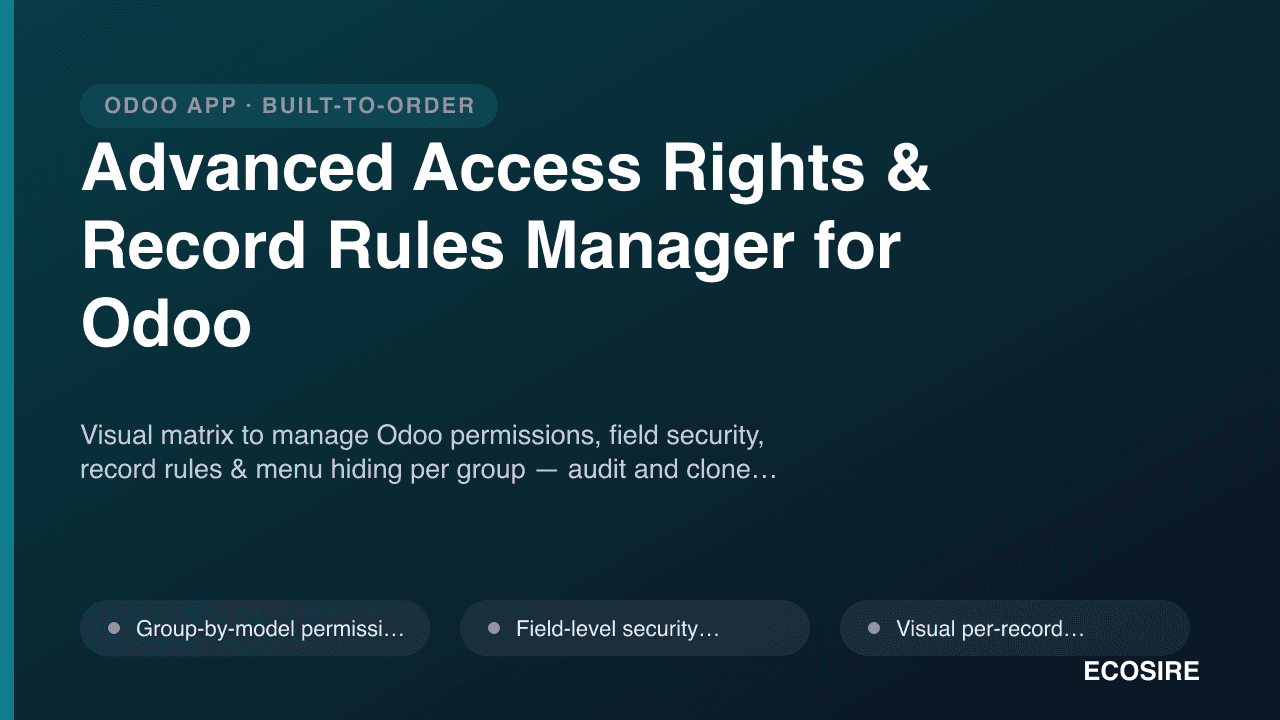
 Illustrative preview
Visual matrix to manage Odoo permissions, field security, record rules & menu hiding per group
— audit and clone roles without editing XML.
What is Advanced Access Rights & Record Rules Manager for Odoo?
Visual matrix to manage Odoo permissions, field security, record rules & menu hiding per group — audit and clone roles without editing XML. Built to order by ECOSIRE for Odoo 17, 18, 19 — indicative price from $999.00 USD; request a quote for a scoped proposal.
Key Features
Built to order, done for you
No DIY setup — a working app, built, installed and supported by ECOSIRE.
- 1
You order
Start with a one-time build price. We scope it with you at kickoff.
- 2
We build & install
ECOSIRE builds, configures and installs it on your Odoo.
- 3
Go live + support
You go live in about one working week, with two weeks of go-live support. Defects in the code we deliver are fixed free of charge.
Technical Specifications
- Odoo Compatibility
- Odoo 17, Odoo 18, Odoo 19
- Editions
- Enterprise & Community
- License
- Licence confirmation required
- Python Requirement
- Python 3.10+
- Database
- PostgreSQL 12+
About this Product
Odoo's native security model is powerful but scattered across places that only a developer comfortable with ir.model.access.csv, ir.rule records, group XML, and the Settings > Users & Companies technical screens can safely touch. When an auditor asks "who can delete a confirmed invoice?" or "which groups see the salary field?", the honest answer usually requires opening the database and reading raw ACL rows and record-rule domains one model at a time. Advanced Access Rights & Record Rules Manager collapses all of that into a single, permission-aware control room inside Odoo.
At its core is a live matrix that maps every security group down one axis and every model across the other, with read / write / create / delete toggles at each intersection — the exact four booleans stored in ir.model.access, but presented as a grid an administrator can actually reason about. Flip a cell and the module writes the corresponding ACL line for you; there is no CSV to hand-edit and redeploy. On top of model-level access, it exposes field-level rules (hide, read-only, or read/write a specific field such as hr.employee.salary or sale.order.margin for a chosen group) and a domain builder for record rules, so you can express "salespeople see only their own leads" or "the France entity sees only France-tagged records" as a visual filter that compiles down to a standard ir.rule domain — no hand-written Python domain syntax required.
Because this is a security tool, it is built defensively. Every change is captured in an audit trail (who changed which permission, when, and the before/after value), you can export a full role snapshot to share with an external auditor or attach to an ISO/SOC evidence pack, and destructive edits (removing delete rights on core models, weakening a record rule) surface a clear warning before they are saved. Role cloning lets you stand up a new department profile from an existing one in seconds instead of rebuilding a dozen ACLs by hand, and role comparison shows exactly where two groups diverge.
This is a BUILD-TO-ORDER module. It is NOT an existing apps.odoo.com download — ECOSIRE develops, tests, and installs it against your specific Odoo 17, 18, or 19 database (Community or Enterprise), tuned to the models and groups you actually run, then hands over the source, configures it, trains your admins, and supports it. Typical delivery is one working week depending on the number of custom models and the depth of your existing permission scheme. You are not buying a black box; you receive the __manifest__.py, models, views, and security definitions as readable source you own.
What you get
- Full module source — __manifest__.py, Python models, XML/OWL views, ir.model.access.csv definitions, and record-rule data — delivered as readable code you own
- Installation and configuration on your Odoo 17, 18, or 19 database (Community or Enterprise), including staging validation before production
- A baseline of your current permission scheme captured and imported into the matrix so you start from your real groups, not an empty slate
- Admin training session (live or recorded) covering the matrix, field rules, record-rule builder, cloning, and safe-change workflow
- Administrator handbook plus a short security-change SOP tailored to your team's roles and approval flow
- Initial role snapshot export (spreadsheet + QWeb PDF) as your first audit baseline, ready to hand to compliance
- Post-launch support window (two weeks included) for bug fixes, permission-model questions, and adjustments as your groups evolve
- Compatibility statement and upgrade notes for moving the module across Odoo minor/major versions
Who this is for
Odoo System Administrator / ERP Owner
Owns the day-to-day Odoo instance and is constantly asked to add users, spin up new department roles, and lock down sensitive fields. They live in the Users & Companies technical menu but dread hand-editing ACLs and record-rule domains. The matrix, role cloning, and safety guards let them make confident changes in minutes instead of opening a support ticket to a developer.
Compliance, Internal Audit & Security Officer
Responsible for demonstrating that access is least-privilege and separation-of-duties is enforced for ISO 27001, SOC 2, or a financial audit. They need to answer 'who can do what' with evidence, not screenshots. The audit trail, effective-permission resolver, and one-click snapshot export give them defensible artifacts and a read-only mode to review without risk of changing anything.
Finance / HR Department Manager
Cares that payroll figures, margins, and vendor pricing are visible only to the right people, and that staff see only the records they own. They can't (and shouldn't) write Python domains, but with the visual record-rule builder and field-hide rules the admin can implement their policy precisely — 'my team sees only their region's contracts' — and prove it stayed that way.
How Advanced Access Rights & Record Rules Manager for Odoo Compares
| Criterion | ECOSIRE | Custom Build | Competitor | Odoo Native |
|---|---|---|---|---|
| Manage permissions from a visual group-by-model matrix | Included | Partial support | Partial support | Not included |
| Field-level hide / read-only / read-write rules per group | Included | Partial support | Partial support | Partial support |
| Record rules (ir.rule domains) built visually without XML/Python | Included | Not included | Partial support | Not included |
| Role clone, side-by-side compare, and effective-permission resolver | Included | Not included | Partial support | Not included |
| Immutable audit trail of every permission change (who/when/before-after) | Included | Partial support | Not included | Not included |
| Auditor-ready role snapshot export (spreadsheet / QWeb PDF) | Included | Partial support | Not included | Not included |
| Tuned to your exact models, groups, and Odoo 17/18/19 edition | Included | Included | Not included | Not included |
| Source code ownership plus training and a support window | Included | Partial support | Not included | Not included |
Frequently Asked Questions about Advanced Access Rights & Record Rules Manager
How long until the module is delivered, and is it an instant download?
This is a build-to-order module, not an instant apps.odoo.com download. After purchase ECOSIRE scopes your models and existing groups, then develops, tests, and installs it against your database. Typical delivery is one working week depending on how many custom models you run and how deep your current permission scheme is. Simpler databases land closer to two weeks; heavily customized instances with many bespoke models and multi-company record rules take longer. You'll get a firm timeline at kickoff, and we deliver to staging for sign-off before touching production.
What support and updates come with it, and will it survive Odoo upgrades?
Every build includes a two-week go-live support window for bug fixes, permission-model questions, and small adjustments as your roles evolve. Because you receive the full source, you own the module outright. We also provide a compatibility statement and upgrade notes, and offer paid version-migration and extended-support retainers when you move to a new Odoo major version. The module is built to Odoo 17/18/19 conventions, so upgrades are a controlled port rather than a rewrite.
Does this work on Odoo Community, or only Enterprise?
Both. The security primitives it manages — ir.model.access, ir.rule record rules, security groups, and field-level view rules — exist in Odoo Community and Enterprise alike, on versions 17, 18, and 19. We tune the delivered build to your edition and to the exact modules you have installed, so the matrix reflects your real models rather than a generic catalog.
Will editing permissions through the matrix break my existing security setup?
No — the module writes standard Odoo security records (the same ir.model.access rows and ir.rule domains a developer would create), so nothing goes 'outside' the framework. During the build we import your current scheme so the matrix starts from your real configuration, every change is logged with before/after values, and destructive edits (like removing delete rights on core accounting models or disabling a record rule) trigger a warning before saving. You can review the audit history and revert a change if a policy needs rolling back.
Can I express 'users only see their own records' without writing Python domains?
Yes. The visual record-rule builder lets you compose conditions — for example, records where the salesperson is the current user, or where a company/region tag matches the user's assignment — and it compiles them into a standard ir.rule domain behind the scenes. You choose whether the rule is global or group-specific and which operations (read/write/create/delete) it governs. No hand-written domain syntax is required, though the generated rule remains a normal, portable Odoo record rule.
How does field-level hiding work, and does it really secure the data?
For each group you can mark a field as hidden, read-only, or read/write — for instance hiding hr.employee.salary from a group or making sale.order margin read-only for support staff. The module enforces this at the view level and through access filtering so restricted users don't see the field in forms, lists, or exports. For fields that must be protected even against the XML-RPC/JSON-RPC API, we scope the enforcement accordingly during the build and confirm the intended threat model with you, so 'hidden in the UI' versus 'blocked at the ORM layer' is an explicit, documented choice rather than an assumption.
Related Modules
ZATCA-Compliant POS E-Invoice (KSA)
Turn every Odoo POS receipt into a ZATCA Phase-2 simplified tax invoice with embedded QR and Fatoora reporting.
ZATCA Phase 2 E-Invoicing for KSA (Fatoora Integration)
ZATCA Phase 2 clearance & reporting for Odoo — generate, cryptographically sign, and submit VAT e-invoices via Fatoora.
AI Business Dashboards & KPI Builder for Odoo
Drag-drop Odoo dashboard designer with 20+ charts, AI insights, scheduled PDF snapshots & Excel import. Built-to-order by ECOSIRE.
Advanced Access Rights & Record Rules Manager
Visual matrix to manage Odoo permissions, field security, record rules & menu hiding per group — audit and clone roles without editing XML.
- Group-by-model permission matrix with read / write / create / delete toggles that write directly to ir.model.access — no CSV editing or module redeploy
- Field-level security rules: hide, force read-only, or grant read/write on any field (e.g. hr.employee.salary) per group, applied through view attrs and access filters
- Visual per-record domain builder that compiles your conditions into a standard ir.rule record rule, with global vs group-specific and read/write/create/delete scoping
- Menu, action, and button visibility control per group so restricted users never see entry points they cannot use — reducing accidental access-denied errors