 Illustrative preview
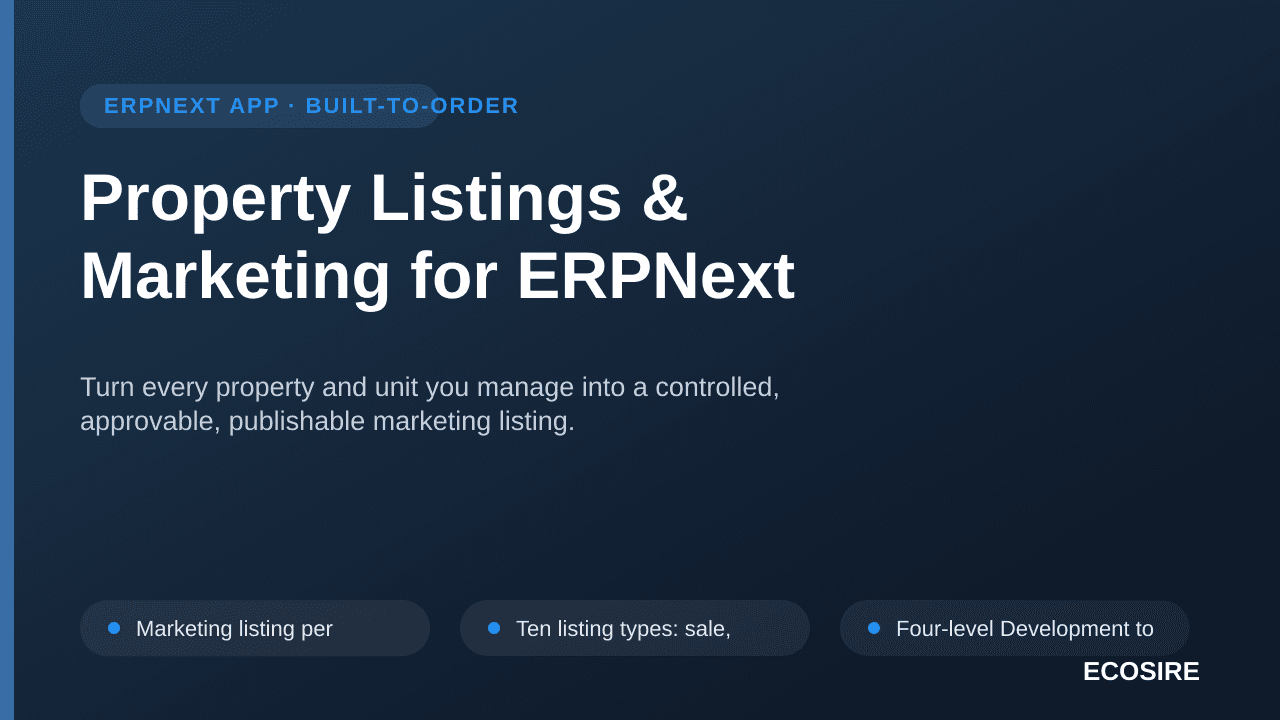
Turn every property and unit you manage into a controlled,
approvable, publishable marketing listing.
What is Property Listings & Marketing for ERPNext?
Turn every property and unit you manage into a controlled, approvable, publishable marketing listing. One-time license from $599.00 USD for ERPNext 16 — includes 12 months of updates and support.
Key Features
Installation overview
- 1
Download from ECOSIRE
Buy the license on ecosire.com and download the Property Listings & Marketing for ERPNext app ZIP from your account dashboard.
- 2
Add the app to your bench
Extract the ZIP into your bench's apps folder, or run `bench get-app` with the path to the extracted app.
- 3
Install on your site
Run `bench --site SITE_NAME install-app APP_NAME` followed by `bench migrate` to install Property Listings & Marketing for ERPNext and apply its schema.
- 4
Activate your license
Open the ECOSIRE License settings on your site and activate your license key. Requires the free ecosire_connect and ecosire_license_client apps.
Technical Specifications
- ERPNext Compatibility
- ERPNext 16
- License
- Licence confirmation required
- Python Requirement
- Python 3.10+
- Database
- MariaDB 10.6+
About this Product
Property Listings & Marketing turns the properties and units already in your ERPNext into a governed marketing catalogue. Ten listing types, a four-level Development to Block to Floor to Unit hierarchy, a full media library, an eleven-state lifecycle with a real approval workflow, owner mandates with expiry alerts, duplicate detection, and a twenty-criteria matching engine that pairs clients to the right property and records exactly what was sent, when, and how they responded. Built on the ECOSIRE Property Management masters, so there is no second copy of your property data.
Requires the ECOSIRE Real Estate & Property Management Suite (sold separately), whose Property and Unit masters this app builds on -- one shared record set, no duplicated data.
Frequently Asked Questions about Property Listings & Marketing
What ERPNext versions does Property Listings & Marketing for ERPNext support?
Property Listings & Marketing for ERPNext is available for ERPNext v15 and v16 sites running on Frappe bench (self-hosted or Frappe Cloud). The compatibility badge on this page shows the exact versions currently shipped.
Can I try it before I buy?
Yes, on our hosted demo. Every app has a live demo site with sample data that your team can explore at its own pace; ask us for the link and login. We do not ship trial installs: the package is delivered after purchase, and we then install and configure it on your own site at no charge.
What is included in the license?
A perpetual license for one ERPNext site, the full source code, 12 months of email support, and 12 months of free updates for the ERPNext version you purchased.
How long does installation take?
Most ECOSIRE apps install in under 30 minutes on a clean ERPNext site via bench. Integrations with marketplace APIs (Amazon, Shopify, eBay) typically require a 1-hour setup call to configure credentials and webhooks.
What happens after the first 12 months?
Your license remains active forever on the ERPNext version you purchased. Optional renewal of support + updates is 50% of the original price per year — or buy a new license when you upgrade to a newer ERPNext version.
Do you offer implementation help?
Yes. Our team can install, configure, migrate data, train your staff, and run the first two weeks of go-live support. See our implementation services for packages and pricing.
Related Modules
Product Configurator (CPQ for Manufacturing)
A rules-based product configurator for configure-to-order manufacturers running ERPNext. Sales engineers pick options, and the app validates compatibility, generates the variant BOM and routing, and prices the configuration in real time — then drops it straight onto a Quotation.
Production Costing & Variance Analysis
A build-to-order ERPNext application that adds standard-vs-actual production costing with material, labor, overhead, and scrap variance analysis drilling down to the work order and job card. Scoped, built, installed, and supported by ECOSIRE.
Quality Inspection Plus — Sampling, AQL & Lot Disposition
A build-to-order Frappe app that extends ERPNext Quality Inspection with AQL/ISO 2859 sampling plans, critical/major/minor defect classification, automated pass/fail/hold lot disposition, and Certificate of Analysis output. ECOSIRE scopes, builds, installs and supports it — this is not an instant download.
Talk to an ECOSIRE expert about Property Listings & Marketing
Get a custom quote, a live demo, or help evaluating fit.