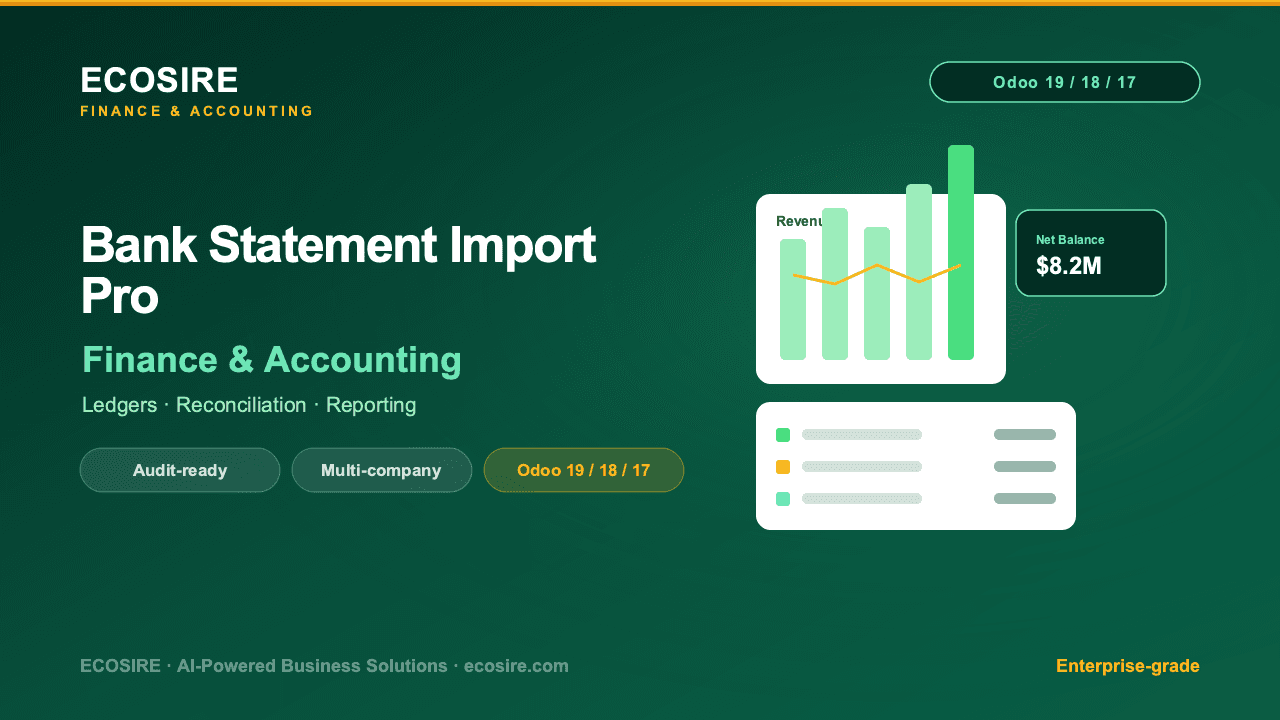
 Illustrative preview
Import bank statements in any format
— CSV, XLSX, MT940, CAMT.053, PDF — with mapping templates, duplicate detection, and smart reconciliation suggestions.
What is Bank Statement Import Pro?
Import bank statements in any format — CSV, XLSX, MT940, CAMT.053, PDF — with mapping templates, duplicate detection, and smart reconciliation suggestions. Currently in development for Odoo 17, 18, 19; not yet available for purchase or download. Register interest for a release notification.
Built to order, done for you
No DIY setup — a working app, built, installed and supported by ECOSIRE.
- 1
You order
Start with a one-time build price. We scope it with you at kickoff.
- 2
We build & install
ECOSIRE builds, configures and installs it on your Odoo.
- 3
Go live + support
You go live in about one working week, with two weeks of go-live support. Defects in the code we deliver are fixed free of charge.
Technical Specifications
- Odoo Compatibility
- Odoo 17, Odoo 18, Odoo 19
- Editions
- Enterprise & Community
- License
- Licence confirmation required
- Python Requirement
- Python 3.10+
- Database
- PostgreSQL 12+
About this Product
Bank Statement Import Pro ingests statements in whatever format your bank exports — CSV, XLSX, MT940, CAMT.053, even tabular PDF — and feeds clean lines into reconciliation with matching suggestions. For finance teams in markets where direct bank feeds are unavailable or unreliable — most of MENA and South Asia — who re-key or wrestle with CSVs monthly. Planned features include per-bank mapping templates with saved column logic, multi-format parsers including regional bank quirks, duplicate and gap detection across imports, rule-based counterpart matching with confidence scores, partial-payment and fee-splitting suggestions, multi-currency statements, and import audit history. This app is currently in development on the ECOSIRE build pipeline. It will ship first for Odoo 17, 18, and 19 simultaneously, with an ERPNext port following on the v15/v16 track — the same triple-version coverage as every live ECOSIRE app. One-time license, free updates within your major version. Register your interest on this page to be notified at launch and to help shape the first release.
Related Modules
Talk to an ECOSIRE expert about Bank Statement Import Pro
Get a custom quote, a live demo, or help evaluating fit.