 Illustrative preview
A build-to-order ERPNext app that uses OCR plus an LLM to read scanned or emailed vendor invoices and receipts
and create draft Purchase Invoices, with vendor matching and a human review queue.
ECOSIRE scopes, builds, installs, and supports it for you.
What is Invoice & Document OCR Capture?
A build-to-order ERPNext app that uses OCR plus an LLM to read scanned or emailed vendor invoices and receipts and create draft Purchase Invoices, with vendor matching and a human review queue. ECOSIRE scopes, builds, installs, and supports it for you. Built to order by ECOSIRE for ERPNext v15, v16 — indicative price from $999.00 USD; request a quote for a scoped proposal.
Key Features
Built to order, done for you
No DIY setup — a working app, built, installed and supported by ECOSIRE.
- 1
You order
Start with a one-time build price. We scope it with you at kickoff.
- 2
We build & install
ECOSIRE builds, configures and installs it on your ERPNext.
- 3
Go live + support
You go live in about one working week, with two weeks of go-live support. Defects in the code we deliver are fixed free of charge.
Technical Specifications
- ERPNext Compatibility
- —
- License
- Licence confirmation required
- Python Requirement
- Python 3.10+
- Database
- MariaDB 10.6+
About this Product
Accounts-payable teams spend hours retyping the same fields off PDFs and phone photos of vendor invoices: supplier, invoice number, date, each line item, tax lines, and the grand total. ERPNext gives you a clean Purchase Invoice DocType and strong accounting behind it, but out of the box there is nothing that reads a document. Every invoice is still keyed by hand, transposition errors slip into the ledger, and the month-end backlog grows. The native Data Import tool assumes you already have structured rows in a spreadsheet, so it does not help with the actual bottleneck, which is turning an unstructured image into structured data.
This app closes that gap. We build a proper Frappe application (its own module, DocTypes, and hooks.py) that ingests a scanned PDF or image, runs it through an OCR engine, then passes the recognized text to an LLM extraction step that returns structured JSON: header fields, a line-item table, tax breakdown, and totals. Each captured document lands in a new Invoice Capture DocType with a confidence score per field. From there a whitelisted server method maps the extracted payload into a draft Purchase Invoice (or Sales Invoice), so the ERPNext-native validation, tax templates, and workflow all still apply — we create documents through the ORM, never with raw SQL.
Vendor auto-matching runs against your Supplier master, using tax ID, name, and prior-invoice heuristics to propose the right supplier and flag anything ambiguous for review. An optional email-inbox ingestion path lets AP forward invoices to a dedicated mailbox; a scheduler event (registered in hooks.py scheduler_events) polls the inbox, pulls attachments, and queues them for capture automatically. Low-confidence fields are routed to a human-in-the-loop review queue — a Frappe list view with role-based permissions — where a clerk confirms or corrects the extraction before the draft invoice is submitted. Nothing posts to your books without a human approving it.
Because this is build-to-order, you are not downloading a fixed marketplace app and hoping it fits. We start with a short scoping call, confirm your document types, tax treatment, approval roles, and which OCR/LLM provider you prefer (cloud API or self-hosted), then build your version against ERPNext v15 or v16. You get UAT on a staging site, a rollback plan, and the full Git repository handed over so you own the code. Typical delivery is one working week from confirmed scope, followed by a post-go-live support window.
What you get
- Installable source code for your version of the app, packaged as a standard Frappe app
- Installation and configuration on your ERPNext v15 or v16 site, including OCR/LLM provider setup
- Technical documentation covering DocTypes, hooks, whitelisted methods, scheduler events, and configuration
- User guide plus a live training session for your AP and review team
- UAT on a staging site with a defined test plan and a documented rollback plan
- Post-go-live support window for defect fixes and configuration adjustments
- Full Git repository handover so you own and can extend the code
- Confidence-threshold, vendor-matching, and item-mapping configuration tuned to your invoice samples
Who this is for
Accounts-payable lead drowning in data entry
Manages a queue of vendor invoices arriving as PDFs and photos and needs them turned into draft Purchase Invoices without keying every field by hand, while keeping a human check before anything posts.
Finance controller enforcing accuracy and controls
Wants extraction errors caught before they reach the ledger, duplicate invoices blocked, and a clear separation between who captures, who reviews, and who submits — all inside ERPNext's permission model.
ERP/IT manager owning the ERPNext instance
Needs a clean Frappe app that installs on v15/v16, uses the ORM and whitelisted APIs rather than hacks, ships with docs and a Git repo, and can be self-hosted or point at their chosen OCR/LLM provider.
Operations manager scaling shared-services AP
Processing invoices for multiple companies or branches and needs email-inbox ingestion plus vendor auto-matching so volume grows without adding headcount.
How Invoice & Document OCR Capture Compares
| Criterion | ECOSIRE | Custom Build | Competitor | ERPNext Native |
|---|---|---|---|---|
| Document to draft invoice | OCR + LLM creates draft Purchase/Sales Invoices | Possible but you build the whole pipeline | Often import-only, no real OCR | Manual keying of every field |
| Confidence + human review | Per-field scoring with a permissioned review queue | Must design and build the review UX yourself | Rarely included or bolt-on | Not applicable — no extraction |
| Vendor matching | Auto-match on tax ID, name, and history | Bespoke matching logic to write and test | Basic name lookup if any | Manual supplier selection |
| Email-inbox ingestion | Scheduler polls a forwarding mailbox for attachments | You wire up mail parsing and queuing | Usually upload-only | None |
| ERPNext v15/v16 fit | Built and tested to your version, ORM + hooks | Depends on the developer you hire | Version support varies, may lag | Native by definition, but no OCR |
| Ownership of code | Full Git repository handed over | You own it — after paying to build it all | Licensed, closed, no source | Core code, not yours to change |
| Delivery time | one working week from confirmed scope, on staging first | Longer — spec, build, and test from scratch | Instant install but may not fit | Available now, but does the work manually |
| Support after launch | Post-go-live support window + optional ongoing | Whoever built it, if still available | Vendor SLA, tiered pricing | General ERPNext support only |
Frequently Asked Questions about Invoice & Document OCR Capture
How long until it is live in our ERPNext?
This is build-to-order, so we build your version after a scoping call confirms your document types, tax treatment, and provider choice. Typical delivery is one working week from confirmed scope, including UAT on a staging site before go-live. Larger scopes with many document variants may run longer and we will tell you up front.
Do captured invoices post straight to our accounts?
No. The app creates a draft Purchase Invoice (or Sales Invoice) and, for anything below your confidence threshold, routes it to a human review queue first. A clerk confirms or corrects the extracted fields, and only then is the draft created and later submitted through ERPNext's normal workflow. Nothing books without a human approving it.
Which OCR and LLM does it use, and can we self-host?
We confirm the provider during scoping. It can call a cloud OCR/LLM API or run against a self-hosted engine if you need documents to stay on your infrastructure. The extraction layer is built as a configurable service so the provider can be swapped without rewriting the ERPNext integration.
Does it work on our version of ERPNext?
Yes. We build and test against ERPNext v15 or v16 (and matching Frappe framework versions). Tell us your version during scoping and we target it. The app is a standard Frappe app using DocTypes, hooks.py, whitelisted methods, and scheduler events — no core patches.
What about support and updates after go-live?
Every build includes a post-go-live support window for defect fixes and configuration tuning. Because you receive the full Git repository, your own team can extend it, and we offer ongoing support or enhancement work as a separate agreement if you want us to keep maintaining and improving it.
How does the email-inbox ingestion work?
AP forwards invoices to a dedicated mailbox. A Frappe scheduler event polls that inbox, extracts the attachments, and queues each one for OCR capture automatically, so most invoices never need a manual upload. It is optional — if you prefer, you can upload documents directly or push them via the whitelisted REST API.
Can it match invoices to the right supplier automatically?
Yes. Vendor auto-matching runs the extracted supplier details against your ERPNext Supplier master using tax ID, name similarity, and prior-invoice history. A confident match is applied automatically; an ambiguous one is flagged in the review queue so a person picks the correct supplier.
Related Modules
IndiaMART Lead Sync for ERPNext
A build-to-order Frappe app that recurringly pulls your IndiaMART buyer inquiries into ERPNext as Lead records — mapping product interest, detecting duplicates, and auto-assigning to the right salesperson. ECOSIRE scopes, builds, installs, and supports it for you.
India Statutory Payroll Pack (PF/ESI/PT/TDS)
A build-to-order Frappe app that turns ERPNext HR & Payroll into a compliant India statutory engine: EPF/UAN, ESI, state-wise Professional Tax, TDS with income-tax projection, gratuity accrual, and Form 16 / Form 24Q reporting. ECOSIRE scopes, builds, installs and supports it on your bench.
Japan Qualified Invoice Compliance
A build-to-order Frappe app that makes ERPNext issue Japan Qualified Invoice System (適格請求書) compliant documents straight from Sales Invoice postings. ECOSIRE scopes, builds, installs and supports it on your bench.
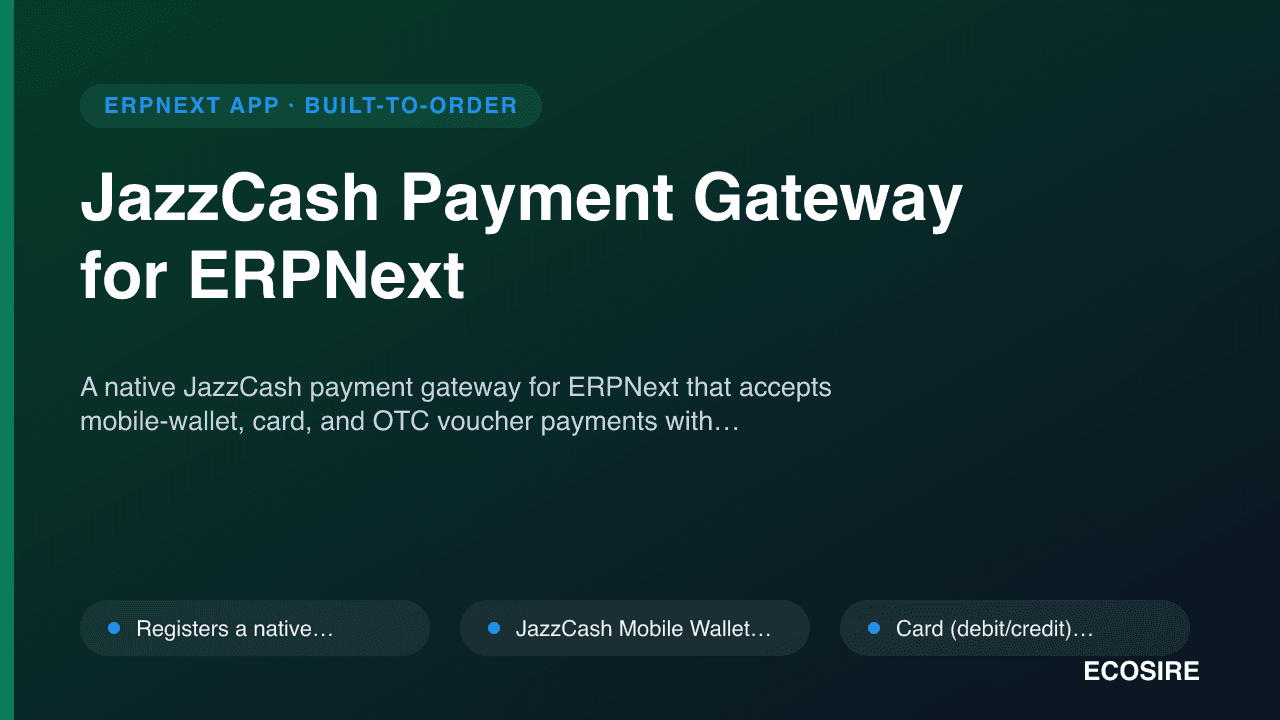
JazzCash Payment Gateway for ERPNext
A native JazzCash payment gateway for ERPNext that accepts mobile-wallet, card, and OTC voucher payments with HMAC-secured hosted checkout, verified callbacks, and automatic reconciliation. ECOSIRE builds, installs, and supports it for your specific ERPNext deployment.
Invoice & Document OCR Capture
A build-to-order ERPNext app that uses OCR plus an LLM to read scanned or emailed vendor invoices and receipts and create draft Purchase Invoices, with vendor matching and a human review queue. ECOSIRE scopes, builds, installs, and supports it for you.
- Ingests PDF and image uploads (JPG, PNG, multi-page PDF) attached to a dedicated `Invoice Capture` DocType
- OCR text recognition followed by an LLM extraction pass that returns structured header, line-item, and tax JSON
- Creates draft `Purchase Invoice` and `Sales Invoice` documents through the Frappe ORM so native validation and tax templates still apply
- Per-field confidence scoring stored on the capture record, with a configurable threshold that routes low-confidence documents to review