 Illustrative preview
A build-to-order ERPNext app that models AI agents, tools,
and tasks as native DocTypes and runs them with CrewAI to automate multi-step workflows.
ECOSIRE scopes, builds, installs, and supports it — this is not an instant download.
What is AI Agents Framework (CrewAI DocTypes)?
A build-to-order ERPNext app that models AI agents, tools, and tasks as native DocTypes and runs them with CrewAI to automate multi-step workflows. ECOSIRE scopes, builds, installs, and supports it — this is not an instant download. Built to order by ECOSIRE for ERPNext v15, v16 — indicative price from $999.00 USD; request a quote for a scoped proposal.
Key Features
Built to order, done for you
No DIY setup — a working app, built, installed and supported by ECOSIRE.
- 1
You order
Start with a one-time build price. We scope it with you at kickoff.
- 2
We build & install
ECOSIRE builds, configures and installs it on your ERPNext.
- 3
Go live + support
You go live in about one working week, with two weeks of go-live support. Defects in the code we deliver are fixed free of charge.
Technical Specifications
- ERPNext Compatibility
- —
- License
- Licence confirmation required
- Python Requirement
- Python 3.10+
- Database
- MariaDB 10.6+
About this Product
ERPNext gives your team a solid rules engine — server scripts, workflow states, notifications, and scheduler events — but all of it is deterministic. The moment a process needs judgement (read this email, decide which supplier to chase, draft a reply, reconcile a fuzzy match, summarize a long thread and route it), your team drops back to manual work or bolts on brittle glue code that lives outside ERPNext and nobody can maintain. Native ERPNext runs out of road exactly where multi-step, reason-then-act automation begins, and that is the gap this framework closes.
We build a proper Frappe app that introduces AI Agent, AI Tool, AI Task, and AI Crew DocTypes so your autonomous agents become first-class ERPNext records — versioned, permission-controlled, list-viewable, and audited like any other document. Under the hood the app orchestrates these definitions with CrewAI: each AI Agent carries a role, goal, backstory, and an allowlist of AI Tool records; each tool is a whitelisted, permission-checked wrapper over the Frappe REST API or a bench method so an agent can read a Sales Order, create a ToDo, post a Comment, or call frappe.get_doc/frappe.get_list — but only within the roles you grant it. Agents run inside the background worker queue, so long-running LLM calls never block the request. Every run writes an AI Agent Run log with the full step-by-step trace, token usage, and the tool calls it made, so you can see exactly what the agent did and why.
Agents are triggered the way you already trigger automation in ERPNext: from hooks.py document events (on_submit, after_insert, on_update) via a thin dispatcher, from scheduler events (hourly/daily/cron) for batch runs, or on demand from a client script button on the form. Where a step has real-world consequences — sending a payment, emailing a customer, submitting a document — the framework inserts a human-approval checkpoint: the agent pauses, creates an approval record routed to the right role profile, and only resumes once a person approves in ERPNext. LLM provider keys live in a Site Config / encrypted settings DocType, never in code, and you choose the model per agent.
Because this is build-to-order, nothing ships as a generic download. We start with a short scoping call, map your target workflows to concrete agents/tools/tasks, and agree the approval gates and permission boundaries. We then build your version of the app, test it on a staging bench, run UAT with you, and install it on your Frappe/ERPNext v15 or v16 site. You receive the full source and git repo, documentation, and training — and a post-go-live support window so the agents behave as scoped in production.
What you get
- Installable source code for your version of the app (full Frappe app, no obfuscation)
- Installation and configuration on your ERPNext v15/v16 site, including LLM provider wiring and role profiles
- Technical documentation: DocType schemas, tool contracts, hooks/scheduler wiring, and how to add a new agent or tool
- User guide plus a live training session for your admins and process owners
- Post-go-live support window for defect fixes and agent-behavior tuning as scoped
- UAT on a staging bench with a documented rollback plan before production install
- Git repository handover with commit history and branching notes
- Configured seed agents/tools/tasks for the specific workflows agreed during scoping
Who this is for
ERPNext admin / in-house Frappe developer
Owns the site and wants AI automation that lives inside ERPNext as DocTypes they can read, permission, and extend — not an external black-box service they cannot maintain or audit.
Operations / back-office lead
Drowning in repetitive multi-step tasks (triage, reconciliation, drafting, chasing) and wants agents to handle the routine steps while a human still approves anything with financial or customer impact.
CTO / systems integrator
Standardizing AI across several ERPNext processes and needs a governed framework with permission boundaries, run logs, and human-in-the-loop gates rather than scattered one-off scripts.
Finance / procurement manager
Wants agents to prepare and route documents (bill matching, supplier follow-ups, approval drafts) but requires an explicit sign-off checkpoint before anything is submitted or sent.
How AI Agents Framework (CrewAI DocTypes) Compares
| Criterion | ECOSIRE | Custom Build | Competitor | ERPNext Native |
|---|---|---|---|---|
| Runs inside ERPNext | Agents/tools/tasks are native DocTypes on your bench | Depends on your build; often lives outside ERPNext | Frequently an external SaaS bridge, not native records | No agent concept at all |
| Multi-agent orchestration | CrewAI sequential and hierarchical crews | You build orchestration from scratch | Usually single-prompt automations only | None |
| Human-approval checkpoints | Built-in pause/approve routed by role profile | Must be designed and coded yourself | Rarely offered or shallow | Manual workflow states only, not AI-aware |
| Permission-scoped tool access | Whitelisted, role-checked wrappers over Frappe APIs | Only as strong as your own guardrails | Often broad API tokens with weak scoping | N/A |
| Auditability | `AI Agent Run` log with full step trace + token usage | Whatever logging you remember to add | Limited or vendor-side logs | N/A |
| Triggers | Doc events, scheduler, and on-demand button | Hand-wired per use case | Usually webhook or schedule only | Server scripts/notifications, no AI reasoning |
| Source ownership | Full source + git repo handover | You own it, but you also carry all the build risk | Closed source / subscription lock-in | Core app, not customizable to this |
| Time to running solution | one working week build-to-order, scoped and supported | Months of in-house design and iteration | Fast to install but generic and shallow | Not achievable without development |
Frequently Asked Questions about AI Agents Framework
How long does delivery take?
This is a build-to-order app, so there is no instant download. Typical delivery is one working week from confirmed scope, depending on how many agents and tools you need and the complexity of the approval gates. We agree the timeline in writing after the scoping call.
How do you handle support and updates after go-live?
Every engagement includes a post-go-live support window for defect fixes and agent-behavior tuning as scoped. Beyond that we offer ongoing support and enhancement retainers. You also receive the full source and git repo, so your own team can maintain and extend the app if you prefer.
Which ERPNext versions are supported?
We build and test against Frappe/ERPNext v15 and v16. Tell us your exact bench version during scoping and we target that; we install and run UAT on a staging copy of your site before touching production.
Can agents act on my ERP data without a human approving?
You decide. Agents can run read-only or low-risk steps automatically, but any step with real consequences — submitting a document, sending money, emailing a customer — passes through a human-approval checkpoint routed to the role profile you choose. The agent pauses until a person approves inside ERPNext.
Where do the LLM API keys live, and which provider do you use?
Provider keys are stored in encrypted Site Config / a Settings DocType, never in source or DocType data. You choose the model per agent (for example an OpenAI, Anthropic, or self-hosted model) and supply your own provider account, so token usage stays on your billing.
How are agents triggered?
Three ways, all native to Frappe: from document events in `hooks.py` (such as `on_submit` or `after_insert`), from scheduler events on an hourly/daily/cron cadence, or on demand from a form button. A thin dispatcher enqueues the run in the background worker so nothing blocks the UI.
Do we own the code?
Yes. You receive the complete installable source and a git repository handover with commit history. There is no per-seat lock-in on the app itself; you are free to run, modify, and extend your version.
Related Modules
Advanced Shift & Roster Planner for ERPNext
A build-to-order Frappe app that adds a visual drag-and-drop roster calendar, rotating shift patterns, shift-swap and open-shift requests, and coverage alerts on top of ERPNext HR. ECOSIRE scopes, builds, installs and supports it for your bench — it is not an instant marketplace download.
Adyen Payments for ERPNext
A production-grade Adyen integration for ERPNext that unifies online, in-app, and in-person (POS) payments across 200+ countries on one processor. ECOSIRE builds, installs, and supports it for your environment on a build-to-order basis — no instant download.
AI HR Assistant & Policy Chatbot
A conversational AI assistant, built into ERPNext, that answers employee HR-policy questions and drafts leave and payroll queries grounded in your company handbook and live ERPNext data. ECOSIRE builds, installs and supports it for you after a scoping call — this is a build-to-order engagement, not an off-the-shelf download.
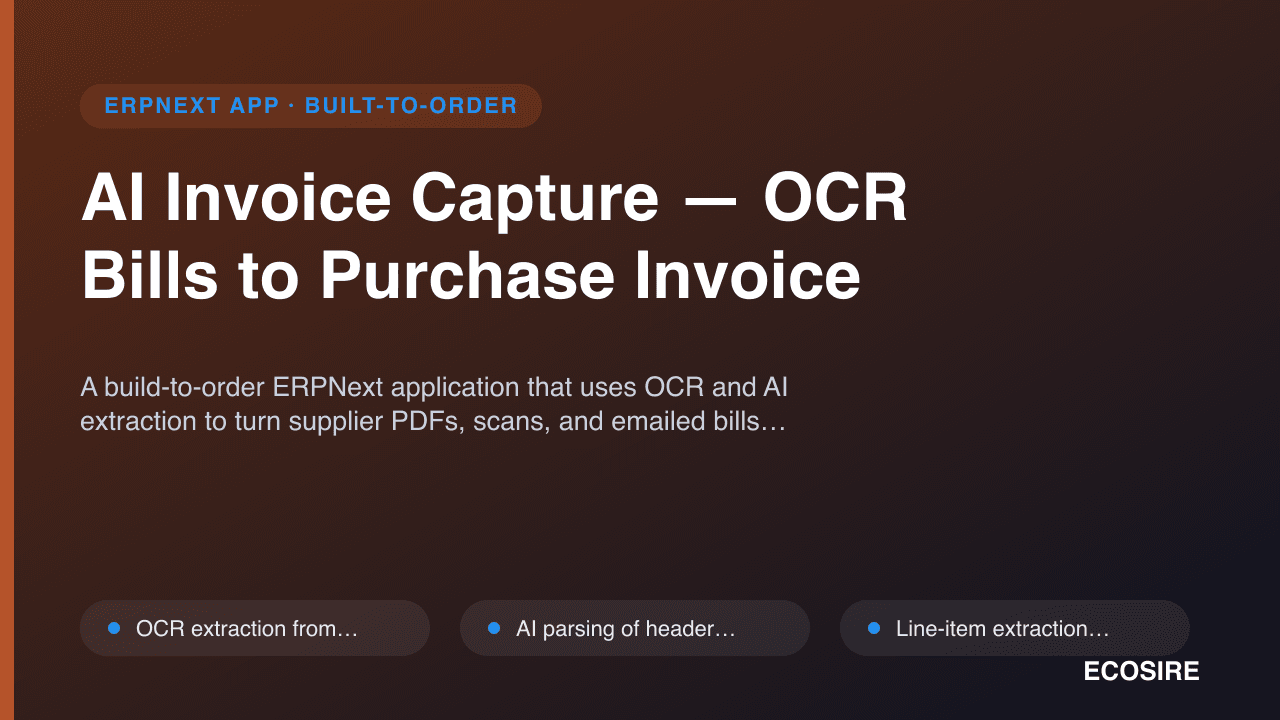
AI Invoice Capture — OCR Bills to Purchase Invoice
A build-to-order ERPNext application that uses OCR and AI extraction to turn supplier PDFs, scans, and emailed bills into draft Purchase Invoices — with line items, taxes, supplier matching, and duplicate detection ready for AP review. ECOSIRE scopes, builds, installs, and supports it for your instance.
AI Agents Framework
A build-to-order ERPNext app that models AI agents, tools, and tasks as native DocTypes and runs them with CrewAI to automate multi-step workflows. ECOSIRE scopes, builds, installs, and supports it — this is not an instant download.
- `AI Agent`, `AI Tool`, `AI Task`, and `AI Crew` modelled as native Frappe DocTypes with list views, permissions, and version history
- CrewAI-based multi-agent orchestration — sequential and hierarchical crews where a manager agent delegates to specialist agents
- Tools are whitelisted, permission-checked wrappers over the Frappe REST API and bench methods (`frappe.get_doc`, `frappe.get_list`, `frappe.new_doc`)
- Agent runs execute in the background worker queue via `frappe.enqueue`, so long LLM calls never block the web request