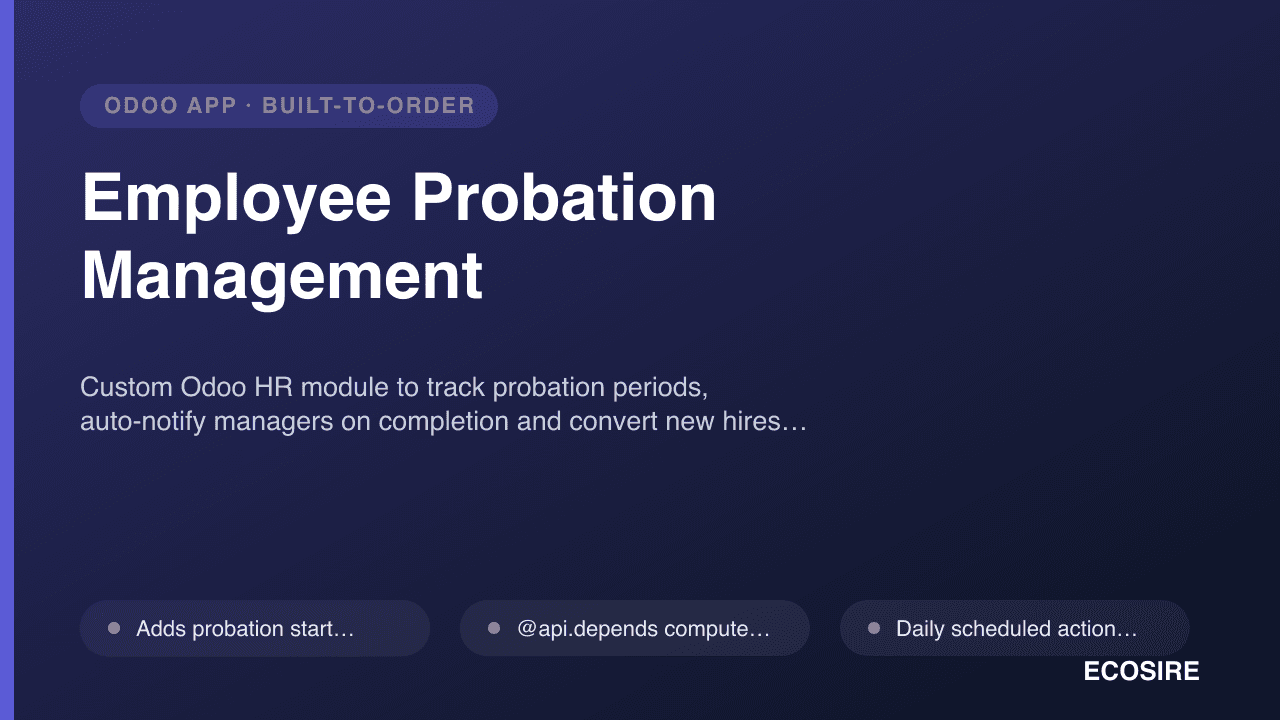
 Örnek önizleme
Custom Odoo HR module to track probation periods, auto-notify managers on completion and convert new hires to permanent status.
Employee Probation Management nedir?
Custom Odoo HR module to track probation periods, auto-notify managers on completion and convert new hires to permanent status. Built to order by ECOSIRE for Odoo 17, 18, 19 — indicative price from $999.00 USD; request a quote for a scoped proposal.
Temel Özellikler
Siparişe özel, sizin için baştan sona
Kendiniz kurmanıza gerek yok — ECOSIRE tarafından geliştirilen, kurulan ve desteklenen çalışır bir uygulama.
- 1
Sipariş verirsiniz
Tek seferlik geliştirme fiyatıyla başlayın. Kapsamı başlangıçta sizinle birlikte belirleriz.
- 2
Geliştirir ve kurarız
ECOSIRE, Odoo ortamınızda geliştirir, yapılandırır ve kurar.
- 3
Yayına alma + destek
Yaklaşık bir iş haftasında yayına alırsınız; canlıya geçiş sonrası iki hafta destek dahildir. Teslim ettiğimiz koddaki hatalar ücretsiz düzeltilir.
Teknik Özellikler
- Odoo Uyumluluğu
- Odoo 17, Odoo 18, Odoo 19
- Sürümler
- Enterprise ve Community
- Lisans
- Lisansın doğrulanması gerekiyor
- Python Gereksinimi
- Python 3.10+
- Veritabanı
- PostgreSQL 12+
Bu Ürün Hakkında
Odoo HR gives you a date of joining and a job position — but nothing that actually manages the probation window that follows. New hires quietly pass their probation-end date, managers forget to evaluate, and HR has no system record of who is confirmed and who is still on trial. Employee Probation Management is a build-to-order Odoo module that ECOSIRE designs, develops, installs and supports specifically for your organisation's probation policy.
This is not an off-the-shelf apps.odoo.com download. After purchase, our Odoo engineers scope your requirements, build the module against your Odoo 17, 18 or 19 database (Community or Enterprise), install it on your instance, and hand over documentation and training. Typical delivery is one working week.
At its core the module extends the standard hr.employee model with probation fields — probation start (defaulting from the contract or date of joining), a configurable probation duration in months, and a computed probation-end date that recalculates automatically via an @api.depends compute method whenever the start date or duration changes. A scheduled action (ir.cron) runs daily to detect employees whose probation window is closing and fires notifications to the assigned manager and HR through Odoo's messaging (mail.thread) layer, so nobody relies on memory or a spreadsheet reminder.
Evaluation is structured, not ad hoc. Each probationer gets an evaluation checklist and a manager sign-off workflow driven by an Odoo statusbar (probation to under-review to confirmed or extended). When the manager confirms, an automated action flips the employee's status to permanent and stamps the confirmation date; when they request an extension, the probation-end date rolls forward by the extension you define. Access is locked down with ir.model.access.csv rules plus record rules so managers see only their own team's probation records while HR sees the whole organisation.
Everything is delivered with clean, standards-compliant code: a proper __manifest__.py declaring dependencies (hr, mail), models with typed fields and compute methods, XML/OWL views, a QWeb probation-confirmation report you can print or email, security CSV and record rules, and a demo-data set. Because it is built as a real Odoo module — not a database hack — it upgrades cleanly, integrates with your existing HR flows, and is reachable over Odoo's XML-RPC/JSON-RPC API for any downstream system.
Ne elde edeceksin
- Complete, installable Odoo module (custom addon) with __manifest__.py, Python models, XML/OWL views, security CSV, record rules and demo data — built for your Odoo 17/18/19 version
- Configuration on your instance: default probation durations, notification recipients, evaluation checklist items and manager/HR access set up to your policy
- QWeb probation-confirmation and evaluation report templates ready to print or email
- Installation and deployment on your database (Community or Enterprise, self-hosted or Odoo.sh) with a smoke test of the full probation-to-permanent flow
- Technical and end-user documentation: admin config guide, HR/manager how-to, and the module's data model and API notes
- Live training session for your HR team and managers, plus a recording and Q&A
- Source code ownership and a versioned handover so you can maintain or extend the module independently
- A post-delivery support and bug-fix window covering the deployed module
Bu kimin için
HR Manager / HR Operations Lead
Owns the new-hire lifecycle and needs a reliable system record of who is on probation, who is due for review and who has been confirmed — without chasing managers over email or maintaining a fragile spreadsheet.
Line Manager / Team Lead
Responsible for evaluating and signing off their own new hires. Wants a timely nudge before the probation date passes and a simple checklist and confirm button, not a 12-field HR form.
People / HRIS Administrator running Odoo
Maintains the Odoo HR configuration and wants probation handled as a proper module with clean access rules and API reachability — something that survives version upgrades rather than a one-off customisation nobody can support.
SME Founder / COO
At companies without a dedicated HRIS, wants probation confirmations to happen on time so employment terms are correct, with an auditable trail for compliance, all inside the Odoo they already run the business on.
Employee Probation Management Nasıl Karşılaştırılır
| Kriter | ECOSIRE | Özel Yapı | Rakip | Odoo Yerleşik |
|---|---|---|---|---|
| Probation-end date auto-computed from date of joining + duration | Dahil | Kısmi destek | Kısmi destek | Dahil değil |
| Automatic notification to manager & HR on probation completion | Dahil | Kısmi destek | Kısmi destek | Dahil değil |
| Automatic status change from probation to permanent | Dahil | Kısmi destek | Kısmi destek | Dahil değil |
| Structured evaluation checklist + manager sign-off workflow | Dahil | Kısmi destek | Dahil değil | Dahil değil |
| Built and configured to your exact probation policy | Dahil | Dahil | Dahil değil | Dahil değil |
| Team-scoped access via ir.model.access.csv + record rules | Dahil | Kısmi destek | Kısmi destek | Kısmi destek |
| QWeb probation-confirmation report (print/email PDF) | Dahil | Kısmi destek | Kısmi destek | Dahil değil |
| Installed, tested & supported on your instance by the builder | Dahil | Dahil değil | Dahil değil | Dahil değil |
| Source code ownership + training handover | Dahil | Dahil | Dahil değil | Kısmi destek |
Employee Probation Management hakkında Sıkça Sorulan Sorular
How long does delivery take, and what happens after I buy?
This is a build-to-order module, not an instant download. After purchase, an ECOSIRE Odoo engineer contacts you to confirm your probation policy, Odoo version (17, 18 or 19) and edition (Community or Enterprise). We then build, install and test the module on your instance and hand over docs and training. Typical delivery is one working week depending on how customised your evaluation checklist and workflow need to be.
What support and updates are included after go-live?
Every build ships with a post-delivery support and bug-fix window covering the deployed module — if something breaks or behaves incorrectly, we fix it. We also provide guidance on configuration changes during that window. Because you receive the full source code, you can maintain it yourself afterward, or engage ECOSIRE for ongoing support, feature additions, or a paid upgrade when you move to a newer Odoo major version.
Does it work on Odoo Community as well as Enterprise?
Yes. The module is built on standard Odoo framework primitives — hr.employee, mail messaging, ir.cron scheduled actions, QWeb reports and security CSV/record rules — so it runs on both Community and Enterprise across Odoo 17, 18 and 19. We build against your exact version so nothing is left to a compatibility guess.
Can we configure the probation length and evaluation criteria ourselves?
Yes. Default probation durations are set in Odoo Settings (and can differ per company or department), and the evaluation checklist items are configured to your policy during setup, so changing them later doesn't require touching code. Anything structural — like an extra approval stage in the sign-off workflow — we scope and build in during the engagement.
How do notifications and the automatic status change actually work?
A daily scheduled action (ir.cron) checks each active probationer's computed probation-end date. As completion approaches, it notifies the assigned manager and HR through Odoo's messaging layer. When the manager confirms sign-off, an automated action changes the employee's status to permanent and records the confirmation date; if they extend, the end date rolls forward and stakeholders are re-notified. No manual date-watching required.
Will this survive an Odoo upgrade?
It is delivered as a proper Odoo addon — clean models, manifest and views rather than direct database edits — which upgrades far more cleanly than ad-hoc customisation. Moving between major versions (for example 18 to 19) can still require a migration pass, which ECOSIRE can handle as a scoped update so the module keeps working on your new version.
İlgili Modüller
Employee Documents Expiry Tracker
A build-to-order Odoo module that stores every employee document with an expiry date and fires automatic reminders before passports, visas, contracts and certifications lapse. ECOSIRE builds, installs, and supports it for your database.
Employee Information Hub
A build-to-order Odoo module that extends the employee master record with the advanced fields, structured sub-records, and reporting your HR team actually needs. ECOSIRE designs, builds, installs, and supports it for you.
Employee Shift Scheduling & Roster
Build-to-order Odoo module for shift schedules, rosters and shift-change requests — built, installed and supported by ECOSIRE.
End-of-Service / Gratuity Settlement
Automate end-of-service gratuity and final settlements in Odoo with configurable equations per labor law. Built, installed and supported by ECOSIRE.
Employee Probation Management
Custom Odoo HR module to track probation periods, auto-notify managers on completion and convert new hires to permanent status.
- Adds probation start, probation duration (months) and computed probation-end date to hr.employee, defaulting the start from the contract or date of joining
- @api.depends compute method recalculates the probation-end date automatically whenever the start date or duration changes — no manual math
- Daily scheduled action (ir.cron) scans for employees whose probation window is completing or overdue and raises the right alerts
- Automatic notifications on probation completion to the assigned manager and HR via Odoo's mail.thread/messaging layer, with configurable lead-time reminders