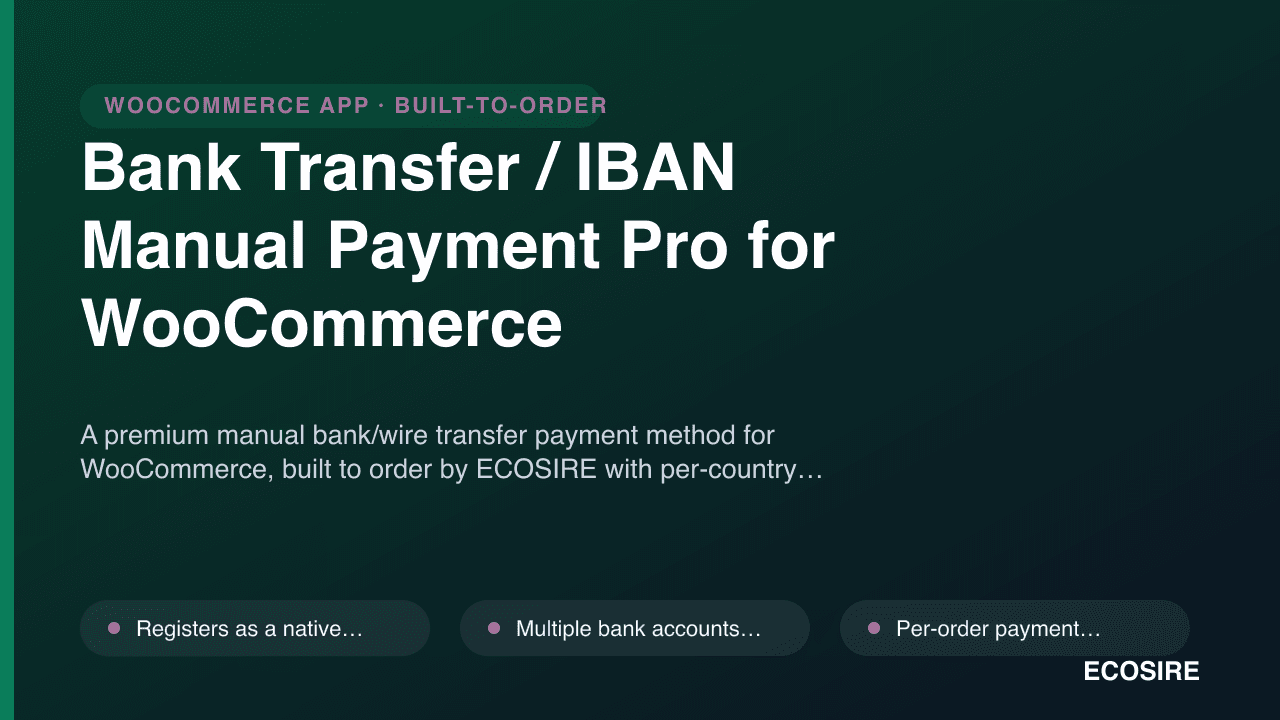
 Vista previa ilustrativa
A premium manual bank/wire transfer payment method for WooCommerce,
built to order by
ECOSIRE with per-country IBAN accounts, customer proof-of-payment upload, and an admin pending-to-paid reconciliation workflow.
¿Qué es Bank Transfer / IBAN Manual Payment Pro for WooCommerce?
A premium manual bank/wire transfer payment method for WooCommerce, built to order by ECOSIRE with per-country IBAN accounts, customer proof-of-payment upload, and an admin pending-to-paid reconciliation workflow. Built to order by ECOSIRE for WooCommerce (build-to-order) — indicative price from $999.00 USD; request a quote for a scoped proposal.
Características clave
Hecho a medida, listo para ti
Sin configuración por tu cuenta: una app funcional creada, instalada y con soporte de ECOSIRE.
- 1
Haces el pedido
Empieza con un precio único de desarrollo. Definimos el alcance contigo en el arranque.
- 2
Creamos e instalamos
ECOSIRE la crea, la configura y la instala en tu WooCommerce.
- 3
En marcha + soporte
Sales en vivo en aproximadamente una semana laboral, con dos semanas de soporte tras la puesta en marcha. Los defectos en el código que entregamos se corrigen sin coste.
Sobre este producto
WooCommerce core ships a single, bare-bones BACS (Direct Bank Transfer) gateway: one set of account details, no proof upload, no per-country routing, and a manual "set order to Processing" chore that doesn't scale. Bank Transfer / IBAN Manual Payment Pro replaces it with a real manual-payment workflow for stores where wire transfer is a primary checkout method.
This is a build-to-order plugin — ECOSIRE develops it against your exact catalog, currencies and bank list, then installs and configures it directly on your WordPress site. It is not an instant marketplace download; you get a plugin tailored to your store plus the engineering support to run it.
The gateway registers as a proper WC_Payment_Gateway subclass, so it appears natively in WooCommerce → Settings → Payments and on the checkout block/shortcode. At checkout the customer is shown the correct bank account for their billing country and order currency (e.g. a EUR IBAN for EU buyers, a local account elsewhere) and a unique payment reference generated per order. After paying, they upload proof of payment (PDF/JPG/PNG, validated and size-capped) which attaches to the order.
In wp-admin, staff get a pending-to-paid workflow: filterable order views, one-click "Mark as paid" that moves the order from on-hold to processing, an order note trail, and auto-reconciliation hints that match the reference and amount against your records. A WP-Cron job sends reminder emails for unpaid orders on a schedule you set. Fully HPOS / custom-order-tables compatible, translatable, and WPML / multisite-aware so each store or language site can expose its own bank accounts.
lo que obtienes
- A custom WooCommerce payment-gateway plugin, packaged and installed on your WordPress/WooCommerce site by ECOSIRE
- Configuration of your bank accounts, IBANs/SWIFT codes and country/currency mapping in wp-admin
- Branded checkout instructions and a working proof-of-payment upload flow tested on block + classic checkout
- Pending-to-paid admin workflow and WP-Cron reminder schedule configured to your terms
- HPOS-compatibility verification and a staging-then-production deployment
- Admin/operator handover guide plus a defects-fix warranty window and ongoing support/update plan
¿Para quién es esto?
Cross-border WooCommerce merchant
Sells into multiple countries and needs EU buyers to see a EUR IBAN, GCC buyers a local account, etc. — automatic country/currency routing removes the wrong-account-paid support tickets.
Finance / accounts operator
Reconciles incoming wires daily. Needs payment references on every order, reconciliation hints, and a one-click mark-as-paid that leaves an audit trail instead of editing orders blind.
Store owner in a bank-transfer-first market
Operates where card gateways have low trust or high fees and bank/wire transfer is how customers actually pay. Wants the manual flow to feel as polished as a card checkout, with proof upload and automated unpaid-order reminders.
Cómo se compara Bank Transfer / IBAN Manual Payment Pro for WooCommerce
| Criterio | ECOSIRE | Construcción personalizada | Competidor | Nativo de WooCommerce |
|---|---|---|---|---|
| Per-country / per-currency bank account routing at checkout | Incluido | Incluido | Apoyo parcial | No incluido |
| Customer proof-of-payment upload attached to the order | Incluido | Apoyo parcial | Apoyo parcial | No incluido |
| Unique per-order payment reference generation | Incluido | Incluido | Apoyo parcial | No incluido |
| Pending-to-paid workflow with auto-reconciliation hints | Incluido | Apoyo parcial | No incluido | No incluido |
| Scheduled WP-Cron reminder emails for unpaid orders | Incluido | Apoyo parcial | Apoyo parcial | No incluido |
| HPOS / custom order tables + checkout-block compatibility | Incluido | Apoyo parcial | Apoyo parcial | Incluido |
| WPML / multisite per-site bank accounts and instructions | Incluido | Apoyo parcial | No incluido | No incluido |
| Installed, configured and supported on your site by the builder | Incluido | Apoyo parcial | No incluido | No incluido |
| Instant self-service marketplace download | No incluido | No incluido | Incluido | Incluido |
Preguntas frecuentes sobre Bank Transfer / IBAN Manual Payment Pro
Is this an instant download from WooCommerce.com or WordPress.org?
No. It is a build-to-order plugin. ECOSIRE develops it against your catalog, currencies and bank list, then installs and configures it on your WordPress site. You receive a plugin tailored to your store, not a generic marketplace zip.
How long does delivery take after I order?
Typical lead time is about 5–10 business days from when you confirm your bank-account list, currencies and country mapping. We build on a staging copy, demo it, then deploy to production with you. Larger catalogs or extra integrations (ERP, custom reconciliation) extend the timeline and we tell you the estimate up front.
What ongoing support and updates are included?
Every build includes a defects-fix warranty window after go-live, plus an ongoing support and compatibility-update plan that keeps the plugin working across new WooCommerce and WordPress releases — including HPOS and checkout-block changes. Support is provided directly by ECOSIRE; there is no third-party vendor.
Will it work with HPOS (High-Performance Order Storage) and the new checkout blocks?
Yes. The gateway reads and writes order data through the WooCommerce CRUD API rather than raw post meta, so it is HPOS / custom-order-tables compatible, and it registers for both the block-based and classic shortcode checkout. We verify both during deployment.
Can it show different bank accounts per country, currency, or language site?
Yes. Accounts are mapped by billing country and order currency, so the customer only sees the relevant IBAN/account at checkout. On WPML or WordPress multisite, each language or network site can expose its own account set and translated payment instructions.
How does the proof-of-payment and reconciliation flow work?
After paying, the customer uploads proof (PDF/JPG/PNG, validated and size-capped) which attaches to the order. Staff see the order in a pending queue with reference + amount + currency reconciliation hints, then click to move it from on-hold to processing. The transition writes an order note and the action is exposed via the WooCommerce REST API for accounting sync.
Módulos relacionados
Avalara AvaTax Bridge for WooCommerce
A build-to-order WooCommerce plugin that wires your store to Avalara AvaTax for real-time, rooftop-accurate US sales tax and global VAT, with checkout address validation, economic and physical nexus tracking, and exemption certificate handling.
B2B & Wholesale Suite for WooCommerce
A build-to-order WooCommerce plugin that adds role-based wholesale pricing, tax-exempt B2B registration, bulk order forms and request-a-quote — installed and supported by ECOSIRE on your WordPress site.
Barcode Scanner & Inventory Manager
A custom-built WooCommerce plugin that lets your team scan product barcodes to adjust stock, fulfil orders and run cycle counts from a phone camera or USB scanner. Built, installed and supported by ECOSIRE on your own WordPress site.
Binance Pay / USDT Crypto Gateway for WooCommerce
A build-to-order WooCommerce payment gateway that accepts USDT and crypto via Binance Pay QR plus direct on-chain BTC/ETH/USDT wallet payments, with live FX quotes and confirmation-based order completion. Built, installed and supported by ECOSIRE on your site.
Bank Transfer / IBAN Manual Payment Pro
A premium manual bank/wire transfer payment method for WooCommerce, built to order by ECOSIRE with per-country IBAN accounts, customer proof-of-payment upload, and an admin pending-to-paid reconciliation workflow.
- Registers as a native WC_Payment_Gateway so it appears in WooCommerce → Settings → Payments and on both block and shortcode checkout
- Multiple bank accounts mapped by billing country and order currency, with the matching IBAN/SWIFT/local details shown to the customer at checkout
- Per-order payment reference generation via a wp_insert / filterable token so incoming wires are traceable to the right order
- Customer proof-of-payment upload (PDF/JPG/PNG) with MIME and file-size validation, stored against the order and visible in wp-admin