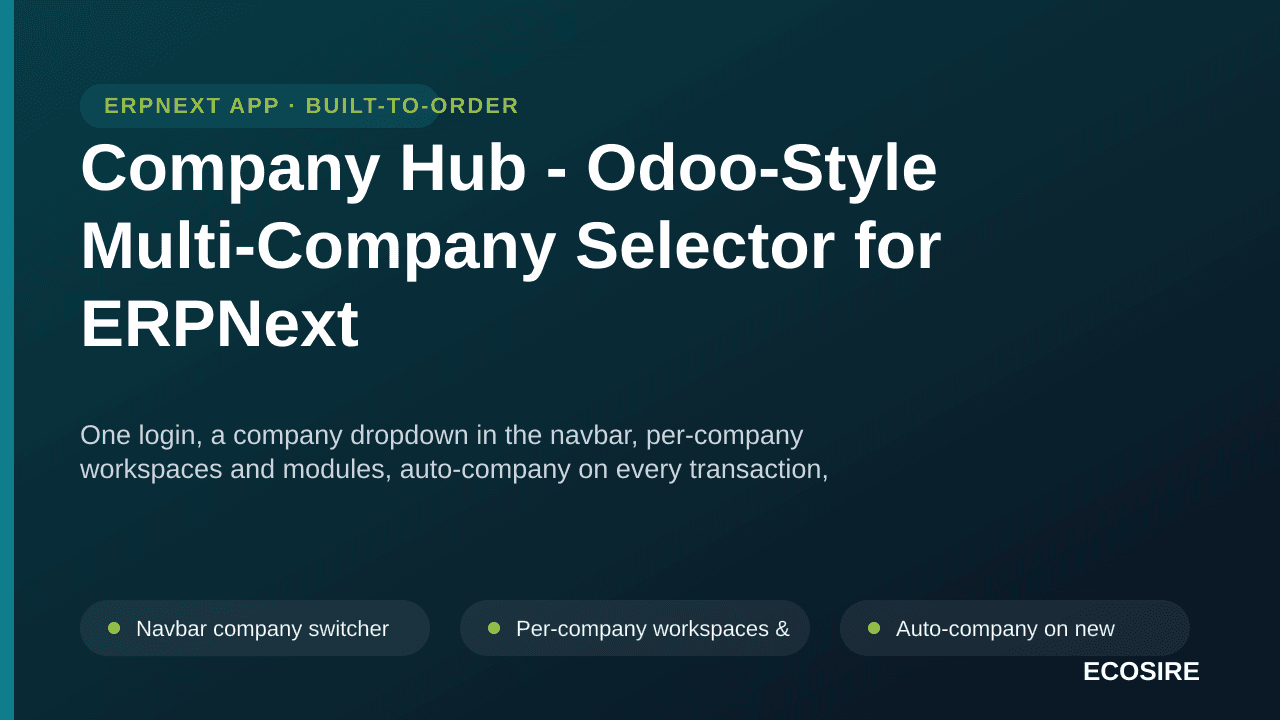
 Vista previa ilustrativa
One login, a company dropdown in the navbar, per-company workspaces and modules,
auto-company on every transaction, and server-side company permissions - an Odoo-style multi-company experience for ERPNext groups with zero core modifications. Ready to install on ERPNext v16 -
ECOSIRE installs and configures it for your group with your purchase.
¿Qué es Company Hub - Odoo-Style Multi-Company Selector for ERPNext?
One login, a company dropdown in the navbar, per-company workspaces and modules, auto-company on every transaction, and server-side company permissions - an Odoo-style multi-company experience for ERPNext groups with zero core modifications. Ready to install on ERPNext v16 - ECOSIRE installs and configures it for your group with your purchase. One-time license from $750.00 USD for ERPNext 16 — includes 12 months of updates and support.
Características clave
Descripción general de la instalación
- 1
Descargar desde ECOSIRE
Compre la licencia en ecosire.com y descargue la aplicación ZIP de Company Hub - Odoo-Style Multi-Company Selector for ERPNext desde el panel de su cuenta.
- 2
Añade la aplicación a tu banco
Extraiga el ZIP en la carpeta de aplicaciones de su banco o ejecute `bench get-app` con la ruta a la aplicación extraída.
- 3
Instalar en su sitio
Ejecute `bench --site SITE_NAME install-app APP_NAME` seguido de `bench migrar` para instalar Company Hub - Odoo-Style Multi-Company Selector for ERPNext y aplicar su esquema.
- 4
Activa tu licencia
Abra la configuración de licencia de ECOSIRE en su sitio y active su clave de licencia. Requiere las aplicaciones gratuitas ecosire_connect y ecosire_license_client.
Especificaciones técnicas
- Compatibilidad con ERPNext
- ERPNext 16
- Licencia
- La licencia requiere confirmación
- Requisito de Python
- Python 3.10+
- Base de datos
- MariaDB 10.6+
Sobre este producto
ERPNext supports multiple companies in one database, but the day-to-day experience keeps every company's modules and records in one cluttered desk - users must pick the company on every transaction, and it is easy to post into the wrong subsidiary. Groups coming from Odoo expect something better: log in once, choose the company you are working in, and see only that company's world. Company Hub delivers exactly that as a separate, upgrade-safe Frappe app, ready to install. A company dropdown sits in the main navigation; the selection is remembered and every new transaction defaults to it; each company displays only the workspaces you map to it (a construction subsidiary sees projects and procurement, a property subsidiary sees leases and landlords, a security firm sees its own operations); and group management can switch freely with a consolidated view. Crucially, restriction is not cosmetic - data isolation is enforced server-side with ERPNext User Permissions, so records stay protected in reports, search and direct links. Includes a per-company workspace mapping screen and an admin helper to grant company access per user. ECOSIRE configures it for your group's companies during installation.
lo que obtienes
- Installed and configured on your ERPNext v16 instance
- Per-company workspace mapping set up for your group's companies
- User company-permission setup for your staff
- Documentation and admin handover
¿Para quién es esto?
Multi-company business group
Runs several subsidiaries in one ERPNext and wants each team to see only its own company's world.
Odoo migrator
Expects the Odoo company switcher experience and finds stock ERPNext multi-company too cluttered.
Group CFO / management
Needs consolidated oversight across all companies while staff stay isolated to theirs.
Preguntas frecuentes sobre Company Hub - Odoo-Style Multi-Company Selector
Does it modify ERPNext core files?
No. It is a separate Frappe app using official override points only, so ERPNext upgrades remain safe.
Is the restriction real security or just hidden menus?
Real security: data isolation is enforced server-side through ERPNext User Permissions; the workspace filtering is the user experience on top.
Can management see everything?
Yes - group users switch between all authorised companies and keep a consolidated group view, while ordinary users see only their companies.
Módulos relacionados
Check Run & Printed Cheque Manager
A build-to-order ERPNext app that aggregates approved payments into check runs, bulk-prints MICR-formatted cheques on your bank stock, and tracks the full void/reissue and post-dated cheque (PDC) lifecycle. ECOSIRE scopes, builds, installs, and supports it for you.
Cloud Backup Manager (S3/Drive/Dropbox/RClone)
A build-to-order Frappe/ERPNext app that runs scheduled, client-side-encrypted backups of your database and files to S3, Google Drive, Dropbox, Backblaze B2 or any RClone remote — with retention policies, one-click restore and automated restore-testing drills. ECOSIRE builds, installs and supports it for your bench.
Cost Center & Project Profitability for ERPNext
A build-to-order ERPNext app that turns your General Ledger dimensions into true per-project, per-job, and per-cost-center profitability — committed costs, overhead allocation, WIP, and dashboards included. ECOSIRE scopes, builds, installs, and supports it.

Coupons, Discounts & Promotions Engine for ERPNext
A build-to-order Frappe app that adds coupons, BOGO, tiered discounts, gift cards and segment-specific offers on top of ERPNext sales and POS. ECOSIRE scopes, builds, installs and supports it for your instance.
Habla con un experto de ECOSIRE sobre Company Hub - Odoo-Style Multi-Company Selector
Obtenga una cotización personalizada, una demostración en vivo o ayuda para evaluar la idoneidad.