 Örnek önizleme
A build-to-order WooCommerce plugin that connects your store's checkout to your LMS,
so a paid order automatically enrolls the student, with bundles, subscriptions, group seats and drip access all controlled from wp-admin.
Sell Courses with WooCommerce (LMS Bridge) nedir?
A build-to-order WooCommerce plugin that connects your store's checkout to your LMS, so a paid order automatically enrolls the student, with bundles, subscriptions, group seats and drip access all controlled from wp-admin. Built to order by ECOSIRE for WooCommerce (build-to-order) — indicative price from $999.00 USD; request a quote for a scoped proposal.
Temel Özellikler
Siparişe özel, sizin için baştan sona
Kendiniz kurmanıza gerek yok — ECOSIRE tarafından geliştirilen, kurulan ve desteklenen çalışır bir uygulama.
- 1
Sipariş verirsiniz
Tek seferlik geliştirme fiyatıyla başlayın. Kapsamı başlangıçta sizinle birlikte belirleriz.
- 2
Geliştirir ve kurarız
ECOSIRE, WooCommerce ortamınızda geliştirir, yapılandırır ve kurar.
- 3
Yayına alma + destek
Yaklaşık bir iş haftasında yayına alırsınız; canlıya geçiş sonrası iki hafta destek dahildir. Teslim ettiğimiz koddaki hatalar ücretsiz düzeltilir.
Bu Ürün Hakkında
Sell Courses with WooCommerce (LMS Bridge) turns your WooCommerce store into the billing and access-control layer for your LMS. Instead of stitching together a checkout plugin, a separate course platform and a pile of manual enrollment, this bridge listens to WooCommerce order events and grants or revokes course access automatically.
When an order moves to processing or completed (via the woocommerce_order_status_completed action), the bridge maps each line item to one or more LMS courses or groups and auto-enrolls the student. On refunded, cancelled or a failed renewal it un-enrolls them — so access always matches payment state. Each course is sold as a normal WooCommerce product, which means coupons, tax classes, payment gateways and your existing receipts all keep working.
It is LMS-agnostic by design: the bridge ships with adapters for LearnDash, Tutor LMS, LifterLMS and Sensei LMS, mapping WooCommerce products to each platform's enrollment API and course custom post types. You can sell a single course, a bundle of courses as one SKU, or a recurring subscription (WooCommerce Subscriptions) where access persists only while the subscription is active. Group-seat / cohort licensing lets an academy buy N seats and invite learners, and membership tiers (WooCommerce Memberships) can unlock whole course categories.
Drip and progress-based access are handled server-side: lessons unlock on a schedule via WP-Cron, or only after a prerequisite course is marked complete. Everything is configured from a dedicated wp-admin settings screen — no code editing for day-to-day mapping.
This is build-to-order: ECOSIRE builds the plugin against your exact LMS, theme and gateway stack, installs it on your WordPress site, validates the enrollment flow end-to-end, and supports it afterward. It is not an instant marketplace download.
Ne elde edeceksin
- Custom-built LMS Bridge plugin compiled against your specific LMS (LearnDash/Tutor/LifterLMS/Sensei), theme and gateway stack
- Installation and activation on your live WordPress + WooCommerce site (and staging if available)
- Configured product-to-course mapping for your existing catalog, including bundles and subscription products
- End-to-end validation: test order → auto-enroll → refund → un-enroll, verified on your environment
- wp-admin settings, drip schedules and group-seat rules configured to your requirements
- Handover documentation plus a re-sync runbook for future course or product additions
- Post-launch support window with bug fixes and compatibility updates as agreed
Bu kimin için
Independent course creator
Sells a handful of courses and bundles from a single WooCommerce store and wants buyers enrolled into LearnDash or Tutor the instant payment clears, without manually adding users.
Training academy / vocational school
Runs cohorts and needs group-seat licensing — buy 25 seats, invite learners, track usage — plus drip release so a 12-week program unlocks weekly via WP-Cron.
Membership-based education brand
Monetizes a course library through WooCommerce Subscriptions and Memberships, where access to whole course categories must switch on and off automatically with the subscription state.
Sell Courses with WooCommerce (LMS Bridge) Nasıl Karşılaştırılır
| Kriter | ECOSIRE | Özel Yapı | Rakip | WooCommerce Yerleşik |
|---|---|---|---|---|
| Auto-enroll students into the LMS on a paid WooCommerce order | Dahil | Dahil | Dahil | Dahil değil |
| Works across LearnDash, Tutor, LifterLMS and Sensei from one bridge | Dahil | Kısmi destek | Dahil değil | Dahil değil |
| Group-seat / cohort licensing with seat tracking | Dahil | Kısmi destek | Kısmi destek | Dahil değil |
| Drip content and progress-based access gating | Kısmi destek | Dahil | Kısmi destek | Dahil değil |
| Built, installed and validated on your site by the vendor | Dahil | Dahil | Dahil değil | Dahil değil |
| Instant self-service download from a public marketplace | Dahil değil | Dahil değil | Dahil | Kısmi destek |
| HPOS, WPML and multisite compatibility verified for your stack | Dahil | Kısmi destek | Kısmi destek | Kısmi destek |
| Predictable fixed one-time build cost | Dahil | Dahil değil | Dahil | Kısmi destek |
Sell Courses with WooCommerce hakkında Sıkça Sorulan Sorular
How long does delivery take, since this isn't an instant download?
This is a build-to-order plugin. After a short scoping call to confirm your LMS, products and gateways, typical delivery is about one working week depending on how many LMS platforms and edge cases (bundles, subscriptions, group seats) are in scope. We build it against your exact stack, install it on your site, and validate the full enroll/un-enroll flow before handover. You'll get a date in writing during scoping.
What ongoing support and updates are included?
Your purchase includes a post-launch support window for bug fixes and compatibility updates — for example when WooCommerce, your LMS, or WordPress core ships a breaking change such as the HPOS order-storage migration. Because we build against your specific environment, updates are applied to your site directly rather than pushed through a public auto-updater. Extended support and retainer options are available if you want continuous coverage.
Which LMS plugins are supported?
The bridge ships with adapters for LearnDash, Tutor LMS, LifterLMS and Sensei LMS, each using that platform's native enrollment API and course custom post types. We confirm your exact LMS and version during scoping and build the adapter against it. If you run a less common or custom LMS, we can usually add an adapter — that's part of what build-to-order means.
What happens to course access when an order is refunded or a subscription lapses?
Access always tracks payment state. On `refunded`, `cancelled`, or a failed WooCommerce Subscriptions renewal, the bridge un-enrolls the student from the mapped courses or revokes group seats. Re-enrollment happens automatically if payment is later completed. Every action is written to an audit log and the WooCommerce order notes so you have a full trail.
Is it compatible with HPOS, WPML and multisite?
Yes. The bridge is built and tested against WooCommerce High-Performance Order Storage (custom order tables) as well as the legacy posts-table store. It is WPML/multilingual aware so mappings respect translated products, and it works on WordPress multisite where each site runs its own store. We verify the specific combination you run during installation.
İlgili Modüller
Restaurant Online Ordering & Food Delivery
A custom WooCommerce restaurant ordering plugin built, installed and supported by ECOSIRE — visual menu, delivery/pickup/dine-in modes, delivery zones, time slots and tips, with zero per-order commission.
Restaurant Table Reservations & QR Ordering
A build-to-order WooCommerce plugin that lets diners reserve tables and order from the table by scanning a QR code, with every order flowing through your existing WooCommerce checkout. Built, installed and supported by ECOSIRE on your WordPress site.
UAE E-Invoicing (PINT AE / Peppol) for WooCommerce
A build-to-order WooCommerce plugin that generates UAE PINT AE (Peppol BIS) e-invoices and submits them through a Peppol Access Point, custom-built and installed on your WordPress site by ECOSIRE.
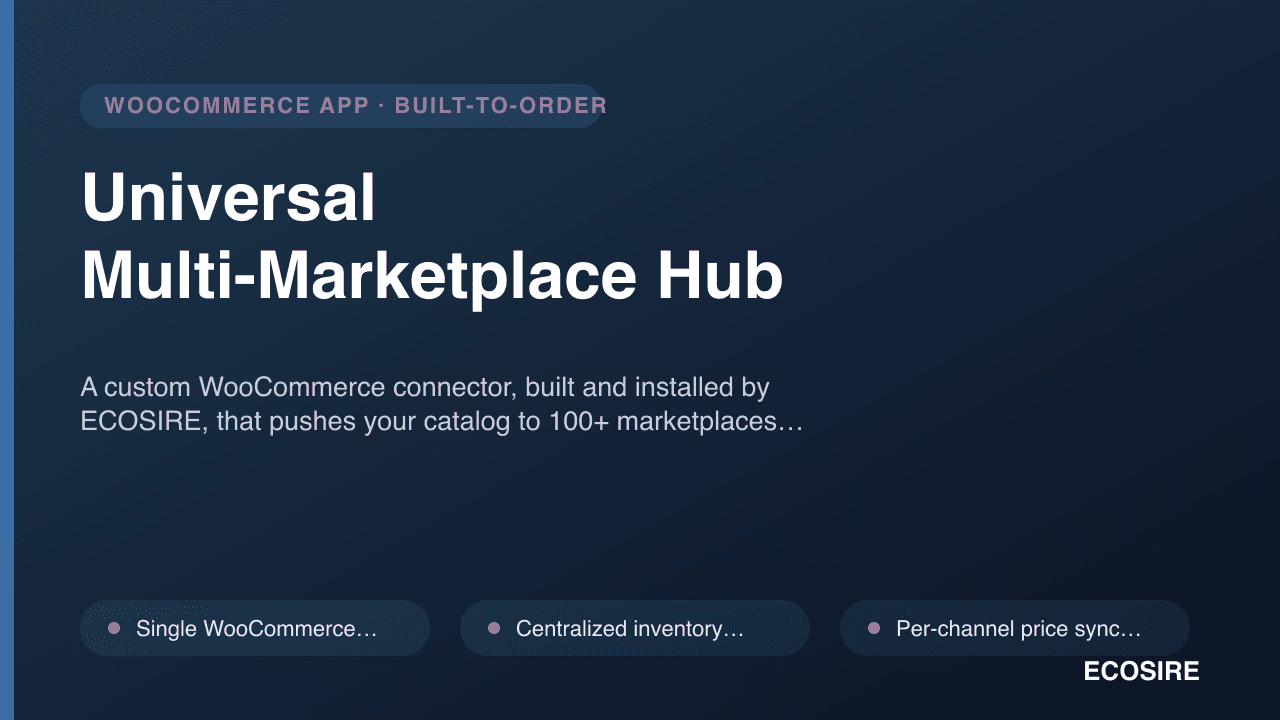
Universal Multi-Marketplace Hub
A custom WooCommerce connector, built and installed by ECOSIRE, that pushes your catalog to 100+ marketplaces (Trendyol, Noon, Lazada, Wayfair, eMAG) and syncs inventory, prices and orders from one wp-admin dashboard.
Sell Courses with WooCommerce
A build-to-order WooCommerce plugin that connects your store's checkout to your LMS, so a paid order automatically enrolls the student, with bundles, subscriptions, group seats and drip access all controlled from wp-admin.
- Maps each WooCommerce product to one or more LMS courses, lessons or groups via a wp-admin mapping screen
- Auto-enrolls students on the `woocommerce_order_status_completed`/`processing` actions and un-enrolls on refund, cancellation or failed renewal
- LMS adapters for LearnDash, Tutor LMS, LifterLMS and Sensei LMS using each platform's native enrollment API and course CPTs
- Sells courses individually, as multi-course bundles (one SKU, many enrollments), or as recurring access via WooCommerce Subscriptions