 Örnek önizleme
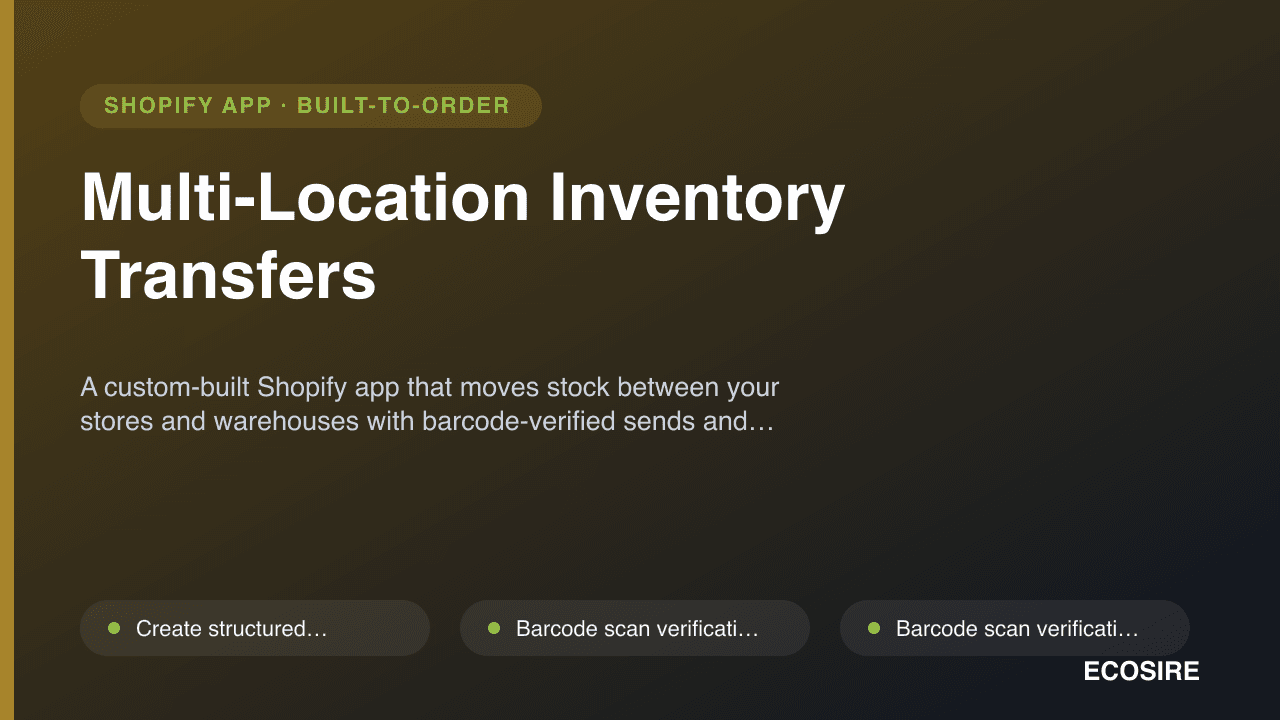
A custom-built Shopify app that moves stock between your stores and warehouses with barcode-verified sends and
receives, in-transit tracking, and a complete transfer audit trail.
Multi-Location Inventory Transfers nedir?
A custom-built Shopify app that moves stock between your stores and warehouses with barcode-verified sends and receives, in-transit tracking, and a complete transfer audit trail. Built to order by ECOSIRE for Shopify (build-to-order) — indicative price from $999.00 USD; request a quote for a scoped proposal.
Temel Özellikler
Siparişe özel, sizin için baştan sona
Kendiniz kurmanıza gerek yok — ECOSIRE tarafından geliştirilen, kurulan ve desteklenen çalışır bir uygulama.
- 1
Sipariş verirsiniz
Tek seferlik geliştirme fiyatıyla başlayın. Kapsamı başlangıçta sizinle birlikte belirleriz.
- 2
Geliştirir ve kurarız
ECOSIRE, Shopify ortamınızda geliştirir, yapılandırır ve kurar.
- 3
Yayına alma + destek
Yaklaşık bir iş haftasında yayına alırsınız; canlıya geçiş sonrası iki hafta destek dahildir. Teslim ettiğimiz koddaki hatalar ücretsiz düzeltilir.
Bu Ürün Hakkında
Shopify's native multi-location inventory tells you how much stock sits at each location, but it gives you no structured way to move that stock. There is no purpose-built transfer document, no scan verification, no in-transit state, and no record of who sent what to where. Most multi-store retailers end up tracking transfers in spreadsheets and discovering discrepancies only after stock has already gone missing.
Multi-Location Inventory Transfers is a Shopify app we build to order and install on your store. It adds a proper transfer workflow on top of Shopify's existing multi-location inventory: create a transfer, scan each item on dispatch, watch it sit in an in-transit state, then scan again on arrival to receive it — including partial receipts when a shipment arrives split across days.
Under the hood it is an embedded app using OAuth, the Admin GraphQL API, and inventoryAdjustQuantities to move available quantities between location IDs only when a receipt is confirmed — so in-transit units are never double-counted as sellable. Transfer records live in app-owned database tables with metafield references back to the relevant products and locations, and inventory webhooks (inventory_levels/update) keep suggestions accurate. Low-stock auto-transfer suggestions compare per-location availability against thresholds you set and recommend rebalancing moves.
Because it is built for your store, the workflow matches your locations, barcode format, and approval rules — not a generic template. ECOSIRE handles the build, the install, and ongoing support. This is not an instant App Store download; it is a custom engagement with an honest delivery lead time, described below.
Ne elde edeceksin
- A custom Shopify app, built for your store and installed via OAuth with the minimum required inventory and location scopes
- The complete scan-to-send and scan-to-receive transfer workflow embedded in your Shopify admin
- App-owned database tables and metafield references configured for your products, locations, and barcode format
- Low-stock threshold and auto-transfer suggestion rules configured to your per-location targets
- Webhook subscriptions (inventory_levels/update and app/uninstalled) registered and verified against your store
- A short handover session plus written admin documentation covering daily transfer operations
- A defined support window after go-live for fixes, adjustments, and Shopify API-change maintenance
Bu kimin için
Multi-store retail operator
Runs two or more physical stores plus an online channel and constantly shuffles stock between them. Needs every transfer scanned and logged so on-hand figures stay trustworthy and shrinkage gets caught at the door, not at year-end.
Warehouse and fulfilment manager
Replenishes retail floors from a central warehouse and needs an in-transit state plus partial receipts so stock in motion is never oversold and split deliveries reconcile cleanly.
Operations or inventory lead
Owns inventory accuracy across the business and is tired of spreadsheet transfers. Wants auto-transfer suggestions, an audit trail, and exportable records to defend the numbers during reconciliation.
Multi-Location Inventory Transfers Nasıl Karşılaştırılır
| Kriter | ECOSIRE | Özel Yapı | Rakip | Shopify Yerleşik |
|---|---|---|---|---|
| Purpose-built transfer document (create, send, receive) | Dahil | Dahil | Kısmi destek | Dahil değil |
| Barcode scan verification on both send and receive | Dahil | Kısmi destek | Kısmi destek | Dahil değil |
| True in-transit state (units not sellable at either end) | Dahil | Kısmi destek | Kısmi destek | Dahil değil |
| Partial-receipt handling for split deliveries | Dahil | Kısmi destek | Kısmi destek | Dahil değil |
| Low-stock auto-transfer suggestions | Dahil | Kısmi destek | Kısmi destek | Dahil değil |
| Tailored to your exact locations, barcodes, and approval rules | Dahil | Dahil | Dahil değil | Dahil değil |
| Available instantly with no build lead time | Dahil değil | Dahil değil | Dahil | Dahil |
| Full audit trail of who sent and received each transfer | Dahil | Kısmi destek | Kısmi destek | Dahil değil |
| Single accountable party for build, install, and support | Dahil | Kısmi destek | Dahil değil | Kısmi destek |
Multi-Location Inventory Transfers hakkında Sıkça Sorulan Sorular
How long does delivery take, since this is built to order?
This is a custom build, not an instant App Store install. After a short scoping call to confirm your locations, barcode format, and approval rules, a typical build-and-install runs about one working week depending on how much your workflow differs from the standard transfer flow. We confirm a firm timeline in writing before any work starts, and we install the finished app directly on your store via OAuth.
What happens to support and updates after the app goes live?
Every build includes a defined post-launch support window for bug fixes, configuration adjustments, and maintenance when Shopify changes its Admin API or webhook behaviour. After that window you can keep us on a support arrangement for ongoing changes and new features. Because the app is yours and runs on infrastructure we set up for you, we are the single point of contact — there is no third-party vendor in between.
Does this replace Shopify's native multi-location inventory?
No — it builds on top of it. Shopify already tracks how much stock sits at each location; this app adds the missing transfer workflow: a transfer document, scan verification on send and receive, an in-transit state, and partial receipts. Inventory changes are written back through Shopify's Admin GraphQL API, so your Shopify location stock levels remain the source of truth.
How does the barcode scan verification actually work?
On dispatch, staff scan each unit against the open transfer; the app matches scans to expected line items and flags any mismatch before stock leaves. On arrival, staff scan again to receive — only scanned-and-confirmed units update Shopify availability at the destination, and anything short stays tracked as an open partial receipt. It works with standard USB or Bluetooth barcode scanners and your existing product barcodes.
What access does the app need to my store?
It installs through standard Shopify OAuth and requests only the scopes required to read and write inventory levels and locations, plus the webhooks it needs to stay accurate. We do not request scopes the transfer workflow does not use, and we walk you through exactly what is requested during install.
Can it handle stock that arrives split across several days?
Yes. Partial-receipt handling is built in: when only part of a transfer arrives, you receive what is in hand, and the app keeps the remaining quantity open and in-transit. The transfer closes only once all units are received or you mark the balance as reconciled, and every step is recorded in the audit trail.
İlgili Modüller
M-Pesa Checkout for Shopify (East Africa)
A custom-built Shopify payment integration that lets your Kenyan and East-African shoppers pay by Safaricom M-Pesa STK-push (Lipa na M-Pesa), with real-time confirmation and automatic order capture.
Multi-Currency Accounting & FX Reconciliation
A custom-built, installed-for-you Shopify app that captures revenue, fees and settlements per currency, applies daily FX rates, and posts realized/unrealized FX gain-loss journals to your home-currency books.

Omnichannel Marketing Hub (Email + SMS + Push)
A build-to-order Shopify app that unifies email, SMS, web push, and WhatsApp into one automation canvas, with a shared subscriber list, channel fallback logic, and unified revenue analytics. Built, installed, and supported by ECOSIRE.
Omnichannel Social Inbox
A single unified inbox that pulls WhatsApp, Instagram, Messenger, Telegram, SMS and live chat into one screen, each conversation enriched with live Shopify order and customer data. Custom-built and installed for your store by ECOSIRE.
Multi-Location Inventory Transfers
A custom-built Shopify app that moves stock between your stores and warehouses with barcode-verified sends and receives, in-transit tracking, and a complete transfer audit trail.
- Create structured stock transfers between any two Shopify locations (stores or warehouses) with line-level quantities
- Barcode scan verification on dispatch — every unit is scanned against the transfer before it leaves, catching mispicks at source
- Barcode scan verification on receipt — arriving stock is scanned in, and only confirmed units update Shopify availability
- True in-transit state so units leaving one location are not counted as sellable at either end until received