 Örnek önizleme
A custom-built Magento 2 / Adobe Commerce module that automates two-way data exchange with QuickBooks Desktop
(Enterprise & Pro) over the QuickBooks Web Connector — posting orders, invoices, credit memos, payments, customers, products and inventory on a cron-driven schedule. Built, installed and supported by ECOSIRE.
QuickBooks Desktop Connector for Magento 2 nedir?
A custom-built Magento 2 / Adobe Commerce module that automates two-way data exchange with QuickBooks Desktop (Enterprise & Pro) over the QuickBooks Web Connector — posting orders, invoices, credit memos, payments, customers, products and inventory on a cron-driven schedule. Built, installed and supported by ECOSIRE. Built to order by ECOSIRE for Magento 2 / Adobe Commerce (build-to-order) — indicative price from $999.00 USD; request a quote for a scoped proposal.
Temel Özellikler
Siparişe özel, sizin için baştan sona
Kendiniz kurmanıza gerek yok — ECOSIRE tarafından geliştirilen, kurulan ve desteklenen çalışır bir uygulama.
- 1
Sipariş verirsiniz
Tek seferlik geliştirme fiyatıyla başlayın. Kapsamı başlangıçta sizinle birlikte belirleriz.
- 2
Geliştirir ve kurarız
ECOSIRE, Magento 2 ortamınızda geliştirir, yapılandırır ve kurar.
- 3
Yayına alma + destek
Yaklaşık bir iş haftasında yayına alırsınız; canlıya geçiş sonrası iki hafta destek dahildir. Teslim ettiğimiz koddaki hatalar ücretsiz düzeltilir.
Bu Ürün Hakkında
Merchants still running QuickBooks Desktop face a hard gap: Adobe Commerce and Magento Open Source have no native bridge to a locally-installed, file-based accounting system. ECOSIRE closes that gap with a purpose-built Magento 2 extension that talks to QuickBooks Desktop through the official QuickBooks Web Connector (QBWC) using the qbXML/SOAP request-response cycle, with an IIF batch-export fallback for environments where QBWC can't be deployed.
This is not an instant Adobe Commerce Marketplace download. ECOSIRE builds the module to your data model, installs it on your environment, and supports it afterward. The connector ships as a proper module under app/code/Ecosire/QuickBooksDesktop — wired through di.xml, sales/order observers and plugins (interceptors), Magento service contracts, admin ACL, and a cron group that drives scheduled batch posting. A SOAP controller implements the QBWC callback methods (authenticate, sendRequestXML, receiveResponseXML, closeConnection) so QuickBooks pulls work from Magento on its own polling interval.
Field mapping is explicit and reviewable: Magento customers, products, sales orders, invoices, credit memos and payments map to QuickBooks Customers, Items, Invoices, Credit Memos and ReceivePayments. Inventory and price changes flow back to keep both systems in agreement. Every exchange is logged with the qbXML payload and QuickBooks response so failed postings are traceable, not silent.
Because it's built to order, your chart-of-accounts, tax codes, item types (inventory vs. non-inventory vs. service) and store-view scoping are configured for your books — work an off-the-shelf extension or a marketplace plugin can't do generically. ECOSIRE handles installation, a sandbox dry-run against a QuickBooks test company file, go-live and ongoing support.
Ne elde edeceksin
- Custom Magento 2 module (Ecosire/QuickBooksDesktop) installed under app/code on your environment, version-pinned to your Magento/Adobe Commerce release
- Configured QuickBooks Web Connector (.qwc) file plus the QBWC password and connection setup for your QuickBooks company file
- Documented field-mapping sheet: Magento orders, invoices, customers, products, credit memos and payments to QuickBooks accounts, items and tax codes
- Sandbox dry-run against a QuickBooks test company file with a sign-off checklist before any production postings
- Cron and scheduling configuration with the chosen batch frequency and a monitored error/retry log
- Admin/operator runbook covering reconnection, QBWC re-auth, log review and IIF fallback procedure
- Post-go-live support window with bug fixes and a defined SLA, plus optional ongoing maintenance
Bu kimin için
QuickBooks Desktop merchant
An online retailer whose accountant runs QuickBooks Desktop Enterprise or Pro on-premise and refuses to migrate to QuickBooks Online — needing Magento orders, invoices and payments to land in the ledger automatically instead of being keyed in by hand.
Finance / bookkeeping lead
The person responsible for month-end close who wants Magento sales, credit memos and customer balances reconciled in QuickBooks without manual CSV/IIF imports, and who needs an audit trail of every posting for review.
Magento store operations manager
Operations owner managing inventory and pricing across the storefront who needs stock levels and prices to stay consistent between Magento and QuickBooks, and wants a scheduled, low-maintenance sync rather than a fragile spreadsheet process.
QuickBooks Desktop Connector for Magento 2 Nasıl Karşılaştırılır
| Kriter | ECOSIRE | Özel Yapı | Rakip | Magento 2 Yerleşik |
|---|---|---|---|---|
| Posts Magento orders, invoices and payments into QuickBooks Desktop automatically | Dahil | Kısmi destek | Dahil | Dahil değil |
| Built and installed for your specific chart of accounts, tax codes and item types | Dahil | Dahil | Dahil değil | Dahil değil |
| QuickBooks Web Connector (qbXML/SOAP) integration with IIF fallback | Dahil | Kısmi destek | Kısmi destek | Dahil değil |
| Two-way inventory and price synchronization | Dahil | Kısmi destek | Kısmi destek | Dahil değil |
| Idempotent posting with per-exchange qbXML logging and retry | Dahil | Kısmi destek | Kısmi destek | Dahil değil |
| Vendor-provided installation, sandbox dry-run and go-live support | Dahil | Dahil değil | Kısmi destek | Dahil değil |
| Ongoing fixes and Magento-upgrade compatibility from the original builder | Dahil | Dahil değil | Kısmi destek | Dahil değil |
| No per-seat or recurring SaaS middleware fee (one-time build) | Dahil | Dahil | Dahil değil | Dahil |
QuickBooks Desktop Connector hakkında Sıkça Sorulan Sorular
How long until the connector is built and live on my store?
Because this is built to order, ECOSIRE first reviews your Magento version (Open Source or Adobe Commerce), your QuickBooks Desktop edition and your chart of accounts, then builds and installs the module. A typical engagement runs about one working week from kickoff to go-live, including a sandbox dry-run against a QuickBooks test company file. The exact lead time is confirmed in writing after the scoping call — there is no instant Marketplace download.
What ongoing support and updates do I get after launch?
Every build includes a post-go-live support window with bug fixes and a defined SLA. After that, you can keep an optional maintenance plan that covers Magento minor-version upgrade compatibility, QuickBooks Web Connector reconnection issues, mapping changes (new tax codes, accounts or item types) and log monitoring. Because ECOSIRE built the module, fixes and enhancements come from the original engineers rather than a third-party support queue.
Does this work with QuickBooks Online?
No. This connector is specifically for QuickBooks Desktop (Enterprise and Pro, US editions) and integrates through the QuickBooks Web Connector and qbXML. QuickBooks Online uses an entirely different cloud REST API and would be a separate ECOSIRE build.
Will it create duplicate invoices if a sync runs twice?
No. The module stores the QuickBooks ListID and TxnID returned for each posted entity and checks them before re-posting, so re-runs and QBWC retries are idempotent. Each exchange is also logged with its qbXML payload so you can trace exactly what was sent and what QuickBooks returned.
Do I need the QuickBooks Web Connector, and does QuickBooks have to be open?
Yes — the QuickBooks Web Connector is the official Intuit bridge to Desktop and must be installed on a machine that can reach your company file; QuickBooks (or QBWC in unattended mode with a stored password) must be running for scheduled syncs to post. For setups where QBWC cannot be deployed, ECOSIRE configures the IIF batch-export fallback instead.
İlgili Modüller
Power BI Connector for Magento
A custom-built Magento 2 / Adobe Commerce extension that automatically extracts, models, and delivers your store data into Power BI with prebuilt sales, inventory, and customer dashboards. Built, installed, and supported by ECOSIRE on your own Magento instance.
Product Feed Generator (Google/Meta/marketplaces)
A custom-built Magento 2 / Adobe Commerce module that generates and auto-refreshes product data feeds for Google Shopping, Meta, Amazon, eBay, and price comparison engines — built, installed, and supported by ECOSIRE on your store.
QuickBooks Online Connector for Magento 2
A build-to-order Magento 2 extension that two-way syncs orders, invoices, customers, products, payments and inventory with QuickBooks Online. ECOSIRE builds, installs and supports it on your store.
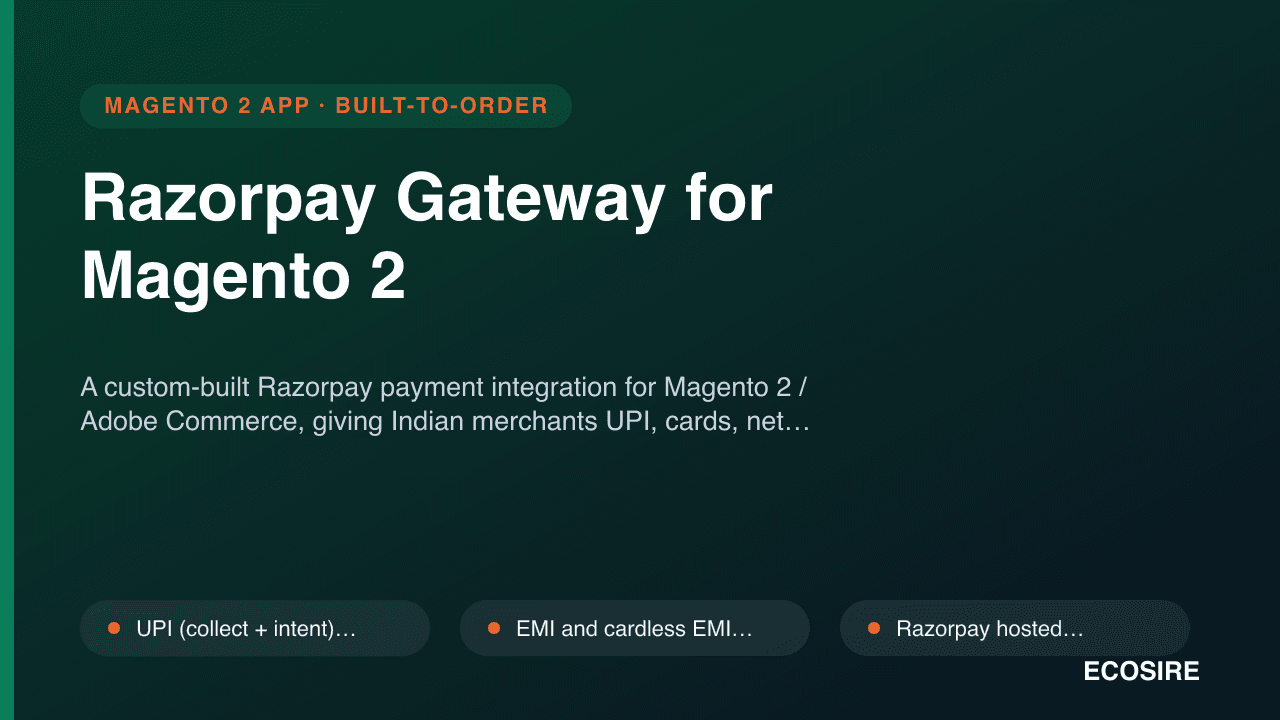
Razorpay Gateway for Magento 2
A custom-built Razorpay payment integration for Magento 2 / Adobe Commerce, giving Indian merchants UPI, cards, net banking, wallets and EMI in checkout — built, installed and supported by ECOSIRE on your store.
QuickBooks Desktop Connector
A custom-built Magento 2 / Adobe Commerce module that automates two-way data exchange with QuickBooks Desktop (Enterprise & Pro) over the QuickBooks Web Connector — posting orders, invoices, credit memos, payments, customers, products and inventory on a cron-driven schedule. Built, installed and supported by ECOSIRE.
- QuickBooks Web Connector (QBWC) integration via a qbXML/SOAP controller implementing authenticate, sendRequestXML, receiveResponseXML and closeConnection callbacks
- IIF batch-export fallback for environments where the Web Connector cannot be installed
- Sales order, invoice and customer mapping from Magento entities to QuickBooks Invoices, Customers and Items
- Credit memo posting as QuickBooks Credit Memos and order payments as ReceivePayments transactions