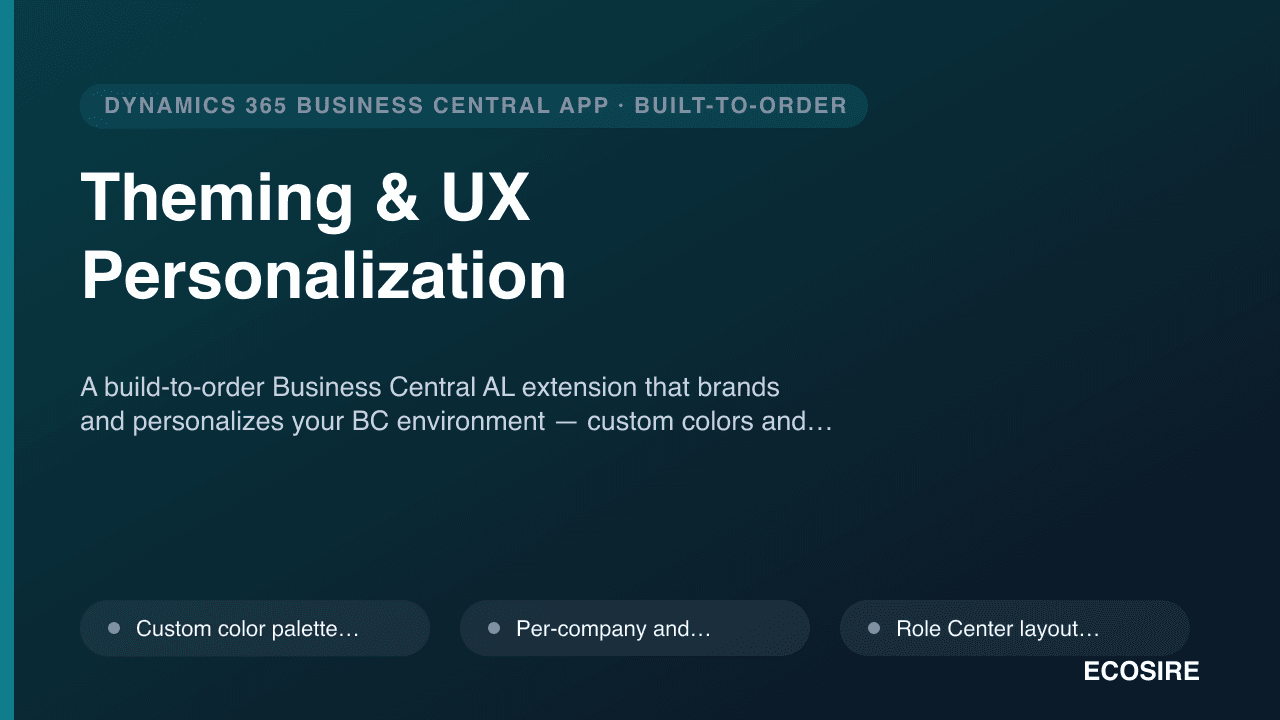
 Örnek önizleme
A build-to-order Business Central AL extension that brands and personalizes your BC environment
— custom colors and logos, per-company branding, role-tailored Role Center presets, field highlight and watermark rules, and accessibility options. Built, installed and supported by
ECOSIRE on your tenant.
Theming & UX Personalization nedir?
A build-to-order Business Central AL extension that brands and personalizes your BC environment — custom colors and logos, per-company branding, role-tailored Role Center presets, field highlight and watermark rules, and accessibility options. Built, installed and supported by ECOSIRE on your tenant. Built to order by ECOSIRE for Dynamics 365 BC (build-to-order) — indicative price from $999.00 USD; request a quote for a scoped proposal.
Temel Özellikler
Siparişe özel, sizin için baştan sona
Kendiniz kurmanıza gerek yok — ECOSIRE tarafından geliştirilen, kurulan ve desteklenen çalışır bir uygulama.
- 1
Sipariş verirsiniz
Tek seferlik geliştirme fiyatıyla başlayın. Kapsamı başlangıçta sizinle birlikte belirleriz.
- 2
Geliştirir ve kurarız
ECOSIRE, Dynamics 365 Business Central ortamınızda geliştirir, yapılandırır ve kurar.
- 3
Yayına alma + destek
Yaklaşık bir iş haftasında yayına alırsınız; canlıya geçiş sonrası iki hafta destek dahildir. Teslim ettiğimiz koddaki hatalar ücretsiz düzeltilir.
Bu Ürün Hakkında
Standard Dynamics 365 Business Central ships with a single, generic look — the same blue header, the same default Role Centers for every user. For organizations running multiple companies, brands, or distinct departments in one tenant, that uniformity creates confusion and a flat, off-the-shelf feel. Theming & UX Personalization is a build-to-order AL extension that ECOSIRE designs, builds, installs and supports on your Business Central environment to fix exactly that.
We deliver it as a per-tenant extension (not a public AppSource listing) deployed straight to your Production and Sandbox environments via the Extension Management page or the Admin Center. It applies custom color palettes and your logo to the client shell, drives per-company / per-environment branding so users instantly know whether they're in "Production – Brand A" or a sandbox, and ships Role Center layout presets tailored to each permission set and persona.
Under the hood it uses page extensions, table extensions and event subscribers (for example on company switch and Role Center open) to apply rules without touching base application objects. Field highlight and watermark rules draw the eye to critical fields and stamp non-production environments with a clear watermark to prevent costly mistakes. Light/dark presets and accessibility options (contrast, font scaling, focus cues) round out the experience.
Because it's build-to-order, the configuration is yours — your colors, your companies, your role mappings — and ECOSIRE owns the AL code, the install, and ongoing compatibility as Microsoft ships BC updates. No DIY AL project to staff, no generic theme to wrestle into shape. Honest lead time, real engineering, full support.
Ne elde edeceksin
- A signed per-tenant Business Central AL extension (.app) built to your brand and role specifications
- Installation on your Production and Sandbox environments via Extension Management or the BC Admin Center
- A configuration/setup page and table so your admins can adjust colors, logos and rules post-handover
- Documented Role Center presets mapped to your permission sets and personas
- Field highlight and environment watermark rules configured to your requirements
- Source AL project handover (page/table extensions, event subscribers) plus a short admin and end-user guide
- Post-install support window and compatibility maintenance across Microsoft BC monthly/major updates
Bu kimin için
BC Administrator
Owns the Business Central tenant and wants a branded, consistent, mistake-proof environment — with the ability to tweak colors, logos and watermark rules from a setup page without filing a developer ticket.
IT / Microsoft Solutions Lead
Runs the wider Microsoft estate and needs BC branding to align with Dataverse, Power Platform and corporate identity, delivered as a maintainable per-tenant extension rather than ad-hoc personalizations.
Operations / Finance Manager
Wants role-tailored Role Centers so each team lands on the right KPIs and actions, plus clear visual cues on critical fields to cut data-entry errors across multiple companies.
Theming & UX Personalization Nasıl Karşılaştırılır
| Kriter | ECOSIRE | Özel Yapı | Rakip | Dynamics 365 Business Central Yerleşik |
|---|---|---|---|---|
| Custom colors, logo and per-company branding | Dahil | Dahil | Kısmi destek | Dahil değil |
| Role Center presets mapped to permission sets / personas | Dahil | Dahil | Kısmi destek | Kısmi destek |
| Field highlight and environment watermark rules | Dahil | Dahil | Dahil değil | Dahil değil |
| Built, installed and supported for you (no AL staff needed) | Dahil | Dahil değil | Kısmi destek | Dahil değil |
| Upgrade-safe across Microsoft BC monthly/major updates | Dahil | Kısmi destek | Dahil | Dahil |
| Accessibility options (contrast, font scaling, focus cues) | Dahil | Kısmi destek | Kısmi destek | Kısmi destek |
| Tailored exactly to your brand and role mapping | Dahil | Dahil | Dahil değil | Dahil değil |
| Admin self-service config page (no redeploy) | Dahil | Kısmi destek | Kısmi destek | Dahil değil |
Theming & UX Personalization hakkında Sıkça Sorulan Sorular
Is this an instant download from Microsoft AppSource?
No. This is a build-to-order extension. ECOSIRE designs it to your brand, companies and role mappings, then installs it as a per-tenant AL extension directly on your Business Central environments. There is no public AppSource listing to download — you get a tailored solution and a real engineer behind it.
What is the delivery lead time?
Typical delivery is about one working week from when we have your brand assets (colors, logo), company list and role/permission-set mapping. Simple single-company branding is faster; multi-company, multi-environment setups with custom field-highlight and watermark rules sit at the longer end. We confirm a firm date during scoping.
How does ongoing support and updates work?
Your purchase includes a post-install support window plus compatibility maintenance. Because Microsoft ships Business Central monthly and major (wave) updates, we keep the extension current so themes, Role Center presets and event subscribers continue working after platform upgrades. Configuration changes you can self-serve from the setup page; structural changes we handle for you.
Will this break our integrations, API or job queue?
No. The extension operates only at the UI/presentation layer using page and table extensions and event subscribers. It does not alter the BC REST/OData API surface, job queue entries, or your data, so existing integrations and automations are unaffected.
Can our admins change colors and rules after handover?
Yes. We ship a configuration page backed by a setup table so admins can update color palettes, logos, watermark text and highlight rules without a redeployment. Role Center preset structure and new field rules are best handled by ECOSIRE to keep the AL extension clean and upgrade-safe.
İlgili Modüller
Telephony / Click-to-Call for Dynamics 365
A custom AL extension that wires your cloud phone system (RingCentral, Twilio, or Vonage) into Dynamics 365 Business Central — click-to-dial from any phone field, inbound screen pop to the matched record, and automatic call logging to the activity timeline. Built, installed per-tenant, and supported by ECOSIRE.
Telr Payment Gateway for Business Central
A build-to-order AL extension that connects Microsoft Dynamics 365 Business Central to the Telr gateway for UAE/KSA card, Mada and local-wallet acceptance, hosted pay-links, tokenized recurring billing, 3DS2/SCA and automatic payment reconciliation. Built, installed per-tenant and supported by ECOSIRE.
Tip Pooling & Service Charge Manager
A custom-built Business Central (AL) extension that calculates, pools and distributes tips and service charges across staff and shifts, with auditable allocations, clean GL postings and a payroll-ready payout export. Built, installed as a per-tenant extension and supported by ECOSIRE.
Türkiye e-Arşiv & e-Fatura
A build-to-order AL extension that issues e-Fatura and e-Arşiv documents straight from Dynamics 365 Business Central, routing each customer to the correct GİB scenario. The UBL-TR payload, the human-readable copy and the audit trail all stay attached to one posted invoice.
Theming & UX Personalization
A build-to-order Business Central AL extension that brands and personalizes your BC environment — custom colors and logos, per-company branding, role-tailored Role Center presets, field highlight and watermark rules, and accessibility options. Built, installed and supported by ECOSIRE on your tenant.
- Custom color palette and logo theming applied to the Business Central client shell via a per-tenant AL extension
- Per-company and per-environment branding so users instantly recognize Production vs Sandbox and Brand A vs Brand B
- Role Center layout presets mapped to permission sets and personas (Accountant, Sales, Warehouse, Admin)
- Field highlight rules that visually flag mandatory or high-risk fields on key pages