 उदाहरणात्मक पूर्वावलोकन
A custom AL extension that wires your cloud phone system (RingCentral,
Twilio, or Vonage) into Dynamics 365 Business Central — click-to-dial from any phone field, inbound screen pop to the matched record, and automatic call logging to the activity timeline. Built, installed per-tenant, and supported by ECOSIRE.
Telephony / Click-to-Call for Dynamics 365 क्या है?
A custom AL extension that wires your cloud phone system (RingCentral, Twilio, or Vonage) into Dynamics 365 Business Central — click-to-dial from any phone field, inbound screen pop to the matched record, and automatic call logging to the activity timeline. Built, installed per-tenant, and supported by ECOSIRE. Built to order by ECOSIRE for Dynamics 365 BC (build-to-order) — indicative price from $999.00 USD; request a quote for a scoped proposal.
प्रमुख सुविधाएँ
ऑर्डर पर निर्मित, पूरी तरह आपके लिए तैयार
स्वयं सेटअप की ज़रूरत नहीं — ECOSIRE द्वारा निर्मित, इंस्टॉल और समर्थित एक कार्यशील ऐप।
- 1
आप ऑर्डर करते हैं
एक बार के निर्माण मूल्य से शुरू करें। किकऑफ़ पर हम आपके साथ मिलकर दायरा तय करते हैं।
- 2
हम बनाते और इंस्टॉल करते हैं
ECOSIRE इसे आपके Dynamics 365 Business Central पर बनाता, कॉन्फ़िगर और इंस्टॉल करता है।
- 3
लाइव + समर्थन
आप लगभग एक कार्य सप्ताह में लाइव हो जाते हैं, गो-लाइव के बाद दो सप्ताह के समर्थन के साथ। हमारे द्वारा दिए गए कोड की खामियाँ निःशुल्क ठीक की जाती हैं।
इस उत्पाद के बारे में
Inside-sales and support reps lose minutes on every call copying numbers, hunting for the right customer card, and typing up notes afterward. This extension closes the gap between your cloud telephony provider and Dynamics 365 so the phone and the ERP behave like one tool.
What it does. We build a per-tenant AL extension for your Business Central environment that adds click-to-dial actions to phone fields on Customer, Vendor, Contact, and Contact card pages via page extensions. A click invokes your provider's click-to-call (RingCentral RingOut, Twilio Programmable Voice, or Vonage Voice API) through a lightweight HTTPS call from a codeunit. For inbound calls, a webhook receiver — a small connector ECOSIRE hosts or an Azure Function in your tenant — matches the caller's number against contact records and surfaces a screen pop with the matched card or a quick-create prompt. Every connected or completed call is written to an interaction/activity log entry through an event subscriber, with call duration, direction, and a deep link to the provider's call-recording URL placed on the record timeline.
How it's delivered. This is a build-to-order engagement, not an instant AppSource download. After purchase ECOSIRE confirms your provider, environment (cloud or on-prem), and matching rules, then builds, installs the signed extension on your Business Central tenant (per-tenant extension, or AppSource-route submission if you prefer), provisions the required permission sets, and configures the job queue entries for any background reconciliation. We hand over a short admin guide and remain available for support and updates.
Honest scope. Provider plans, number capacity, and any recording-consent/compliance obligations remain yours. We integrate cleanly with what your telephony licensing allows.
What you get
- A signed, per-tenant AL extension (.app) built for your Business Central version, installed on your environment
- Page extensions exposing click-to-dial on Customer, Vendor, and Contact phone fields
- A configured webhook/Azure Function (or ECOSIRE-hosted connector) for inbound screen pop and call events
- Telephony Setup page plus dedicated permission sets assigned to the relevant user roles
- Job queue configuration for background reconciliation and retry logic
- Source code (AL project) and a short administrator + end-user guide
- Post-deployment support window for fixes, provider re-configuration, and version compatibility
Who this is for
Inside Sales Rep
Dials dozens of prospects a day from the Customer and Contact lists. Wants one-click calling from the record they're already on and zero after-call typing, so every conversation is logged automatically to the timeline.
Support / Service Agent
Answers inbound calls and needs the matched customer card on screen the instant the phone rings, with recent orders and open issues in view — no searching by name while the caller waits.
Business Central Administrator
Owns the tenant and cares about how the extension is installed, which permission sets it adds, where API credentials live, and whether it survives BC version updates. Wants a clean per-tenant extension, not unmanaged customizations.
Sales / Support Manager
Needs reliable call activity data — volume, direction, recordings — captured on records for coaching and pipeline visibility, without depending on reps to log calls manually.
How Telephony / Click-to-Call for Dynamics 365 Compares
| Criterion | ECOSIRE | Custom Build | Competitor | Dynamics 365 Business Central नेटिव |
|---|---|---|---|---|
| Click-to-dial directly from BC phone fields | Included | Included | Partial support | Not included |
| Inbound screen pop to matched customer record | Included | Partial support | Partial support | Not included |
| Automatic call logging to activity/interaction timeline | Included | Partial support | Partial support | Not included |
| Call-recording deep links on the record | Included | Partial support | Partial support | Not included |
| Built and tuned for your exact provider and BC version | Included | Included | Not included | Not included |
| Installed, supported, and version-maintained for you | Included | Not included | Partial support | Not included |
| You own the AL source code | Included | Included | Not included | Not included |
| Optional Dataverse / D365 Sales activity sync | Included | Partial support | Partial support | Not included |
Frequently Asked Questions about Telephony / Click-to-Call
Is this a download from Microsoft AppSource?
No. This is a build-to-order extension. ECOSIRE builds it for your specific provider and Business Central version, then installs it as a signed per-tenant extension on your environment. If you would rather we publish it through your own AppSource account or as a managed app, we can structure delivery that way — just tell us during scoping.
How long does delivery take?
A typical single-provider build (one of RingCentral, Twilio, or Vonage) with standard click-to-dial, screen pop, and call logging runs about one working week from the kickoff call where we confirm your provider, environment, and matching rules. Multi-provider support, Dataverse sync, or custom matching logic can extend that, and we give you a firm estimate before any work starts.
Which phone providers do you support?
Out of the box we build against RingCentral (RingOut), Twilio (Programmable Voice), and Vonage (Voice API). If you use another cloud PBX or CPaaS provider with a REST API and webhook support, we can scope it — the architecture (codeunit HTTPS call out, webhook receiver in) is provider-agnostic.
What happens to support and updates after delivery?
Every build includes a post-deployment support window for bug fixes and provider re-configuration. Because Microsoft ships Business Central updates twice a year, we also offer ongoing version-compatibility maintenance so the extension keeps working across BC releases. You hold the source code either way, so you are never locked in.
Does it work with Dynamics 365 Sales / Dataverse, not just Business Central?
The core extension targets Business Central. If your team also works in Dynamics 365 Sales, we can add an optional sync so logged calls flow into Dataverse activities via the Power Platform, keeping a single view of customer interactions across both systems. That's scoped as an add-on.
Where are our phone system API keys stored?
Provider credentials and OAuth tokens are stored in Business Central Isolated Storage or a secured setup table protected by a dedicated permission set — never hard-coded into the extension. Inbound webhook endpoints are authenticated, and all provider calls go over HTTPS.
Related Modules
Tap Payments Gateway for Business Central
A build-to-order AL extension that wires Business Central to Tap Payments for GCC card, Mada, KNET, Benefit and Apple Pay acceptance, pay-by-link, tokenized card-on-file, in-BC refunds, and automated payout and fee reconciliation against your AR.
Tax Engine & E-Invoicing for Dynamics 365 Finance (Globalization)
A build-to-order extension that adds configurable multi-country tax determination and electronic invoicing to Dynamics 365 Finance & Operations Globalization Studio — designed, deployed as a per-tenant extension, and supported by ECOSIRE on your own environment.
Thailand e-Tax Invoice & Receipt
An ECOSIRE-built AL extension that turns posted Business Central sales invoices, credit memos, and receipts into digitally signed Thai e-Tax Invoice & Receipt documents, delivers them to the buyer and your accredited channel, and keeps a compliant archive. Built to order for your Business Central version and your Thai tax setup.
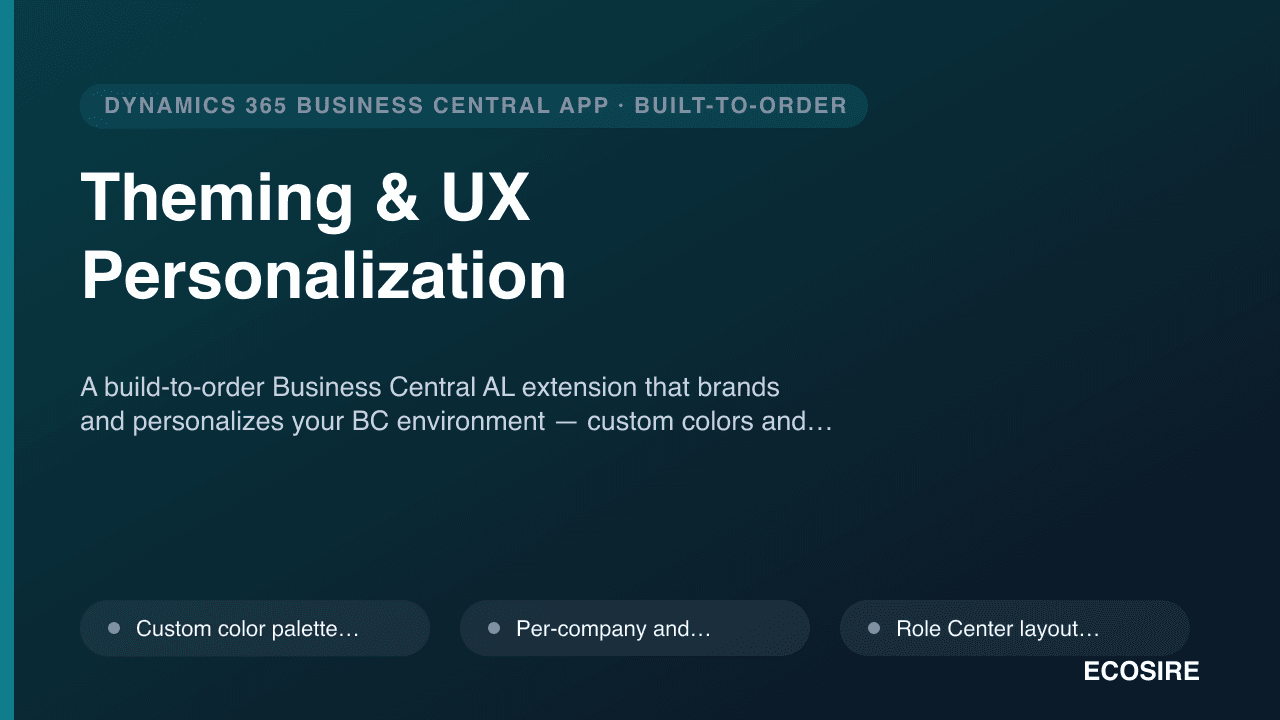
Theming & UX Personalization
A build-to-order Business Central AL extension that brands and personalizes your BC environment — custom colors and logos, per-company branding, role-tailored Role Center presets, field highlight and watermark rules, and accessibility options. Built, installed and supported by ECOSIRE on your tenant.
Telephony / Click-to-Call
A custom AL extension that wires your cloud phone system (RingCentral, Twilio, or Vonage) into Dynamics 365 Business Central — click-to-dial from any phone field, inbound screen pop to the matched record, and automatic call logging to the activity timeline. Built, installed per-tenant, and supported by ECOSIRE.
- Click-to-dial actions added via AL page extensions to every phone field on Customer, Vendor, Contact, and Contact pages
- Outbound calls placed through the provider API (RingCentral RingOut, Twilio Programmable Voice, or Vonage Voice API) from a Business Central codeunit over HTTPS
- Inbound screen pop: caller number matched against contacts, surfacing the right card or a quick-create prompt
- Automatic call logging written to interaction/activity log entries via AL event subscribers — no manual note-taking