 Aperçu illustratif
A Pakistan-localized payroll and HR extension for Microsoft Dynamics 365 Business Central
— FBR income-tax slabs, EOBI, provincial social security (PESSI/SESSI), provident fund and gratuity — built, installed and supported by
ECOSIRE on your tenant.
Qu'est-ce que Pakistan Payroll & HR for Business Central (EOBI/PESSI/Tax) ?
A Pakistan-localized payroll and HR extension for Microsoft Dynamics 365 Business Central — FBR income-tax slabs, EOBI, provincial social security (PESSI/SESSI), provident fund and gratuity — built, installed and supported by ECOSIRE on your tenant. Built to order by ECOSIRE for Dynamics 365 BC (build-to-order) — indicative price from $999.00 USD; request a quote for a scoped proposal.
Fonctionnalités clés
Fait sur commande, clé en main
Aucune configuration à faire vous-même — une app fonctionnelle conçue, installée et prise en charge par ECOSIRE.
- 1
Vous commandez
Commencez par un prix de développement unique. Nous cadrons le projet avec vous au lancement.
- 2
Nous développons et installons
ECOSIRE la développe, la configure et l'installe sur votre Dynamics 365 Business Central.
- 3
Mise en ligne + assistance
Vous êtes en ligne en une semaine ouvrée environ, avec deux semaines d’assistance après la mise en production. Les défauts du code que nous livrons sont corrigés gratuitement.
À propos de ce produit
Microsoft Dynamics 365 Business Central ships with strong finance, but it has no native Pakistan payroll engine — no FBR income-tax slabs, no EOBI, no provincial social-security registers, and no Pakistan statutory certificates. This is a build-to-order AL extension that ECOSIRE designs, builds, installs and supports directly on your Business Central environment (cloud SaaS or on-premises). It is not an instant AppSource download — it is engineered for your company's pay structures, provinces of operation and FBR registration, then deployed as a per-tenant extension.
We model payroll natively in Business Central using table and page extensions for Employee, plus dedicated tables for pay elements, statutory rule sets and contribution registers. FBR income-tax is withheld through configurable annual slab tables (salaried-individual schedule) with year-on-year versioning so a slab change is a data update, not a redeploy. EOBI and provincial social security (PESSI/SESSI and equivalents) are computed against wage ceilings per worker and posted to dedicated contribution ledgers. Provident fund and gratuity are provisioned each period with full G/L posting through standard BC posting groups, so payroll cost lands in your existing chart of accounts.
Processing runs through the BC Job Queue for scheduled monthly runs, with event subscribers so net pay, employer cost and statutory liabilities post cleanly to the General Ledger. Outputs include payslips, EOBI/social-security contribution registers and annual income-tax certificates per employee. Access is governed by purpose-built permission sets (HR officer, payroll approver, read-only auditor). Data is reachable over the Business Central OData/REST API for Power BI, and we can wire Power Platform / Dataverse flows (approvals, self-service) on request.
You receive the source AL app, a deployment to your tenant, configuration of your provinces and slabs, and a support window. Honest delivery: this is bespoke engineering with a real lead time, quoted below.
Ce que vous obtenez
- A per-tenant Business Central AL extension (.app) built for your company, installed on your cloud SaaS or on-premises environment
- Full AL source code for the extension delivered to you
- Configured FBR income-tax slab tables for the current tax year, set up as versioned data you can update
- Configured EOBI and provincial social-security (PESSI/SESSI) rule sets for the provinces you operate in
- Provident fund and gratuity provisioning wired to your existing posting groups and chart of accounts
- Permission sets, Job Queue schedule and a UAT walkthrough on your own data before go-live
- Documentation covering configuration, payroll run procedure and statutory certificate generation, plus a defined support window
Pour qui c'est
Payroll & HR Manager
Runs monthly payroll for a Pakistani workforce and needs FBR-correct withholding, EOBI and provincial social-security registers, and annual tax certificates produced from Business Central itself rather than maintained in spreadsheets.
Finance Controller / CFO
Wants payroll cost, employer contributions, provident fund and gratuity liabilities to post straight to the General Ledger through standard posting groups so month-end reconciles without manual journals.
Business Central Administrator / IT Lead
Owns the BC tenant and needs a clean per-tenant extension with proper permission sets, Job Queue scheduling and OData access — not unmanaged customizations that block future Microsoft updates.
Comment Pakistan Payroll & HR for Business Central (EOBI/PESSI/Tax) se compare
| Critère | ÉCOSIRE | Construction personnalisée | Concurrent | Natif Dynamics 365 Business Central |
|---|---|---|---|---|
| Pakistan FBR income-tax slab withholding built in | Inclus | Prise en charge partielle | Prise en charge partielle | Non inclus |
| EOBI and provincial social security (PESSI/SESSI) registers | Inclus | Prise en charge partielle | Prise en charge partielle | Non inclus |
| Provident fund and gratuity provisioning posted to G/L | Inclus | Prise en charge partielle | Prise en charge partielle | Non inclus |
| Annual income-tax certificate generation | Inclus | Prise en charge partielle | Prise en charge partielle | Non inclus |
| Built, installed and supported on your tenant by the vendor | Inclus | Non inclus | Prise en charge partielle | Non inclus |
| Tailored to your provinces, allowances and pay structure | Inclus | Inclus | Non inclus | Non inclus |
| Delivered as a clean per-tenant AL extension (upgrade-safe) | Inclus | Prise en charge partielle | Inclus | Inclus |
| Full AL source code handed over to you | Inclus | Inclus | Non inclus | Non inclus |
Foire aux questions sur Pakistan Payroll & HR for Business Central
How long does delivery take, and what does the process look like?
This is a build-to-order extension, not an instant AppSource download. A typical build runs about one working week depending on how many provinces, allowance structures and statutory registers you need. The flow is: requirements and statutory scoping, build of the AL extension, installation as a per-tenant extension on your sandbox, UAT on your own data, then production go-live. We confirm the exact timeline in writing before starting.
What ongoing support and updates are included after go-live?
Each engagement includes a support window after go-live for defect fixes and configuration help. Because FBR slabs and EOBI/social-security ceilings are built as versioned data tables, routine annual rate changes are a configuration update you (or we) apply without a redeploy. Structural statutory changes, new provinces or new report formats are handled under a support retainer or a scoped change request — we will quote these transparently.
Is this installed on Business Central cloud (SaaS) or on-premises?
Both are supported. We deliver it as a per-tenant extension installed directly on your environment. On cloud SaaS it installs into your tenant; on-premises it deploys to your BC server. It is not published to Microsoft AppSource — ECOSIRE installs and maintains it for you.
Does payroll post to the General Ledger automatically?
Yes. Net pay, employer cost, EOBI and social-security liabilities, provident fund and gratuity provisions post through standard Business Central posting groups via event subscribers, landing in your existing chart of accounts so month-end reconciliation is clean. We map the accounts to your G/L during setup.
Can the payroll data feed Power BI or other systems?
Yes. Payroll and statutory data is exposed over the Business Central OData/REST API, which Power BI can consume directly for dashboards. We can also wire Power Platform / Dataverse flows — for example leave requests, payroll approvals or employee self-service — as part of the build or a follow-on engagement.
Modules associés
Open Banking Bank Feeds
A per-tenant Business Central AL extension that pulls automatic daily open-banking statements from 12,000+ banks and matches them to invoices for live reconciliation. Built, installed and supported by ECOSIRE on your tenant.
Overtime & Shift-Differential Calculator for Business Central
A build-to-order AL extension for Microsoft Dynamics 365 Business Central that turns configurable overtime, night-shift, weekend and holiday rules into accurate gross-pay lines — captured from attendance, gated by approval, and fed into your payroll process.
PayFort / Amazon Payment Services for Business Central
A per-tenant AL extension that connects Dynamics 365 Business Central to Amazon Payment Services (PayFort), enabling cards, Mada, Apple Pay, installments, pay-by-link invoices, 3DS2 and tokenized recurring billing across MENA. Built, installed and supported by ECOSIRE.
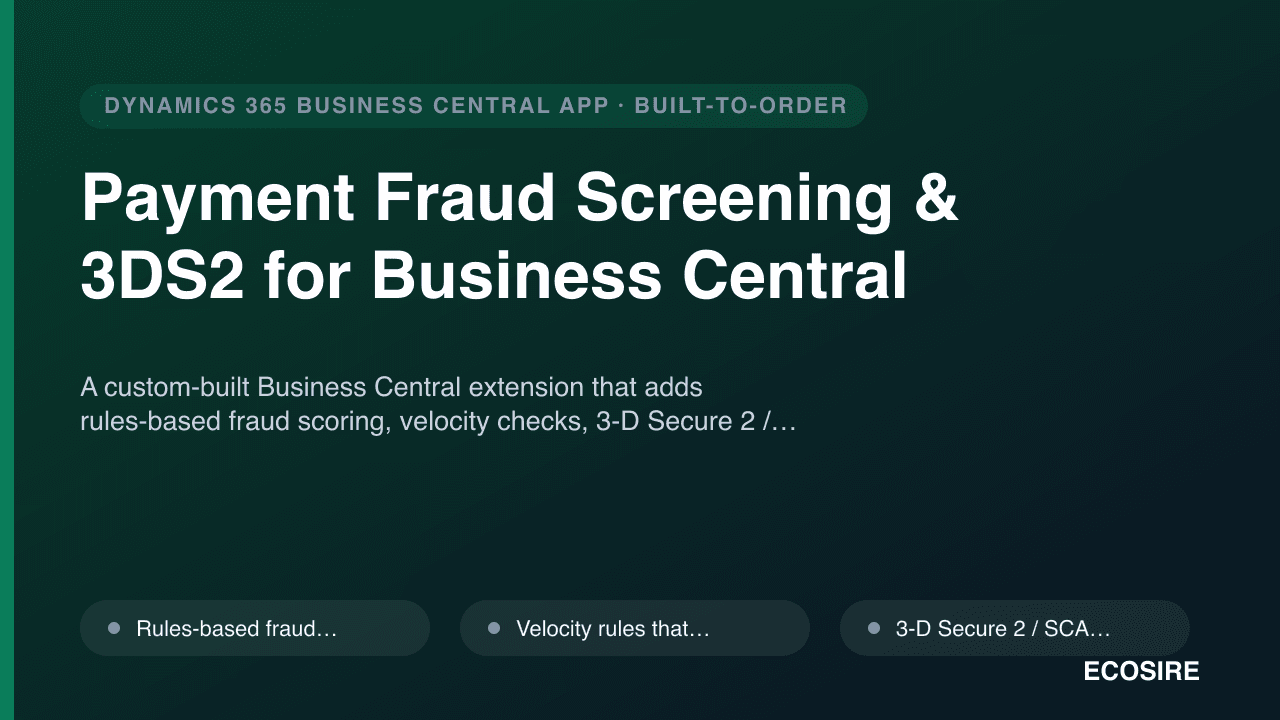
Payment Fraud Screening & 3DS2 for Business Central
A custom-built Business Central extension that adds rules-based fraud scoring, velocity checks, 3-D Secure 2 / SCA challenge enforcement, blocklist/allowlist control, a manual review queue and chargeback tracking to your payment flows — built, installed and supported by ECOSIRE.
Pakistan Payroll & HR for Business Central
A Pakistan-localized payroll and HR extension for Microsoft Dynamics 365 Business Central — FBR income-tax slabs, EOBI, provincial social security (PESSI/SESSI), provident fund and gratuity — built, installed and supported by ECOSIRE on your tenant.
- FBR income-tax slab withholding via versioned annual rate tables (salaried-individual schedule), recalculated automatically each payroll run with no redeploy on slab changes
- EOBI employee and employer contributions computed against the statutory wage ceiling and posted to a dedicated contribution register
- Provincial social-security contributions (PESSI / SESSI and equivalents) with per-province rule sets selectable per employee location
- Provident fund deduction and employer-match provisioning posted through standard Business Central posting groups to your General Ledger