 مثالی پیش منظر
A per-tenant Business Central extension that manages floor plans,
live table status and guest reservations, linking covers and turns to your BC POS. Built, installed and supported by
ECOSIRE on your own environment.
Restaurant Table & Reservation Management کیا ہے؟
A per-tenant Business Central extension that manages floor plans, live table status and guest reservations, linking covers and turns to your BC POS. Built, installed and supported by ECOSIRE on your own environment. Built to order by ECOSIRE for Dynamics 365 BC (build-to-order) — indicative price from $999.00 USD; request a quote for a scoped proposal.
اہم خصوصیات
آرڈر پر تیار، مکمل طور پر آپ کے لیے
خود سیٹ اپ کی ضرورت نہیں — ایک کام کرنے والی ایپ جو ECOSIRE بناتا، انسٹال اور سپورٹ کرتا ہے۔
- 1
آپ آرڈر دیتے ہیں
ایک بار کی تعمیر کی قیمت سے آغاز کریں۔ آغاز پر ہم آپ کے ساتھ مل کر دائرہ کار طے کرتے ہیں۔
- 2
ہم بناتے اور انسٹال کرتے ہیں
ECOSIRE اسے آپ کے Dynamics 365 Business Central پر بناتا، ترتیب دیتا اور انسٹال کرتا ہے۔
- 3
لائیو + معاونت
آپ تقریباً ایک کاروباری ہفتے میں لائیو ہو جاتے ہیں، گو لائیو کے بعد دو ہفتوں کی معاونت کے ساتھ۔ ہمارے فراہم کردہ کوڈ کی خرابیاں مفت درست کی جاتی ہیں۔
اس مصنوع کے بارے میں
Restaurant Table & Reservation Management is a build-to-order extension for Microsoft Dynamics 365 Business Central, written in AL and installed as a per-tenant extension on your own BC environment. It turns Business Central into a working front-of-house system: a visual floor plan, a live table-status board, reservation and waitlist capture, and cover/turn analytics — all tied back to your POS so seating, ordering and billing stay in one ledger.
ECOSIRE designs the data model with new AL tables (Floor Area, Table, Reservation, Waitlist Entry, Service Turn) plus table and page extensions that surface table and cover context on POS sales documents. Event subscribers keep table status in sync as POS transactions are opened, fired and settled, so a table flips from Seated to Available the moment the check is closed — no double-seating. Reservations and waitlist entries are exposed over the BC REST/OData v4 API, letting your website booking widget, phone-desk tool, or an SMS gateway create and read bookings programmatically.
We honestly scope this as custom work: after purchase ECOSIRE confirms requirements, builds the extension, installs it to your sandbox for UAT, then publishes to production with dedicated permission sets, job queue entries (table-ready SMS dispatch, no-show sweeps, deposit reminders) and optional Dataverse / Power Platform sync for a Power BI cover dashboard or a Power Apps host-stand tablet.
This is not an instant Microsoft AppSource download. It is delivered to your tenant within a stated lead time, configured to your floor plan and POS flow, and backed by an ongoing support and update agreement. You own a clean, upgrade-safe extension — not a tangle of customizations baked into base objects.
What you get
- A per-tenant Business Central extension (.app) authored in AL, published to your sandbox then production tenant by ECOSIRE
- Floor-plan, table, reservation, waitlist and service-turn data model configured to your venue's actual layout and sections
- POS integration (table/page extensions + event subscribers) wiring table status, covers and turn time to your existing BC POS flow
- Reservation and waitlist endpoints exposed over the BC REST/OData v4 API for your website or phone-desk booking tool, with connection guidance
- Configured job queue entries for SMS table-ready alerts, reservation reminders and no-show / deposit sweeps
- Permission sets, role-center cues and any optional Dataverse / Power BI / Power Apps artifacts, plus a short admin and host-staff handover guide
Who this is for
Restaurant Owner / Operator
Wants to maximize covers and table turns without bolting on a separate reservation SaaS — keeping seating, sales and reporting inside the same Business Central ledger they already run the business on.
Front-of-House / Host Manager
Needs a live floor-plan board to seat parties, manage the waitlist, honor reservations and avoid double-booking during a busy service, with table status that updates itself from the POS.
Business Central Administrator / IT Partner
Responsible for a clean, upgrade-safe tenant; values that this ships as a per-tenant AL extension with proper permission sets and job queue entries rather than direct edits to base objects.
How Restaurant Table & Reservation Management Compares
| Criterion | ECOSIRE | Custom Build | Competitor | Dynamics 365 Business Central نیٹو |
|---|---|---|---|---|
| Visual floor plan and live table-status board | Included | Partial support | Partial support | Not included |
| Table status auto-synced from POS via AL event subscribers | Included | Partial support | Not included | Not included |
| Reservations and waitlist exposed over BC REST/OData API | Included | Partial support | Partial support | Not included |
| SMS table-ready alerts and no-show sweeps via job queue | Included | Partial support | Partial support | Not included |
| Cover and table-turn analytics (incl. Dataverse / Power BI) | Included | Partial support | Partial support | Not included |
| Upgrade-safe per-tenant extension, no base-object changes | Included | Partial support | Included | Not included |
| Built, installed and configured to your floor plan for you | Included | Included | Not included | Not included |
| Ongoing support and BC-release compatibility updates | Included | Partial support | Partial support | Not included |
Frequently Asked Questions about Restaurant Table & Reservation Management
How long does delivery take, since this isn't an instant AppSource download?
Correct — this is build-to-order, not a one-click marketplace install. After purchase we run a short scoping call to capture your floor plan, sections and POS flow, then build the AL extension and install it to your sandbox for you to test (UAT). Typical lead time is about one working week depending on floor-plan complexity, the booking channels you want connected (web widget, phone desk, SMS gateway) and your UAT turnaround. We confirm a firm date in writing before work starts.
What does ongoing support and updates include after go-live?
Every build includes a warranty period for defect fixes, plus an optional ongoing support and maintenance agreement. That covers compatibility testing and republishing the per-tenant extension against Business Central's monthly and major (e.g. v25/v26) releases, bug fixes, minor enhancements and help reconfiguring sections or reservation rules. Because it is a properly scoped extension that never touches base objects, BC platform upgrades are low-risk and we keep the .app current for you.
Will it actually keep my table board in sync with the POS, or is it a separate list?
It is genuinely linked. We use AL event subscribers on the POS sales document lifecycle so that when a check is opened, fired and settled, the table flips through Seated and back to Available automatically, and the cover count and turn time are written for you. The host board reflects reality without anyone re-keying status.
Can it feed my website booking widget or an SMS provider?
Yes. Reservations and waitlist entries are exposed over the Business Central REST/OData v4 API, so an external web booking form or phone-desk tool can create and read bookings against the same data your host sees. Table-ready texts and reminders go out through a configurable SMS gateway driven by scheduled job queue entries. We wire these to the providers you specify during scoping.
Do I own the extension, and can ECOSIRE extend it later?
You own the deployed extension on your own tenant. It is built as a clean per-tenant AL extension with documented permission sets, so it is yours to keep regardless of any ongoing agreement. Because it is modular, later additions — combinable-table logic, a Power Apps host tablet, a Power BI cover dashboard via Dataverse, multi-location floor plans — are straightforward follow-on builds rather than rewrites.
Related Modules
Recurring Billing & Subscriptions Payments for Business Central
A build-to-order AL extension that turns Business Central into a recurring-revenue engine: subscription plans, automated cycle invoicing via job queue, and auto-charge of stored cards, SEPA, or ACH with dunning and proration. Built, installed per-tenant, and supported by ECOSIRE.
Rental & Equipment Hire POS
A build-to-order AL extension that layers rental and hire workflows onto the Business Central POS — booking, check-out, return, deposits and damage charges on rentable items. Built, installed per-tenant and supported by ECOSIRE on your own BC environment.
Retail Cash & Bank Reconciliation
Automates end-of-day cash counting, banking and reconciliation across stores so retail tills tie out cleanly to Business Central. Built and installed by ECOSIRE as a per-tenant AL extension.
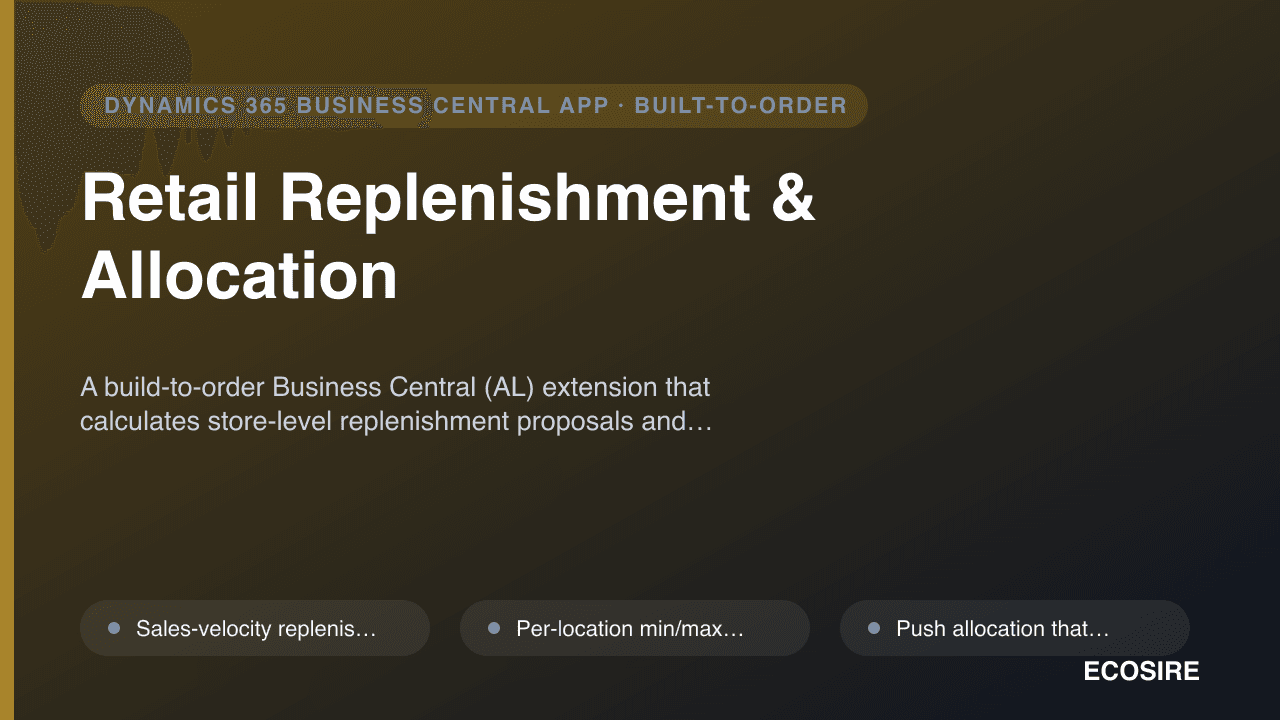
Retail Replenishment & Allocation
A build-to-order Business Central (AL) extension that calculates store-level replenishment proposals and allocates warehouse stock to stores using sales velocity, min/max, seasonality and size curves — installed as a per-tenant extension and supported by ECOSIRE.
Restaurant Table & Reservation Management
A per-tenant Business Central extension that manages floor plans, live table status and guest reservations, linking covers and turns to your BC POS. Built, installed and supported by ECOSIRE on your own environment.
- Visual floor plan and live table-status board (Available, Reserved, Seated, Needs Cleaning, Held) rendered from AL tables and surfaced on a BC role-center cue
- Reservation capture from web, phone and walk-in, written through the BC REST/OData v4 API so an external booking widget and your host desk share one source of truth
- Waitlist management with quoted-wait estimates and automatic promotion to a table when a matching party size frees up
- Table-ready SMS alerts and reservation reminders dispatched via a configurable SMS gateway through scheduled BC job queue entries