 イメージプレビュー
A custom-built Business Central per-tenant extension that puts a secure pay-link on every posted invoice and
gives your customers a branded self-service portal to view and settle open invoices by card, ACH, or wallet. Built, installed, and supported by ECOSIRE.
Click-to-Pay Links & Customer Payment Portal for Business Centralとは?
A custom-built Business Central per-tenant extension that puts a secure pay-link on every posted invoice and gives your customers a branded self-service portal to view and settle open invoices by card, ACH, or wallet. Built, installed, and supported by ECOSIRE. Built to order by ECOSIRE for Dynamics 365 BC (build-to-order) — indicative price from $999.00 USD; request a quote for a scoped proposal.
主な機能
受注生産、すべておまかせ
自分での設定は不要 — ECOSIRE が構築・インストール・サポートする実働アプリです。
- 1
ご注文
一回限りの構築料金から始めます。キックオフで一緒に範囲を決めます。
- 2
構築とインストール
ECOSIRE がお客様の Dynamics 365 Business Central 上で構築・設定・インストールします。
- 3
本番稼働 + サポート
約1週間(営業日ベース)で稼働し、本番稼働後2週間のサポートが付きます。納品したコードの不具合は無償で修正します。
この製品について
Cut DSO by letting customers pay the moment they read the invoice
Most Business Central AR teams email a PDF invoice and then wait. There is no payment link, no portal, and no way for the customer to settle a balance without phoning in card details or mailing a check. This extension closes that gap.
We build a per-tenant AL extension installed directly on your Business Central environment (cloud SaaS or on-prem). It adds a secure, tokenized pay-by-link to every posted sales invoice and surfaces a branded self-service customer payment portal where a customer can see all their open documents and pay one or many at once.
How it is built
- A table extension on Sales Invoice Header / Cust. Ledger Entry stores the payment token, link status, and gateway transaction reference.
- Page extensions add a "Send Pay Link" action and a live payment-status FactBox to the Posted Sales Invoice page.
- An event subscriber on invoice posting (and on the email/document send codeunit) generates and embeds the link automatically.
- The portal is a lightweight web app that reads open entries through the Business Central REST/OData v4 API using a dedicated OAuth (Entra ID) service-to-service connection and a scoped permission set.
- A Job Queue entry polls the gateway and runs auto-apply, posting Cash Receipt Journal lines and closing the matched customer ledger entries.
Honest delivery
This is not an instant AppSource download. ECOSIRE designs, builds, installs, and supports the extension on your tenant, configured to your gateway, branding, currencies, and AR workflow. Typical delivery is days, not minutes, and we hand over source plus documentation.
得られるもの
- A per-tenant Business Central AL extension (.app) built, deployed, and verified on your sandbox then production environment
- Full AL source code (table/page extensions, codeunits, event subscribers, Job Queue setup) handed over to you
- The branded customer payment portal web app, deployed and connected to your BC tenant via OAuth
- Gateway integration configured for your chosen provider (Stripe, Adyen, or Authorize.Net) including webhook reconciliation
- A scoped permission set and Entra ID app registration guidance for least-privilege portal access
- Configuration workbook documenting setup pages, Job Queue cadence, and auto-apply posting rules
- Admin + AR-user documentation plus a recorded handover walkthrough
- A post-go-live support and warranty window with agreed response times
これは誰のためのものですか
AR / Collections Manager
Owns DSO and aging. Wants customers to self-serve payment instead of chasing them by phone, and wants cleared payments applied to ledger entries automatically without manual journal entry.
Business Central / ERP Administrator
Responsible for the tenant. Needs a clean per-tenant extension installed without breaking upgrades, with a scoped permission set, OAuth service connection, and Job Queue they can monitor.
Finance Director / Controller
Cares about cash flow, audit trail, and reconciliation accuracy. Wants a defensible record linking each gateway transaction to the closed customer ledger entry, with reporting they can pull into Power BI.
Click-to-Pay Links & Customer Payment Portal for Business Central の比較方法
| 基準 | エコシエール | カスタムビルド | 競合他社 | Dynamics 365 Business Central 標準機能 |
|---|---|---|---|---|
| Pay-by-link on every posted invoice | 付属 | 部分的なサポート | 部分的なサポート | 含まれていない |
| Branded self-service customer payment portal | 付属 | 部分的なサポート | 部分的なサポート | 含まれていない |
| Pay multiple open invoices in one transaction | 付属 | 部分的なサポート | 含まれていない | 含まれていない |
| Auto-apply cleared payments to Cust. Ledger Entries via Job Queue | 付属 | 部分的なサポート | 部分的なサポート | 含まれていない |
| Tailored to your gateway, branding, currencies, and AR workflow | 付属 | 付属 | 含まれていない | 含まれていない |
| Full AL source code handed over (no lock-in) | 付属 | 付属 | 含まれていない | 部分的なサポート |
| Installed and supported on your tenant by the builder | 付属 | 部分的なサポート | 部分的なサポート | 含まれていない |
| Idempotent webhook reconciliation against double-applied payments | 付属 | 部分的なサポート | 部分的なサポート | 含まれていない |
Click-to-Pay Links & Customer Payment Portal for Business Central に関するよくある質問
Is this a Microsoft AppSource app I can install instantly?
No. This is a build-to-order per-tenant extension. ECOSIRE designs, builds, installs, and configures it on your specific Business Central environment, wired to your gateway, branding, currencies, and AR workflow. It is not a one-click AppSource download, and we do not claim instant self-install.
How long does delivery take?
Typical delivery is a small number of business days, not minutes. After a short scoping call we build the extension and portal, deploy to your sandbox for review, then promote to production once you sign off. Lead time depends on your chosen gateway, branding assets, and any multi-company or multi-currency requirements, which we confirm in writing before we start.
Do you provide ongoing support and updates?
Yes. Every build includes a post-go-live support and warranty window with agreed response times. Because Business Central ships major updates twice a year, we offer ongoing maintenance to keep the extension compatible with new BC versions and to handle gateway API changes. You also receive the full AL source code, so you are never locked in.
Which payment gateways and methods are supported?
We integrate your chosen gateway (commonly Stripe, Adyen, or Authorize.Net) and enable card, ACH / bank-debit, and digital wallets such as Apple Pay and Google Pay depending on what your gateway and region support. The merchant account and gateway fees are yours; we build the secure connection, webhook reconciliation, and auto-apply logic around it.
How does a payment get applied back to the invoice in Business Central?
When a payment clears, the gateway webhook fires and a Business Central Job Queue entry posts a Cash Receipt Journal line and closes the matching Cust. Ledger Entry, recording the gateway transaction reference and paid-on timestamp. Reconciliation is idempotent, so a duplicated webhook callback can never double-apply a payment. Partial and over-payments are tracked correctly on the customer ledger.
Is it secure, and does it expose our Business Central data?
Pay-links are tokenized one-time URLs that never expose BC credentials or the full ledger. The portal authenticates to BC through a dedicated Microsoft Entra ID OAuth service connection restricted by a scoped permission set, so it can read only the open documents a customer is allowed to see. Card data is handled by your PCI-compliant gateway, never stored in Business Central.
関連モジュール
Cash Flow Forecasting & Liquidity for Business Central
Rolling cash-flow forecasting and liquidity planning built on your Business Central AR/AP and bank data — a per-tenant AL extension built, installed and supported by ECOSIRE.
Channel Manager Connector (SiteMinder / SynXis)
A build-to-order Business Central AL extension that keeps your PMS in two-way sync with SiteMinder or SynXis, so rates, availability and OTA reservations stay aligned across Booking.com, Expedia and every connected channel.
Costa Rica / LATAM E-Invoicing for Business Central
A per-tenant AL extension that adds compliant LATAM electronic invoicing to Microsoft Dynamics 365 Business Central — country profiles for Mexico (CFDI), Costa Rica, Colombia, Chile and Peru, with PAC/tax-authority transmission, digital stamping, cancellations, credit notes and contingency mode. Built, installed and supported by ECOSIRE on your tenant.
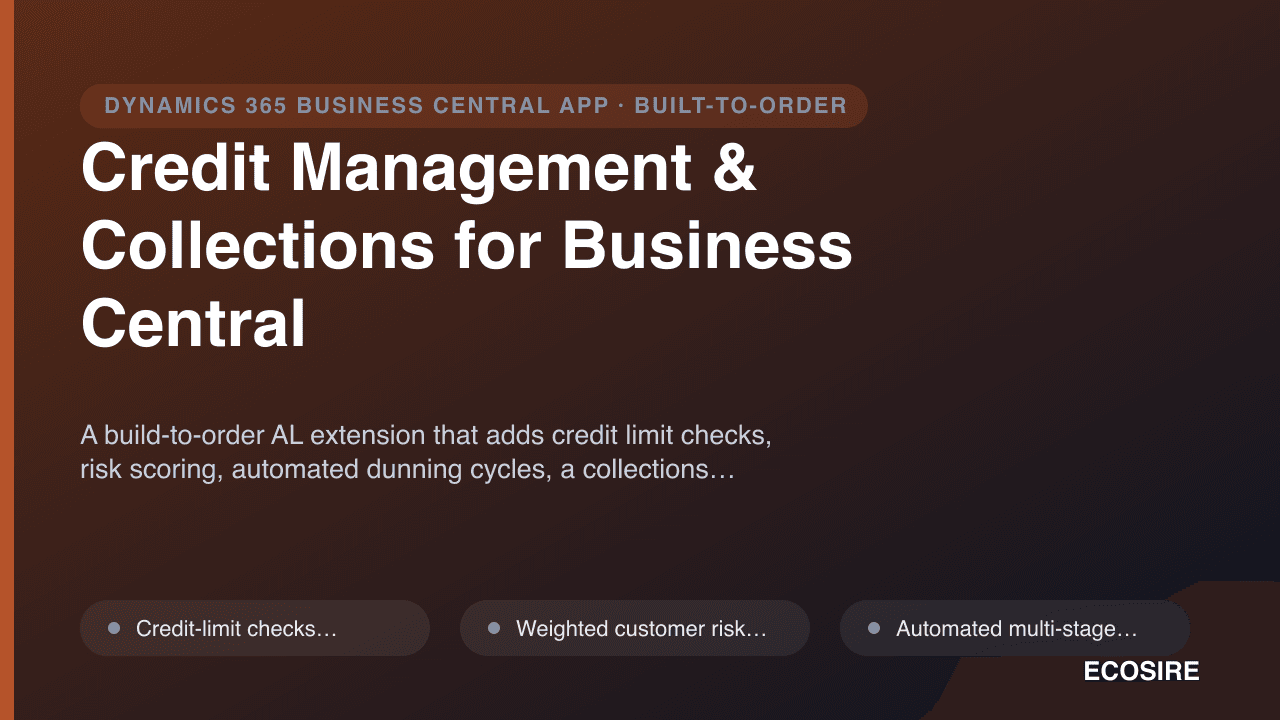
Credit Management & Collections for Business Central
A build-to-order AL extension that adds credit limit checks, risk scoring, automated dunning cycles, a collections worklist and finance-charge calculation to Microsoft Dynamics 365 Business Central — installed as a per-tenant extension and supported by ECOSIRE.
Click-to-Pay Links & Customer Payment Portal for Business Central
A custom-built Business Central per-tenant extension that puts a secure pay-link on every posted invoice and gives your customers a branded self-service portal to view and settle open invoices by card, ACH, or wallet. Built, installed, and supported by ECOSIRE.
- Per-invoice secure pay-by-link generated automatically on invoice posting via an AL event subscriber, with a tokenized one-time URL that never exposes BC credentials
- Branded self-service customer payment portal (your logo, colors, domain) reading open documents through the Business Central REST/OData v4 API
- Pay one invoice or select multiple open invoices and settle them in a single transaction
- Card, ACH/bank-debit, and digital wallet (Apple Pay / Google Pay) acceptance through your chosen gateway (Stripe, Adyen, or Authorize.Net)