 イメージプレビュー
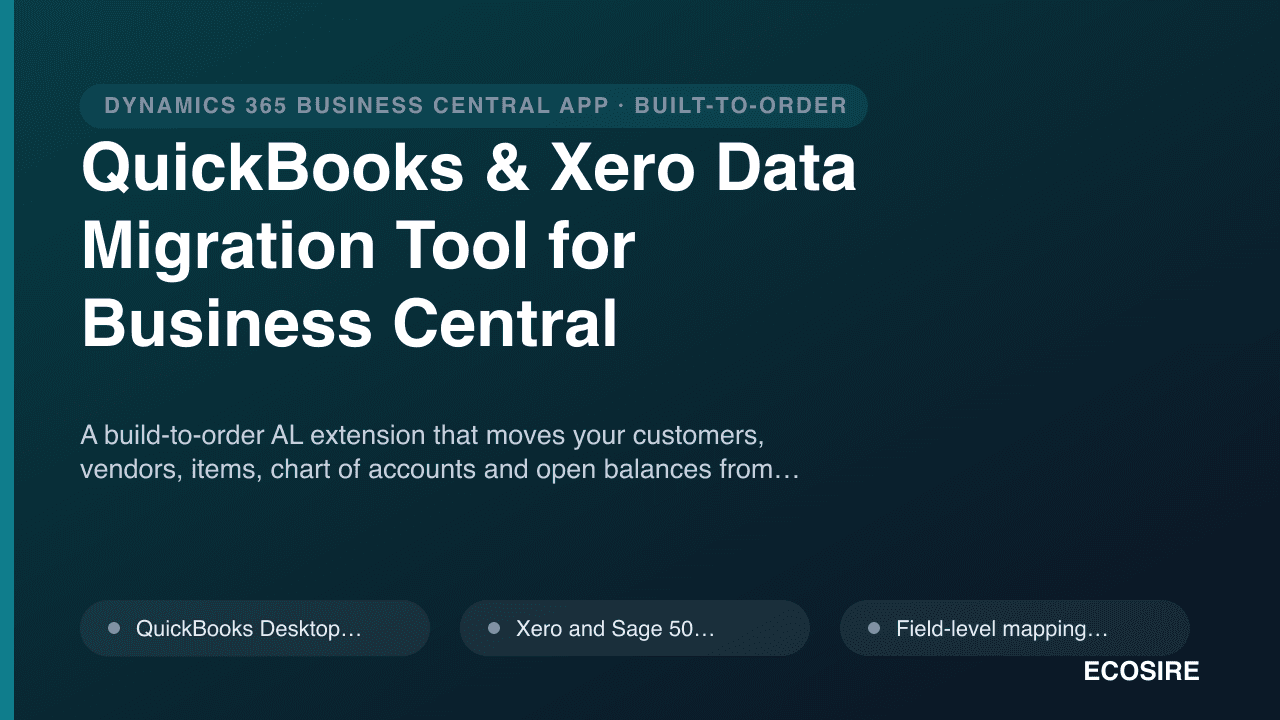
A build-to-order AL extension that moves your customers,
vendors, items, chart of accounts and open balances from QuickBooks, Xero and Sage into Business Central — with mapping validation, a dry-run preview and rollback safety. Built, installed and supported by ECOSIRE.
QuickBooks & Xero Data Migration Tool for Business Centralとは?
A build-to-order AL extension that moves your customers, vendors, items, chart of accounts and open balances from QuickBooks, Xero and Sage into Business Central — with mapping validation, a dry-run preview and rollback safety. Built, installed and supported by ECOSIRE. Built to order by ECOSIRE for Dynamics 365 BC (build-to-order) — indicative price from $999.00 USD; request a quote for a scoped proposal.
主な機能
受注生産、すべておまかせ
自分での設定は不要 — ECOSIRE が構築・インストール・サポートする実働アプリです。
- 1
ご注文
一回限りの構築料金から始めます。キックオフで一緒に範囲を決めます。
- 2
構築とインストール
ECOSIRE がお客様の Dynamics 365 Business Central 上で構築・設定・インストールします。
- 3
本番稼働 + サポート
約1週間(営業日ベース)で稼働し、本番稼働後2週間のサポートが付きます。納品したコードの不具合は無償で修正します。
この製品について
Migrating off QuickBooks, Xero or Sage into Dynamics 365 Business Central is rarely a one-click affair. Account structures differ, tax setups don't line up, item costing methods conflict, and open balances have to tie out to the penny before you go live. This tool is a per-tenant AL extension that ECOSIRE builds, installs and supports specifically for your Business Central environment to make that move controlled and auditable.
The extension reads your source data — from QuickBooks Desktop (IIF/exported lists) and QuickBooks Online, Xero, and Sage 50 — and stages it into custom migration tables inside BC. A field-level mapping engine lets you map source accounts, customers, vendors, items, payment terms and tax groups to their BC counterparts (Chart of Accounts, Customer/Vendor cards, Item cards, posting groups). Before anything is committed, a dry-run validation pass flags duplicates, missing dimensions, unbalanced opening entries and unmapped records, producing a reconciliation report you sign off on.
Open balances and historical transactions are posted through proper BC journals (general journal, customer/vendor ledger opening entries) so your trial balance, aged receivables and aged payables reconcile against the legacy system. Every run is wrapped in rollback safety: staged batches can be reversed before posting, and posted opening journals are isolated for clean reversal if a redo is needed.
ECOSIRE delivers this as a build-to-order engagement — we scope your source system, build the extension, install it as a per-tenant extension on your sandbox, run a full dry-run migration, reconcile with you, and then execute the production cutover. It is not an instant AppSource download; it is a guided migration project with software that stays installed for re-runs and post-go-live support. Permission sets, a Job Queue option for large datasets, and OData-based imports are all configured to your tenant.
得られるもの
- A per-tenant AL extension (.app) built for your Business Central version and installed on your sandbox and production tenants
- Source-to-BC field mapping configuration tailored to your QuickBooks/Xero/Sage data
- A completed dry-run migration on your sandbox with a reconciliation report for sign-off
- Production cutover execution with open balances and selected history posted and verified
- A scoped permission set and Job Queue configuration for the migration role
- Handover documentation covering mapping decisions, re-run steps and rollback procedure
これは誰のためのものですか
Finance Manager mid-migration off QuickBooks/Xero
Owns the books and needs opening balances, aged AR and aged AP to reconcile exactly against the legacy system before signing off on go-live. Wants a dry run and a reconciliation report, not a black-box import.
Business Central implementation partner / consultant
Running a BC rollout and needs reliable data migration without hand-building IIF parsers and opening journals from scratch. Wants a repeatable, supported extension to slot into the cutover plan.
IT/Operations lead at an SMB switching ERPs
Responsible for the technical cutover and data integrity. Needs per-tenant install control, scoped permission sets, audit logging and a clean rollback path if the first attempt needs a redo.
QuickBooks & Xero Data Migration Tool for Business Central の比較方法
| 基準 | エコシエール | カスタムビルド | 競合他社 | Dynamics 365 Business Central 標準機能 |
|---|---|---|---|---|
| Migrates QuickBooks, Xero and Sage sources into BC | 付属 | 部分的なサポート | 部分的なサポート | 含まれていない |
| Open balances posted as reconciling opening ledger entries | 付属 | 部分的なサポート | 部分的なサポート | 部分的なサポート |
| Dry-run validation with sign-off reconciliation report | 付属 | 含まれていない | 部分的なサポート | 含まれていない |
| Rollback / clean reversal of a failed run | 付属 | 部分的なサポート | 含まれていない | 含まれていない |
| Built, installed and supported on your tenant by the vendor | 付属 | 部分的なサポート | 含まれていない | 含まれていない |
| Tailored field mapping to your specific data and posting groups | 付属 | 付属 | 部分的なサポート | 含まれていない |
| Installed as a controlled per-tenant AL extension | 付属 | 付属 | 部分的なサポート | 含まれていない |
| No per-record or recurring subscription fee | 付属 | 付属 | 含まれていない | 付属 |
QuickBooks & Xero Data Migration Tool for Business Central に関するよくある質問
How long does delivery take, and is this an instant AppSource download?
No — this is build-to-order, not an instant AppSource install. After purchase we scope your source system and data volume, then build and install the per-tenant extension on your sandbox. Typical delivery is about one working week depending on how many source systems, how much history you want migrated, and how clean the data is. We confirm a firm timeline during scoping before any build work begins.
What ongoing support and updates are included after go-live?
Because the extension stays installed on your tenant, we support re-runs and post-cutover fixes. The build includes a support window for reconciliation issues and follow-up batches found after go-live. We also keep the extension compatible with your Business Central version through its scheduled updates, and offer an optional ongoing support arrangement for future source-data top-ups or additional migrations.
Which source systems and data does it migrate?
QuickBooks Desktop (via IIF/list exports), QuickBooks Online, Xero and Sage 50. It migrates master data (customers, vendors, items, chart of accounts), open balances (posted as opening ledger entries), and historical transactions up to a cut-off date you choose. Exact scope is agreed during the mapping phase.
How do you make sure the numbers tie out?
Every migration runs as a dry run first. The validation pass flags duplicates, unmapped accounts, missing dimensions and unbalanced entries, then produces a reconciliation report comparing legacy G/L, aged receivables and aged payables to the BC result. You sign off on that report before we post anything to production.
What happens if a migration run needs to be redone?
The tool is built around rollback safety. Staged batches can be reversed before posting, and opening journals are isolated so they can be cleanly reversed and re-posted. This means a failed or incomplete run can be corrected without leaving orphaned entries in your live ledgers.
Is my data secure during the migration?
The extension runs inside your own Business Central tenant — staging data lives in custom tables in your environment, not on an external service. Access is gated behind a dedicated permission set, every run is audit-logged, and OData/REST connections to QuickBooks Online or Xero use your own API credentials.
関連モジュール
Power BI Embedded Analytics Pack
Ready-to-use Power BI dashboards for finance, sales, inventory and projects embedded directly into your Business Central role centers — built, installed and supported by ECOSIRE as a per-tenant extension.
Promotions, Discounts & Coupon Engine
A rules-based promotions engine for Dynamics 365 Business Central that applies mix-and-match, BOGO, tiered and time-boxed offers automatically at POS and checkout — built and installed by ECOSIRE as a per-tenant AL extension.
Razorpay Payment Gateway for Business Central
A per-tenant AL extension that connects Razorpay to Business Central so Indian SMBs accept UPI, cards, netbanking and wallets, attach payment links and QR to invoices, and auto-reconcile settlements with fee and GST posting. Built, installed and supported by ECOSIRE.
Recipe, Menu Engineering & Food Cost
A per-tenant Business Central extension that turns BC items into recipes and menus, tracking true food cost, theoretical-vs-actual variance, margins and live ingredient depletion. Custom-built, installed and supported by ECOSIRE.
QuickBooks & Xero Data Migration Tool for Business Central
A build-to-order AL extension that moves your customers, vendors, items, chart of accounts and open balances from QuickBooks, Xero and Sage into Business Central — with mapping validation, a dry-run preview and rollback safety. Built, installed and supported by ECOSIRE.
- QuickBooks Desktop (IIF/list export) and QuickBooks Online imports via staged migration tables
- Xero and Sage 50 source imports mapped to BC master and posting data
- Field-level mapping engine: source accounts, customers, vendors, items, payment terms and tax groups to BC counterparts
- Open balance migration posted through general journal and customer/vendor opening ledger entries so the trial balance ties out