 उदाहरणात्मक पूर्वावलोकन
A touchscreen self-order kiosk for QSRs, food courts and retail that lets customers place orders and pay
unattended, writing straight into ERPNext POS.
ECOSIRE builds, installs and supports it for your menu, hardware and payment provider.
Self-Service Kiosk for ERPNext POS क्या है?
A touchscreen self-order kiosk for QSRs, food courts and retail that lets customers place orders and pay unattended, writing straight into ERPNext POS. ECOSIRE builds, installs and supports it for your menu, hardware and payment provider. Built to order by ECOSIRE for ERPNext v15, v16 — indicative price from $999.00 USD; request a quote for a scoped proposal.
प्रमुख सुविधाएँ
ऑर्डर पर निर्मित, पूरी तरह आपके लिए तैयार
स्वयं सेटअप की ज़रूरत नहीं — ECOSIRE द्वारा निर्मित, इंस्टॉल और समर्थित एक कार्यशील ऐप।
- 1
आप ऑर्डर करते हैं
एक बार के निर्माण मूल्य से शुरू करें। किकऑफ़ पर हम आपके साथ मिलकर दायरा तय करते हैं।
- 2
हम बनाते और इंस्टॉल करते हैं
ECOSIRE इसे आपके ERPNext पर बनाता, कॉन्फ़िगर और इंस्टॉल करता है।
- 3
लाइव + समर्थन
आप लगभग एक कार्य सप्ताह में लाइव हो जाते हैं, गो-लाइव के बाद दो सप्ताह के समर्थन के साथ। हमारे द्वारा दिए गए कोड की खामियाँ निःशुल्क ठीक की जाती हैं।
तकनीकी विनिर्देश
- ERPNext संगतता
- —
- लाइसेंस
- लाइसेंस की पुष्टि आवश्यक है
- Python आवश्यकता
- Python 3.10+
- डेटाबेस
- MariaDB 10.6+
इस उत्पाद के बारे में
Queues kill throughput. At peak, a QSR or food-court counter can only take orders as fast as staff can tap them into ERPNext POS — so customers walk, average ticket drops because nobody has time to upsell, and you pay for cashiers whose job is really just data entry. ERPNext ships a capable cashier-facing POS Profile and POS Invoice flow, but it assumes a trained operator behind the screen. There is no customer-facing, hardware-locked, self-order surface: no kiosk session lifecycle, no modifier/upsell prompts a guest can drive, no unattended payment capture, and no clean handoff of a paid order to the kitchen. That is exactly the road where ERPNext native runs out.
ECOSIRE builds a proper Frappe application — a custom app installed on your bench alongside erpnext, not a pile of manual customizations — that adds a locked-down, touch-first ordering front end backed by your existing ERPNext instance. We model the kiosk domain as first-class DocTypes: a Kiosk Session (device, POS Profile, cashier-of-record, opening state), a Kiosk Order staging document that maps to items, Item variants and a modifier/attribute structure, and a Kiosk Payment Attempt that records each terminal interaction. A dedicated Kiosk Device role profile and restricted API user keep the kiosk's permissions to exactly what it needs. The guest UI is a self-contained web front end (Frappe page / bundled assets, or a Vue/React build served by the app) that talks to the backend only through @frappe.whitelist() methods and the Frappe REST API — never direct DB access — so every write is validated and auditable.
Technically, order build-up and payment run server-side. Whitelisted methods assemble the cart, price it through ERPNext's own pricing rules and taxes, and on payment success create a submitted POS Invoice against the session's POS Profile. hooks.py document events (on_submit, on_update) fire the downstream actions: push an order-number ticket, emit the kitchen-display (KDS) payload, and update session totals. Payment is integrated to your chosen provider (card terminal, wallet, or dynamic QR) via a thin adapter, with the terminal result reconciled to a Mode of Payment — we never ask the kiosk to hold card data. Client scripts and the front end handle idempotency and timeouts so a double-tap or a dropped network never double-charges or double-fires the kitchen. A scheduler_events job reaps abandoned sessions, releases held stock, and closes the day. Multilingual menus and an accessibility mode (large-tap, high-contrast, screen-reader labels, wheelchair-height layout) are built in from the DocType translations and front-end config. It is targeted and tested on Frappe/ERPNext v15 and v16.
Because this is build-to-order, nothing is a generic download. We start with a short scoping call to lock your menu structure, modifiers, hardware (kiosk shell, card terminal, printer, KDS), payment provider and languages, then build against that spec. You get the installable source for your version, a staging deployment for UAT, and a documented go-live with a rollback plan. Typical delivery is one working week from confirmed scope, depending on how many payment and hardware integrations are in play.
What you get
- Installable source code for your version of the kiosk app, pinned to Frappe/ERPNext v15 or v16
- Installation and configuration on your bench, including `POS Profile`, role profile, payment adapter and hardware wiring
- Technical documentation: DocType schema, whitelisted API methods, `hooks.py` events, scheduler jobs and configuration reference
- Operator/manager user guide plus a live training session for staff and supervisors
- UAT on a staging site with a signed-off test checklist before go-live, and a documented rollback plan
- Post-go-live support window for defect fixes and configuration tuning after launch
- Git repository handover with full commit history and tagged release for your build
- Payment provider and hardware integration notes (terminal, printer, KDS) specific to your deployment
Who this is for
QSR & fast-casual operators
Multi-lane counters where peak-hour queues cap revenue. They need guests to self-order and pay so cashiers move to expediting, and every order still lands in ERPNext POS with correct pricing, tax and stock.
Food-court & multi-brand operators
Sites running several concepts on one ERPNext instance who want a consistent self-order surface per stall, each mapped to its own `POS Profile`, KDS and payment terminal, with number-based pickup.
Retail & convenience managers
Stores adding unattended checkout or grab-and-go lanes who need barcode/`Item` lookup, integrated card/QR payment, and full audit trail through standard `POS Invoice` documents.
ERPNext-standardized IT / operations leads
Teams that run ERPNext as their system of record and refuse bolt-on POS silos. They want a maintainable Frappe app with proper DocTypes, permissions and REST APIs that upgrades cleanly across v15/v16.
How Self-Service Kiosk for ERPNext POS Compares
| Criterion | ECOSIRE | Custom Build | Competitor | ERPNext नेटिव |
|---|---|---|---|---|
| Fit to your menu, hardware & payment provider | Built to your exact scope, confirmed on a call before work starts | Fully custom but you specify and manage every detail | Generic feature set; you bend your setup to fit it | No customer-facing kiosk surface at all |
| Data model | First-class Kiosk DocTypes writing real `POS Invoice` records | Whatever your team designs and maintains | Often shadow tables loosely mapped to POS | `POS Profile`/`POS Invoice` only, cashier-operated |
| Unattended payment & KDS | Provider adapter + `hooks.py` KDS/ticket push, idempotent | Build and harden it yourself | Sometimes present, integration depth varies | Not included |
| Delivery model | Build-to-order, one working week from confirmed scope | Open-ended; depends on your team's bandwidth | Instant install but generic | Available immediately, no kiosk |
| Version support | Targeted and tested on Frappe/ERPNext v15 & v16 | Whatever you build and keep current | Depends on maintainer's release cadence | Core POS ships with ERPNext |
| Source & ownership | Full source + git repo handover for your build | You own it outright | Usually closed or license-restricted | Open source, but no kiosk to own |
| Support & updates | Post-go-live support window + optional upgrade scope | Self-supported | Vendor tickets, shared roadmap | Community/your ERPNext partner |
| Accessibility & multilingual | Built-in a11y mode + Frappe translations from day one | Only if you scope and build it | Varies, often limited | Not applicable (no kiosk UI) |
Frequently Asked Questions about Self-Service Kiosk for ERPNext POS
How long does delivery take?
This is build-to-order, not an instant download. After a short scoping call to confirm your menu, hardware, payment provider and languages, typical delivery is one working week from confirmed scope. The range depends mainly on how many payment and hardware integrations are involved. You review and sign off on a staging site before we go live.
Is this an existing app I can just install from the Frappe marketplace?
No. ECOSIRE builds it for your deployment as a custom Frappe app installed on your bench beside `erpnext`. You receive the source code, a git repository handover and documentation for your version, rather than a shared marketplace download.
Which ERPNext versions are supported?
We build and test against Frappe/ERPNext v15 and v16. During scoping we confirm your exact version and target the app to it so it installs and upgrades cleanly. If you are on an older version we will advise on the upgrade path before starting.
How does payment actually work, and is card data safe?
Payment runs through a thin adapter to your chosen provider — card terminal, wallet or dynamic QR. The kiosk never stores or processes raw card data; the terminal or gateway handles the sensitive part and returns a result, which we reconcile to an ERPNext `Mode of Payment` and record as a `Kiosk Payment Attempt`. On success the app creates a submitted `POS Invoice`.
What happens to the order after payment — how does the kitchen see it?
On payment success, `hooks.py` document events fire atomically with the sale: an order-number ticket is printed and the order payload is pushed to your Kitchen Display (KDS). Guests are called by number. Because the sale is a real `POS Invoice`, stock, tax and reporting all update through standard ERPNext.
Do you offer support and updates after go-live?
Yes. Every engagement includes a post-go-live support window for defect fixes and configuration tuning. Because you own the source and git repository, you can also extend it yourself or contract ECOSIRE for later enhancements and version upgrades (for example moving from v15 to v16) under a separate scope.
Can one kiosk build handle multiple brands or stalls?
Yes. Each kiosk session is tied to a `POS Profile`, so a food court can run several concepts on one ERPNext instance, each with its own menu, KDS, terminal and pickup numbering. We confirm the exact multi-profile layout during scoping.
Related Modules
Sales Target & Quota Management
A build-to-order ERPNext app that lets sales managers set quotas by rep, team, territory and product, track real-time attainment against live Sales Invoice and Sales Order data, and drive competition with leaderboards and gamification. ECOSIRE scopes, builds, installs and supports it for you.
Salon & Spa POS / Appointments for ERPNext
A build-to-order ERPNext solution that unifies online and in-store appointment booking, stylist and therapist scheduling, and combined service-plus-retail POS billing with commission and tip tracking. Scoped, built, installed and supported by ECOSIRE for salons, spas and wellness studios.
Shipping & Logistics Multi-Carrier
A build-to-order ERPNext app that compares carrier rates, generates shipping labels from the Delivery Note, syncs tracking back to your shipment record, and schedules pickups across Packlink, LetMeShip and SendCloud. ECOSIRE scopes, builds, installs and supports it for you — this is not an off-the-shelf marketplace download.
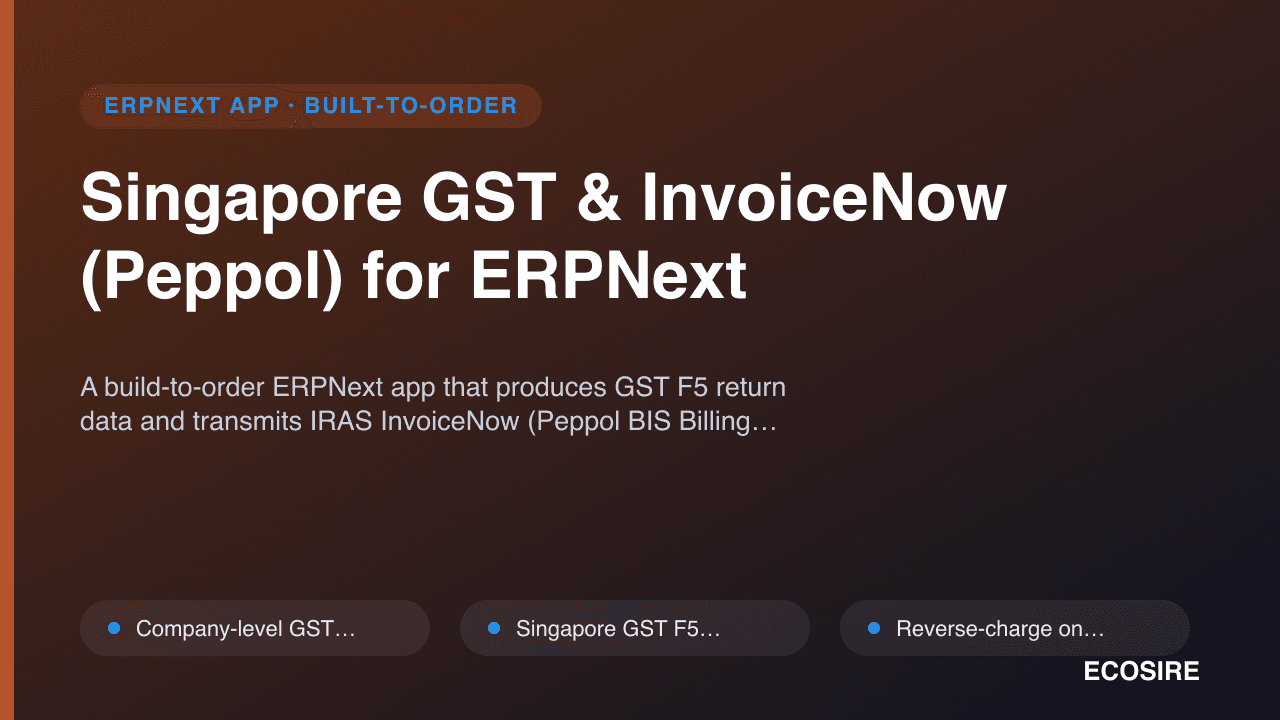
Singapore GST & InvoiceNow (Peppol) for ERPNext
A build-to-order ERPNext app that produces GST F5 return data and transmits IRAS InvoiceNow (Peppol BIS Billing 3.0) e-invoices through a certified Access Point. ECOSIRE scopes, builds, installs, and supports it for your ERPNext v15/v16.
Self-Service Kiosk for ERPNext POS
A touchscreen self-order kiosk for QSRs, food courts and retail that lets customers place orders and pay unattended, writing straight into ERPNext POS. ECOSIRE builds, installs and supports it for your menu, hardware and payment provider.
- Custom Frappe app installed on your bench beside `erpnext`, with `Kiosk Session`, `Kiosk Order`, `Kiosk Payment Attempt` and `Kiosk Device` DocTypes rather than ad-hoc customizations
- Touch-first guest front end (bundled Frappe page or Vue/React build) that writes only through `@frappe.whitelist()` methods and the Frappe REST API — no direct DB writes
- Server-side cart pricing that reuses ERPNext Pricing Rules, tax templates and `Item` variants so kiosk prices always match the POS
- Menu, modifier and combo modeling via `Item` attributes/variants and item groups, with per-item availability toggles