 उदाहरणात्मक पूर्वावलोकन
A per-tenant Business Central AL extension that imports CSV,
XML, MT940 and CAMT.053 bank statements, applies a configurable matching-rules engine, and auto-reconciles transactions against your bank account ledger entries and open customer/vendor invoices — with a clean exception queue for the rest.
Bank Statement Import & E-Reconciliation क्या है?
A per-tenant Business Central AL extension that imports CSV, XML, MT940 and CAMT.053 bank statements, applies a configurable matching-rules engine, and auto-reconciles transactions against your bank account ledger entries and open customer/vendor invoices — with a clean exception queue for the rest. Built to order by ECOSIRE for Dynamics 365 BC (build-to-order) — indicative price from $999.00 USD; request a quote for a scoped proposal.
प्रमुख सुविधाएँ
ऑर्डर पर निर्मित, पूरी तरह आपके लिए तैयार
स्वयं सेटअप की ज़रूरत नहीं — ECOSIRE द्वारा निर्मित, इंस्टॉल और समर्थित एक कार्यशील ऐप।
- 1
आप ऑर्डर करते हैं
एक बार के निर्माण मूल्य से शुरू करें। किकऑफ़ पर हम आपके साथ मिलकर दायरा तय करते हैं।
- 2
हम बनाते और इंस्टॉल करते हैं
ECOSIRE इसे आपके Dynamics 365 Business Central पर बनाता, कॉन्फ़िगर और इंस्टॉल करता है।
- 3
लाइव + समर्थन
आप लगभग एक कार्य सप्ताह में लाइव हो जाते हैं, गो-लाइव के बाद दो सप्ताह के समर्थन के साथ। हमारे द्वारा दिए गए कोड की खामियाँ निःशुल्क ठीक की जाती हैं।
इस उत्पाद के बारे में
Stop hand-keying your bank reconciliation in Business Central
Business Central ships with a Bank Account Reconciliation page and the AMC Banking 365 connector, but most teams still fight statement formats their bank actually exports, brittle matching, and a payment-application step that lives in a separate window. Bank Statement Import & E-Reconciliation is a build-to-order AL extension that ECOSIRE designs, builds, installs, and supports directly on your Business Central environment to close that gap.
It is delivered as a per-tenant extension (not a one-click AppSource download): we scope your banks and statement formats, develop the extension in AL using table and page extensions plus event subscribers, deploy it to your tenant, validate it against your real statements, and support it afterwards. You own a clean, upgrade-safe extension — no customized base-app objects.
What it does
The extension adds an import engine that parses CSV, XML, MT940 and ISO 20022 CAMT.053 files into Bank Account Reconciliation lines, then runs a configurable matching-rules engine against your bank account ledger entries. Confident matches are applied automatically; near-matches surface as suggested matches; everything else lands in an exception queue an accountant can clear in a few clicks. For incoming and outgoing payments it reconciles statement lines to open customer and vendor invoices, posting the application so your aged balances stay correct.
Rules, bank-format mappings, and tolerances are configurable on a setup page — no code change to onboard a new bank. Imports can run on demand or be scheduled through the BC Job Queue, and a dedicated permission set keeps access scoped. Where useful, the same reconciliation data is exposed via the BC OData/REST API for Power BI or Power Automate.
Honest expectation: this is bespoke software with a delivery lead time, built to your formats and signed off with you before go-live.
What you get
- Custom AL per-tenant extension package (.app) built to your bank formats and installed on your Business Central environment
- Bank format templates configured and tested for each bank/account in scope (CSV/XML/MT940/CAMT.053)
- Configured matching-rules set, tolerances and G/L mappings tuned to your chart of accounts
- Dedicated permission set and Job Queue entry for scheduled imports
- Source code handover and AppSource-ready / per-tenant deployment artifacts as agreed
- Admin and accountant user guide plus a recorded walkthrough of the import-and-reconcile flow
- Post-delivery support and update window covering BC version compatibility and bank-format changes
Who this is for
Accountant / AP-AR Specialist
Reconciles bank accounts daily or weekly and wants statement lines to auto-match against ledger entries and open invoices, with only true exceptions needing manual attention.
Finance Manager / Controller
Owns month-end close and cares that bank reconciliation is fast, auditable, and ties statement lines to posted entries without spreadsheet workarounds.
Business Central Administrator / Partner
Manages the BC tenant and needs a clean, upgrade-safe per-tenant extension with a scoped permission set and Job Queue automation rather than modified base-app objects.
How Bank Statement Import & E-Reconciliation Compares
| Criterion | ECOSIRE | Custom Build | Competitor | Dynamics 365 Business Central नेटिव |
|---|---|---|---|---|
| Imports CSV, XML, MT940 and CAMT.053 without manual reformatting | Included | Partial support | Partial support | Partial support |
| Configurable matching-rules engine (amount, date window, document no., text patterns) | Included | Partial support | Partial support | Partial support |
| Suggested-match plus exception queue workflow | Included | Partial support | Included | Not included |
| Payment-to-invoice reconciliation that posts the application | Included | Partial support | Partial support | Partial support |
| Tailored to your exact banks and chart of accounts | Included | Included | Not included | Not included |
| Built as upgrade-safe extensions and event subscribers (no base-app changes) | Included | Partial support | Included | Included |
| Scheduled unattended import via Job Queue | Included | Partial support | Partial support | Not included |
| Installed and supported by the builder on your tenant | Included | Not included | Not included | Not included |
| OData/REST exposure for Power BI and Power Automate | Included | Partial support | Partial support | Partial support |
Frequently Asked Questions about Bank Statement Import & E-Reconciliation
Is this an instant download from Microsoft AppSource?
No. This is build-to-order. ECOSIRE designs and develops the AL extension to your specific banks and statement formats, then installs it on your Business Central environment as a per-tenant extension. You are buying a custom build with installation and support, not a self-service AppSource listing.
What is the delivery lead time?
Most builds are delivered within roughly one working week of confirming scope and receiving sample statement files for each bank in scope. Timeline depends on how many bank formats you need, whether payment-to-invoice posting and Job Queue automation are included, and your environment's availability for validation and sign-off. We confirm a firm date during scoping.
Which statement formats and banks are supported?
The engine handles CSV, XML, MT940 and ISO 20022 CAMT.053 out of the box. Each bank's specific layout is mapped to a reusable named template during the build, so onboarding an additional bank later is a configuration task, not new development, as long as it exports one of those formats.
How does it differ from Business Central's native bank reconciliation?
BC core gives you the Bank Account Reconciliation page and the AMC Banking connector, but format coverage, matching flexibility, the exception queue, and one-screen payment-to-invoice application are limited. This extension adds a configurable rules engine, a multi-format import library, a confidence-scored suggested-match and exception workflow, and posts invoice applications — built as extensions and event subscribers so the base app stays upgrade-safe.
What ongoing support and updates are included?
Every build includes a post-delivery support window. We keep the extension compatible across Business Central monthly and major updates, adjust bank-format templates when a bank changes its export, and fix any defects. Extended support, new bank onboarding, and feature additions are available as follow-on work under a support agreement.
Will it modify my base application or affect upgrades?
No base-app objects are modified. The solution is delivered as table extensions, page extensions and event subscribers in a dedicated per-tenant extension, with its own permission set. That keeps your tenant clean and means Microsoft's BC upgrades apply normally; we validate the extension against new BC versions as part of the support window.
Related Modules
Avalara-Style Sales Tax & VAT Calculation Engine for Business Central
A real-time, multi-jurisdiction sales tax, VAT and GST determination engine for Dynamics 365 Business Central — built as a per-tenant AL extension, with address cleansing, exemption handling and nexus monitoring, installed and supported by ECOSIRE.
Bahrain VAT Compliance for Business Central
An AL extension that puts Bahrain NBR-aligned VAT setup, bilingual tax invoice formats, return-period views and an auditable archive inside Dynamics 365 Business Central. ECOSIRE builds it to your chart of accounts and posting groups after a scoping call.
Benefits Administration for Business Central
A build-to-order AL extension that adds benefit plan catalogs, eligibility rules, open-enrollment, dependent tracking and payroll-deduction integration to your Business Central tenant. Built, installed and supported by ECOSIRE.
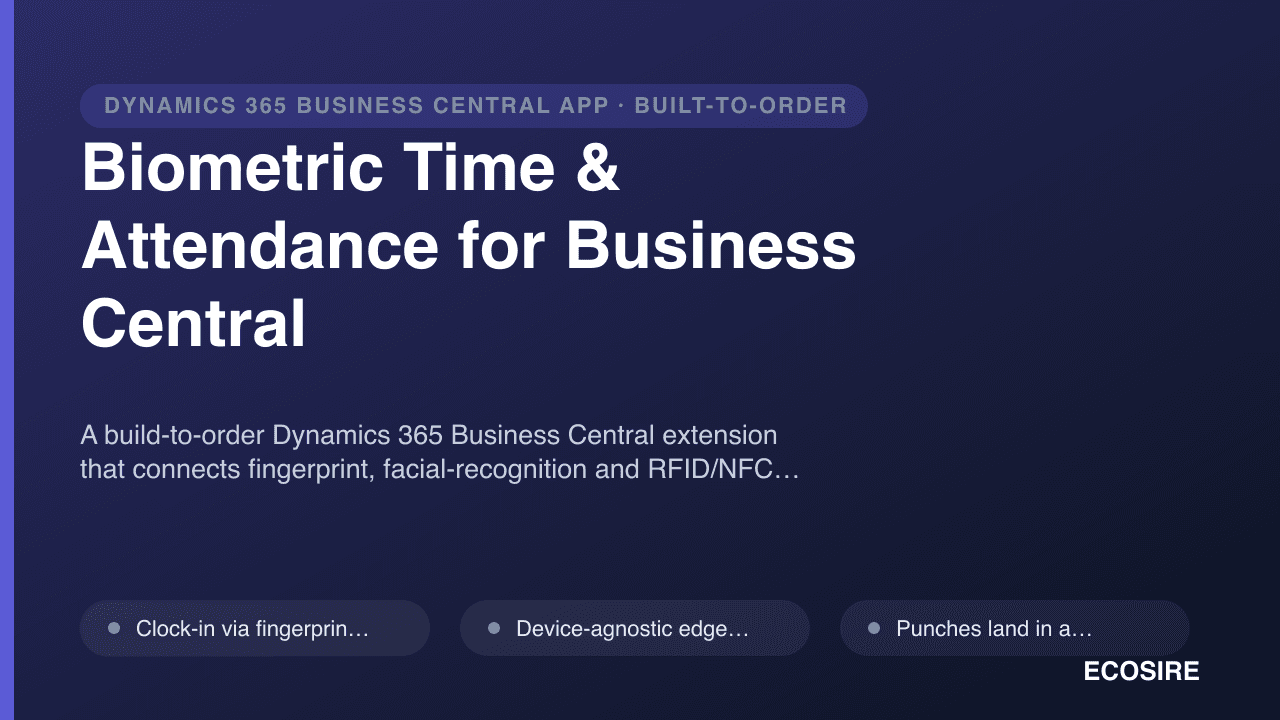
Biometric Time & Attendance for Business Central
A build-to-order Dynamics 365 Business Central extension that connects fingerprint, facial-recognition and RFID/NFC clocks to your tenant, auto-posts punches into timesheets, applies your overtime and absence rules, and exports clean payroll hours. Built, installed and supported by ECOSIRE.
Bank Statement Import & E-Reconciliation
A per-tenant Business Central AL extension that imports CSV, XML, MT940 and CAMT.053 bank statements, applies a configurable matching-rules engine, and auto-reconciles transactions against your bank account ledger entries and open customer/vendor invoices — with a clean exception queue for the rest.
- Statement import engine for CSV, XML, MT940 and ISO 20022 CAMT.053 files into Bank Account Reconciliation lines
- Configurable auto-matching rules engine matching statement lines against bank account ledger entries by amount, date window, document number and text patterns
- Confidence-scored suggested matches for near-misses, applied with a single confirm action
- Exception queue surfacing unmatched lines with drill-down to candidate ledger entries