 उदाहरणात्मक पूर्वावलोकन
Mobile and web self-service portal for payslips, leave,
claims and document requests, connected live to your Business Central HR tables. Built, installed and supported by
ECOSIRE as a per-tenant AL extension.
Employee Self-Service (ESS) Portal for Business Central क्या है?
Mobile and web self-service portal for payslips, leave, claims and document requests, connected live to your Business Central HR tables. Built, installed and supported by ECOSIRE as a per-tenant AL extension. Built to order by ECOSIRE for Dynamics 365 BC (build-to-order) — indicative price from $999.00 USD; request a quote for a scoped proposal.
प्रमुख सुविधाएँ
ऑर्डर पर निर्मित, पूरी तरह आपके लिए तैयार
स्वयं सेटअप की ज़रूरत नहीं — ECOSIRE द्वारा निर्मित, इंस्टॉल और समर्थित एक कार्यशील ऐप।
- 1
आप ऑर्डर करते हैं
एक बार के निर्माण मूल्य से शुरू करें। किकऑफ़ पर हम आपके साथ मिलकर दायरा तय करते हैं।
- 2
हम बनाते और इंस्टॉल करते हैं
ECOSIRE इसे आपके Dynamics 365 Business Central पर बनाता, कॉन्फ़िगर और इंस्टॉल करता है।
- 3
लाइव + समर्थन
आप लगभग एक कार्य सप्ताह में लाइव हो जाते हैं, गो-लाइव के बाद दो सप्ताह के समर्थन के साथ। हमारे द्वारा दिए गए कोड की खामियाँ निःशुल्क ठीक की जाती हैं।
इस उत्पाद के बारे में
What this is
The Employee Self-Service (ESS) Portal for Business Central is a build-to-order app that gives every employee a clean mobile and web front end to the HR data already living in your Microsoft Dynamics 365 Business Central tenant. Staff download payslips and tax documents, request leave and see their balances, file expense and reimbursement claims, ask for salary certificates or NOC letters, and submit personal-detail changes for approval — without ever logging into Business Central or emailing HR.
This is not an instant AppSource download. ECOSIRE builds the solution to your environment, installs it as a per-tenant AL extension, and supports it on your tenant. The extension adds table extensions and page extensions over the standard Employee, Employee Absences and Comment Line tables, exposes a secured API page surface over the Business Central REST/OData v4 API, and ships custom permission sets so employees see only their own records.
How it works technically
The employee app authenticates against Microsoft Entra ID (the same identity already securing Business Central) and reads/writes through dedicated API pages published by the extension. Event subscribers on document-approval and HR posting events keep balances and statuses live. Long-running jobs (payslip PDF generation, bulk certificate issuance) run on the Business Central job queue so the UI stays responsive. Where you use the Power Platform, we can surface the same data through Dataverse and a Power Apps canvas/Power Pages front end instead of a standalone portal — your choice at scoping.
Honest delivery
After purchase, ECOSIRE runs a short scoping call, confirms your payroll/HR data model and approval rules, then builds, tests in your sandbox, and deploys to production as a per-tenant extension. You own the deployed extension on your tenant. A typical first build lands in roughly one working week depending on payroll complexity and how many document types you need.
What you get
- A per-tenant AL extension package (.app) built for your Business Central version and installed in your sandbox and production environments
- Table extensions and page extensions over Employee, Employee Absence, Comment Line and related HR tables
- Secured API pages exposing the self-service surface over the BC REST/OData v4 endpoint
- Custom permission sets and a self-service security role configured for record-level employee isolation
- The mobile/web ESS portal (or a Power Apps / Power Pages app over Dataverse, per your scope) wired to Microsoft Entra ID SSO
- Job queue entries and event-subscriber codeunits for payslip generation, document issuance and balance synchronization
- Sandbox deployment, UAT support, production cutover, and an admin handover guide covering permission assignment and document templates
Who this is for
HR Manager
Wants to cut the daily flood of payslip, leave-balance and certificate requests so the HR team can focus on people work instead of document admin, while keeping approvals and audit trails inside Business Central.
Business Central Administrator
Needs employee self-service delivered as a clean per-tenant extension that respects permission sets, Entra ID identity and upgrade safety — not a fragile bolt-on or direct table hacks that break on the next BC update.
Finance / Payroll Lead
Wants employees to self-serve payslips and file reimbursement claims through proper approval workflow, with claims and certificates traceable against the same HR and finance data already in Business Central.
How Employee Self-Service (ESS) Portal for Business Central Compares
| Criterion | ECOSIRE | Custom Build | Competitor | Dynamics 365 Business Central नेटिव |
|---|---|---|---|---|
| Self-service payslips, leave, claims and document requests for employees | Included | Partial support | Partial support | Not included |
| Delivered as an upgrade-safe per-tenant AL extension (no base-table modification) | Included | Partial support | Included | Not included |
| Tailored to your exact payroll model, approval rules and document templates | Included | Included | Not included | Not included |
| Built, installed and supported on your tenant by the vendor | Included | Not included | Partial support | Not included |
| Microsoft Entra ID SSO with record-level permission isolation per employee | Included | Partial support | Partial support | Partial support |
| Optional Power Apps / Power Pages front end over Dataverse | Included | Partial support | Not included | Not included |
| No in-house AL development effort required from your team | Included | Not included | Included | Included |
| One-time fixed build cost with a clear delivery scope | Included | Not included | Partial support | Partial support |
Frequently Asked Questions about Employee Self-Service (ESS) Portal for Business Central
How long does delivery take, and is this an AppSource download?
This is build-to-order, not an instant AppSource install. After purchase we run a scoping call to confirm your HR/payroll data model, approval rules and the document types you need, then build and test in your sandbox before deploying to production as a per-tenant AL extension. A typical first build lands in roughly one working week depending on payroll complexity and the number of document and claim types in scope.
How is ongoing support and updates handled after go-live?
ECOSIRE supports the deployed extension on your tenant. Because it is delivered as a per-tenant extension built with table/page extensions and event subscribers (no direct base-table modification), it survives Business Central's monthly and major updates safely. We offer support for bug fixes, BC version-compatibility checks ahead of major releases, and enhancement requests; the scope and term are agreed at handover. You own the deployed extension on your tenant.
Do employees need a Business Central license to use the portal?
No. Employees interact only with the self-service portal (or the Power Apps / Power Pages app), which talks to Business Central through secured API pages over the REST/OData v4 endpoint under a controlled identity. They authenticate with Microsoft Entra ID but do not consume full Business Central user licenses for self-service. We confirm the exact licensing fit for your tenant during scoping.
Will this work with our existing payroll setup in Business Central?
The portal reads and writes against your existing Employee, Employee Absence and related HR tables, and we map payslip and tax-document generation to your current payroll configuration during scoping. If you run a third-party payroll extension, we adapt the API surface and event subscribers to integrate with it rather than replacing it.
Can we surface this through the Power Platform instead of a separate portal?
Yes. For customers invested in the Power Platform, we can expose the same self-service data through Dataverse and build the front end as a Power Apps canvas app or a Power Pages site, instead of a standalone web portal. The Business Central extension, API pages, permission sets and approval logic are the same underneath — only the presentation layer differs. You choose the front end during scoping.
Related Modules
Employee Information & Org-Chart Management for Business Central
Core HR employee master, dynamic org charts, position management and reporting lines, built as a per-tenant AL extension on top of native Business Central HR and installed and supported by ECOSIRE.
Employee Loan & Advance Management for Business Central
A custom-built Business Central AL extension that manages staff loans, salary advances and installment recovery with automatic payroll deduction. Built, installed per-tenant, and supported by ECOSIRE.
Endless Aisle & Ship-from-Store
A custom-built Business Central extension that lets store staff sell out-of-stock items from other locations or the web and fulfill them by ship-from-store, BOPIS or pickup-elsewhere — with every reservation, transfer and shipment tracked natively in BC. Built, installed and supported by ECOSIRE.
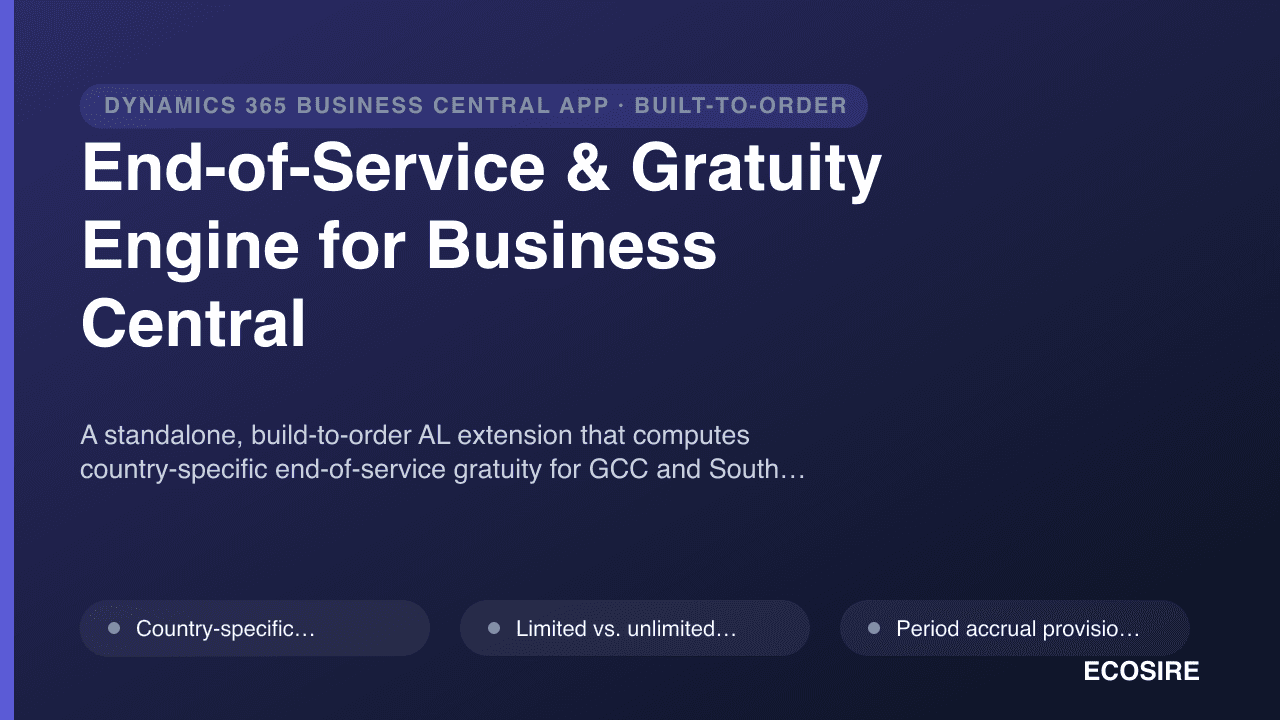
End-of-Service & Gratuity Engine for Business Central
A standalone, build-to-order AL extension that computes country-specific end-of-service gratuity for GCC and South Asian labor laws, accrues EOS provisions to the General Ledger every period, and generates final settlement statements inside Business Central. Built, installed per-tenant, and supported by ECOSIRE.
Employee Self-Service (ESS) Portal for Business Central
Mobile and web self-service portal for payslips, leave, claims and document requests, connected live to your Business Central HR tables. Built, installed and supported by ECOSIRE as a per-tenant AL extension.
- Payslip and tax-document download — employees self-serve historical payslips and year-end tax statements as PDFs generated on the Business Central job queue, no HR email required
- Leave request and live balance view — submit absence requests that post to standard Employee Absence tables, with entitlement and remaining-balance calculation surfaced in real time
- Expense and reimbursement claims — capture claims with receipt attachments, routed through Business Central document approval workflow to the correct approver
- Salary certificate / NOC request workflow — employees request letters; HR reviews and the extension generates a templated document with company letterhead