 Aperçu illustratif
An embeddable website live-chat widget that turns visitor conversations into ERPNext Leads and HD Tickets,
routes chats to the right agents, and hands them page context and canned responses. Built, installed, and supported by
ECOSIRE on request.
Qu'est-ce que Live Chat & Web Chat Widget for ERPNext ?
An embeddable website live-chat widget that turns visitor conversations into ERPNext Leads and HD Tickets, routes chats to the right agents, and hands them page context and canned responses. Built, installed, and supported by ECOSIRE on request. Built to order by ECOSIRE for ERPNext v15, v16 — indicative price from $999.00 USD; request a quote for a scoped proposal.
Fonctionnalités clés
Fait sur commande, clé en main
Aucune configuration à faire vous-même — une app fonctionnelle conçue, installée et prise en charge par ECOSIRE.
- 1
Vous commandez
Commencez par un prix de développement unique. Nous cadrons le projet avec vous au lancement.
- 2
Nous développons et installons
ECOSIRE la développe, la configure et l'installe sur votre ERPNext.
- 3
Mise en ligne + assistance
Vous êtes en ligne en une semaine ouvrée environ, avec deux semaines d’assistance après la mise en production. Les défauts du code que nous livrons sont corrigés gratuitement.
Spécifications techniques
- Compatibilité ERPNext
- —
- Licence
- Licence à confirmer
- Version Python requise
- Python 3.10+
- Base de données
- MariaDB 10.6+
À propos de ce produit
Website visitors want answers in seconds, but ERPNext has no way to talk to them where they are. Your sales and support teams live inside ERPNext all day, yet the conversations that decide a deal happen on your marketing site, in a chat window ERPNext can't see. Today those chats either don't exist, or they run through a disconnected third-party tool whose transcripts never make it into a Lead, Opportunity, or HD Ticket. The result is lost attribution, manual re-keying of visitor details, and support agents who answer the same question in a browser tab that has none of the customer's ERPNext history in front of it. ERPNext core has no live-chat surface at all, so there is nothing native to configure your way out of this.
We build a proper Frappe app — its own module, DocTypes, and hooks.py wiring — that adds a real-time chat channel to ERPNext. A lightweight embeddable JavaScript widget drops onto any website (Frappe-hosted or external) with a single script tag. When a visitor opens a conversation, the widget streams to a whitelisted Frappe endpoint that creates a Chat Conversation DocType and, per your rules, spawns a Lead (sales intent) or an HD Ticket (support). Every message is stored as a child Chat Message row, and the visitor's page URL, referrer, UTM parameters, browser, and prior-visit context are captured on the conversation so an agent sees exactly what the person was looking at. Agents work the conversation from a Frappe Workspace/desk view built on the Frappe Realtime (Socket.IO) layer, so messages appear live without a refresh.
Routing and assignment are driven by ERPNext's own primitives. We use hooks.py doc events (after_insert, on_update) and server scripts to assign conversations by team, availability, round-robin, or page-based rules using Frappe's ToDo/assignment framework, and permissions are enforced through role profiles so support agents never see sales pipelines and vice versa. Agents get canned responses and slash-shortcut snippets stored as a Canned Response DocType (searchable, team-scoped, variable-interpolated). A scheduler event handles offline capture — after business hours the widget switches to a lead-capture form that still lands in ERPNext — and stale-conversation cleanup. Everything is reachable over the standard Frappe REST API and whitelisted methods, so you can extend it or wire it into other systems later.
Because this is build-to-order, nothing is a black box. After a short scoping call we confirm your exact routing rules, which DocType each conversation should create, your role profiles, and your branding, then build against your Frappe/ERPNext version (v15 or v16). Typical delivery is one working week from confirmed scope. We install on a staging bench, run UAT with your team, then deploy to production with a rollback plan, and you receive the full git repository, technical documentation, a user guide, a training session, and a post-go-live support window. This is not an instant marketplace download — it is a scoped implementation you own outright.
Ce que vous obtenez
- Installable source code for your version of the Frappe app (module, DocTypes, server scripts, hooks, client scripts, widget assets)
- Installation and configuration on your bench: app install, Settings DocType setup, routing rules, role profiles, and widget embed snippet
- Technical documentation covering DocType schema, whitelisted API methods, hooks/doc events, scheduler jobs, and extension points
- End-user guide plus a live training session for your sales and support agents on handling conversations, canned responses, and assignment
- UAT on a staging bench with your real scenarios, sign-off checklist, and a documented rollback plan before production deploy
- Post-go-live support window for bug fixes and configuration adjustments after launch
- Handover of the complete git repository (branch history, README, and deploy notes) so you own and can maintain the code
- Compatibility validation and build targeting your Frappe/ERPNext v15 or v16 environment
Pour qui c'est
Support team lead
Runs an ERPNext Helpdesk operation and wants website visitors' questions to land as HD Tickets with full page context and transcript, routed to the right agent, instead of living in a disconnected chat tool.
Sales / revenue manager
Needs every website chat with buying intent to become a Lead or Opportunity automatically, attributed to its UTM source and page, so no inbound conversation is lost or manually re-keyed.
ERPNext administrator / IT owner
Wants live chat delivered as a proper Frappe app with clean DocTypes, role-profile permissions, and REST API access — installable on their bench, versioned in git, and maintainable in-house rather than a SaaS black box.
Small-business owner using ERPNext end-to-end
Wants one system where website conversations, CRM, and support all connect, without paying a recurring per-seat fee to a separate live-chat vendor whose data never enters ERPNext.
Comment Live Chat & Web Chat Widget for ERPNext se compare
| Critère | ÉCOSIRE | Construction personnalisée | Concurrent | Natif ERPNext |
|---|---|---|---|---|
| Data lands in ERPNext | Native Leads/HD Tickets via DocTypes and doc events | Possible but you build all the wiring | Often a separate DB; partial or no ERPNext sync | No live-chat surface at all |
| Version fit (v15/v16) | Built and tested against your exact bench version | Depends on your in-house Frappe skills | Whatever the app author last supported | N/A — feature does not exist |
| Agent routing & assignment | Round-robin/team/page rules via server scripts + ToDo | Hand-rolled from scratch | Basic or SaaS-side only | None |
| Permissions isolation | Role profiles separate sales and support queues | Must design and test yourself | Coarse or vendor-managed | N/A |
| Ownership & extensibility | Full git repo + whitelisted REST API handover | You own it, but you also maintain everything | Closed source; locked to the vendor | N/A |
| Cost model | One-time build-to-order, no per-seat SaaS fee | High dev cost + ongoing maintenance burden | Recurring per-agent subscription | Free but nonexistent |
| Delivery time | one working week from confirmed scope | Unpredictable; depends on team capacity | Instant install but shallow ERPNext integration | N/A |
| Support & UAT | Staging UAT, rollback plan, post-go-live window | Self-provided | Generic vendor support tiers | N/A |
Foire aux questions sur Live Chat & Web Chat Widget
How long does delivery take?
This is a build-to-order product, not an instant download. After the initial scoping call we confirm your routing rules, DocType targets, and branding, then build against your ERPNext version. Typical delivery is one working week from confirmed scope, depending on complexity and how many custom routing and integration rules you need.
Is this an existing app I can download from the Frappe marketplace right now?
No. ECOSIRE builds, installs, and supports it specifically for your environment. You receive installable source code and the full git repository at handover — there is no instant marketplace download and we make no such claim.
Which ERPNext / Frappe versions do you support?
We build and test against Frappe/ERPNext v15 and v16. We target the exact version running on your bench, confirmed during scoping, so the app installs cleanly and uses the DocType, permissions, and realtime APIs available in that release.
Can it create both Leads and Support Tickets, and how does it decide?
Yes. On the first inbound message a `hooks.py` doc event applies your rules — for example, chats from pricing pages create a `Lead`, chats from a support or docs page create an `HD Ticket`. We configure the routing logic with you during scoping, and it is adjustable afterward via the Settings DocType and server scripts.
How do agents actually handle the conversations?
Agents work from a Frappe desk view built on the Realtime (Socket.IO) layer, so messages appear live. They get canned responses with slash shortcuts, see the visitor's page URL, UTM source, and history, and conversations are assigned to them by round-robin, team, or page rules through Frappe's assignment framework.
How do updates and support work after go-live?
You get a post-go-live support window for bug fixes and configuration tweaks. Because you own the git repository, your team can maintain and extend the code independently. We can also provide ongoing support or version-upgrade work (for example, migrating the app when you move from v15 to v16) as a separate engagement.
Will support agents be able to see sales pipelines or vice versa?
No. Access is enforced through ERPNext role profiles and permissions. Support agents only see their support conversation queue and linked HD Tickets, and sales agents only see their Lead/Opportunity conversations. We configure the role profiles with you during setup.
Modules associés
Lending & Loan Management for ERPNext
A build-to-order ERPNext app for running staff or customer loans end to end — loan products with configurable interest types, automated EMI schedules, interest and penal-interest accrual, disbursement and repayment entries, and collateral tracking. ECOSIRE scopes, builds, installs and supports it on your ERPNext v15/v16 site.
LinkedIn & Indeed Job Sync for ERPNext
A build-to-order Frappe app that pushes ERPNext Job Openings to LinkedIn and Indeed, then pulls applicants back into your ATS with source attribution and duplicate detection. ECOSIRE scopes, builds, installs, and supports it for you.
Make (Integromat) Connector
A build-to-order ERPNext integration that exposes your DocTypes to Make.com as instant triggers, searches and actions, so your team automates ERPNext visually without writing scenario glue code. ECOSIRE builds, installs and supports it after you request a quotation.
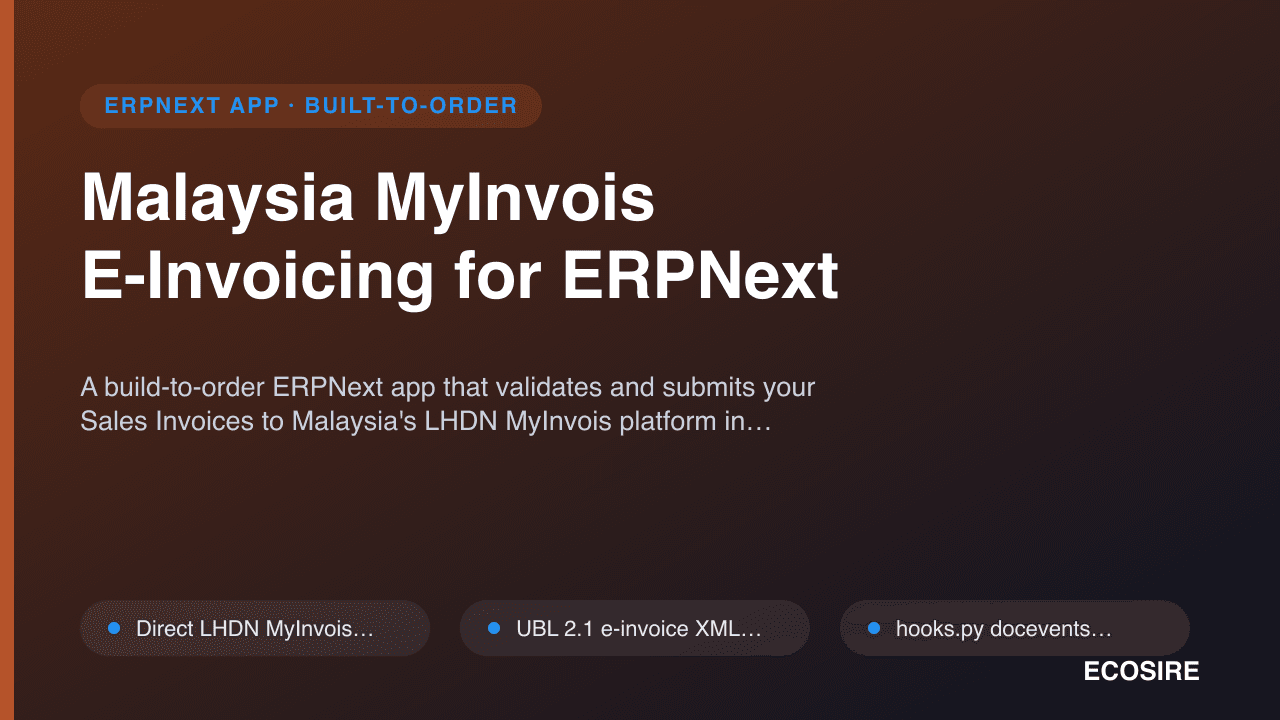
Malaysia MyInvois E-Invoicing for ERPNext
A build-to-order ERPNext app that validates and submits your Sales Invoices to Malaysia's LHDN MyInvois platform in real time, generating LHDN-compliant UBL e-invoices with automated status sync, cancellation, and consolidated B2C support. ECOSIRE builds, installs, and supports it for your instance.
Live Chat & Web Chat Widget
An embeddable website live-chat widget that turns visitor conversations into ERPNext Leads and HD Tickets, routes chats to the right agents, and hands them page context and canned responses. Built, installed, and supported by ECOSIRE on request.
- Embeddable JavaScript widget installable on any site via a single script tag, with a whitelisted `frappe.integrations`-style bootstrap endpoint and CORS-scoped origins
- Custom `Chat Conversation` parent DocType with child `Chat Message` rows storing full transcript, timestamps, sender role, and delivery status
- Rule-based auto-creation of a `Lead` (sales intent) or `HD Ticket` (support) on first inbound message, driven by `hooks.py` `after_insert` doc events
- Real-time bidirectional messaging over the Frappe Realtime / Socket.IO layer so agents and visitors see messages without a page refresh