 Beispielhafte Vorschau
A build-to-order MES layer for Dynamics 365 Business Central:
operator touch terminals, real-time production order start/stop and consumption, machine and labor time capture, a drag-and-drop scheduling board, and live OEE and scrap tracking — built, installed and supported by
ECOSIRE as a per-tenant AL extension on your own BC environment.
Was ist Manufacturing Shop-Floor & MES for Business Central?
A build-to-order MES layer for Dynamics 365 Business Central: operator touch terminals, real-time production order start/stop and consumption, machine and labor time capture, a drag-and-drop scheduling board, and live OEE and scrap tracking — built, installed and supported by ECOSIRE as a per-tenant AL extension on your own BC environment. Built to order by ECOSIRE for Dynamics 365 BC (build-to-order) — indicative price from $999.00 USD; request a quote for a scoped proposal.
Hauptfunktionen
Auf Bestellung gebaut, komplett für Sie erledigt
Keine Selbsteinrichtung — eine funktionierende App, die von ECOSIRE erstellt, installiert und betreut wird.
- 1
Sie bestellen
Starten Sie mit einem einmaligen Entwicklungspreis. Den Umfang legen wir beim Kickoff gemeinsam fest.
- 2
Wir bauen & installieren
ECOSIRE erstellt, konfiguriert und installiert sie auf Ihrem Dynamics 365 Business Central.
- 3
Go-live + Support
Sie gehen in etwa einer Arbeitswoche live, mit zwei Wochen Go-live-Support. Fehler im von uns gelieferten Code beheben wir kostenlos.
Über dieses Produkt
Business Central ships solid manufacturing master data — production orders, routings, work and machine centers, output and consumption journals — but the shop floor still runs on paper travelers, end-of-shift batch entry, and a planner staring at a spreadsheet. This app closes that gap.
ECOSIRE builds a Manufacturing Execution System (MES) layer directly on your Business Central tenant as a per-tenant AL extension (not a generic AppSource download). Operators work from a kiosk-style touch terminal — a custom AL page optimized for tablets — where they scan or select a released production order, hit start/stop on operations, post component consumption, and record machine and labor time. Every action writes through native BC objects (Capacity Ledger Entries, Item Ledger Entries, Prod. Order Routing) via table and page extensions plus event subscribers, so your costing, inventory, and WIP stay correct with zero double entry.
Planners get a visual scheduling board that reads work/machine center load and lets you drag operations across resources and time. OEE is computed live from the same captured data — availability, performance and quality — with scrap and downtime reason codes feeding dashboards you can surface in BC or push to Power BI through the BC OData/REST API and Dataverse.
Because it's build-to-order, we scope the workflow to your plant — discrete or process, barcode or manual, single or multi-site — install it into sandbox first, validate against your real orders, then promote to production. You own the tenant; ECOSIRE owns the build, the permission sets, the job queue jobs, and the ongoing support. Honest lead times and a real human behind every update.
Was Sie bekommen
- A per-tenant AL extension (.app) built for your Business Central version, installed first to your sandbox then promoted to production
- Configured operator touch terminal pages mapped to your work centers, machine centers and routings
- Visual scheduling board configured against your plant's resources and shift calendars
- OEE, scrap and downtime reason-code setup with live dashboards (and optional Power BI dataset via the BC API)
- Role-based permission sets for operators, supervisors and planners, plus job queue jobs for background rollups
- Source code handover, deployment notes, an operator quick-start guide and a post-go-live support window
Für wen das ist
Production / Operations Manager
Owns plant throughput and on-time delivery. Wants real-time visibility into what each order and machine is doing right now, live OEE, and scrap trends — instead of reconstructing the day from paper travelers the next morning.
Production Planner / Scheduler
Sequences released orders across work and machine centers. Needs a drag-and-drop board showing true load so they can rebalance around breakdowns and rush jobs without overloading a resource or breaking BC's capacity ledger.
Shop-Floor Operator / Supervisor
Runs the machines and reports the work. Needs a fast, low-friction touch terminal to start/stop operations, post consumption, scan lots and log scrap — without learning the full Business Central client.
Wie Manufacturing Shop-Floor & MES for Business Central im Vergleich abschneidet
| Kriterium | ECOSIRE | Benutzerdefinierter Build | Konkurrent | Dynamics 365 Business Central nativ |
|---|---|---|---|---|
| Real-time shop-floor capture (no end-of-shift batch entry) | Im Lieferumfang enthalten | Teilweise Unterstützung | Im Lieferumfang enthalten | Nicht im Lieferumfang enthalten |
| Touch-terminal operator UI tailored to your plant | Im Lieferumfang enthalten | Teilweise Unterstützung | Teilweise Unterstützung | Nicht im Lieferumfang enthalten |
| Drag-and-drop visual scheduling board on live capacity | Im Lieferumfang enthalten | Teilweise Unterstützung | Teilweise Unterstützung | Nicht im Lieferumfang enthalten |
| Live OEE / scrap / downtime tracking | Im Lieferumfang enthalten | Teilweise Unterstützung | Im Lieferumfang enthalten | Nicht im Lieferumfang enthalten |
| Posts through native BC ledgers (costing/WIP intact) | Im Lieferumfang enthalten | Teilweise Unterstützung | Teilweise Unterstützung | Im Lieferumfang enthalten |
| Built, installed & supported on your tenant by the vendor | Im Lieferumfang enthalten | Nicht im Lieferumfang enthalten | Nicht im Lieferumfang enthalten | Nicht im Lieferumfang enthalten |
| Workflow scoped to your exact process (discrete or process) | Im Lieferumfang enthalten | Im Lieferumfang enthalten | Nicht im Lieferumfang enthalten | Nicht im Lieferumfang enthalten |
| Source code handover (no lock-in) | Im Lieferumfang enthalten | Im Lieferumfang enthalten | Nicht im Lieferumfang enthalten | Teilweise Unterstützung |
| Upgrade-safe (extension model, survives BC updates) | Im Lieferumfang enthalten | Teilweise Unterstützung | Im Lieferumfang enthalten | Im Lieferumfang enthalten |
Häufig gestellte Fragen zu Manufacturing Shop-Floor & MES for Business Central
How long does delivery take, and how is the app installed?
This is build-to-order, not an instant AppSource download. After a short scoping call we typically deliver in one working week depending on plant complexity (number of work centers, barcode vs. manual capture, process vs. discrete, multi-site). We build the AL extension, install it into your Business Central sandbox first, validate it against your real production orders and routings, then promote the signed .app to your production tenant during an agreed window. You keep full ownership of the tenant throughout.
What happens with ongoing support and Business Central updates?
ECOSIRE supports the extension after go-live. Because it's built on table/page extensions and event subscribers rather than modifying base objects, it survives Microsoft's monthly service updates and major version upgrades cleanly. When Microsoft ships a new BC major release, we recompile and re-test the extension against the new runtime in your sandbox before it reaches production. Bug fixes during the support window are included; new features or scope changes are quoted separately. You also receive the source so you're never locked in.
Will this corrupt my costing, inventory or WIP in Business Central?
No. Every shop-floor action posts through native BC manufacturing objects — Prod. Order Routing, Capacity Ledger Entries, the Consumption and Output Journals, Item Ledger Entries. The terminal is a faster front end for the same postings your accountants already trust, so standard/actual costing, WIP and inventory remain the single source of truth. We never write directly around the ledger.
Does it work for process manufacturing, or only discrete?
Both. We scope the capture workflow to your plant during build-to-order. Discrete shops get order/operation start-stop and component scanning; process shops can capture batch consumption, yield and scrap against the same production order and routing structures. The OEE and scheduling board logic adapts to either model.
Can we get the data into Power BI or the Power Platform?
Yes. OEE, scrap, downtime and throughput are exposed through the Business Central OData/REST API and can flow into Dataverse, so you can build Power BI dashboards or trigger Power Automate flows (for example, alert a supervisor when a line's availability drops). We can deliver a starter Power BI dataset as part of the engagement if you want it.
Verwandte Module
Manufacturing Estimating & Quoting
A build-to-order Business Central extension that lets estimators cost custom and job-shop work by material, labor, machine, and overhead, apply markup and multi-tier pricing, track estimate-vs-actual variance, and convert winning quotes straight into production orders.
Manufacturing Job Costing & WIP Manager
A build-to-order Business Central AL extension that tracks estimated vs actual material, labor, machine and overhead cost per production order, values WIP in real time, alerts on overruns, and exposes margin by job and customer. Built, installed per-tenant, and supported by ECOSIRE.
Memorial & Funeral Services Management
A Business Central extension that runs the whole funeral home operation — case file intake, arrangement conferences, service and merchandise selection, facility and staff scheduling, regulatory paperwork and family statements — on one record. Built to order by ECOSIRE for your Business Central tenant and your jurisdiction's rules.
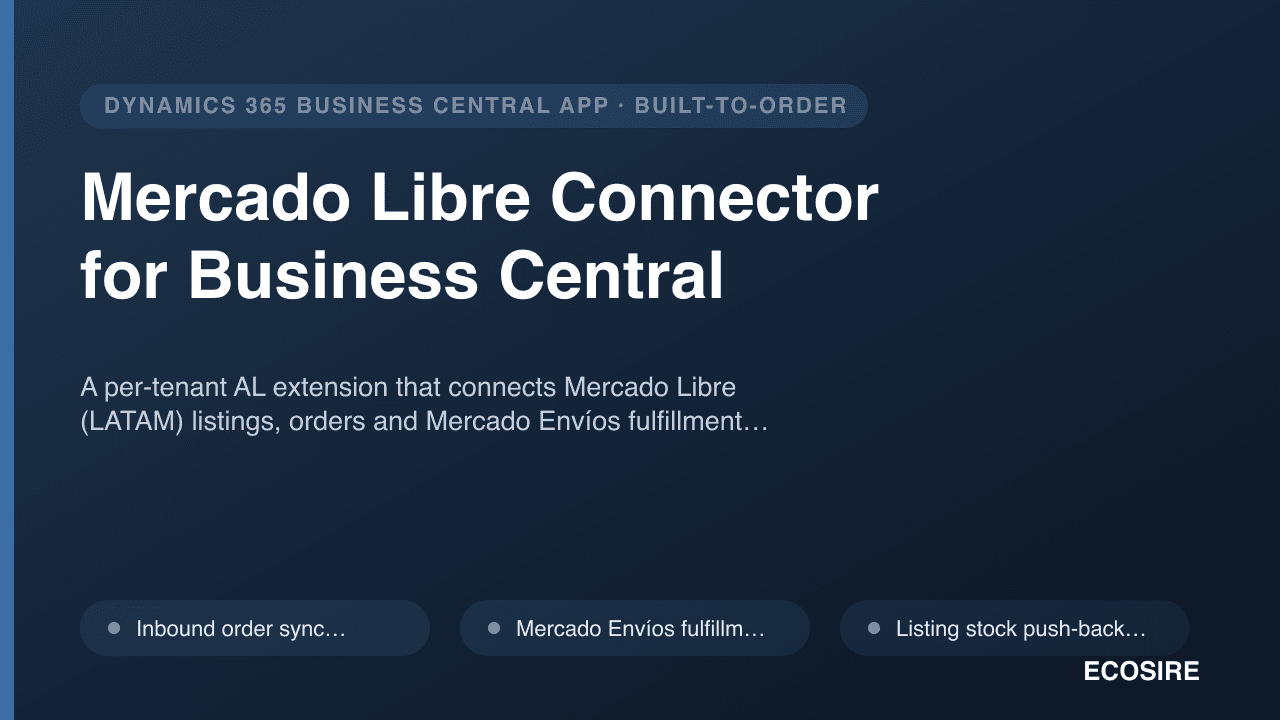
Mercado Libre Connector for Business Central
A per-tenant AL extension that connects Mercado Libre (LATAM) listings, orders and Mercado Envíos fulfillment with Dynamics 365 Business Central — built, installed and supported by ECOSIRE on your tenant.
Manufacturing Shop-Floor & MES for Business Central
A build-to-order MES layer for Dynamics 365 Business Central: operator touch terminals, real-time production order start/stop and consumption, machine and labor time capture, a drag-and-drop scheduling board, and live OEE and scrap tracking — built, installed and supported by ECOSIRE as a per-tenant AL extension on your own BC environment.
- Kiosk-style operator touch terminal as a tablet-optimized AL page — scan or select a released production order and run operations without leaving the floor
- Production order start/stop that posts to native Prod. Order Routing and Capacity Ledger Entries so run/setup time and WIP stay accurate
- Real-time component consumption posting through the Consumption Journal — no end-of-shift batch keying
- Machine and labor time capture written to Capacity Ledger Entries against the correct work/machine center