 示意预览
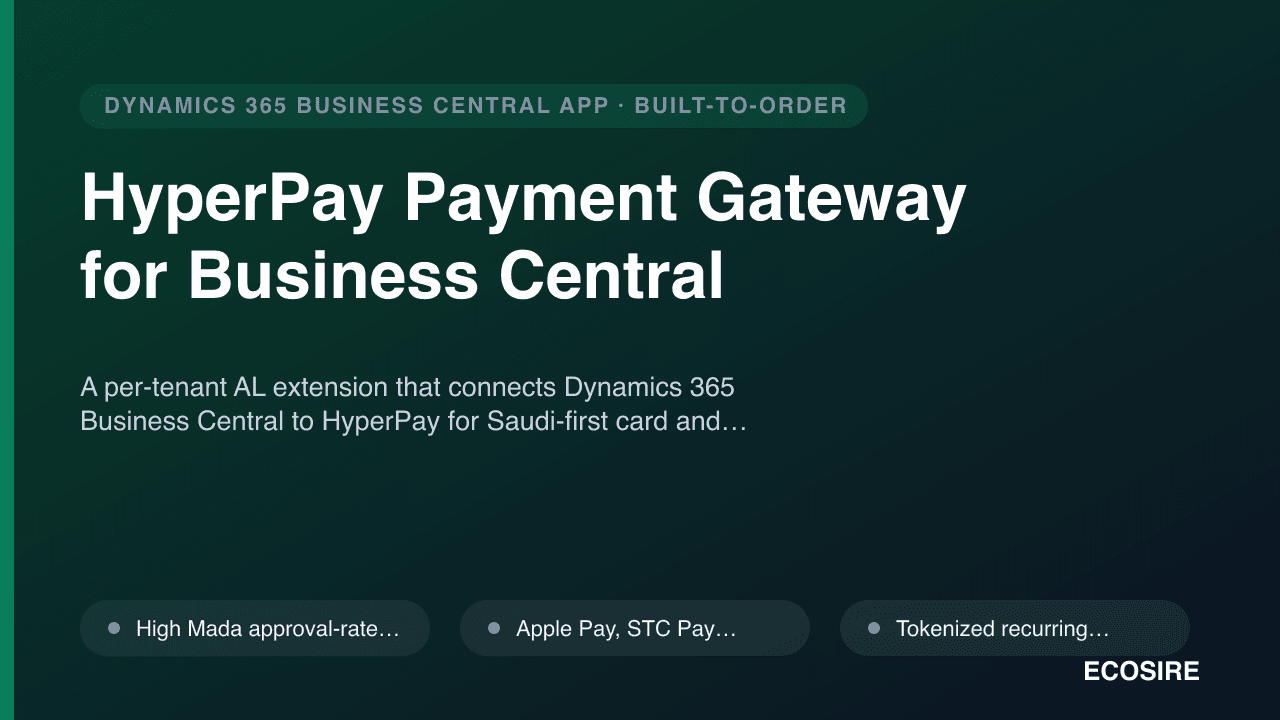
示意预览A per-tenant AL extension that connects Dynamics 365 Business Central to HyperPay for Saudi-first card and
wallet acceptance — high Mada approval rates, Apple Pay, STC Pay, 3DS/OTP, tokenized recurring billing, and automatic refund and reconciliation posting. Built, installed, and supported by
ECOSIRE on your BC environment.
什么是 HyperPay Payment Gateway for Business Central?
A per-tenant AL extension that connects Dynamics 365 Business Central to HyperPay for Saudi-first card and wallet acceptance — high Mada approval rates, Apple Pay, STC Pay, 3DS/OTP, tokenized recurring billing, and automatic refund and reconciliation posting. Built, installed, and supported by ECOSIRE on your BC environment. Built to order by ECOSIRE for Dynamics 365 BC (build-to-order) — indicative price from $999.00 USD; request a quote for a scoped proposal.
核心功能
按需定制,全程代劳
无需自行搭建——由 ECOSIRE 构建、安装并提供支持的可用应用。
- 1
您下单
以一次性构建价格开始。我们在启动时与您共同确定范围。
- 2
我们构建与安装
ECOSIRE 在您的 Dynamics 365 Business Central 上构建、配置并安装。
- 3
上线 + 支持
约一个工作周内上线,并包含两周上线支持。我们交付的代码中的缺陷免费修复。
关于此产品
HyperPay Payment Gateway for Business Central is a build-to-order AL extension that wires Dynamics 365 Business Central directly into HyperPay, a SAMA-licensed Saudi payment processor, so card and wallet payments are authorized, captured, refunded, and reconciled without leaving BC.
This is not an instant AppSource download. ECOSIRE builds the extension to your exact configuration, installs it as a per-tenant extension on your Business Central environment (SaaS or on-prem), and supports it after go-live. We tune it to your sales flow, chart of accounts, and ZATCA-aligned posting requirements.
Under the hood, the extension adds table and page extensions to Customer, Sales Header, and Payment Method, plus dedicated setup pages for HyperPay credentials (entity IDs, access token, and Mada/Apple Pay/STC Pay brand routing). An AL codeunit calls the HyperPay COPYandPAY and Server-to-Server APIs over HTTPS using BC's HttpClient, while event subscribers on posting routines (OnAfterPostSalesDoc and payment registration) trigger authorization, capture, and refund calls. Webhook callbacks land via an API page exposed on the BC OData/REST surface to confirm asynchronous 3DS/OTP outcomes.
You get high-Mada-approval card acceptance with the correct brand routing, Apple Pay and STC Pay and local wallet support, tokenized recurring billing using HyperPay registration tokens stored against the customer, full 3DS and OTP authentication handling, and refund plus reconciliation that posts back to BC ledgers and clears the payment in the bank account.
Permission sets, a Job Queue entry for settlement reconciliation, and optional Dataverse/Power Platform exposure are configured as part of delivery. ECOSIRE provides source-available AL, documentation, and a support window after handover.
你得到什么
- Per-tenant AL extension (.app) built for your Business Central version and installed on your environment
- HyperPay Setup page configured with your entity IDs, access token, and Mada/Apple Pay/STC Pay routing
- Source-available AL code: table/page extensions, gateway codeunit, event subscribers, and API page
- Dedicated permission set and Job Queue entry configured for settlement reconciliation
- Sandbox validation in HyperPay test mode plus a live go-live cutover with a real low-value transaction
- Configuration and operations guide covering setup, refunds, reconciliation, and webhook handling
- Post-handover support window for fixes, BC update compatibility, and configuration assistance
这是给谁的
Saudi Finance Manager
Owns the AR and reconciliation process and needs HyperPay settlements to match bank ledger entries inside Business Central, with refunds posting cleanly and an audit trail on every invoice.
E-commerce / Retail Operations Lead
Sells to Saudi consumers and demands high Mada approval rates plus Apple Pay and STC Pay at checkout, with tokenized recurring billing for subscriptions managed from the customer record.
BC Administrator / IT Manager
Runs the tenant and wants a clean per-tenant extension with a scoped permission set, isolated-storage credentials, webhook-based 3DS confirmation, and no fragile manual coding to maintain.
HyperPay Payment Gateway for Business Central 如何比较
| 标准 | 伊科西尔 | 定制建造 | 竞争对手 | Dynamics 365 Business Central 原生 |
|---|---|---|---|---|
| SAMA-licensed HyperPay integration with correct Mada/Apple Pay/STC Pay brand routing | 包含 | 部分支持 | 部分支持 | 不包括在内 |
| Installed and supported on your tenant as a per-tenant AL extension | 包含 | 部分支持 | 不包括在内 | 不包括在内 |
| Tokenized recurring billing tied to the BC Customer record | 包含 | 部分支持 | 部分支持 | 不包括在内 |
| 3DS/OTP confirmed via webhook to a BC API page (server-to-server) | 包含 | 部分支持 | 部分支持 | 不包括在内 |
| Automatic refund posting and settlement reconciliation to BC ledgers | 包含 | 部分支持 | 部分支持 | 不包括在内 |
| Source-available AL code you can keep and extend | 包含 | 包含 | 不包括在内 | 不包括在内 |
| ZATCA-aligned posting and Saudi-first configuration out of the engagement | 包含 | 部分支持 | 部分支持 | 不包括在内 |
| Tailored to your chart of accounts and posting flow | 包含 | 包含 | 不包括在内 | 部分支持 |
关于HyperPay Payment Gateway for Business Central的常见问题
Is this a download from Microsoft AppSource?
No. This is a build-to-order extension. ECOSIRE builds it to your configuration, installs it as a per-tenant extension on your Business Central environment, and supports it after go-live. There is no instant AppSource listing to download.
How long does delivery take?
Typical delivery is about one working week from kickoff. That covers requirements, building the AL extension, HyperPay sandbox validation, installation on your tenant, and a supervised live cutover with a real low-value test transaction. Complex chart-of-account or multi-entity setups can extend this, and we confirm the timeline in writing before we start.
What happens with ongoing support and Business Central updates?
The price includes a post-handover support window for fixes and configuration help. Because Microsoft ships BC major updates twice a year, we offer an ongoing maintenance arrangement to keep the extension compatible and re-validate the HyperPay integration after each update. You receive source-available AL either way, so you are never locked out of your own code.
Do I need my own HyperPay merchant account?
Yes. You contract directly with HyperPay (a SAMA-licensed processor) for your merchant account, entity IDs, and access token. ECOSIRE configures those credentials securely in the BC extension using isolated storage and routes the correct brands for Mada, Apple Pay, and STC Pay.
How are 3DS and OTP authentication handled?
The extension initiates payments through HyperPay's APIs and handles 3DS and OTP challenges. Asynchronous authentication outcomes are confirmed via a webhook callback that lands on a Business Central API page, so the sales document status only updates once the authentication result is verified server-to-server.
Can recurring billing and refunds be automated?
Yes. Recurring billing uses HyperPay registration tokens stored against the BC Customer, so subsequent charges run without re-entering card data. Refunds are initiated from the posted sales invoice and post a reversal to your ledgers, and a Job Queue entry reconciles HyperPay settlements against bank account ledger entries.
相关模块
HRMS & Payroll for Dynamics 365 Finance & Operations (Middle East)
A custom-built HRMS and payroll extension for Dynamics 365 Finance & Operations, fully localized for UAE, KSA and the wider GCC — WPS, GOSI and end-of-service handled, with real-time posting to your F&O General Ledger. Built, installed and supported by ECOSIRE on your own tenant.

India GST e-Invoice & Payment Bridge for Business Central
A build-to-order Business Central per-tenant AL extension that ties UPI/card payment capture to India GST IRP e-invoice generation (IRN and signed QR), e-way bill linkage, GSTR-ready export, and refund/credit-note handling — built, installed, and supported by ECOSIRE on your tenant.
India Localization (GST, TDS/TCS) Pack for Business Central
A per-tenant AL extension that adds India statutory localization to Business Central — GST (CGST/SGST/IGST), TDS/TCS, HSN/SAC, GSTR-1/3B exports and reverse charge — built, deployed and supported by ECOSIRE on your environment.
HyperPay Payment Gateway for Business Central
A per-tenant AL extension that connects Dynamics 365 Business Central to HyperPay for Saudi-first card and wallet acceptance — high Mada approval rates, Apple Pay, STC Pay, 3DS/OTP, tokenized recurring billing, and automatic refund and reconciliation posting. Built, installed, and supported by ECOSIRE on your BC environment.
- High Mada approval-rate card acceptance with correct HyperPay brand routing for Saudi-issued cards
- Apple Pay, STC Pay, and local wallet checkout flows surfaced inside Business Central sales documents
- Tokenized recurring billing using HyperPay registration tokens stored against the BC Customer record
- Full 3DS and OTP authentication, with asynchronous outcomes confirmed via webhook to a BC API page