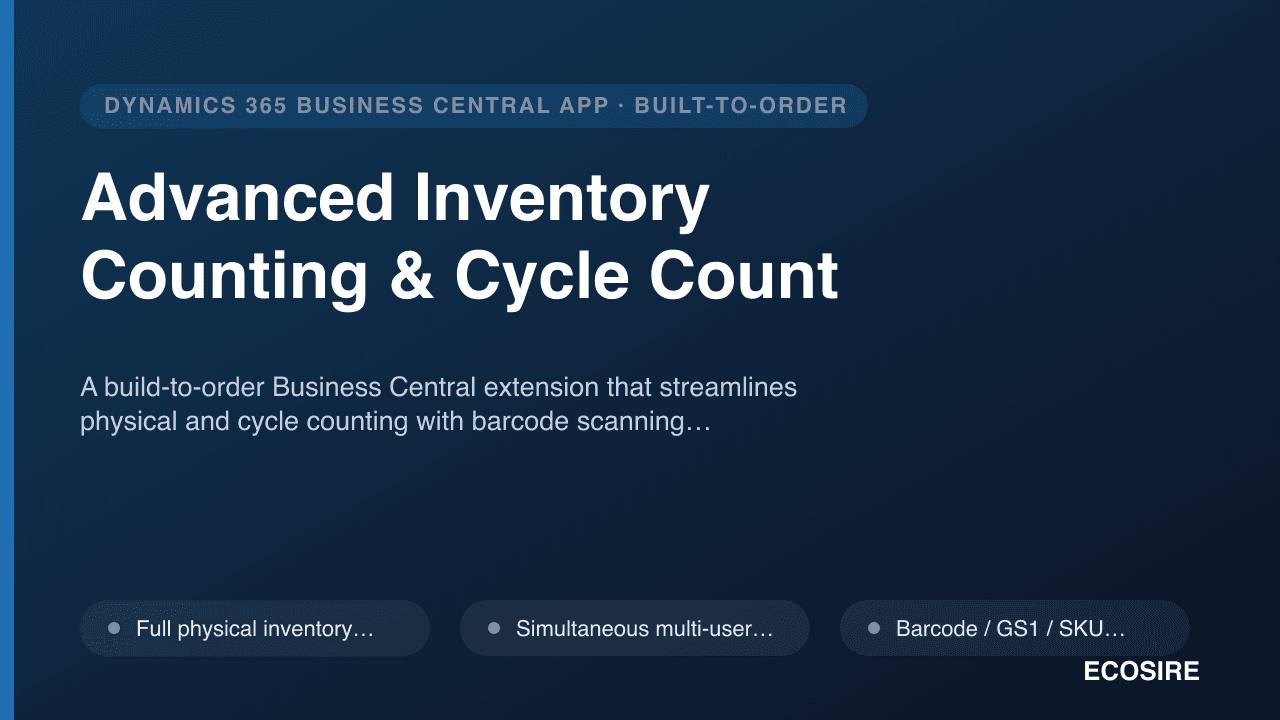
 示意预览
示意预览A build-to-order Business Central extension that streamlines physical and cycle counting with barcode scanning,
simultaneous multi-user count sheets, zone-based counting, and variance reconciliation that posts clean Item Journal entries — installed and supported by
ECOSIRE on your tenant.
什么是 Advanced Inventory Counting & Cycle Count?
A build-to-order Business Central extension that streamlines physical and cycle counting with barcode scanning, simultaneous multi-user count sheets, zone-based counting, and variance reconciliation that posts clean Item Journal entries — installed and supported by ECOSIRE on your tenant. Built to order by ECOSIRE for Dynamics 365 BC (build-to-order) — indicative price from $999.00 USD; request a quote for a scoped proposal.
核心功能
按需定制,全程代劳
无需自行搭建——由 ECOSIRE 构建、安装并提供支持的可用应用。
- 1
您下单
以一次性构建价格开始。我们在启动时与您共同确定范围。
- 2
我们构建与安装
ECOSIRE 在您的 Dynamics 365 Business Central 上构建、配置并安装。
- 3
上线 + 支持
约一个工作周内上线,并包含两周上线支持。我们交付的代码中的缺陷免费修复。
关于此产品
Inventory accuracy without the spreadsheet shuffle
Business Central ships physical inventory counting through the Phys. Inventory Journal and Phys. Inventory Order/Recording documents, but real warehouse counting quickly outgrows them: one journal per counter, no barcode capture, no zone segmentation, and reconciliation that mixes blind counts with on-hand quantities. Advanced Inventory Counting & Cycle Count is a custom AL extension that ECOSIRE designs, builds, and installs on your Business Central environment to close those gaps.
The extension adds dedicated count sheet pages and a count-header table (delivered as table and page extensions plus new objects), so multiple warehouse staff can count the same location simultaneously without overwriting each other. Counters scan barcodes / GS1 / SKU on a handheld or phone browser; each scan increments a count line via an AL event subscriber, with bin, lot, and serial captured where item tracking is enabled. You define cycle count cadences (ABC velocity, by bin, by item category, or by zone) so high-value SKUs are counted more often than the full annual freeze.
When counting closes, the reconciliation engine compares counted quantity against calculated on-hand, flags variances against a tolerance threshold, routes them through an approval step, and posts the approved result into the standard Item Journal / Phys. Inventory Journal — so your costing, valuation, and audit trail stay native to Business Central.
ECOSIRE delivers this as a per-tenant extension (not a public AppSource listing): we build it against your exact BC version, install it in sandbox, validate with your data, publish to production, ship the permission sets, and support it after go-live. Optional OData/REST API endpoints and Job Queue automation let you wire counts into Power BI or scheduled variance reports.
你得到什么
- A per-tenant Business Central AL extension (.app) built against your exact BC major version and published to your sandbox and production environments
- Source AL project (table/page/codeunit objects, event subscribers, permission sets) handed over in a Git repository you own
- Installation and publishing in your sandbox, data validation, then production deployment by ECOSIRE
- Configured cycle count cadences, count zones, and tolerance thresholds matching your warehouse setup
- Dedicated permission sets for warehouse-counter and finance-reconciler roles
- Optional OData/REST endpoints and Job Queue jobs configured for reporting or automation
- Admin and counter user guide plus a short handover/training session
- A defined post-go-live support and update window covering BC version compatibility
这是给谁的
Warehouse / Inventory Manager
Runs daily and periodic counts across multiple zones and needs several staff counting at once on handhelds without tripping over each other or freezing operations for a full physical.
Finance / Controller
Owns inventory valuation and the audit trail. Wants variances approved before they hit the ledger and every adjustment posting through the standard Phys. Inventory Journal so costing stays clean.
BC Administrator / IT Lead
Responsible for the tenant. Prefers a supported per-tenant extension with clear permission sets and AL source ownership over ad-hoc customizations or an opaque third-party app.
Advanced Inventory Counting & Cycle Count 如何比较
| 标准 | 伊科西尔 | 定制建造 | 竞争对手 | Dynamics 365 Business Central 原生 |
|---|---|---|---|---|
| Simultaneous multi-user counting on shared count sheets | 包含 | 部分支持 | 部分支持 | 不包括在内 |
| Barcode / GS1 / SKU scan capture via AL event subscriber | 包含 | 部分支持 | 包含 | 不包括在内 |
| Cycle count cadence by ABC velocity / zone / category | 包含 | 部分支持 | 部分支持 | 不包括在内 |
| Variance approval step before posting to the ledger | 包含 | 部分支持 | 部分支持 | 不包括在内 |
| Posts natively into Phys. Inventory / Item Journal (costing-safe) | 包含 | 部分支持 | 部分支持 | 包含 |
| Built, installed, and supported on your tenant with AL source ownership | 包含 | 部分支持 | 不包括在内 | 不包括在内 |
| Dedicated permission sets shipped with the solution | 包含 | 部分支持 | 部分支持 | 部分支持 |
| Optional OData/REST API + Job Queue automation for Power BI | 包含 | 部分支持 | 部分支持 | 部分支持 |
关于Advanced Inventory Counting & Cycle Count的常见问题
How long does delivery take, and how is it installed?
This is a build-to-order extension, not an instant AppSource download. Typical delivery is about one working week depending on scope (zones, item tracking, API/Power Platform options). ECOSIRE builds the AL extension against your exact Business Central version, installs and validates it in your sandbox, then publishes it to production as a per-tenant extension. You receive the source AL project in a repository you own.
Do you provide ongoing support and updates after go-live?
Yes. The engagement includes a defined post-go-live support window for fixes and questions, plus compatibility maintenance so the extension keeps working across Business Central's monthly and major-version updates. Because Microsoft ships BC updates regularly, we test the extension against new versions and republish as needed under the agreed support terms. Enhancements beyond the original scope are quoted separately.
Will counting interfere with our existing inventory and costing setup?
No. The extension reads on-hand from the standard Item Ledger and posts approved adjustments through the native Phys. Inventory / Item Journal, so your costing method, valuation, and audit trail stay exactly as Business Central handles them. We add count sheets and reconciliation on top — we don't replace core inventory posting.
Can counters use phones or handheld scanners?
Yes. Barcode capture works through the Business Central web client on a phone or tablet browser and with USB/Bluetooth handheld scanners that emulate keyboard input. For a dedicated mobile counting experience, we can optionally expose count data through Dataverse virtual tables and build a Power Apps handheld app as an add-on.
Why not just use Business Central's built-in physical inventory journals?
The native Phys. Inventory Journal and Phys. Inventory Order work for a single counter doing a periodic count, but they lack barcode-driven capture, true multi-user concurrent count sheets, zone/ABC cycle cadences, and a variance approval step. This extension adds those workflows while still posting back into the same native journals you already trust.
相关模块
ZATCA Phase 2 E-Invoicing (KSA)
A build-to-order AL extension that makes your Business Central invoices ZATCA Phase 2 (Fatoora) compliant — UBL 2.1 generation, cryptographic stamp and hash chaining, ZATCA QR, and live clearance/reporting, installed and supported by ECOSIRE on your tenant.
3PL / Outsourced-Warehouse Manager
A build-to-order Business Central AL extension that maps your 3PL warehouses into native sales and purchase flows — sending fulfillment orders, ingesting ASN and shipment confirmations, and reconciling on-hand quantities against each 3PL's stock balances.
AI Listing Optimizer & Repricer for Business Central Marketplaces
AI-driven listing content generation and dynamic repricing for marketplaces, delivered as a per-tenant AL extension that ECOSIRE builds, installs and supports on your Business Central environment.
Allegro Connector for Business Central
A build-to-order AL extension that links Poland's leading marketplace, Allegro, to Dynamics 365 Business Central — order import, offer/listing publishing, two-way stock and price sync, Allegro Smart! tracking write-back, and PL/EU VAT-correct invoicing. Built, installed per-tenant and supported by ECOSIRE.
Advanced Inventory Counting & Cycle Count
A build-to-order Business Central extension that streamlines physical and cycle counting with barcode scanning, simultaneous multi-user count sheets, zone-based counting, and variance reconciliation that posts clean Item Journal entries — installed and supported by ECOSIRE on your tenant.
- Full physical inventory and recurring cycle count workflows delivered as native AL table, page, and codeunit objects on top of Business Central's Item Ledger
- Simultaneous multi-user count entry — each counter owns their own count sheet lines against a shared count header, with no row-locking collisions or overwrites
- Barcode / GS1 / SKU scan capture via an AL event subscriber that resolves the scanned code to item, variant, bin, and tracking
- Flexible count sheets segmented by location, zone, bin range, item category, or ABC velocity class