 مثالی پیش منظر
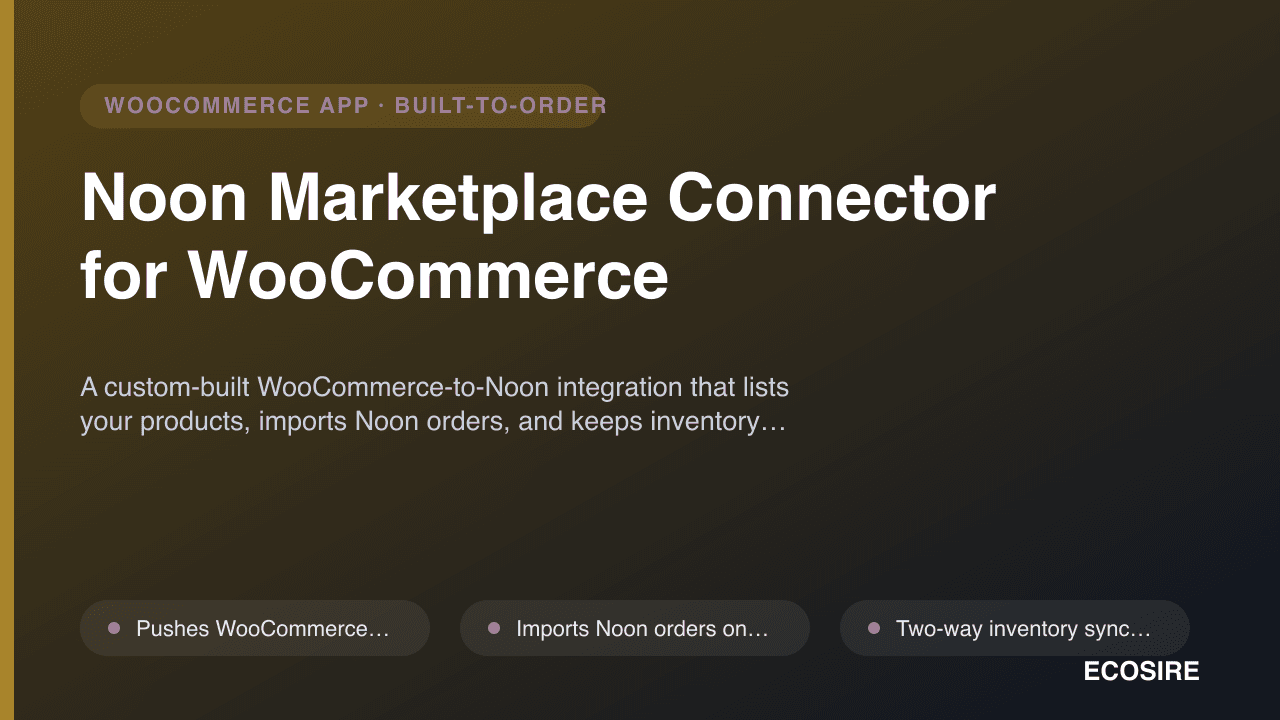
A custom-built WooCommerce-to-Noon integration that lists your products,
imports Noon orders, and keeps inventory and pricing in sync. Built, installed and supported on your WordPress site by ECOSIRE.
Noon Marketplace Connector for WooCommerce کیا ہے؟
A custom-built WooCommerce-to-Noon integration that lists your products, imports Noon orders, and keeps inventory and pricing in sync. Built, installed and supported on your WordPress site by ECOSIRE. Built to order by ECOSIRE for WooCommerce (build-to-order) — indicative price from $999.00 USD; request a quote for a scoped proposal.
اہم خصوصیات
آرڈر پر تیار، مکمل طور پر آپ کے لیے
خود سیٹ اپ کی ضرورت نہیں — ایک کام کرنے والی ایپ جو ECOSIRE بناتا، انسٹال اور سپورٹ کرتا ہے۔
- 1
آپ آرڈر دیتے ہیں
ایک بار کی تعمیر کی قیمت سے آغاز کریں۔ آغاز پر ہم آپ کے ساتھ مل کر دائرہ کار طے کرتے ہیں۔
- 2
ہم بناتے اور انسٹال کرتے ہیں
ECOSIRE اسے آپ کے WooCommerce پر بناتا، ترتیب دیتا اور انسٹال کرتا ہے۔
- 3
لائیو + معاونت
آپ تقریباً ایک کاروباری ہفتے میں لائیو ہو جاتے ہیں، گو لائیو کے بعد دو ہفتوں کی معاونت کے ساتھ۔ ہمارے فراہم کردہ کوڈ کی خرابیاں مفت درست کی جاتی ہیں۔
اس مصنوع کے بارے میں
Noon Marketplace Connector for WooCommerce bridges your WooCommerce catalog and the Noon Seller Lab so GCC sellers can run one inventory across both channels. This is not an instant download from WordPress.org or WooCommerce.com — ECOSIRE builds the plugin to fit your store, installs it on your WordPress site, and supports it afterward.
The connector reads your products through the WooCommerce REST API and the WC_Product data layer, maps each item to Noon's catalog requirements (partner SKU, brand, category attributes, images), and pushes listings to Noon. Incoming Noon orders are pulled on a scheduled WP-Cron job and written as native WooCommerce orders — fully compatible with HPOS (High-Performance Order Storage / custom order tables) so your existing order screens, reports and invoicing plugins keep working.
Inventory and price changes flow both ways. When stock moves in WooCommerce (a web sale, a manual edit, or another channel), the connector debits the matching Noon offer; when Noon confirms a sale, WooCommerce stock is reduced. We wire this through standard WordPress actions and filters (woocommerce_reduce_order_stock, woocommerce_update_product, custom cron hooks) so the logic survives theme and core updates.
Category mapping is handled in a dedicated wp-admin settings screen where your WooCommerce categories and attributes are matched to Noon's taxonomy. The build supports Fulfilment by Noon (FBN) and seller-fulfilled flows, status write-back, and a logged retry queue for API errors. Optional WPML and WooCommerce multisite handling is available where your store needs it.
Every build includes installation on your server, a mapping workshop, sandbox validation against Noon's API, and a support window. You own the code on your own site.
What you get
- A custom Noon connector plugin built for your WooCommerce store and installed on your WordPress site by ECOSIRE
- Category and attribute mapping configured for your actual catalog during a guided mapping session
- Sandbox validation against the Noon Seller Lab API before any data touches your live store
- wp-admin settings and credentials configured with your Noon partner keys stored via wp-config constants
- Source code delivered to you on your own server, plus a short admin walkthrough document
- A post-launch support window covering bug fixes and Noon API adjustments (scope defined in your order)
Who this is for
GCC WooCommerce seller expanding to Noon
A merchant already running a WooCommerce store in the UAE, KSA or wider GCC who wants Noon as a second sales channel without re-keying products or maintaining stock in two places.
Operations lead drowning in manual order entry
Whoever copies Noon orders into WooCommerce by hand each morning. They need Noon orders to land automatically as native WooCommerce orders so fulfilment, invoicing and reporting all run from one system.
Brand owner using Fulfilment by Noon
A seller shipping inventory into FBN who needs WooCommerce stock and Noon offer quantities to stay reconciled, with clear logs when the marketplace and the store disagree.
How Noon Marketplace Connector for WooCommerce Compares
| Criterion | ECOSIRE | Custom Build | Competitor | WooCommerce نیٹو |
|---|---|---|---|---|
| Lists WooCommerce products directly to Noon (Seller Lab) | Included | Partial support | Partial support | Not included |
| Imports Noon orders as native WooCommerce orders | Included | Partial support | Partial support | Not included |
| Two-way inventory and price sync hooked into WooCommerce stock actions | Included | Partial support | Partial support | Not included |
| Fulfilment by Noon (FBN) order flow support | Included | Partial support | Not included | Not included |
| Built, installed and validated on your site by the vendor | Included | Included | Not included | Not included |
| HPOS / custom order tables compatibility tested against your stack | Included | Partial support | Partial support | Included |
| Instant self-service download and activation | Not included | Not included | Included | Included |
| Tailored category and attribute mapping for your exact catalog | Included | Included | Not included | Not included |
Frequently Asked Questions about Noon Marketplace Connector
Is this an instant plugin I can download and install myself?
No. This is a build-to-order integration. ECOSIRE builds the Noon connector to match your catalog and store setup, installs it on your WordPress site, validates it against Noon's Seller Lab API in a sandbox, then promotes it to your live store. You receive the source code on your own server — there is no WordPress.org or WooCommerce.com download link.
How long until it is live on my store?
Typical delivery is roughly one working week from when we receive your Noon Seller Lab API access, your category mapping requirements and admin access to your WordPress site. Larger catalogs, FBN flows, WPML or multisite setups can extend this. We confirm a firm lead time in writing before work starts.
What about ongoing support and updates?
Every build includes a post-launch support window for bug fixes and adjustments if Noon changes its API. After that window, you can keep changes flowing through an optional maintenance arrangement. Because the code lives on your server, you are never locked out — but Noon and WooCommerce both evolve, so ongoing maintenance is recommended for any live channel.
Will it work with HPOS and my existing WooCommerce extensions?
Yes. The connector writes Noon orders as native WooCommerce orders and is built to be compatible with High-Performance Order Storage (custom order tables). Because orders are standard WooCommerce orders, your invoicing, reporting, shipping and accounting extensions read them like any other order. We test against your active plugin stack during the build.
How are my Noon API credentials kept secure?
Your Noon partner keys are stored using the WordPress options API and wp-config constants, never committed to the plugin code or any repository. API calls run server-side, errors are logged to an admin-visible retry queue rather than failing silently, and we follow least-privilege practices when configuring access.
Related Modules
Multi-Currency Switcher with Gateway Routing for WooCommerce
A custom-built WooCommerce plugin that auto-detects each shopper's currency, applies a margin-protecting exchange markup, and routes every currency to the correct payment gateway at checkout. Built, installed, and supported by ECOSIRE on your WordPress site.
Multi-Marketplace Hub for WooCommerce
One connector to list and sync WooCommerce products across 100+ marketplaces, with centralized order ingestion and real-time stock control — built, installed, and supported on your own WordPress site by ECOSIRE.
NOWPayments Crypto Gateway for WooCommerce
A custom-built WooCommerce payment gateway that connects your store to NOWPayments so you can accept 300+ cryptocurrencies non-custodially with auto-conversion at checkout. Built, installed and supported by ECOSIRE on your WordPress site.
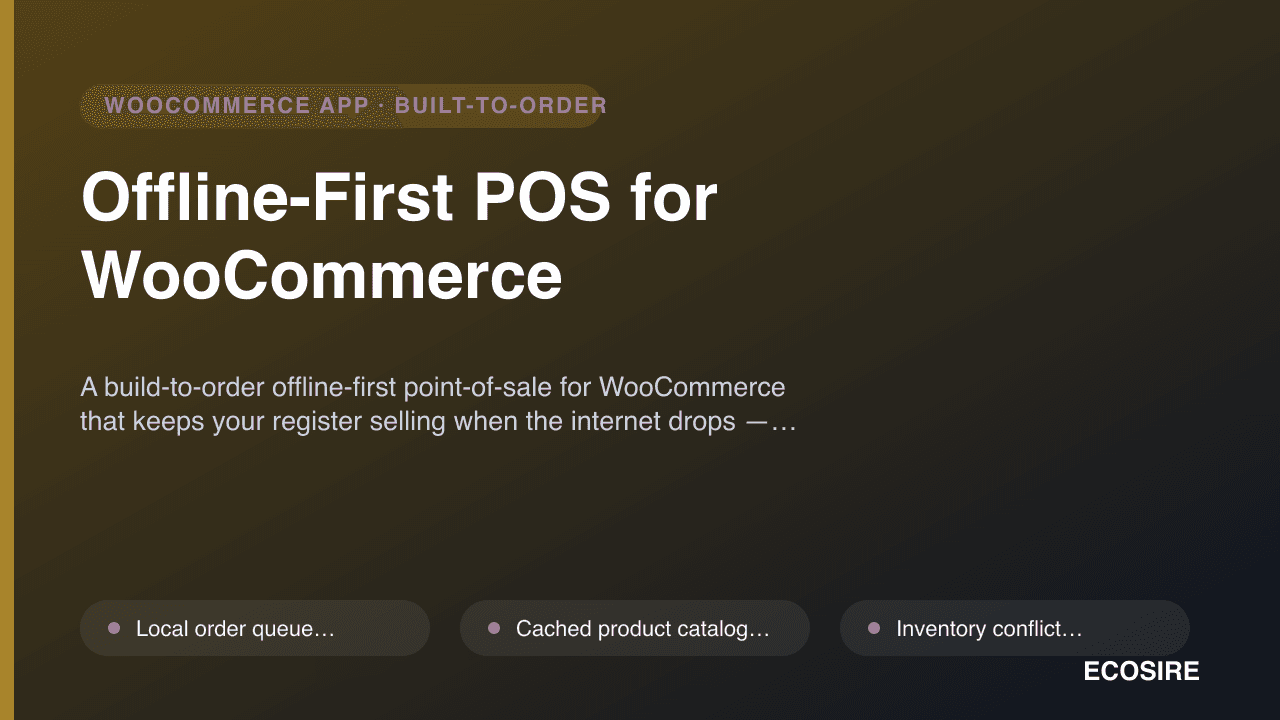
Offline-First POS for WooCommerce
A build-to-order offline-first point-of-sale for WooCommerce that keeps your register selling when the internet drops — orders queue locally and sync the moment you reconnect.
Noon Marketplace Connector
A custom-built WooCommerce-to-Noon integration that lists your products, imports Noon orders, and keeps inventory and pricing in sync. Built, installed and supported on your WordPress site by ECOSIRE.
- Pushes WooCommerce products to Noon as offers, mapping partner SKU, brand, images and category attributes from the WC_Product data layer
- Imports Noon orders on a scheduled WP-Cron job and writes them as native WooCommerce orders (HPOS / custom order tables compatible)
- Two-way inventory sync hooked into woocommerce_reduce_order_stock and woocommerce_update_product so stock stays correct across web and Noon
- Price sync from WooCommerce regular/sale price to the matching Noon offer, with per-channel markup rules if you need them