 مثالی پیش منظر
A build-to-order WooCommerce plugin that adds delivery and pickup time slots,
postcode/radius delivery zones, and distance-based fees to your food store.
ECOSIRE builds, installs and supports it on your WordPress site.
Food Delivery & Pickup Scheduler کیا ہے؟
A build-to-order WooCommerce plugin that adds delivery and pickup time slots, postcode/radius delivery zones, and distance-based fees to your food store. ECOSIRE builds, installs and supports it on your WordPress site. Built to order by ECOSIRE for WooCommerce (build-to-order) — indicative price from $999.00 USD; request a quote for a scoped proposal.
اہم خصوصیات
آرڈر پر تیار، مکمل طور پر آپ کے لیے
خود سیٹ اپ کی ضرورت نہیں — ایک کام کرنے والی ایپ جو ECOSIRE بناتا، انسٹال اور سپورٹ کرتا ہے۔
- 1
آپ آرڈر دیتے ہیں
ایک بار کی تعمیر کی قیمت سے آغاز کریں۔ آغاز پر ہم آپ کے ساتھ مل کر دائرہ کار طے کرتے ہیں۔
- 2
ہم بناتے اور انسٹال کرتے ہیں
ECOSIRE اسے آپ کے WooCommerce پر بناتا، ترتیب دیتا اور انسٹال کرتا ہے۔
- 3
لائیو + معاونت
آپ تقریباً ایک کاروباری ہفتے میں لائیو ہو جاتے ہیں، گو لائیو کے بعد دو ہفتوں کی معاونت کے ساتھ۔ ہمارے فراہم کردہ کوڈ کی خرابیاں مفت درست کی جاتی ہیں۔
اس مصنوع کے بارے میں
The Food Delivery & Pickup Scheduler turns any WooCommerce food store into a real ordering system with scheduled delivery and curbside pickup. Customers pick a date and a time slot at checkout, the plugin validates it against your store hours and per-slot capacity limits, then calculates the correct delivery fee for their zone — by postcode list or by radius from your kitchen — using flat-rate, distance-based or order-value rules.
This is not an instant marketplace download. ECOSIRE builds, installs and configures the plugin directly on your WordPress site, tailored to your menu, zones and operating hours. We deliver it as a proper plugin (its own folder under wp-content/plugins/), wired into WooCommerce the right way.
Under the hood it uses real WooCommerce extension points: a custom shipping method for delivery fees, the woocommerce_after_order_notes / checkout block hooks for the slot picker, order item meta to store the chosen slot and zone (fully HPOS / custom order tables compatible), and WP-Cron to roll slot capacity forward each day. Zone and slot configuration lives in dedicated wp-admin screens under WooCommerce settings, and slots are exposed through the WooCommerce REST API so your kitchen display or third-party app can read the day's schedule.
It respects minimum order value per zone, blocks checkout when a slot is full, and supports WPML / multisite for multi-location or multilingual stores. Every build is delivered with a staging test, a walkthrough, and ongoing support and update coverage so it keeps working across WooCommerce and WordPress core releases. Honest build lead time applies — see the FAQ.
What you get
- A custom WooCommerce plugin installed in wp-content/plugins/ on your WordPress site, activated and configured by ECOSIRE
- Initial configuration of your delivery zones, pickup hours, time slots and fee rules based on your real operating data
- A staging-site test pass covering checkout, slot booking, zone fee calculation and full-slot blocking before go-live
- Admin walkthrough plus a short written guide for managing zones, slots and hours from wp-admin
- WooCommerce REST API access documentation for the schedule endpoints (for kitchen display or app integration)
- Ongoing support and compatibility-update coverage across WooCommerce and WordPress core releases for the agreed term
Who this is for
Independent restaurant owner
Runs a single-location restaurant and wants customers to schedule delivery or curbside pickup at a real time slot instead of ordering with no ETA. Needs store-hours and capacity limits so the kitchen never gets slammed.
Multi-location food brand / franchise
Operates several kitchens and needs per-location hours, postcode/radius zones and distinct delivery fees. Uses multisite or WPML and wants the chosen location and slot to flow cleanly into each order.
Cloud kitchen / catering operator
Fulfills on a tight production schedule and needs hard per-slot capacity caps, minimum order values per zone, and a REST feed of the day's bookings into a kitchen display or prep board.
How Food Delivery & Pickup Scheduler Compares
| Criterion | ECOSIRE | Custom Build | Competitor | WooCommerce نیٹو |
|---|---|---|---|---|
| Delivery and pickup time-slot picker at checkout | Included | Partial support | Included | Not included |
| Distance/radius-based delivery zones and fees from your kitchen | Included | Partial support | Partial support | Not included |
| Per-slot capacity limits tied to store hours | Included | Partial support | Partial support | Not included |
| Built, installed and configured for you on your site | Included | Partial support | Not included | Not included |
| Tailored to your exact zones, hours and fee model | Included | Included | Not included | Not included |
| HPOS / custom order tables and Checkout block compatible | Included | Partial support | Partial support | Included |
| Ongoing support and core-update compatibility coverage | Included | Not included | Partial support | Partial support |
| Instant self-serve download / no wait | Not included | Not included | Included | Included |
Frequently Asked Questions about Food Delivery & Pickup Scheduler
Is this an instant download I can install myself?
No. This is a build-to-order plugin. ECOSIRE builds, installs and configures it directly on your WordPress site — including your real delivery zones, store hours, time slots and fee rules — rather than handing you a generic zip from a marketplace. You get a properly engineered WooCommerce plugin tailored to your store.
How long does delivery and setup take?
Typical lead time is about one working week from when we confirm your requirements (zones, hours, fee model and any multi-location or WPML needs). Simple single-location setups are toward the faster end; multi-location, distance-based pricing or REST/kitchen-display integrations take longer. We confirm a concrete date before starting and test on a staging site before go-live.
Do I get ongoing support and updates after launch?
Yes. Every build includes ongoing support and compatibility-update coverage for the agreed term, so the plugin keeps working as WooCommerce and WordPress core release updates. If a core change affects checkout hooks, HPOS or the Checkout block, we update the plugin. Support covers bug fixes and configuration help; new features are scoped separately.
Will it work with HPOS (custom order tables) and the new Checkout block?
Yes. The slot, fulfillment type and zone are stored as WooCommerce order item meta and read through the HPOS-compatible order API, so it works whether your store uses legacy post-based orders or custom order tables. The slot picker is delivered for both the classic shortcode checkout and the WooCommerce Checkout block.
Can I manage zones and time slots myself after it's built?
Yes. Day-to-day changes — adding postcodes to a zone, adjusting store hours, changing slot capacity or fees — are done from dedicated screens under WooCommerce settings in wp-admin, with no code editing. For developers, the plugin also exposes WordPress hooks (actions and filters) so you can customize slot rendering, fee logic and validation in your own theme or child plugin.
Related Modules
Express Checkout Buttons (Apple Pay / Google Pay) for WooCommerce
A custom-built WooCommerce plugin that adds Apple Pay, Google Pay and one-tap wallet buttons to your product, cart and checkout pages. Built, installed and supported on your WordPress site by ECOSIRE.
Fawry Payment Gateway for WooCommerce
A custom-built WooCommerce payment gateway that adds Fawry pay-at-outlet reference codes, cards, mobile wallets and installments to your checkout. ECOSIRE builds, installs and supports it on your WordPress site.
FreshBooks & Wave Accounting Sync for WooCommerce
A build-to-order WooCommerce plugin that connects your store to FreshBooks or Wave, automatically creating invoices, clients, payments and refunds from your orders so your books stay current without manual re-keying.
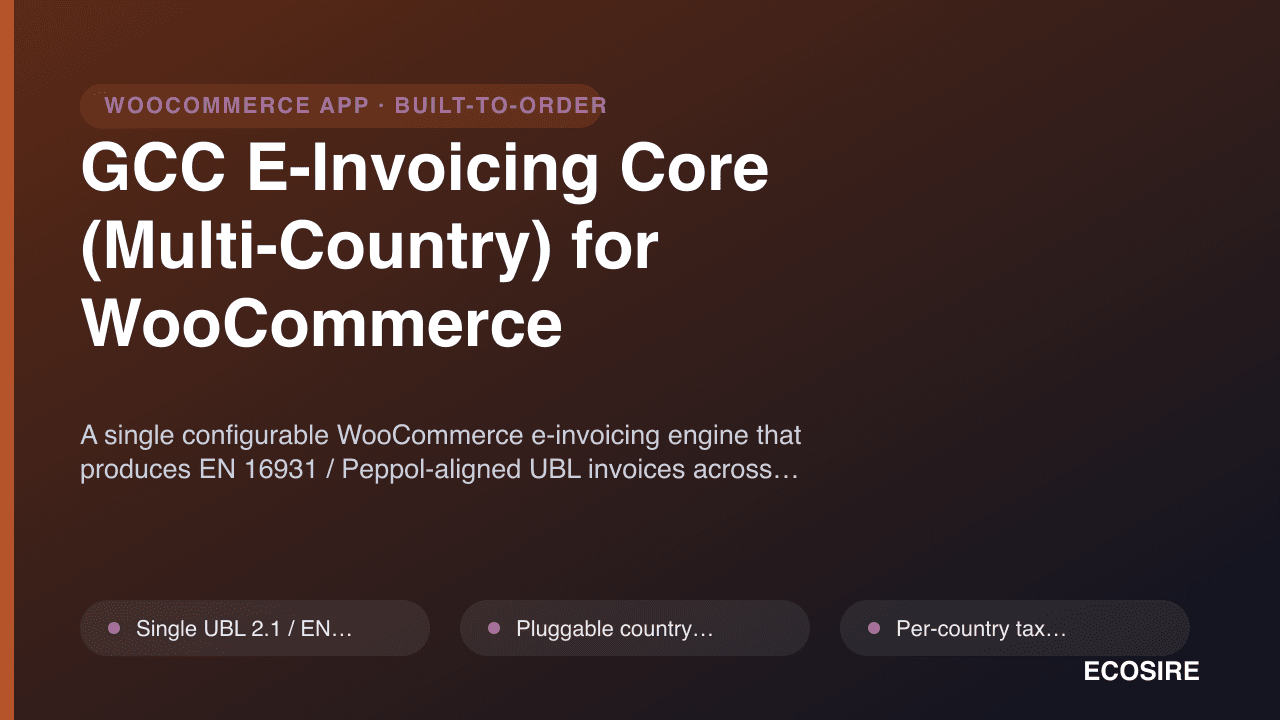
GCC E-Invoicing Core (Multi-Country) for WooCommerce
A single configurable WooCommerce e-invoicing engine that produces EN 16931 / Peppol-aligned UBL invoices across multiple country profiles (KSA, UAE, EU, MY, SG), built and installed for you by ECOSIRE.
Food Delivery & Pickup Scheduler
A build-to-order WooCommerce plugin that adds delivery and pickup time slots, postcode/radius delivery zones, and distance-based fees to your food store. ECOSIRE builds, installs and supports it on your WordPress site.
- Date and time-slot picker injected into the WooCommerce checkout (classic shortcode checkout and the Checkout block) for both delivery and pickup fulfillment
- Delivery zone mapping by explicit postcode/ZIP lists or by radius (distance) from one or more store locations
- Delivery fee engine supporting flat-rate per zone, distance-based (per km/mile) and order-value tiered pricing, delivered as a native WooCommerce shipping method
- Store hours and blackout dates enforced per location, so customers can only book slots when your kitchen is actually open