 مثالی پیش منظر
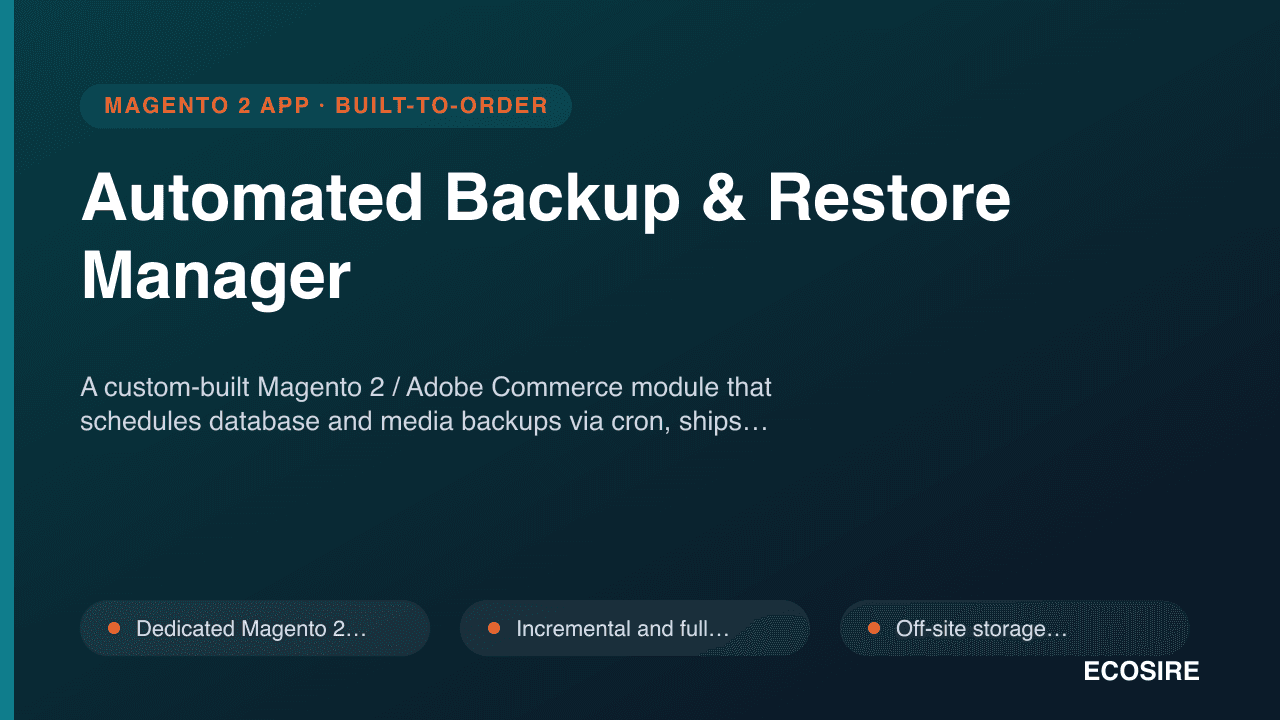
A custom-built Magento 2 / Adobe Commerce module that schedules database and media backups via cron,
ships incremental and full modes, pushes archives off-site to S3, FTP or Google Drive, and gives admins one-click restore points behind ACL — built, installed and supported by ECOSIRE.
Automated Backup & Restore Manager کیا ہے؟
A custom-built Magento 2 / Adobe Commerce module that schedules database and media backups via cron, ships incremental and full modes, pushes archives off-site to S3, FTP or Google Drive, and gives admins one-click restore points behind ACL — built, installed and supported by ECOSIRE. Built to order by ECOSIRE for Magento 2 / Adobe Commerce (build-to-order) — indicative price from $999.00 USD; request a quote for a scoped proposal.
اہم خصوصیات
آرڈر پر تیار، مکمل طور پر آپ کے لیے
خود سیٹ اپ کی ضرورت نہیں — ایک کام کرنے والی ایپ جو ECOSIRE بناتا، انسٹال اور سپورٹ کرتا ہے۔
- 1
آپ آرڈر دیتے ہیں
ایک بار کی تعمیر کی قیمت سے آغاز کریں۔ آغاز پر ہم آپ کے ساتھ مل کر دائرہ کار طے کرتے ہیں۔
- 2
ہم بناتے اور انسٹال کرتے ہیں
ECOSIRE اسے آپ کے Magento 2 پر بناتا، ترتیب دیتا اور انسٹال کرتا ہے۔
- 3
لائیو + معاونت
آپ تقریباً ایک کاروباری ہفتے میں لائیو ہو جاتے ہیں، گو لائیو کے بعد دو ہفتوں کی معاونت کے ساتھ۔ ہمارے فراہم کردہ کوڈ کی خرابیاں مفت درست کی جاتی ہیں۔
اس مصنوع کے بارے میں
Magento 2 ships no real disaster-recovery tooling. The legacy bin/magento setup:backup command is deprecated, blocks the storefront while it runs, dumps to local var/backups (the same disk you are trying to protect), and has no scheduling, no off-site copy and no restore UI. Operations teams are left stitching together cron one-liners, mysqldump, and tribal knowledge — until the night a bad deploy or a corrupted table proves the gaps.
The Automated Backup & Restore Manager is a Magento 2 / Adobe Commerce module ECOSIRE builds to your environment. It registers a proper module under app/code/Ecosire/BackupManager with a crontab.xml group, service-contract interfaces for the backup engine, an admin controller set guarded by granular ACL resources, and a clean Admin grid of restore points. Backups run as background cron jobs (full or incremental DB plus media), are streamed and compressed to avoid filling local disk, then pushed off-site to Amazon S3, FTP/SFTP or Google Drive using injected storage adapters wired through di.xml. Retention policies prune old archives automatically. One-click restore reads a selected point, validates the archive, and replays the database and media with progress logging and an audit trail.
Because this is build-to-order, ECOSIRE tailors it to your hosting (on-prem, Adobe Commerce Cloud, or managed), your storage backend and credentials (kept in env.php / config, never hard-coded), and your Open Source vs Adobe Commerce edition. We install it on your staging environment, dry-run a real restore so you trust it before go-live, and support it afterward. This is not an instant Adobe Commerce Marketplace download — it is a delivered, installed, working extension with a named lead time.
What you get
- Custom Magento 2 / Adobe Commerce module (Ecosire_BackupManager) packaged for composer install, compatible with your Open Source or Adobe Commerce edition and PHP version
- Installation and configuration on your staging environment, including cron group registration and verification that scheduled jobs fire
- Off-site storage wiring to your chosen backend (S3 bucket / FTP-SFTP host / Google Drive) using your credentials stored securely in env.php or encrypted config
- A documented, witnessed dry-run restore on staging so your team confirms recoverability before production cutover
- Admin user guide and runbook covering scheduling, manual backup/restore, retention tuning and failure response
- Source code with technical README, plus a post-deployment support window for fixes, Magento patch-compatibility checks and minor adjustments
Who this is for
E-commerce Operations Manager
Owns uptime and disaster-recovery assurance for a busy Magento 2 store. Needs proven, scheduled off-site backups and a restore they have actually tested — not a deprecated CLI command and a prayer.
Magento DevOps / Hosting Engineer
Manages deploys, staging refreshes and incident response. Wants backups that run as background cron jobs, land in S3 or SFTP off the production disk, and expose REST/CLI hooks for monitoring and automated staging restores.
Adobe Commerce Merchant / IT Lead
Accountable for data protection and audit. Needs ACL-gated backup access, an audit trail of every restore, retention policies that satisfy compliance, and a vendor who installs and supports the solution rather than handing over a raw zip.
How Automated Backup & Restore Manager Compares
| Criterion | ECOSIRE | Custom Build | Competitor | Magento 2 نیٹو |
|---|---|---|---|---|
| Scheduled automated backups via Magento cron (no manual runs) | Included | Partial support | Included | Not included |
| Off-site storage to S3 / FTP-SFTP / Google Drive | Included | Partial support | Partial support | Not included |
| One-click restore from Admin with archive validation | Included | Not included | Partial support | Not included |
| Incremental + full backup modes | Included | Partial support | Partial support | Not included |
| Retention policies with auto-cleanup | Included | Partial support | Included | Not included |
| Non-blocking background backups (storefront stays up) | Included | Partial support | Partial support | Not included |
| Granular ACL + audit trail of restores | Included | Partial support | Partial support | Not included |
| Tailored to your edition, hosting & storage backend | Included | Included | Not included | Not included |
| Installed, dry-run restore tested & supported by vendor | Included | Not included | Not included | Not included |
Frequently Asked Questions about Automated Backup & Restore Manager
How long until the extension is delivered and installed?
Because this is build-to-order, typical delivery is about one working week from when we have your Magento edition/version, hosting details and a staging environment. The first milestone is a working install on staging with scheduled cron backups landing in your chosen off-site destination; we then run a witnessed dry-run restore before any production cutover. Complex setups (Adobe Commerce Cloud, very large media catalogs, custom storage targets) may add a few days, and we confirm the exact timeline in writing before starting.
What do ongoing support and updates look like after delivery?
Every build includes a post-deployment support window for bug fixes and minor adjustments, plus verification that the module stays compatible across your Magento 2 / Adobe Commerce security patches and minor upgrades. Because this is not a Marketplace product with anonymous auto-updates, you get the source code and a named point of contact at ECOSIRE; we can also arrange an ongoing maintenance retainer to keep the module patch-tested and to add destinations or features as your infrastructure changes.
Does this replace the built-in bin/magento setup:backup command?
Yes. The core setup:backup command is deprecated, runs synchronously (blocking the storefront), writes only to local var/backups on the same disk, and has no scheduling, off-site copy or restore UI. This module runs backups as background cron jobs, streams compressed archives off-site to S3/FTP/Google Drive, enforces retention, and provides one-click restore from the Admin behind ACL — the disaster-recovery layer Magento core never shipped.
Will it work on Adobe Commerce Cloud and large media catalogs?
It runs on Adobe Commerce Open Source and Adobe Commerce (including Cloud) and on self-managed or managed hosting. For large media catalogs we use incremental media detection and streamed, compressed uploads so nightly runs stay fast and do not exhaust local disk. On Adobe Commerce Cloud we adapt to the platform's read-only filesystem and cron model during the build, which is exactly why we tailor and test each deployment rather than shipping a generic package.
How are my storage credentials and backups kept secure?
Credentials for S3, FTP/SFTP or Google Drive are stored in env.php or Magento's encrypted configuration, never hard-coded in source or committed to your repository. Access to create, download and restore backups is gated by dedicated Magento ACL resources so only authorized admin roles can act, and every restore is written to an audit log. Optional archive encryption can be enabled so the off-site copies are protected at rest, and we verify each backup with a checksum and read-back to confirm it is recoverable.
Related Modules
ASOS Marketplace Connector
A build-to-order Magento 2 module that connects your store to the ASOS marketplace — pushing fashion listings, syncing inventory and price, importing orders, and mapping size/attribute taxonomies. Engineered, installed, and supported by ECOSIRE.
Authorize.Net CIM Gateway for Magento 2
A custom-built Authorize.Net CIM payment gateway for Magento 2 and Adobe Commerce, using Customer Information Manager tokenization with Apple Pay and Google Pay. Built, installed and supported by ECOSIRE on your store.
B2B Company Credit & Statements for Magento 2
A build-to-order Magento 2 module that gives B2B companies shared credit limits, automatic invoicing, live available-credit display and PDF account statements with aging — built and installed by ECOSIRE on your store.
B2B NET 30 / Net Terms Payment for Magento 2
A build-to-order Magento 2 / Adobe Commerce extension that adds deferred net-terms payment (NET 30/60/90) at checkout, with per-customer credit limits, automatic due-date tracking, and overdue reminders. Built, installed, and supported by ECOSIRE on your store.
Automated Backup & Restore Manager
A custom-built Magento 2 / Adobe Commerce module that schedules database and media backups via cron, ships incremental and full modes, pushes archives off-site to S3, FTP or Google Drive, and gives admins one-click restore points behind ACL — built, installed and supported by ECOSIRE.
- Dedicated Magento 2 module under app/code/Ecosire/BackupManager with crontab.xml-driven scheduled backup jobs (full and incremental, separate cron groups for DB and media)
- Incremental and full backup modes — incremental DB diffs and changed-media detection to keep nightly runs fast and archives small
- Off-site storage adapters for Amazon S3, FTP/SFTP and Google Drive, injected via di.xml so the destination is swappable without code changes
- One-click restore from any retained point through the Magento Admin, with pre-restore archive validation, progress logging and rollback safety