 مثالی پیش منظر
A per-tenant Business Central (AL) extension that runs scheduled,
encrypted backups of your BC data to your own Azure Blob Storage, with point-in-time restore and per-company/per-table scope. Built, installed, and supported by
ECOSIRE on your environment.
Cloud Backup & Restore کیا ہے؟
A per-tenant Business Central (AL) extension that runs scheduled, encrypted backups of your BC data to your own Azure Blob Storage, with point-in-time restore and per-company/per-table scope. Built, installed, and supported by ECOSIRE on your environment. Built to order by ECOSIRE for Dynamics 365 BC (build-to-order) — indicative price from $999.00 USD; request a quote for a scoped proposal.
اہم خصوصیات
آرڈر پر تیار، مکمل طور پر آپ کے لیے
خود سیٹ اپ کی ضرورت نہیں — ایک کام کرنے والی ایپ جو ECOSIRE بناتا، انسٹال اور سپورٹ کرتا ہے۔
- 1
آپ آرڈر دیتے ہیں
ایک بار کی تعمیر کی قیمت سے آغاز کریں۔ آغاز پر ہم آپ کے ساتھ مل کر دائرہ کار طے کرتے ہیں۔
- 2
ہم بناتے اور انسٹال کرتے ہیں
ECOSIRE اسے آپ کے Dynamics 365 Business Central پر بناتا، ترتیب دیتا اور انسٹال کرتا ہے۔
- 3
لائیو + معاونت
آپ تقریباً ایک کاروباری ہفتے میں لائیو ہو جاتے ہیں، گو لائیو کے بعد دو ہفتوں کی معاونت کے ساتھ۔ ہمارے فراہم کردہ کوڈ کی خرابیاں مفت درست کی جاتی ہیں۔
اس مصنوع کے بارے میں
Microsoft's standard Business Central online retention gives you a short window of system-managed backups and a support-ticket restore path — fine for disaster recovery, but not for the granular, customer-controlled, retain-it-where-I-choose protection IT admins actually need. Cloud Backup & Restore closes that gap.
This is a build-to-order AL extension that ECOSIRE designs, builds, installs as a per-tenant extension on your Business Central environment (online or on-prem), and supports thereafter. It is not an instant AppSource download — we scope it to your companies, tables, and storage account, then deploy and verify it with you.
The extension registers a recurring Job Queue entry that serializes selected tables (per company, per table, or full-tenant scope) and streams them — encrypted at rest — to your own Azure Blob Storage container (or an alternate target you control), so your backup data never leaves infrastructure you own. Each run is timestamped to enable point-in-time restore: an admin selects a snapshot and restores a company, a table set, or specific records into the live or a sandbox environment, with a dry-run preview before any write.
We expose the controls as proper page extensions inside Business Central — a Backup Setup page, a Backup Log with run history and row counts, and a Restore action wizard — all governed by a dedicated permission set so only authorized admins can trigger or restore. Backups are emitted over the BC platform's data services; nothing relies on screen scraping.
Because it is built to order, you get exactly the scope, schedule, retention policy, encryption key handling, and storage target your compliance team requires — and a named ECOSIRE engineer to maintain it across BC update waves.
What you get
- A per-tenant Business Central AL extension (.app), version-pinned to your BC platform and installed in your environment
- Backup Setup, Backup Log, and Restore wizard page extensions plus a dedicated admin permission set
- Job Queue entry configured to your chosen schedule and scope, validated on your tenant
- Azure Blob Storage target wired to a container you own, with encryption-at-rest configured
- A verified end-to-end backup-then-restore cycle run with your team before handover
- Admin runbook documenting setup, restore procedure, retention policy, and recovery steps
Who this is for
Business Central IT Administrator
Owns the BC tenant and is accountable for data protection beyond Microsoft's default retention. Wants scheduled backups in their own Azure storage and a fast, self-service point-in-time restore — without filing a Microsoft support ticket and waiting.
Compliance / Data Governance Officer
Needs backup data retained on infrastructure the company controls, encrypted at rest, with an auditable log of every run. Cares that restore is permission-gated and that retention matches the firm's policy.
ERP / Finance Operations Manager
Lives in the consequences of a bad data import or accidental mass-delete. Wants the ability to roll a single company or table back to yesterday — or to validate a restore in a sandbox first — without a multi-day recovery process.
How Cloud Backup & Restore Compares
| Criterion | ECOSIRE | Custom Build | Competitor | Dynamics 365 Business Central نیٹو |
|---|---|---|---|---|
| Scheduled automated backups on a cadence you choose | Included | Included | Partial support | Partial support |
| Point-in-time restore of a company, table set, or specific records (self-service) | Included | Partial support | Partial support | Not included |
| Backup data stored in your own Azure Blob Storage (data stays on your infrastructure) | Included | Included | Partial support | Not included |
| Per-company / per-table backup scope | Included | Partial support | Partial support | Not included |
| Encryption at rest with compliance-driven key handling | Included | Partial support | Partial support | Included |
| Built, installed per-tenant, and supported for you across BC update waves | Included | Not included | Partial support | Included |
| Tailored exactly to your tables, retention, and storage target | Included | Included | Not included | Not included |
Frequently Asked Questions about Cloud Backup & Restore
Is this an instant AppSource download?
No. Cloud Backup & Restore is built to order. ECOSIRE designs the extension to your companies, tables, schedule, and storage target, then installs it as a per-tenant extension on your Business Central environment and verifies a full backup-then-restore cycle with you. You are buying a built-and-installed, supported solution — not a self-serve marketplace app.
How long does delivery take after I order?
Typical lead time is one working week from kickoff, depending on scope (number of companies, tables, custom retention or encryption requirements, and online vs on-prem). We start with a short scoping call to confirm your Azure Blob target and schedule, build and test against a sandbox, then deploy to production with you. We give you a firm date after scoping — no surprises.
What about ongoing support and BC update waves?
Every build includes a support window, and we offer ongoing maintenance so the extension stays compatible across Microsoft's BC update waves. Because it is a per-tenant extension we control, a named ECOSIRE engineer re-validates it against each major platform update and ships any required fixes. We do not leave you to maintain AL code you didn't write.
Where exactly is my backup data stored, and is it encrypted?
In an Azure Blob Storage container that you own — or another target you control. Backup data does not land on ECOSIRE infrastructure. Data is encrypted at rest with AES-256, and key handling is configured to match your compliance requirements during scoping.
Can I restore a single company or just specific records instead of everything?
Yes. Scope is configurable per company and per table. Point-in-time restore lets an admin pick a timestamped snapshot and restore a whole company, a table set, or specific records — with a dry-run preview before any write, and an optional restore-to-sandbox so you can validate the snapshot before touching production.
Related Modules
Channel Manager Connector (SiteMinder / SynXis)
A build-to-order Business Central AL extension that keeps your PMS in two-way sync with SiteMinder or SynXis, so rates, availability and OTA reservations stay aligned across Booking.com, Expedia and every connected channel.
Click-and-Collect / BOPIS Manager
A build-to-order Business Central extension that coordinates buy-online-pickup-in-store orders end to end — from web/marketplace intake to store picking, staging, customer-ready notifications, and curbside or locker handover — built, installed per-tenant, and supported by ECOSIRE.
Credit Management & Collections for Business Central
A build-to-order AL extension that adds credit limit checks, risk scoring, automated dunning cycles, a collections worklist and finance-charge calculation to Microsoft Dynamics 365 Business Central — installed as a per-tenant extension and supported by ECOSIRE.
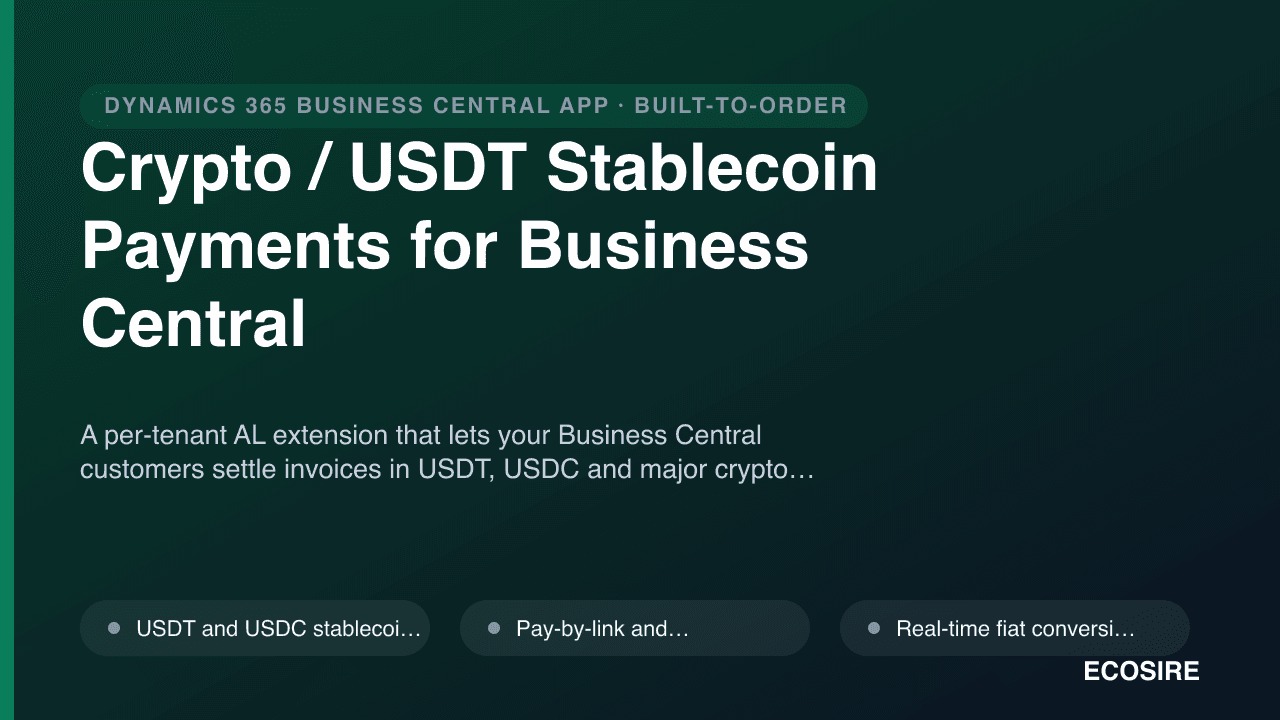
Crypto / USDT Stablecoin Payments for Business Central
A per-tenant AL extension that lets your Business Central customers settle invoices in USDT, USDC and major crypto via pay-by-link or QR, with real-time fiat conversion, optional rate locking, and automatic reconciliation back to the originating invoice. Built, installed and supported by ECOSIRE on your tenant.
Cloud Backup & Restore
A per-tenant Business Central (AL) extension that runs scheduled, encrypted backups of your BC data to your own Azure Blob Storage, with point-in-time restore and per-company/per-table scope. Built, installed, and supported by ECOSIRE on your environment.
- Scheduled automated backups via a Business Central Job Queue entry — hourly, daily, or a custom cron-style cadence you choose
- Per-company, per-table, or full-tenant backup scope, configured on an in-app Backup Setup page (page extension)
- Point-in-time restore: pick a timestamped snapshot and restore a company, table set, or specific records, with a dry-run preview before any write
- Export to your own Azure Blob Storage container — or an alternate target you control — so backup data stays on infrastructure you own