 مثالی پیش منظر
A touchscreen and QR/barcode shop-floor terminal for Business Central that captures operator time,
output, scrap, and material consumption directly against production orders in real time. Built and installed by
ECOSIRE as a per-tenant AL extension.
Shop Floor Data Collection کیا ہے؟
A touchscreen and QR/barcode shop-floor terminal for Business Central that captures operator time, output, scrap, and material consumption directly against production orders in real time. Built and installed by ECOSIRE as a per-tenant AL extension. Built to order by ECOSIRE for Dynamics 365 BC (build-to-order) — indicative price from $999.00 USD; request a quote for a scoped proposal.
اہم خصوصیات
آرڈر پر تیار، مکمل طور پر آپ کے لیے
خود سیٹ اپ کی ضرورت نہیں — ایک کام کرنے والی ایپ جو ECOSIRE بناتا، انسٹال اور سپورٹ کرتا ہے۔
- 1
آپ آرڈر دیتے ہیں
ایک بار کی تعمیر کی قیمت سے آغاز کریں۔ آغاز پر ہم آپ کے ساتھ مل کر دائرہ کار طے کرتے ہیں۔
- 2
ہم بناتے اور انسٹال کرتے ہیں
ECOSIRE اسے آپ کے Dynamics 365 Business Central پر بناتا، ترتیب دیتا اور انسٹال کرتا ہے۔
- 3
لائیو + معاونت
آپ تقریباً ایک کاروباری ہفتے میں لائیو ہو جاتے ہیں، گو لائیو کے بعد دو ہفتوں کی معاونت کے ساتھ۔ ہمارے فراہم کردہ کوڈ کی خرابیاں مفت درست کی جاتی ہیں۔
اس مصنوع کے بارے میں
Shop Floor Data Collection turns Dynamics 365 Business Central into a paperless, real-time shop floor. Operators clock on and off operations by scanning a QR or barcode label, post good and scrap quantities at the workstation, and record material consumption — all from a single, kiosk-friendly screen that writes straight into your production orders. The result is accurate WIP costing, live operation status, and an end to the daily paper-route-card chase.
This is not an instant AppSource download. ECOSIRE builds the app as a per-tenant AL extension tailored to your routings, work/machine centers, item tracking, and reporting habits, then installs and supports it directly on your Business Central environment (cloud SaaS or on-prem).
Under the hood it ships as proper AL objects: page extensions and a dedicated terminal Card/RoleCenter page surfaced for kiosk and tablet use, table extensions and a posting buffer table for in-progress scans, and event subscribers on the standard production journal codeunits so every capture flows through Business Central's native consumption and output posting — keeping Prod. Order Routing Line, Capacity Ledger, and Item Ledger entries fully consistent. Scans can reach the terminal over the BC REST/OData v4 API from rugged handhelds, and a job queue entry can auto-post buffered journals on an interval. Operators are scoped with a dedicated permission set, and actual time captured at the station is compared to routing standard time to give live actual-vs-standard variance feedback.
Where you want shop-floor data to drive Power BI dashboards or a Power Apps station UI, ECOSIRE can extend the same events into Dataverse / Power Platform. You get clean, supportable AL — versioned, documented, and owned by you.
What you get
- A per-tenant AL extension (.app) built to your routings, installed on your Business Central environment (cloud SaaS or on-prem) via the Extension Management page
- Source AL project handed to you (page/table extensions, posting-buffer table, event-subscriber codeunits) under your ownership in a Git repository
- Configured workstation-to-work-center / machine-center and routing-operation mapping for your real production lines
- A dedicated operator permission set plus a setup page for terminal configuration
- Optional job queue entry configured to auto-post buffered shop-floor journals on your chosen interval
- Operator quick-reference guide and a supervisor administration/runbook document, plus a remote handover/training session
Who this is for
Plant Operations Manager
Wants a paperless shop floor and accurate WIP costing. Gets live operation status and actual-vs-standard variance instead of chasing paper route cards at day's end.
Production / Line Supervisor
Needs to know which operations are running, finished, or scrapped right now. Reviews buffered postings, resolves capture errors, and reassigns operators from a single screen.
Cost / Manufacturing Accountant
Relies on consumption and output posting correctly into the Item Ledger and Capacity Ledger so production order cost and WIP reflect reality without month-end manual adjustments.
Business Central Administrator
Wants a supportable per-tenant AL extension that respects base-app upgrade cycles, uses event subscribers rather than core modifications, and ships with a scoped operator permission set.
How Shop Floor Data Collection Compares
| Criterion | ECOSIRE | Custom Build | Competitor | Dynamics 365 Business Central نیٹو |
|---|---|---|---|---|
| Captures time, output, scrap, and consumption from one operator screen | Included | Partial support | Partial support | Not included |
| QR/barcode scan to clock on/off routing operations | Included | Partial support | Included | Not included |
| Posts through native BC journals (Capacity & Item Ledger stay consistent) | Included | Partial support | Partial support | Included |
| Built specifically to your routings and workstation mapping | Included | Included | Not included | Not included |
| Installed and supported on your tenant by the builder | Included | Partial support | Not included | Not included |
| Upgrade-safe via event subscribers, no base-object changes | Included | Partial support | Included | Included |
| Live actual-vs-standard time variance feedback to operators | Included | Partial support | Partial support | Not included |
| REST/OData API for external handheld scanners plus job queue auto-posting | Included | Partial support | Partial support | Partial support |
| Full AL source ownership handed to you in a Git repo | Included | Included | Not included | Not included |
| Optional Dataverse / Power BI shop-floor dashboards | Included | Partial support | Partial support | Partial support |
Frequently Asked Questions about Shop Floor Data Collection
Is this a ready-made app I can download from Microsoft AppSource?
No. Shop Floor Data Collection is built to order. ECOSIRE develops it as a per-tenant AL extension tailored to your routings, work/machine centers, and item-tracking setup, then installs it on your Business Central environment via Extension Management. There is no instant AppSource download — you are buying a built, installed, and supported solution.
How long does delivery take after I order?
Typical lead time is about one working week from a kickoff call, depending on how many production lines and routing variations you need mapped and whether item tracking (lots/serials) or Dataverse/Power BI integration is in scope. We confirm a firm schedule after a short discovery session reviewing your routings and shop-floor workflow.
What happens to ongoing support and Business Central updates?
Because the extension uses event subscribers and page/table extensions rather than modifying base objects, it survives Business Central's monthly and major updates. ECOSIRE provides a support window after go-live and can validate the extension against each major BC release. You also receive the full AL source in a Git repo, so you are never locked to us.
Will operator captures post correctly into costing and inventory?
Yes. Every scan routes through Business Central's standard production journal posting via event subscribers, so output, scrap, and consumption create proper Capacity Ledger and Item Ledger entries. Production order cost and WIP stay consistent with the native engine — no separate ledger or reconciliation step.
Can the terminal run on tablets, kiosks, or handheld scanners?
Yes. The operator interface is a single-screen Business Central page designed for shared kiosks and tablets in a browser. Rugged handheld scanners and external terminals can also submit scans through the BC REST/OData v4 API into the posting buffer, which a job queue can auto-post on an interval.
Does it support lot and serial tracked items and scrap reason codes?
Yes. Where your components use item tracking, the consumption capture prompts for lot or serial numbers so postings carry full traceability. Scrap quantities can be captured against your scrap/reason codes and flow into the production order and capacity entries for analysis.
Related Modules
Salon & Spa Management for Business Central
A build-to-order AL extension that adds appointment scheduling, service menus, stylist commission rules, membership and voucher handling, and retail POS integration to Dynamics 365 Business Central. ECOSIRE scopes, builds, installs and supports it for your tenant.
Scrap, Yield & Cost-of-Quality Tracker
A per-tenant Business Central extension that captures scrap, rework and yield by operation and reason code, computes first-pass and rolled-throughput yield, and quantifies cost-of-quality so plants can target the biggest loss drivers. Built, installed and supported by ECOSIRE.
Shopify Multi-Store Connector for Business Central
A per-tenant Business Central AL extension that syncs orders, inventory, items and customers bi-directionally and in real time across multiple Shopify stores and currencies — built, installed and supported by ECOSIRE on your tenant.
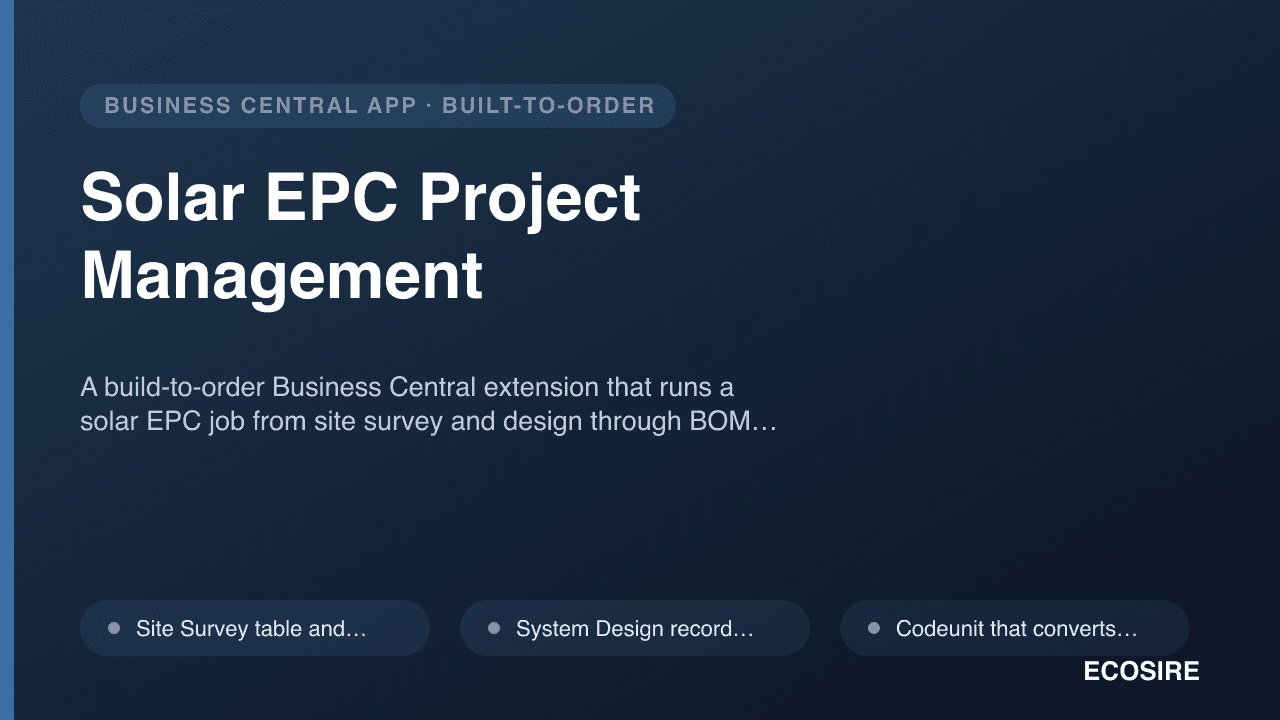
Solar EPC Project Management
A build-to-order Business Central extension that runs a solar EPC job from site survey and design through BOM, procurement, installation scheduling, net-metering paperwork and long-running O&M contracts. ECOSIRE builds, installs and supports it after you request a quotation.
Shop Floor Data Collection
A touchscreen and QR/barcode shop-floor terminal for Business Central that captures operator time, output, scrap, and material consumption directly against production orders in real time. Built and installed by ECOSIRE as a per-tenant AL extension.
- QR/barcode scan to clock operators on and off specific production order routing operations, writing capacity entries through the native production journal
- Real-time output and scrap quantity posting at the workstation, updating Prod. Order Routing Line and Capacity Ledger Entry without back-office re-keying
- Material consumption capture at the station, posting against the production order component lines and the Item Ledger (with item tracking / lot & serial prompts where used)
- Single-screen, large-button operator interface designed as a Business Central RoleCenter/Card page for shared kiosks and tablets