Ürün ayrıntıları İngilizce olarak görüntülenir. Çeviriler yakında gelecek.
Kısa bilgiler
- Fiyat
- $499.00 USD
- dynamics_365_business_central versiyonları
- —
- Kurulum süresi
- 20 dk.
- Lisans
- Bir kerelik kalıcı
- Diller
- 11 language
Tek Seferlik Satın Alma
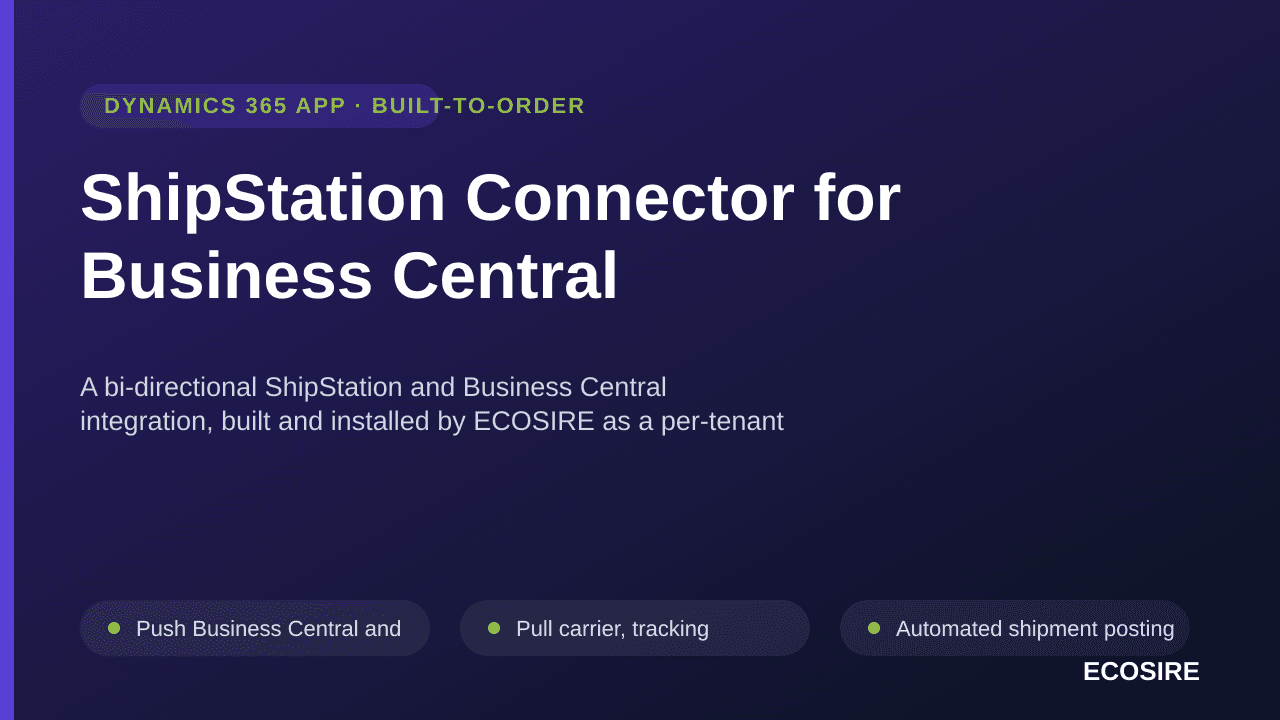
ShipStation Connector for Business Central
A bi-directional ShipStation and Business Central integration, built and installed by ECOSIRE as a per-tenant AL extension, that pushes orders to ShipStation, pulls back labels and tracking, and auto-posts shipments in BC.
$499.00USD
Şimdi ödeme yok. Bu, ekibimize bir teklif talebi gönderir — fiyat ve sonraki adımlarla e-posta ile dönüş yapacağız.
Temel Özellikler
Push Business Central and marketplace sales orders to ShipStation as ready-to-ship orders, with address, items, weights and store routing
Pull carrier, tracking number, service level and shipment status back into BC and write them to the sales order and posted shipment
Automated shipment posting in Business Central triggered by event subscribers when a ShipStation label is purchased
Multi-store and multi-marketplace routing that maps each ShipStation store to the correct BC location, dimension and number series
Inventory sync so fulfilled quantities decrement BC stock and avoid overselling across channels
Customer and ship-to address sync, with create-or-match logic to prevent duplicate contacts
Job queue entry that polls ShipStation on a configurable cadence with retry, backoff and a structured error log
Built on table and page extensions over Sales Header/Line and Warehouse Shipment — no base-app modification
Scoped permission sets so only authorized roles trigger sync or view API credentials
Configurable field and item-number mapping (SKU to BC item, UoM, package weights) via a setup page
Optional Dataverse / Power Platform virtual-tables path for tenants standardized on Dynamics integration
Sandbox-first deployment: validated in your BC sandbox before promotion to production
Bu Ürün Hakkında
The ShipStation Connector for Business Central closes the gap between your marketplace order flow and your fulfillment desk. Sales orders raised in Business Central (or pulled in from Shopify, Amazon, eBay and other marketplaces) are pushed to ShipStation as ready-to-ship orders. Once warehouse staff buy a label, the connector pulls the carrier, tracking number, service level and shipment status back into BC and posts the shipment — keeping inventory, order status and customer-facing tracking accurate without re-keying.
Neden ShipStation Connector for Business Central
Push Business Central and marketplace sales orders to ShipStation as ready-to-ship orders, with address, items, weights and store routing
Pull carrier, tracking number, service level and shipment status back into BC and write them to the sales order and posted shipment
Automated shipment posting in Business Central triggered by event subscribers when a ShipStation label is purchased
Multi-store and multi-marketplace routing that maps each ShipStation store to the correct BC location, dimension and number series
Inventory sync so fulfilled quantities decrement BC stock and avoid overselling across channels
Customer and ship-to address sync, with create-or-match logic to prevent duplicate contacts
This is not an instant AppSource download. ECOSIRE builds this as a per-tenant AL extension tailored to your Business Central environment, your ShipStation account and your store/marketplace topology, then installs and supports it. We model the integration with table and page extensions over Sales Header/Line and Warehouse Shipment, register event subscribers on shipment posting and order release so sync fires on the right business events, and drive outbound/inbound traffic through the ShipStation REST API paired with Business Central's OData/REST API (or Dataverse where you run the Power Platform virtual-tables connection).
A dedicated job queue entry polls ShipStation for label and status updates on the cadence you choose, with full retry and an error log you can act on. We ship scoped permission sets so only the right roles trigger sync or view credentials. Multi-store and multi-marketplace routing maps each ShipStation store to the correct BC location, dimension and number series.
You get a working, supported integration on your tenant — built around your real fulfillment process, not a generic template. ECOSIRE handles the AL development, install, sandbox validation and go-live, then stays on for support and BC platform-update compatibility.
Ne elde edeceksin
- Per-tenant AL extension (.app) built for your Business Central environment, installed in sandbox then production
- ShipStation API connection configured with your account credentials, stores and carrier accounts
- Configuration of order push, label/tracking pull, inventory and customer sync to match your fulfillment process
- Custom setup page with field/item mapping, store-to-location routing and job queue cadence
- Scoped permission sets and role assignment for sync operators and administrators
- Job queue setup for scheduled polling, with retry and error-log monitoring
- Sandbox validation pass and supervised go-live with end-to-end order-to-tracking test
- Admin handover documentation plus post-go-live support and BC update-compatibility maintenance
Bu kimin için
eCommerce Operations Manager
Runs marketplace fulfillment on ShipStation and needs orders, tracking and stock to stay in lockstep with Business Central without manual re-keying or oversells.
Business Central Administrator
Wants the integration delivered as a clean per-tenant AL extension with scoped permission sets and job queue control — no base-app hacks and no surprises at platform-update time.
Multi-Channel Finance Lead
Needs posted shipments, customer records and inventory in BC to reflect real fulfillment across multiple stores and marketplaces so revenue and stock reporting are trustworthy.
Kuruluma genel bakış
ECOSIRE'dan indirin
Lisansı ecosire.com adresinden satın alın ve hesap kontrol panelinizden ShipStation Connector for Business Central modülünün ZIP dosyasını indirin.
Odoo'ya yükle
ZIP'i sunucudaki Odoo özel eklentiler klasörünüze çıkarın (veya Uygulamalar > Odoo.sh / runbot'taki dosyadan yükle yoluyla yükleyin).
Modülü yükleyin
Geliştirici Modunu etkinleştirin, Uygulamalar'ı açın, Uygulama Listesini Güncelle'ye tıklayın, ShipStation Connector for Business Central'i arayın ve Yükle'ye basın.
Ayarları yapılandırın
Yeni menüyü açın, ECOSIRE lisans anahtarınızı yapıştırın, tüm harici kimlik bilgilerini (Shopify, Amazon, Stripe vb.) bağlayın ve kaydedin.
Doğrulayın ve yayına alın
Yerleşik bağlantı testini çalıştırın, ilk 10 kaydınızı senkronize edin ve yinelenen cronu planlayın. Herhangi bir sorun olursa desteğe başvurun.
ShipStation Connector for Business Central Nasıl Karşılaştırılır
| Kriter | ECOSIRE | Özel Yapı | Rakip | Odoo Yerlisi |
|---|---|---|---|---|
| Bi-directional ShipStation order push and tracking pull | ||||
| Automated shipment posting in BC via event subscribers | ||||
| Multi-store / multi-marketplace routing to BC locations | ||||
| Built, installed and supported on your tenant by the vendor | ||||
| Tailored field/item mapping to your exact fulfillment process | ||||
| Scoped permission sets and job queue polling included | ||||
| Upgrade-safe per-tenant AL extension (no base-app changes) | ||||
| Ongoing BC version-update compatibility maintenance |
ShipStation Connector for Business Central hakkında Sıkça Sorulan Sorular
+How long does delivery take, and what does the build-to-order process look like?
Typical delivery is about 2 to 4 weeks from kickoff, depending on the number of ShipStation stores, marketplaces and custom mappings. We start with a short scoping call, build the AL extension, validate it in your Business Central sandbox against real orders, then run a supervised go-live in production. This is a custom build installed on your tenant — not an instant AppSource download.
+What ongoing support and updates are included after go-live?
ECOSIRE provides post-go-live support and keeps the extension compatible with Business Central platform and version updates (Microsoft ships major releases twice a year). If ShipStation changes its API or your store/marketplace setup changes, we adjust the connector. Support terms and any retainer are agreed up front so you are never left with an integration that silently breaks.
+Is this installed as a per-tenant extension or published to AppSource?
It is installed as a per-tenant AL extension directly on your Business Central environment (sandbox first, then production). It is not a public AppSource listing, which means it can be tailored to your exact fulfillment process, field mappings and routing rules rather than fitting a one-size-fits-all template.
+Does it work with multiple ShipStation stores and marketplaces at once?
Yes. The connector includes multi-store and multi-marketplace routing. Each ShipStation store is mapped to the correct BC location, dimension and number series, so orders from different channels post to the right place and inventory decrements correctly across all of them.
+Will it modify the Business Central base application or risk our upgrades?
No. The integration is built with table and page extensions and event subscribers over standard objects like Sales Header/Line and Warehouse Shipment. The base app is never modified, which keeps your environment upgrade-safe and aligned with Microsoft's extension model.
Müşteriler ECOSIRE'a Neden Güveniyor?
SOC 2 Hizalanmış
GDPR Uyumlu
Güvenli Şerit Ödemesi
30 Günlük Para İadesi
Ömür Boyu Güncellemeler
LGPL-3.0 Lisansı
İlgili Modüller
Teklif isteyin
ShipStation Connector for Business Central
A bi-directional ShipStation and Business Central integration, built and installed by ECOSIRE as a per-tenant AL extension, that pushes orders to ShipStation, pulls back labels and tracking, and auto-posts shipments in BC.
- Push Business Central and marketplace sales orders to ShipStation as ready-to-ship orders, with address, items, weights and store routing
- Pull carrier, tracking number, service level and shipment status back into BC and write them to the sales order and posted shipment
- Automated shipment posting in Business Central triggered by event subscribers when a ShipStation label is purchased
- Multi-store and multi-marketplace routing that maps each ShipStation store to the correct BC location, dimension and number series