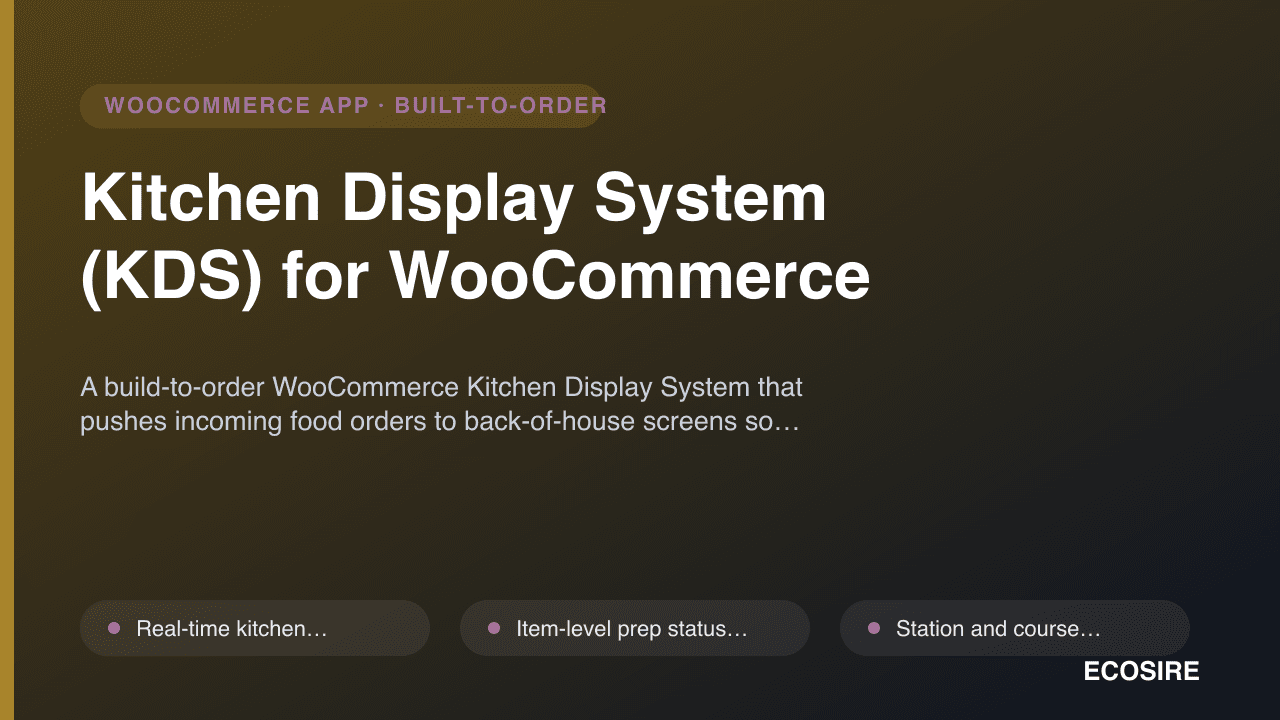
 イメージプレビュー
A build-to-order WooCommerce Kitchen Display System that pushes incoming food orders to back-of-house screens so
staff can track prep, mark items ready, and cut errors. Built, installed and supported by
ECOSIRE on your WordPress site.
Kitchen Display System (KDS) for WooCommerceとは?
A build-to-order WooCommerce Kitchen Display System that pushes incoming food orders to back-of-house screens so staff can track prep, mark items ready, and cut errors. Built, installed and supported by ECOSIRE on your WordPress site. Built to order by ECOSIRE for WooCommerce (build-to-order) — indicative price from $999.00 USD; request a quote for a scoped proposal.
主な機能
受注生産、すべておまかせ
自分での設定は不要 — ECOSIRE が構築・インストール・サポートする実働アプリです。
- 1
ご注文
一回限りの構築料金から始めます。キックオフで一緒に範囲を決めます。
- 2
構築とインストール
ECOSIRE がお客様の WooCommerce 上で構築・設定・インストールします。
- 3
本番稼働 + サポート
約1週間(営業日ベース)で稼働し、本番稼働後2週間のサポートが付きます。納品したコードの不具合は無償で修正します。
この製品について
Restaurants and cloud kitchens running on WooCommerce usually manage food orders by printing tickets or refreshing the wp-admin Orders screen — which is fine for one cover but falls apart at peak. The Kitchen Display System (KDS) for WooCommerce replaces paper and manual refreshes with a live kitchen order board that streams new WooCommerce orders to back-of-house screens the moment they hit your store.
This is a build-to-order plugin: ECOSIRE builds it, installs it on your WordPress site, and supports it. It is not an instant WooCommerce.com or WordPress.org download. We scope your menu structure, stations and printer/screen layout first, then deliver a plugin tailored to your kitchen.
Under the hood the KDS listens on WooCommerce order hooks (woocommerce_new_order, woocommerce_order_status_changed) and exposes a custom REST API namespace (ecosire-kds/v1) that your screen front-end polls or subscribes to over Server-Sent Events. Each line item gets an item-level prep status (new / cooking / ready) stored in WooCommerce order item meta, so status survives refreshes and is fully HPOS (High-Performance Order Storage) compatible. Station and course routing sends grill items to the grill screen and dessert items to pastry using product category or attribute mapping you control in wp-admin settings.
Color-coded timers and SLA alerts escalate a ticket from green to amber to red as prep time passes a threshold you define, and an optional customer display screen (CDS) shows order-ready status front-of-house. Everything is WPML-ready and multisite-aware, theme-independent (it renders on its own bump screen, not your storefront theme), and ships with the source so you are never locked in.
得られるもの
- A custom WordPress/WooCommerce plugin (full PHP/JS source included) built to your menu, stations and screen layout
- Installation and configuration on your live WordPress site (or staging first, then promoted to production)
- wp-admin settings panel for station/course routing, SLA thresholds, chime and CDS options
- Custom REST API namespace (ecosire-kds/v1) documented for any future screen or hardware integration
- HPOS-compatibility verification against your current WooCommerce and WordPress versions
- Staff-facing quick-start guide for the bump screen plus an admin configuration handbook
- Post-deployment support window and version-compatibility updates per the agreed plan
これは誰のためのものですか
Single-Location Restaurant Owner
Runs a busy dine-in or takeaway restaurant on WooCommerce and is drowning in printed tickets and missed modifiers at peak. Wants a screen in the kitchen that shows live orders and item status without staff refreshing wp-admin.
Cloud-Kitchen / Ghost-Kitchen Operator
Fulfils multiple virtual brands from one back-of-house. Needs station and course routing so each brand's orders land on the right screen, plus SLA timers to hit delivery-platform pickup windows.
Multi-Site Hospitality Group IT/Ops Lead
Manages several outlets on WordPress multisite and needs a consistent KDS across locations, WPML-localized labels, role-gated access and HPOS compatibility — without buying separate hardware-locked POS systems.
Kitchen Display System (KDS) for WooCommerce の比較方法
| 基準 | エコシエール | カスタムビルド | 競合他社 | WooCommerce 標準機能 |
|---|---|---|---|---|
| Real-time item-level prep status (new/cooking/ready) on a kitchen screen | 付属 | 部分的なサポート | 部分的なサポート | 含まれていない |
| Station and course routing by product category/attribute | 付属 | 部分的なサポート | 部分的なサポート | 含まれていない |
| Color-coded SLA timers with escalation thresholds | 付属 | 部分的なサポート | 部分的なサポート | 含まれていない |
| HPOS (custom order tables) compatibility | 付属 | 部分的なサポート | 部分的なサポート | 付属 |
| Built, installed and supported on your site by the vendor | 付属 | 付属 | 含まれていない | 含まれていない |
| Tailored to your exact menu, stations and screen layout | 付属 | 付属 | 含まれていない | 含まれていない |
| Instant same-day self-serve download | 含まれていない | 含まれていない | 付属 | 付属 |
| Full source code ownership with no per-screen license lock-in | 付属 | 付属 | 部分的なサポート | 付属 |
| WPML / multisite localization of menu and station labels | 付属 | 部分的なサポート | 部分的なサポート | 含まれていない |
Kitchen Display System (KDS) に関するよくある質問
How long does delivery take, since this is built to order?
After a short scoping call we confirm your menu structure, stations and screen layout, then build and install. A standard single-location KDS typically lands within about one working week; multi-station, multisite or CDS-heavy builds take longer and we give you a firm date in writing before you pay the balance. This is a custom build installed by ECOSIRE — not an instant marketplace download, so there is no plugin ZIP to grab the same day.
What ongoing support and updates do I get after launch?
Every build includes a post-deployment support window for bug fixes and configuration help, plus compatibility updates so the KDS keeps working as you upgrade WordPress and WooCommerce (including HPOS changes). Because you receive the full source, your own developers can also maintain it; if you prefer, we offer an ongoing maintenance plan that covers version testing, new-station rollouts and feature additions.
Will it work with HPOS and my existing WooCommerce setup?
Yes. The KDS reads and writes orders through the WooCommerce CRUD layer rather than raw post meta, so it is compatible with HPOS (custom order tables) as well as legacy post-based storage. During the build we verify it against your specific WordPress, WooCommerce and PHP versions and your active payment gateways, since every order those gateways create flows onto the board.
Does the kitchen screen need special hardware?
No proprietary hardware is required. The bump screen runs in a standard browser, so any tablet, mini-PC or smart display on your network can show it. It connects to your WordPress site over the REST API (Server-Sent Events with polling fallback) and detects when a screen loses connection so staff are warned rather than silently missing orders.
Can it route different items to different stations and show order-ready status to customers?
Yes. You map WooCommerce product categories or attributes to stations (grill, fryer, pastry, expo) in the wp-admin settings, and each line item is routed accordingly with its own prep status and SLA timer. The optional Customer Display Screen reuses the same order events to show front-of-house customers when their order is being prepared and when it is ready for collection.
関連モジュール
iyzico Payment Gateway for WooCommerce
A custom-built WooCommerce payment gateway for iyzico, giving Turkish merchants card installments (taksit), 3D Secure and one-click saved cards in TRY. Built, installed and supported by ECOSIRE on your own WordPress site.
Knit Pay Multi-Gateway Connector for WooCommerce
A single WooCommerce payment plugin that connects 50+ South Asian gateways — Razorpay, PayU, Cashfree, Instamojo, UPI QR, SSLCommerz — with proper refunds and webhook handling. Built, installed and supported on your WordPress site by ECOSIRE.
Lead Capture Popups & Opt-in Forms for WooCommerce
A custom-built WooCommerce popup and opt-in plugin for growing email/SMS lists with lightbox, slide-in, exit-intent, spin-to-win, and WooCommerce-aware upsell campaigns. Built, installed, and supported by ECOSIRE on your own WordPress site.
Kitchen Display System (KDS)
A build-to-order WooCommerce Kitchen Display System that pushes incoming food orders to back-of-house screens so staff can track prep, mark items ready, and cut errors. Built, installed and supported by ECOSIRE on your WordPress site.
- Real-time kitchen order board that streams new WooCommerce orders to back-of-house screens via a custom REST namespace (ecosire-kds/v1) with Server-Sent Events, so staff never refresh wp-admin
- Item-level prep status (new / cooking / ready) stored in WooCommerce order item meta, persisting across refreshes and tablet reconnects
- Station and course routing that maps product categories or attributes to specific screens (grill, fryer, pastry, expo) configurable in wp-admin settings
- Color-coded timers and SLA alerts that escalate a ticket green-to-amber-to-red as elapsed prep time crosses thresholds you define per station