 イメージプレビュー
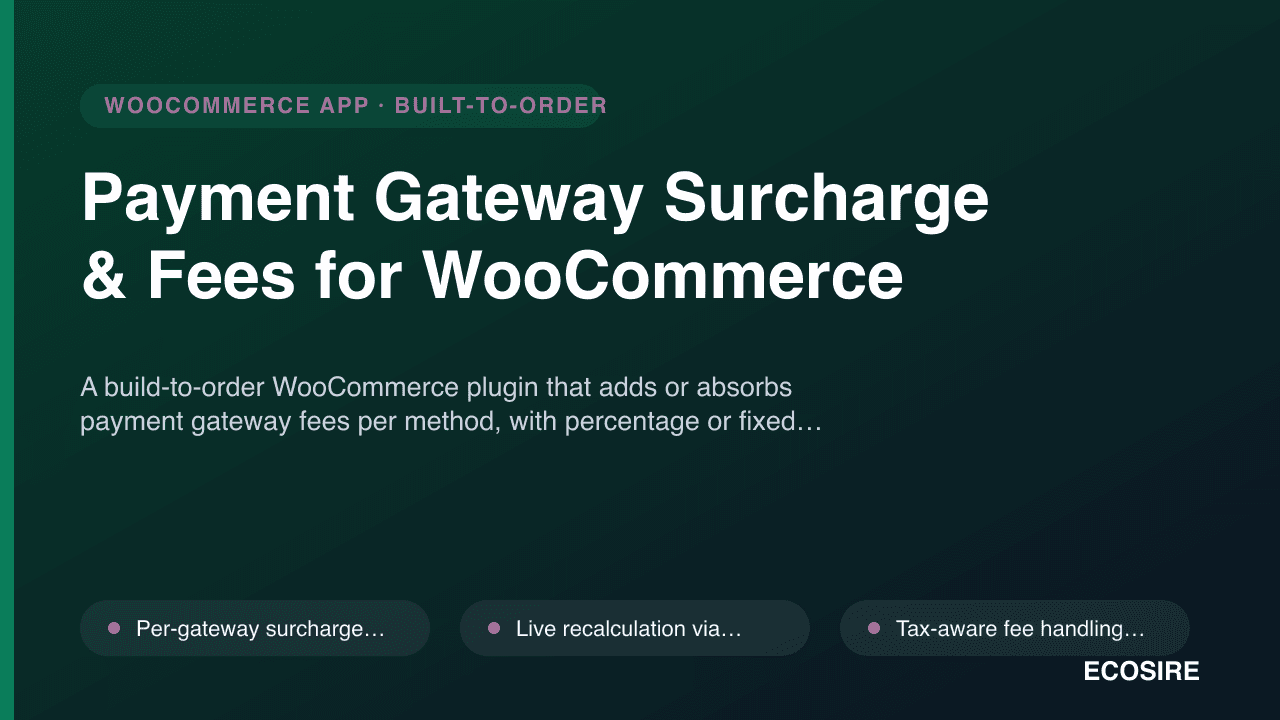
A build-to-order WooCommerce plugin that adds or absorbs payment gateway fees per method,
with percentage or fixed surcharges shown transparently at checkout. Built, installed and supported by
ECOSIRE on your site.
Payment Gateway Surcharge & Fees for WooCommerceとは?
A build-to-order WooCommerce plugin that adds or absorbs payment gateway fees per method, with percentage or fixed surcharges shown transparently at checkout. Built, installed and supported by ECOSIRE on your site. Built to order by ECOSIRE for WooCommerce (build-to-order) — indicative price from $999.00 USD; request a quote for a scoped proposal.
主な機能
受注生産、すべておまかせ
自分での設定は不要 — ECOSIRE が構築・インストール・サポートする実働アプリです。
- 1
ご注文
一回限りの構築料金から始めます。キックオフで一緒に範囲を決めます。
- 2
構築とインストール
ECOSIRE がお客様の WooCommerce 上で構築・設定・インストールします。
- 3
本番稼働 + サポート
約1週間(営業日ベース)で稼働し、本番稼働後2週間のサポートが付きます。納品したコードの不具合は無償で修正します。
この製品について
Payment Gateway Surcharge & Fees for WooCommerce lets you recoup card, COD, and BNPL processing costs instead of quietly eating them on every order. It hooks into woocommerce_cart_calculate_fees to inject a named fee line — percentage or fixed, per payment method — that updates live as the shopper switches gateways on the checkout page, so the cost is shown transparently and is never a post-purchase surprise.
This is a build-to-order plugin, not an instant marketplace download. After purchase, ECOSIRE configures the surcharge rules to your gateways (Stripe, PayPal, COD, Klarna, Tabby, or whatever you run), installs the plugin on your WordPress site, and supports it. You tell us your fee structure; we encode it.
Fee logic is tax-aware: surcharges can be added before or after WooCommerce tax, flagged taxable/none, and mapped to the correct tax class so your accounting and invoices stay clean. Min/max caps stop a percentage fee from punishing a large basket or being trivial on a small one. Conditional rules trigger fees by cart subtotal, shipping country, shipping zone, product, or user role — useful for charging COD fees only in specific regions. You can also flip the logic into an incentive: a discount line for shoppers who pick your cheapest-to-process method, nudging them off expensive rails.
It is built for modern WooCommerce: HPOS (High-Performance Order Storage / custom order tables) compatible, the fee persists into order item meta and the REST API order payload, and admin configuration lives in a dedicated wp-admin settings screen under WooCommerce. WPML and multisite support is available on request. Every label is translatable so the surcharge reads correctly in your customers' language.
得られるもの
- Custom-built plugin packaged for your WordPress site, configured to your exact gateways and fee structure
- Installation and activation by ECOSIRE on your staging or live WooCommerce environment
- Surcharge/discount rules encoded from the fee table you provide (per method, caps, conditions, tax treatment)
- HPOS and checkout-block compatibility verified against your WooCommerce and WordPress versions
- Short admin handover guide for editing rules in the wp-admin settings screen
- Post-delivery support window for fixes and configuration adjustments
これは誰のためのものですか
COD-heavy retailer
Sells cash-on-delivery in markets where COD failure and handling costs are real. Adds a fixed or percentage COD fee, limited by shipping country, to offset the cost of unpaid or returned orders.
Card-fee-conscious merchant
Pays 2.9% + fixed on every Stripe or PayPal transaction and wants to recover part of it. Adds a transparent percentage card surcharge with a max cap so high-value orders are not over-charged.
BNPL and multi-gateway store
Offers Klarna, Tabby, or Tamara alongside cards and bank transfer, each with different processing costs. Sets per-method fees and a discount for bank transfer to steer customers toward the cheapest rail.
Payment Gateway Surcharge & Fees for WooCommerce の比較方法
| 基準 | エコシエール | カスタムビルド | 競合他社 | WooCommerce 標準機能 |
|---|---|---|---|---|
| Per-payment-method surcharge (% or fixed) | 付属 | 付属 | 部分的なサポート | 含まれていない |
| Live fee recalculation when switching gateway at checkout | 付属 | 部分的なサポート | 部分的なサポート | 含まれていない |
| Tax-aware fees with correct tax class mapping | 付属 | 部分的なサポート | 部分的なサポート | 含まれていない |
| Min/max fee caps and conditional rules (country, zone, role) | 付属 | 付属 | 部分的なサポート | 含まれていない |
| HPOS / custom order tables compatibility | 付属 | 部分的なサポート | 部分的なサポート | 付属 |
| Built, installed and supported on your site by the vendor | 付属 | 部分的なサポート | 含まれていない | 含まれていない |
| Instant self-serve marketplace download | 含まれていない | 含まれていない | 付属 | 付属 |
Payment Gateway Surcharge & Fees に関するよくある質問
How long until the plugin is delivered and installed?
This is build-to-order, not an instant download. After we confirm your gateways and fee table, typical delivery is about 3 to 7 business days depending on complexity and how many conditional rules you need. ECOSIRE then installs and activates it on your staging or live site and verifies the fee lines at checkout before handover.
Do I get ongoing support and updates?
Yes. The build includes a post-delivery support window for fixes and configuration tweaks. We test compatibility against your specific WooCommerce and WordPress versions, and we can keep the plugin working across WooCommerce updates (including HPOS and checkout-block changes) under an ongoing support arrangement — just ask us for the terms.
Will the surcharge show up clearly to my customers?
Yes. The fee is injected as a named WooCommerce fee line that appears on the cart, checkout, order-received page, order emails, and the REST API order payload. It updates live as the shopper switches payment method, so there is no hidden charge after purchase.
Is the fee handled correctly for tax and accounting?
Yes. Surcharges can be applied before or after tax, marked taxable or none, and mapped to the right WooCommerce tax class. Because each surcharge is stored as its own order line, refunds and reconciliation stay accurate. Note that some card networks restrict or cap surcharging in certain countries, so confirm your fee structure is legally permitted in your region.
Does it work with HPOS, WooCommerce Blocks checkout, and my existing gateways?
Yes. The plugin is built for HPOS (custom order tables) and works with both the WooCommerce Blocks checkout and the classic shortcode checkout. It is gateway-agnostic — it keys fees off the payment method ID, so it works with Stripe, PayPal, COD, bank transfer, Klarna, Tabby, Tamara, and most other gateways you have installed.
関連モジュール
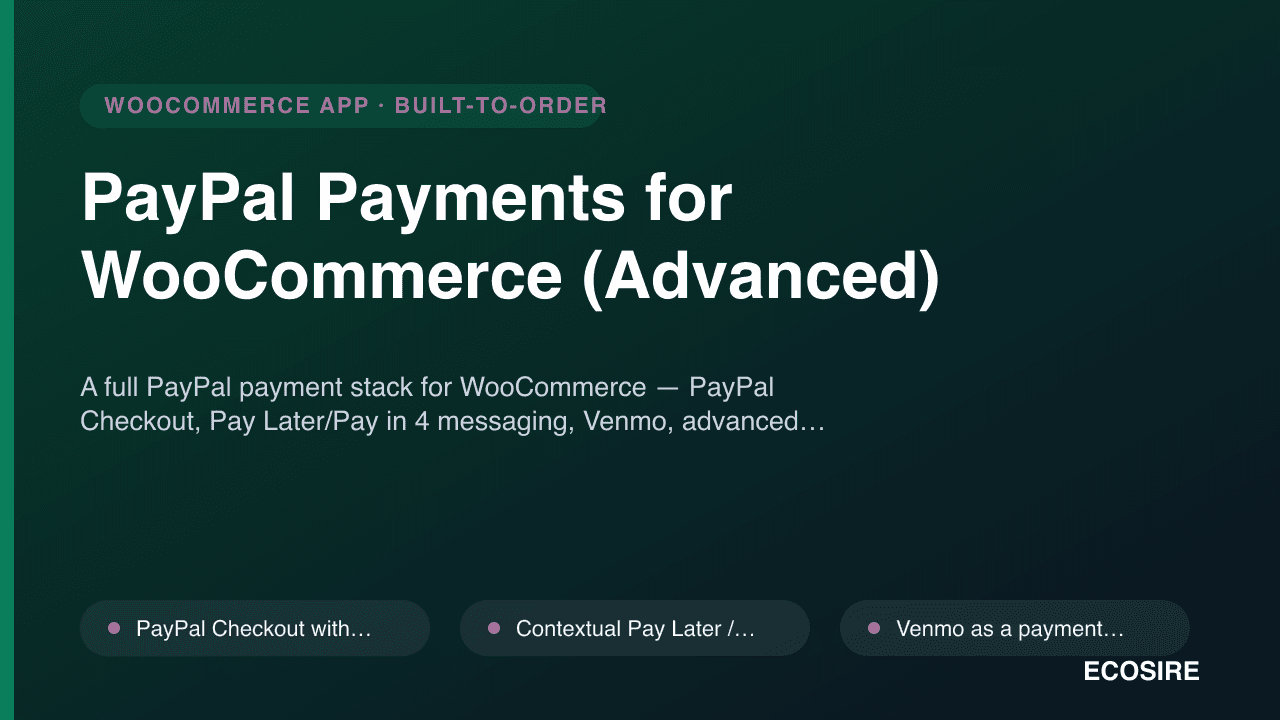
PayPal Payments for WooCommerce (Advanced)
A full PayPal payment stack for WooCommerce — PayPal Checkout, Pay Later/Pay in 4 messaging, Venmo, advanced card fields (ACDC) and one-click vaulting — custom-built, installed and supported on your WordPress site by ECOSIRE.
Paystack for WooCommerce (Pro)
A build-to-order Paystack payment gateway for WooCommerce that adds African local channels — cards, bank transfer, USSD and mobile money — across Nigeria, Ghana, Kenya and South Africa. ECOSIRE builds, installs and supports it on your WordPress site.
Payment Gateway Surcharge & Fees
A build-to-order WooCommerce plugin that adds or absorbs payment gateway fees per method, with percentage or fixed surcharges shown transparently at checkout. Built, installed and supported by ECOSIRE on your site.
- Per-gateway surcharge rules — set a different percentage or fixed fee for each WooCommerce payment method (cards, COD, BNPL, bank transfer)
- Live recalculation via the woocommerce_cart_calculate_fees hook — the fee line updates the instant a shopper switches payment method at checkout
- Tax-aware fee handling — apply surcharges before or after tax, mark them taxable or none, and map to the correct WooCommerce tax class
- Minimum and maximum fee caps so percentage surcharges stay fair on both small and large baskets