 イメージプレビュー
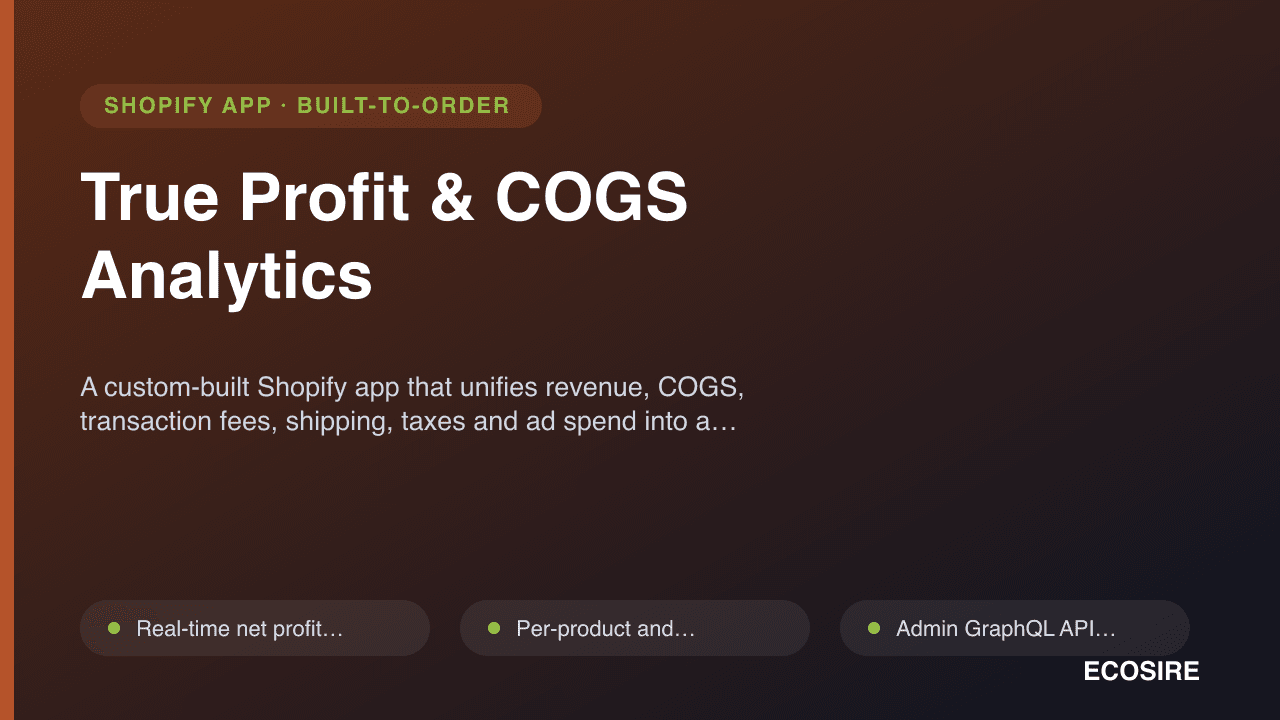
A custom-built Shopify app that unifies revenue, COGS,
transaction fees, shipping, taxes and ad spend into a real-time net profit dashboard. Built, installed and supported by ECOSIRE.
True Profit & COGS Analyticsとは?
A custom-built Shopify app that unifies revenue, COGS, transaction fees, shipping, taxes and ad spend into a real-time net profit dashboard. Built, installed and supported by ECOSIRE. Built to order by ECOSIRE for Shopify (build-to-order) — indicative price from $999.00 USD; request a quote for a scoped proposal.
主な機能
受注生産、すべておまかせ
自分での設定は不要 — ECOSIRE が構築・インストール・サポートする実働アプリです。
- 1
ご注文
一回限りの構築料金から始めます。キックオフで一緒に範囲を決めます。
- 2
構築とインストール
ECOSIRE がお客様の Shopify 上で構築・設定・インストールします。
- 3
本番稼働 + サポート
約1週間(営業日ベース)で稼働し、本番稼働後2週間のサポートが付きます。納品したコードの不具合は無償で修正します。
この製品について
Your Shopify Analytics dashboard shows revenue, not profit. It ignores cost of goods, payment fees, shipping, taxes and the ad spend that bought the order — so a "great" sales day can quietly lose money. True Profit & COGS Analytics closes that gap by computing your real net margin per order, product, variant and channel.
This is a build-to-order app, not an instant App Store install. ECOSIRE builds it against your store using the Shopify Admin GraphQL API, installs it via a private OAuth app with least-privilege scopes (read_orders, read_products, read_inventory), and configures it around your actual cost structure. We subscribe to orders/create, orders/updated, refunds/create and products/update webhooks so the profit ledger updates in near real time as orders, edits and returns land.
COGS is captured per variant — entered manually, mapped from your InventoryItem unitCost, or stored in metafields so it survives theme and catalog changes. Multi-location inventory is respected. Payment and transaction fees are pulled from Shopify Payments order transactions (and reconciled against gateway exports for non-Shopify processors). Ad spend is connected from Meta, Google and TikTok via their marketing APIs and attributed to revenue so you see blended and per-channel ROAS next to true margin.
Reporting spans multiple stores and currencies, normalising to a base currency you choose. You get a real-time net profit dashboard, profit-by-product/variant tables, channel contribution and trend views — built on your real numbers, with no fabricated benchmarks. ECOSIRE delivers it configured, validated against a sample period you already understand, and supports it after launch.
得られるもの
- A custom-built Shopify app installed on your store via a private OAuth app with scoped permissions
- COGS configured for your catalog (manual, unitCost-mapped or metafield-based) with a documented update workflow
- Webhook subscriptions registered and verified for orders, refunds and product updates
- Connected Meta, Google and TikTok ad-spend feeds with attribution wired into the profit model
- Real-time net profit dashboard plus product, variant and channel profit reports
- Historical order backfill and a reconciliation pass against a sample period you already know
- Admin handover guide covering how COGS, fees and ad connections are maintained
- Post-launch support window with bug fixes and configuration adjustments
これは誰のためのものですか
DTC brand founder
Runs a direct-to-consumer Shopify store and is tired of celebrating revenue while the bank balance tells a different story. Wants one screen that shows whether yesterday actually made money after COGS, fees and ads.
Ecommerce finance / ops lead
Owns the P&L and reconciles Shopify against bookkeeping. Needs per-order and per-product margin with exportable ledgers, refund-aware numbers, and fees that match the gateway statements.
Performance marketer / growth lead
Scales spend across Meta, Google and TikTok and needs true margin sitting next to ROAS, so budget decisions are made on contribution profit instead of top-line revenue.
True Profit & COGS Analytics の比較方法
| 基準 | エコシエール | カスタムビルド | 競合他社 | Shopify 標準機能 |
|---|---|---|---|---|
| True net profit (revenue minus COGS, fees, shipping, tax, ad spend) | 付属 | 付属 | 部分的なサポート | 含まれていない |
| Per-variant COGS via metafields / InventoryItem unitCost | 付属 | 付属 | 部分的なサポート | 部分的なサポート |
| Ad spend (Meta, Google, TikTok) attributed to margin | 付属 | 部分的なサポート | 部分的なサポート | 含まれていない |
| Refund- and return-aware profit ledger via webhooks | 付属 | 部分的なサポート | 部分的なサポート | 含まれていない |
| Multi-store, multi-currency consolidation | 付属 | 部分的なサポート | 部分的なサポート | 含まれていない |
| Built, installed and configured for your store | 付属 | 部分的なサポート | 含まれていない | 含まれていない |
| No per-seat / usage-tiered monthly subscription | 付属 | 付属 | 含まれていない | 付属 |
| Instant self-serve install from the Shopify App Store | 含まれていない | 含まれていない | 付属 | 付属 |
True Profit & COGS Analytics に関するよくある質問
How long does delivery take, since this is build-to-order?
This app is custom-built and installed for your store, not an instant App Store download. A typical build runs about one working week from kickoff: scope and COGS-source confirmation, OAuth install and webhook setup, ad-platform connections, historical backfill, then a reconciliation pass against a period you already know. Timing depends on how many stores, currencies and ad channels are in scope and how your cost data is currently held.
What ongoing support and updates are included?
Every build includes a post-launch support window for bug fixes and configuration adjustments (new products, changed fee structures, additional ad accounts). Because ECOSIRE builds and hosts the integration, we also keep it current with Shopify Admin API version changes. Longer-term maintenance and feature additions are available as an ongoing arrangement after the initial window.
How is COGS captured, and what if my costs change often?
COGS can be sourced three ways: entered manually, mapped from each variant's InventoryItem unitCost, or stored in dedicated metafields so it survives theme and catalog changes. We recommend the metafield approach for stores with frequent cost changes, because it gives you a single, versionable place to update costs and the dashboard recalculates margins from there.
Does it handle refunds, returns and partial cancellations correctly?
Yes. We subscribe to the refunds/create and orders/updated webhooks, so when an order is refunded, returned or edited the profit ledger is adjusted — revenue, COGS and fees are reversed proportionally. This is a common blind spot in revenue-only dashboards and a core reason the net profit number here differs from Shopify's built-in reports.
Can it report across multiple Shopify stores and currencies?
Yes. The app can ingest orders from multiple stores and normalise everything to a base currency you choose using transaction-level exchange data, so you get a consolidated profit view plus per-store breakdowns. Each store is connected through its own scoped OAuth install.
Will it slow down my storefront or theme?
No. This is a backend analytics integration that talks to Shopify's Admin GraphQL API and webhooks server-side. It does not inject scripts into your storefront theme or the checkout, so there is no impact on page speed or Core Web Vitals.
関連モジュール
True Profit & COGS Analytics
A custom-built Shopify app that unifies revenue, COGS, transaction fees, shipping, taxes and ad spend into a real-time net profit dashboard. Built, installed and supported by ECOSIRE.
- Real-time net profit dashboard combining revenue, COGS, fees, shipping, taxes and ad spend
- Per-product and per-variant COGS tracking via InventoryItem unitCost or dedicated metafields
- Admin GraphQL API integration with least-privilege OAuth scopes (read_orders, read_products, read_inventory)
- Webhook-driven ledger updates on orders/create, orders/updated, refunds/create and products/update