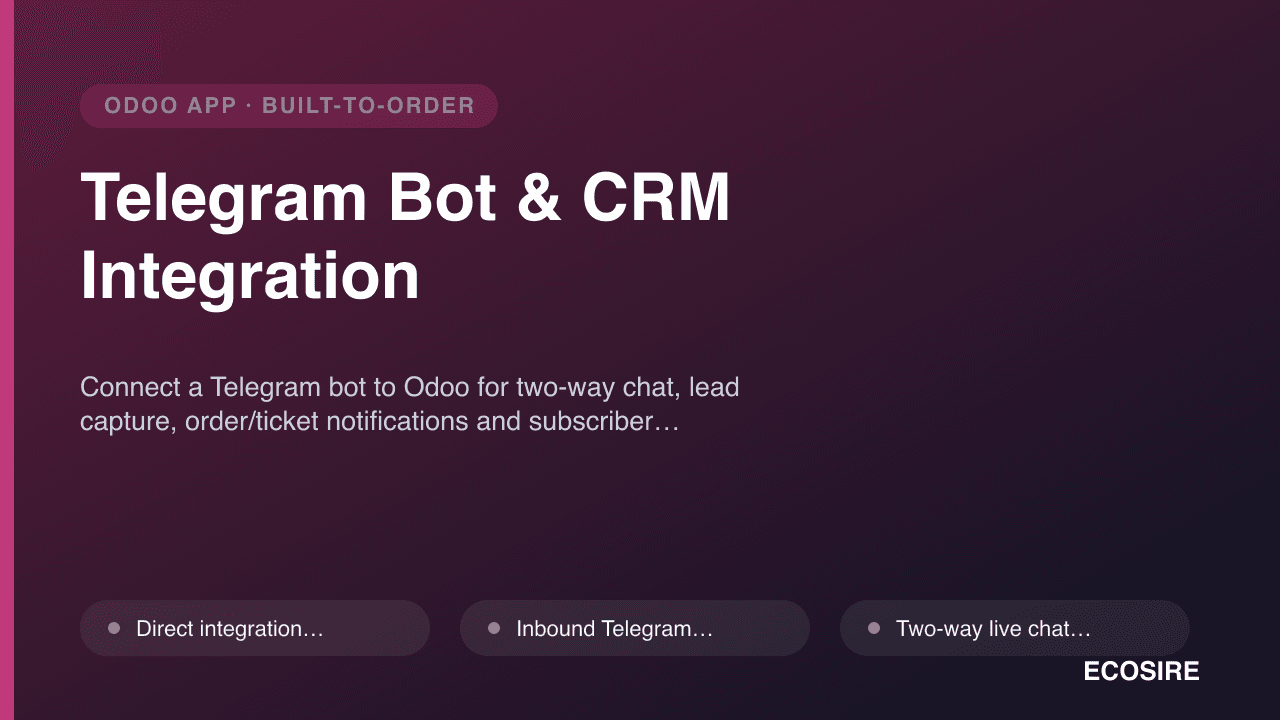
 イメージプレビュー
Connect a Telegram bot to Odoo for two-way chat, lead capture,
order/ticket notifications and subscriber broadcasts. Built, installed and supported by ECOSIRE.
Telegram Bot & CRM Integrationとは?
Connect a Telegram bot to Odoo for two-way chat, lead capture, order/ticket notifications and subscriber broadcasts. Built, installed and supported by ECOSIRE. Built to order by ECOSIRE for Odoo 17, 18, 19 — indicative price from $999.00 USD; request a quote for a scoped proposal.
主な機能
受注生産、すべておまかせ
自分での設定は不要 — ECOSIRE が構築・インストール・サポートする実働アプリです。
- 1
ご注文
一回限りの構築料金から始めます。キックオフで一緒に範囲を決めます。
- 2
構築とインストール
ECOSIRE がお客様の Odoo 上で構築・設定・インストールします。
- 3
本番稼働 + サポート
約1週間(営業日ベース)で稼働し、本番稼働後2週間のサポートが付きます。納品したコードの不具合は無償で修正します。
技術仕様
- Odoo互換性
- Odoo 17, Odoo 18, Odoo 19
- エディション
- Enterprise&Community
- ライセンス
- ライセンスの確認が必要です
- Python要件
- Python 3.10+
- データベース
- PostgreSQL 12+
この製品について
Telegram Bot & CRM Integration is a custom Odoo module that ECOSIRE designs, builds, installs and supports for you — this is a build-to-order engagement with a typical one working week lead time, not an instant apps.odoo.com download.
The module wires the official Telegram Bot API directly into your Odoo database so Telegram stops being a silo. Every inbound message from a customer becomes structured data in Odoo: a new crm.lead, a helpdesk.ticket, or a message threaded onto an existing record — with the Telegram chat_id, username and message history stored on the partner (res.partner). Your team replies from inside Odoo Discuss (mail.channel / discuss.channel) and the reply is delivered straight back to the customer's Telegram chat, giving you a genuine two-way conversation with a full audit trail.
On the outbound side, the module ships automated notifications driven by Odoo's own automation layer. Using automated actions (base.automation) and server actions triggered by record events, it can push a Telegram message when a sale.order is confirmed, an account.move (invoice) is posted, a delivery is validated, or a helpdesk.ticket changes stage — formatted with QWeb-style templates so the text, buttons and links match your branding. A broadcast tool lets marketing send a one-to-many message to opted-in subscribers, with delivery tracking and unsubscribe handling that respects Telegram's rate limits.
Everything is real Odoo engineering: a clean __manifest__.py declaring dependencies (mail, crm, and optionally sale, account, helpdesk), new models.Model classes with proper fields and @api.depends computes, security enforced through ir.model.access.csv plus record rules for multi-company and multi-team isolation, backend views in XML/OWL, and a webhook controller (or long-polling cron, your choice) to receive Telegram updates. The bot token and settings live in res.config.settings, so admins configure it from Settings without touching code. Because it is built on the standard ORM and exposes its data through Odoo's XML-RPC / JSON-RPC API, anything the module stores is queryable and automatable like any other Odoo record.
It targets Odoo 17, 18 and 19 and works on both Community and Enterprise (Helpdesk-linked features gracefully degrade on Community, where we can substitute Project tasks or a custom ticket model). You receive the full source code, documentation, a training session and a support window — you own the module outright, with no per-seat SaaS fees.
得られるもの
- Complete, commented Odoo module source code (models, views, controllers, security, data) versioned for your target Odoo 17, 18 or 19
- Configured, working installation on your Odoo instance (staging first, then production) with the Telegram bot connected and webhook/cron verified
- Security layer implemented and reviewed: ir.model.access.csv access rules plus record rules for company/team isolation
- Message and notification templates set up for your chosen triggers (Sale Order, Invoice, Helpdesk, etc.) using your wording and branding
- Administrator and end-user documentation, including a bot-setup guide (BotFather token, webhook, opt-in flow) and a runbook for common issues
- A live training session for your team covering agent chat, broadcasts and configuration, plus a recording
- A defined post-go-live support window (bug fixes and Odoo-version compatibility) with agreed response terms
- Source handover to your Git repository so you own the code with no lock-in or recurring license fee
これは誰のためのものですか
Sales team in a Telegram-first market
A CIS, MENA or crypto/SaaS sales team whose prospects live on Telegram. Inbound Telegram messages land as qualified crm.leads with full history, so reps work every conversation from the Odoo pipeline instead of a personal phone — nothing gets lost when someone is off.
Customer support / helpdesk lead
A support manager who wants Telegram to feed the same queue as email and web forms. Inbound chats become helpdesk.tickets with SLAs and stages, agents reply from Discuss, and stage changes push proactive updates back to the customer — one auditable system of record.
Operations & marketing manager
Owns order and invoice communications plus outbound campaigns. Wants order-confirmed and invoice-posted notifications fired automatically from Odoo events, and the ability to broadcast offers or announcements to opted-in subscribers without exporting lists to a third-party tool.
Telegram Bot & CRM Integration の比較方法
| 基準 | エコシエール | カスタムビルド | 競合他社 | Odoo 標準機能 |
|---|---|---|---|---|
| Fits your exact triggers, teams and workflow | Built to your spec — you choose the events, routing and message templates | Fully custom but you scope, build and maintain it yourself | Fixed to the vendor's feature set; customization is limited or extra | No Telegram capability in core Odoo at all |
| Two-way chat inside Odoo Discuss | Yes — agents reply from discuss.channel, delivered back to Telegram | Possible, but you build the Discuss bridge yourself | Varies; many only push outbound and lack a real reply path | Not available |
| Inbound message to lead / ticket routing | Yes — auto-creates crm.lead or helpdesk.ticket with contact resolution | Achievable with significant dev effort | Sometimes, often only to a generic inbox or single model | Not available |
| Event-driven notifications (Sale, Invoice, Helpdesk) | Yes — via base.automation server actions on the records you pick | You must design and wire every automated action | Often a limited preset list, not your specific events | Only Odoo's own email/activity notifications, no Telegram |
| Security: access rules and multi-company isolation | ir.model.access.csv + record rules implemented and reviewed for you | Your responsibility to design and test correctly | Depends on vendor quality; often not team/company aware | N/A — no module to secure |
| Source ownership and lock-in | Full source handed to your Git repo; no per-seat SaaS fee | You own it, but also own all the build time and risk | Vendor-controlled code, recurring license, upgrade at their pace | Free, but delivers none of this functionality |
| Odoo 17 / 18 / 19 and Community/Enterprise support | Built and tested for your version and edition, with graceful degradation | Only whatever versions you personally maintain | Listed versions only; new-version support can lag | Core supports the versions, but the feature does not exist |
| Delivery model | Build-to-order, one working week, staged and signed off before go-live | Open-ended internal project timeline | Instant download, but then integration and gaps are on you | Instant, but nothing to install for this use case |
Telegram Bot & CRM Integration に関するよくある質問
How long does delivery take, and what is the process?
This is a build-to-order module, so it is not an instant download. Typical lead time is one working week depending on scope and the triggers you need. The process is: a short requirements call, a written scope and fixed quote, development on a staging copy of your Odoo, your review and sign-off, then production installation and go-live. You get progress updates throughout and nothing ships to production until you approve it on staging.
What do support and updates cover after go-live?
Every engagement includes a defined post-go-live support window for bug fixes and configuration help, with agreed response terms. During that window we also keep the module compatible with your Odoo minor updates. When you upgrade to a new major Odoo version (for example 18 to 19), or want new triggers and features, we scope that as a small follow-on. You own the source code, so you are never locked to us for maintenance.
Which Odoo versions and editions does it support?
We build for Odoo 17, 18 and 19, and it runs on both Community and Enterprise. Features that depend on the Enterprise Helpdesk app (like ticket-stage notifications) are substituted with a Project task or a lightweight custom ticket model on Community, so you still get inbound-to-ticket routing either way. We confirm your exact version and edition during scoping.
How does the Telegram bot actually connect to Odoo, and is it secure?
You create a bot with Telegram's BotFather and give us the token, which we store in res.config.settings (not in code). Odoo receives updates either through a webhook controller over HTTPS or a long-polling scheduled action, whichever suits your hosting. Access to conversations is enforced with ir.model.access.csv and record rules so agents only see the teams and companies they are allowed to, and the token is never exposed to end users.
Can it notify on our specific events, like a confirmed order or a posted invoice?
Yes. Outbound notifications are driven by Odoo automated actions (base.automation) and server actions on the records you choose — sale.order confirmation, account.move invoice posting, stock delivery validation, helpdesk.ticket stage changes, and more. Message text is templated so it can include live fields like order number, amount and a tracking link. We set up your initial set of triggers during the build and document how to add more.
Will customer conversations and Telegram data be usable elsewhere in Odoo?
Everything the module captures is stored as standard ORM records — chat_id and username on res.partner, messages in the chatter, files as ir.attachment, subscribers in a dedicated model. That means it is all reportable in Odoo and reachable through the XML-RPC / JSON-RPC API, so you can build dashboards, pull it into other automations, or export it without any proprietary black box.
関連モジュール
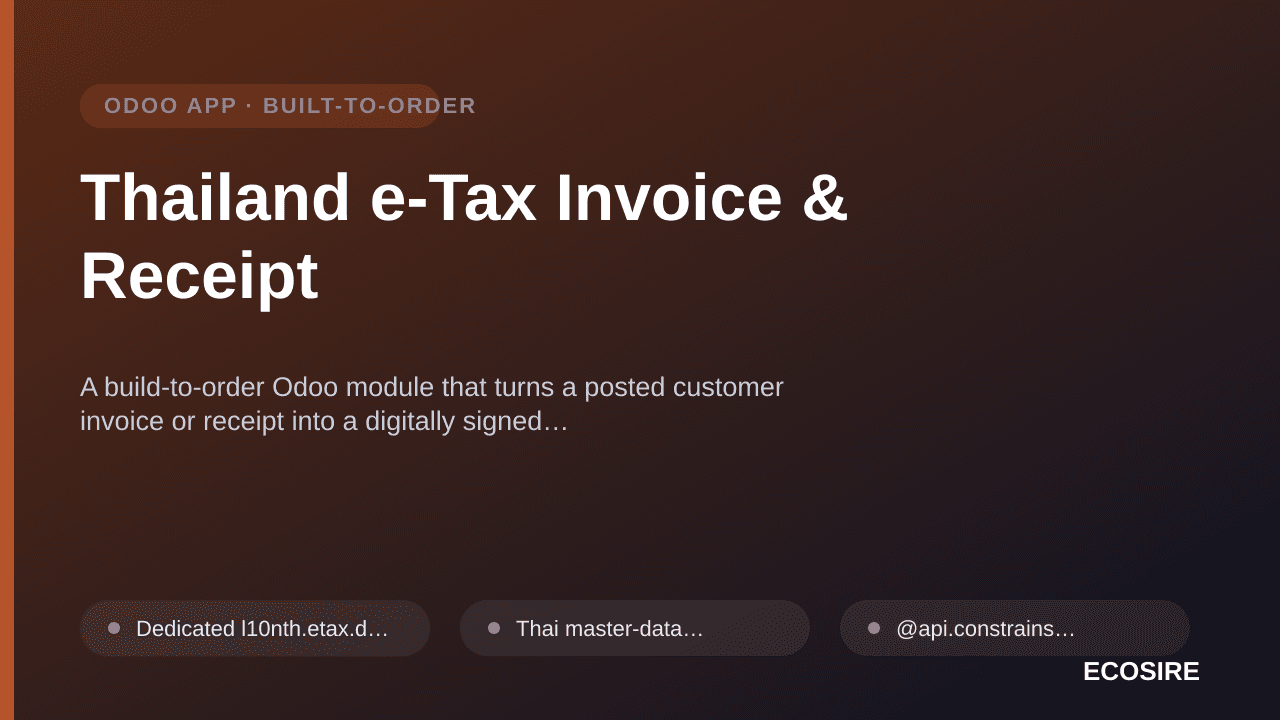
Thailand e-Tax Invoice & Receipt
A build-to-order Odoo module that turns a posted customer invoice or receipt into a digitally signed, ETDA-conformant Thai e-Tax document, delivers it to the buyer, and keeps a compliant archive. ECOSIRE scopes, builds, installs and supports it on your Odoo 17.0, 18.0 or 19.0.
Telegram Bot & CRM Integration
Connect a Telegram bot to Odoo for two-way chat, lead capture, order/ticket notifications and subscriber broadcasts. Built, installed and supported by ECOSIRE.
- Direct integration with the official Telegram Bot API (webhook or long-polling cron mode, selectable per deployment)
- Inbound Telegram messages auto-create a crm.lead or helpdesk.ticket, or thread onto the matching res.partner if the chat_id is already known
- Two-way live chat: agents reply from Odoo Discuss (discuss.channel) and messages are delivered back to the customer's Telegram chat in real time
- Contact resolution that stores Telegram chat_id, username and first/last name on res.partner, deduplicating repeat senders