 イメージプレビュー
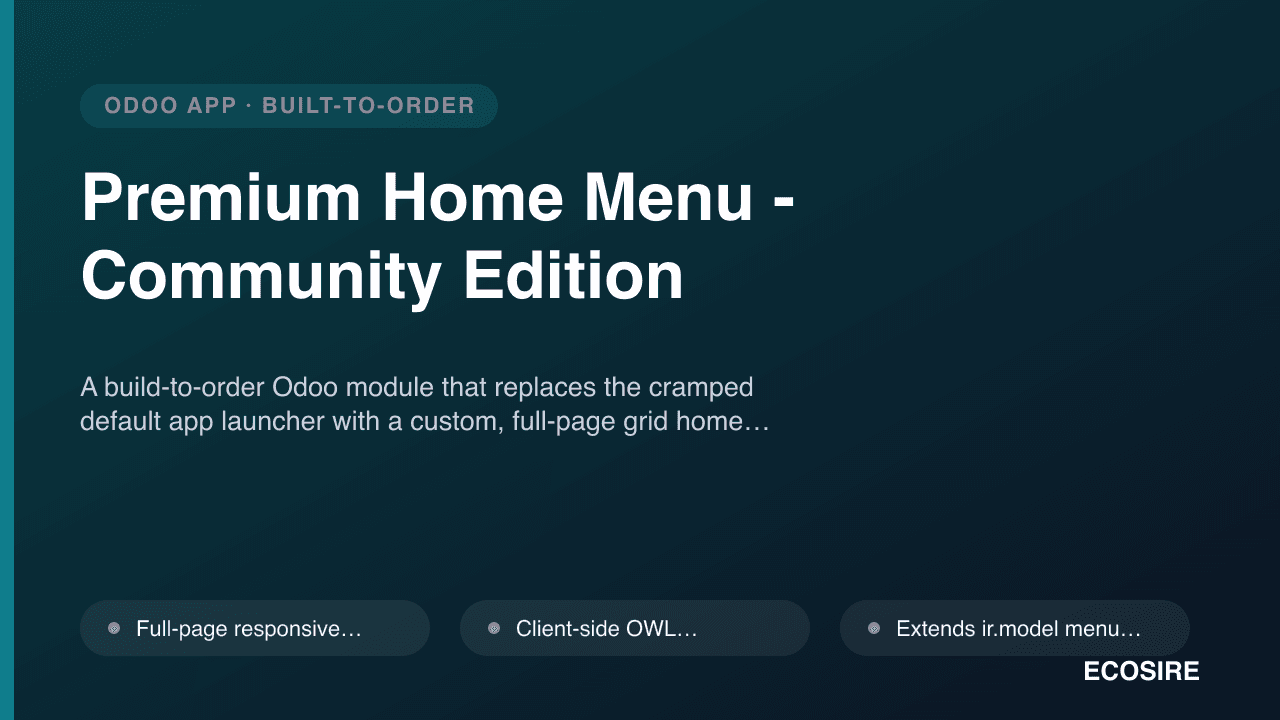
A build-to-order Odoo module that replaces the cramped default app launcher with a custom,
full-page grid home menu — designed, built, installed, and supported by
ECOSIRE for Community Edition 17/18/19.
Premium Home Menu - Community Editionとは?
A build-to-order Odoo module that replaces the cramped default app launcher with a custom, full-page grid home menu — designed, built, installed, and supported by ECOSIRE for Community Edition 17/18/19. Built to order by ECOSIRE for Odoo 17, 18, 19 — indicative price from $999.00 USD; request a quote for a scoped proposal.
主な機能
受注生産、すべておまかせ
自分での設定は不要 — ECOSIRE が構築・インストール・サポートする実働アプリです。
- 1
ご注文
一回限りの構築料金から始めます。キックオフで一緒に範囲を決めます。
- 2
構築とインストール
ECOSIRE がお客様の Odoo 上で構築・設定・インストールします。
- 3
本番稼働 + サポート
約1週間(営業日ベース)で稼働し、本番稼働後2週間のサポートが付きます。納品したコードの不具合は無償で修正します。
技術仕様
- Odoo互換性
- Odoo 17, Odoo 18, Odoo 19
- エディション
- Enterprise&Community
- ライセンス
- ライセンスの確認が必要です
- Python要件
- Python 3.10+
- データベース
- PostgreSQL 12+
この製品について
Odoo Community Edition ships with a compact drop-down app switcher that lists installed apps in a small overlay. For teams running many modules across departments, that default launcher becomes a daily bottleneck: it is cramped, hard to scan, offers no visual hierarchy, and gives users no control over grouping, ordering, or branding. The full-page, tiled "home menu" experience that makes navigation feel effortless is one of the presentation refinements typically associated with Enterprise — so on Community you are left with a launcher that technically works but slows every user down dozens of times a day. There is no configuration switch that turns the stock launcher into a proper full-screen grid; it requires real front-end and back-end work against the web client.
ECOSIRE builds a made-to-order Premium Home Menu module that renders the top-level ir.ui.menu records as a full-page, responsive grid of large app tiles. Technically, we ship a standard Community-compatible addon with its own __manifest__.py, a client-side OWL component (or a targeted patch of the web client's app-menu widget, chosen per your Odoo version) that reads the menu tree over the standard ORM/RPC, and QWeb/XML templates plus SCSS assets registered through the module's asset bundles. Tiles are driven by data you control: we extend ir.ui.menu with fields for a custom icon, accent color, and display order (sequence), so administrators reorder and re-theme the launcher from the UI rather than in code. Because the component reads the same menu records the user is already authorized to see, existing ir.model.access.csv rules and record rules continue to govern visibility — no app appears on a tile that the user could not otherwise open.
Beyond the base grid, we tailor the behavior to how your teams actually navigate: optional search-as-you-type filtering across menu labels, keyboard navigation, department-based sections, favorites pinning, and a company logo / color scheme that matches your brand. The layout is responsive down to tablet widths and respects the active Odoo theme and right-to-left locales. Everything is delivered as a self-contained addon so it upgrades cleanly and never patches core files on disk — it hooks the web client through supported extension points, which keeps your instance safe to update.
Delivery is build-to-order. After a short scoping call we confirm your Odoo version (17.0, 18.0 or 19.0), your Community setup, the exact grouping/branding rules, and any edge cases (multi-company, custom themes, portal users). We then build against a copy of your configuration, demonstrate it on a staging instance for UAT, and only deploy to production once you sign off — with a rollback plan in hand. Typical delivery is one working week from confirmed scope. Pricing starts from $999 (indicative, single-company base scope); multi-company layouts, deep theme/RTL customization, and per-department access logic increase the quoted scope.
得られるもの
- Installable, version-matched addon source code for your Odoo Community release (17.0, 18.0, or 19.0)
- Installation and configuration on your target instance, including asset-bundle registration and menu metadata setup
- Technical documentation covering module structure, models/fields added, and extension points used
- End-user guide plus a live training session for administrators on reordering, theming, and grouping tiles
- UAT on a staging instance with a documented test plan and a production rollback plan
- Post-go-live support window for defect fixes and configuration adjustments
- Git repository handover with full commit history and tagged release
- Version-compatibility notes and upgrade guidance for future Odoo point releases
これは誰のためのものですか
Operations lead on Odoo Community
Runs a dozen-plus apps across departments and needs a fast, scannable launcher so staff stop hunting through the cramped default drop-down every time they switch modules.
In-house Odoo administrator
Wants a full-page home menu they can re-order, re-color, and group from the UI via `sequence` and custom fields — without maintaining a fragile core patch that breaks on upgrade.
IT / systems manager standardizing the UX
Needs a branded, consistent app-launcher experience across users and companies that still honors existing access rights and record rules, delivered as a clean addon.
Odoo partner or reseller
Reselling a polished Community deployment and wants an Enterprise-grade navigation feel packaged as maintainable source code with documentation and a support window.
Premium Home Menu - Community Edition の比較方法
| 基準 | エコシエール | カスタムビルド | 競合他社 | Odoo 標準機能 |
|---|---|---|---|---|
| Delivery model | Build-to-order, installed and supported by ECOSIRE | You scope, build, and maintain it yourself | Instant download, generic out of the box | Nothing to deliver — stock drop-down launcher |
| Full-page grid layout | Custom responsive grid tailored to your menus | Possible but you engineer it from scratch | Fixed grid, limited layout options | None — compact drop-down overlay only |
| Branding & theming | Your logo, colors, RTL and theme-aware via SCSS | Whatever you build time for | Basic or preset themes only | No launcher branding controls |
| Security model | Honors access rights and record rules by design | Correct only if you implement it carefully | Usually respects access but varies by author | Fully native — no added surface |
| Upgrade safety | Self-contained addon, version-matched, no core patch | Depends on your discipline and testing | May lag new Odoo releases | Always in sync — it is core |
| Odoo version fit | Built for your exact 17.0 / 18.0 / 19.0 Community | You handle each version's web-client changes | Single build, may not match your version | N/A |
| Support & handover | Docs, training, support window, git handover | You are the support team | Vendor forum or ticket, no training | Community/Enterprise support channels |
| Total cost of ownership | Fixed quote from $999 plus optional support | High engineering + ongoing maintenance time | Low sticker price, self-service fixes | Free but no full-page grid capability |
Premium Home Menu - Community Edition に関するよくある質問
Is this an existing app I can download and install right now?
No. This is a build-to-order module. ECOSIRE designs, builds, installs, and supports it for your specific Odoo Community instance after you request a quotation — there is no instant download. This lets us match your exact version, branding, grouping rules, and access model.
How long does delivery take?
Typical delivery is one working week from confirmed scope. After the scoping call we build against a copy of your configuration, demonstrate it on staging for UAT, and deploy to production once you sign off. Complex requirements like multi-company layouts or deep theming can extend the timeline, which we confirm before starting.
How does pricing and scoping work?
Pricing starts from $999 (indicative, single-company base scope). The scoping call establishes your exact requirements, after which we issue a fixed quote — no surprise charges. Drivers such as multi-company support, deep theme/RTL customization, per-department access logic, and data-source integrations increase the quoted scope.
Which Odoo versions do you support, and does it work on Community?
Yes — it is built specifically for Community Edition, and we deliver for Odoo 17.0, 18.0, or 19.0 depending on what you run. The addon is version-matched to your release so it uses the correct web-client extension points for your OWL/asset architecture.
Will it interfere with existing security or break on upgrade?
No. The component reads the same menu records the user is authorized to see, so your `ir.model.access.csv` rules and record rules stay in force. It ships as a self-contained addon that hooks supported extension points rather than patching core files, so your instance stays upgrade-safe.
What support and updates are included?
Every build includes a post-go-live support window for defect fixes and configuration adjustments, plus a git repository handover so your team owns the source. Ongoing maintenance or compatibility work for future Odoo point releases can be arranged as a separate support agreement.
Can you match our branding and grouping?
Yes. We apply your logo and brand colors via SCSS variables and can group tiles by department, pin favorites, and control ordering through the `sequence` field — all configurable from the UI once delivered, so admins adjust it without touching code.
関連モジュール
Premium Home Menu - Community Edition
A build-to-order Odoo module that replaces the cramped default app launcher with a custom, full-page grid home menu — designed, built, installed, and supported by ECOSIRE for Community Edition 17/18/19.
- Full-page responsive grid of the top-level `ir.ui.menu` app entries, replacing the stock drop-down launcher
- Client-side OWL component (or version-appropriate web-client patch) registered through the module's asset bundles, not a core-file edit
- Extends `ir.model` menu records with custom icon, accent color, and `sequence` fields so admins reorder and re-theme from the UI
- Respects existing `ir.model.access.csv` and record rules — tiles only render menus the user is already authorized to open