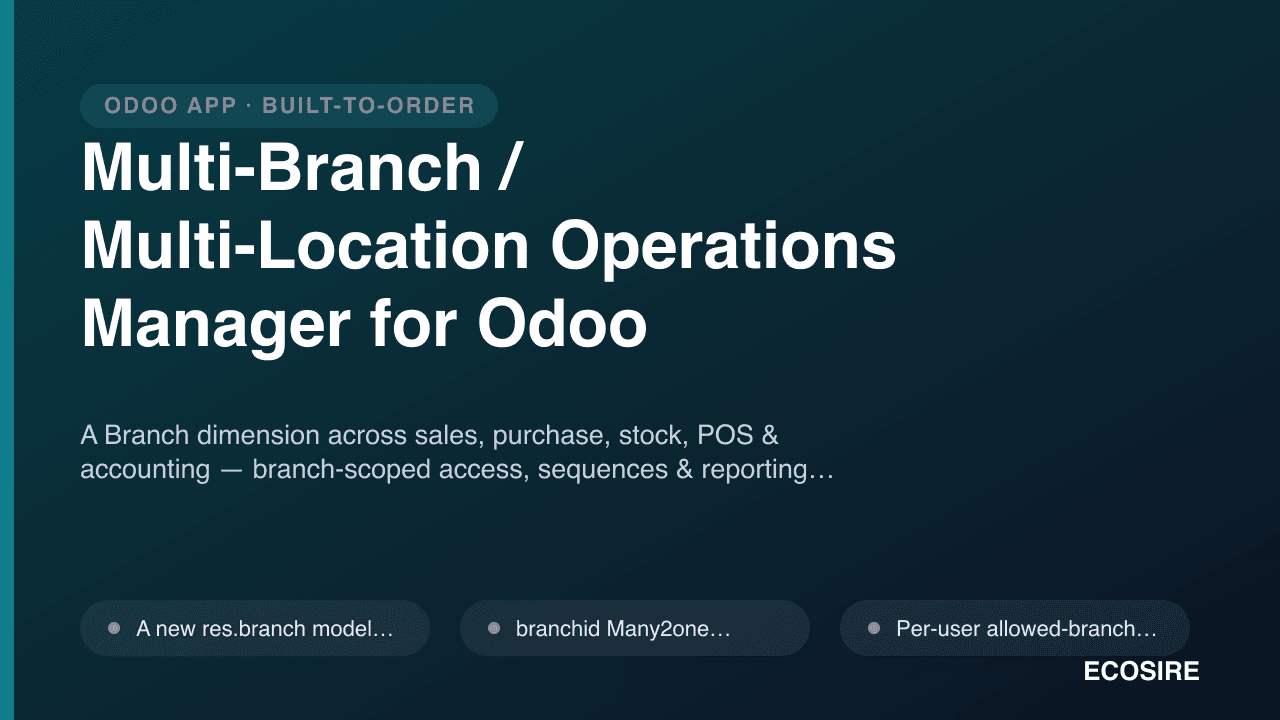
 イメージプレビュー
A Branch dimension across sales, purchase, stock, POS & accounting
— branch-scoped access, sequences & reporting, below full multi-company.
Multi-Branch / Multi-Location Operations Manager for Odooとは?
A Branch dimension across sales, purchase, stock, POS & accounting — branch-scoped access, sequences & reporting, below full multi-company. Built to order by ECOSIRE for Odoo 17, 18, 19 — indicative price from $999.00 USD; request a quote for a scoped proposal.
主な機能
受注生産、すべておまかせ
自分での設定は不要 — ECOSIRE が構築・インストール・サポートする実働アプリです。
- 1
ご注文
一回限りの構築料金から始めます。キックオフで一緒に範囲を決めます。
- 2
構築とインストール
ECOSIRE がお客様の Odoo 上で構築・設定・インストールします。
- 3
本番稼働 + サポート
約1週間(営業日ベース)で稼働し、本番稼働後2週間のサポートが付きます。納品したコードの不具合は無償で修正します。
技術仕様
- Odoo互換性
- Odoo 17, Odoo 18, Odoo 19
- エディション
- Enterprise&Community
- ライセンス
- ライセンスの確認が必要です
- Python要件
- Python 3.10+
- データベース
- PostgreSQL 12+
この製品について
Running several outlets, warehouses, or regional offices inside a single Odoo company usually forces an uncomfortable choice: either spin up a separate legal company per location — inheriting the full weight of inter-company invoicing, consolidation, and duplicated master data — or leave everything in one pool where every salesperson sees every order and every P&L blends into one number. The Multi-Branch / Multi-Location Operations Manager gives you the missing middle layer: a lightweight but pervasive Branch dimension that threads through Sales, Purchase, Inventory, Point of Sale, and Accounting without fragmenting your company into separate Odoo companies.
At the data layer, ECOSIRE adds a branch_id Many2one (to a new res.branch model) onto the operational documents that matter — sale.order, purchase.order, stock.picking, account.move, pos.order, and their lines where reporting needs it. Each user is assigned one or more allowed branches via a Many2many on res.users, and record rules (ir.rule) plus ir.model.access.csv entries enforce that a branch-scoped user only reads and writes documents belonging to their branch — while managers keep the consolidated view. Because it is a genuine field on the models, the Branch flows automatically into pivot views, graph views, filters, and group-bys, so consolidated-versus-per-branch reporting is native rather than bolted on.
We wire branch defaulting the Odoo way: computed defaults derived from the user's branch, @api.onchange/@api.depends propagation from order to lines to the resulting invoice and stock moves, and per-branch document sequences (ir.sequence) so each branch numbers its own quotations, invoices, and delivery orders (e.g. INV/DXB/2026/0001 vs INV/AUH/2026/0001). QWeb report headers pick up the branch address and details, POS sessions inherit the operator's branch, and an inter-branch transfer workflow lets one location request and receive stock from another with a clean audit trail. Everything is delivered as a proper installable module — a versioned __manifest__.py, models, security CSV/XML, views, and reports — tested and installed on your Odoo 17, 18, or 19 (Community or Enterprise) by our engineers.
This is a build-to-order engagement, not an instant apps.odoo.com download. After purchase, an ECOSIRE Odoo engineer confirms your exact scope (which apps carry the Branch dimension, your access matrix, your sequence scheme), builds and hardens the module against your version and edition, installs it in staging, migrates your existing records with a branch backfill, and hands over the source. Typical lead time is one working week depending on how many flows and the depth of the access model.
得られるもの
- Installable Odoo module (source code) — __manifest__.py, Python models, security (ir.model.access.csv + record-rule XML), views, and QWeb reports — for your target version(s): 17, 18, and/or 19.
- Scope-and-design document: the confirmed list of apps carrying the Branch dimension, your branch/access matrix, and the per-branch sequence scheme, signed off before build.
- Staging installation and configuration on your Odoo instance, including res.branch records, per-user branch assignments, and sequence setup.
- Data migration / backfill script that stamps branch_id onto your existing historical sales, purchase, stock, and accounting records where applicable.
- Admin & end-user documentation: how branches, access rules, sequences, and inter-branch transfers work, plus a short how-to for adding new branches later.
- A live handover / training session for your admins and key users, recorded for future reference.
- Post-go-live support window (bug fixes and adjustments) plus a written summary of upgrade considerations for future Odoo version jumps.
これは誰のためのものですか
Retail / franchise operations manager
Runs multiple stores or outlets on one Odoo instance and needs each location's sales, POS takings, and stock kept separate for accountability — but wants a single roll-up dashboard without maintaining a separate company per shop.
Multi-warehouse distribution / trading owner
Operates several warehouses or regional depots, needs branch-scoped delivery orders, per-branch PO numbering, and clean inter-branch stock transfers, while still consolidating purchasing and inventory value at the company level.
Finance controller / CFO of a multi-site SME
Wants a per-branch P&L and branch-tagged journal entries and invoice sequences for internal reporting and audit, without the overhead of inter-company eliminations that full Odoo multi-company would impose.
Odoo administrator / internal IT lead
Responsible for user access and data governance; needs record-rule-enforced branch isolation so staff only see their own branch's documents, configured through a maintainable module rather than ad-hoc filters and manual permissions.
Multi-Branch / Multi-Location Operations Manager for Odoo の比較方法
| 基準 | エコシエール | カスタムビルド | 競合他社 | Odoo 標準機能 |
|---|---|---|---|---|
| Branch dimension across sales, purchase, stock, POS & accounting | 付属 | Possible but you build every model extension and integration point yourself | Varies — often covers only a subset of apps | 含まれていない |
| Branch-scoped access enforced by record rules (ir.rule) | 付属 | Only if you design and test the security correctly | Sometimes; depth and correctness vary by author | 部分的なサポート |
| Per-branch document sequences (ir.sequence) | 付属 | You wire ir.sequence per journal/document manually | Sometimes included | 含まれていない |
| Consolidated + per-branch reporting out of the box | 付属 | Depends on how you model the field | Partial — usually per-app, not unified | 含まれていない |
| Inter-branch stock transfer workflow | 付属 | Built from scratch on stock.picking | Rarely included | 部分的なサポート |
| Keeps a single company (no inter-company overhead) | 付属 | Your call, but you own the design risk | Usually yes | 含まれていない |
| Built, installed & tested on your exact Odoo 17/18/19 + edition | 付属 | Only if you have in-house Odoo engineers | 含まれていない | 含まれていない |
| Historical data backfilled with branch on existing records | 付属 | You write and run the migration | 含まれていない | 含まれていない |
| Source code handover + upgrade notes + support window | 付属 | You already own it | Code yes, tailored support/upgrade usually no | 含まれていない |
Multi-Branch / Multi-Location Operations Manager に関するよくある質問
How long does delivery take, and what happens after I buy?
This is a build-to-order engagement, not an instant download. Typical lead time is one working week depending on how many apps carry the Branch dimension and how deep your access model is. After purchase, an ECOSIRE Odoo engineer confirms scope (models to extend, your branch/access matrix, sequence scheme), builds and tests the module against your exact version and edition, installs it in staging, backfills your existing records, and then hands over the source and moves it to production with you.
How is this different from Odoo's built-in multi-company feature?
Multi-company splits your data into separate legal companies and brings inter-company invoicing, consolidation, and duplicated master data. This module keeps everything in one company and adds a lightweight Branch dimension instead — a res.branch model, a branch_id field on your operational documents, record-rule-based access isolation, and per-branch sequences and reporting. You get location-level accountability and roll-ups without the overhead of eliminations and cross-company setup.
What support and updates do I get, and does it survive Odoo upgrades?
Every build includes a post-go-live support window for bug fixes and adjustments. Because the module is delivered as clean, versioned source with a proper __manifest__.py, it upgrades with your Odoo like any addon — we hand over written upgrade notes, and when you move to a new major version (e.g. 18 → 19) we can port and re-test it as a follow-on engagement. You own the code, so you're never locked to us.
Which Odoo versions and editions are supported?
Odoo 17, 18, and 19, on both Community and Enterprise. We adapt field placement and integration points to what your edition exposes — for example, Enterprise-only apps or accounting features — and confirm the exact target during scoping so the module installs cleanly on your instance.
Will branch-scoped users be truly prevented from seeing other branches' data?
Yes. Isolation is enforced at the ORM level via ir.rule record rules combined with ir.model.access.csv, not just hidden columns or UI filters. A branch-scoped user reads and writes only records for their assigned branch(es); managers and admins keep the consolidated view. Because it's server-side, the rules also apply to XML-RPC/JSON-RPC API access, imports, and automated actions.
Can the Branch dimension flow into my reports and printed documents automatically?
Yes. Branch is a real field on the documents, so it appears natively in pivot views, graph views, filters, and group-bys — you can build consolidated or per-branch views of sales, purchases, stock, and P&L without extra tooling. QWeb report layouts (invoices, delivery slips, POs) are extended so each printout shows the originating branch's name and address in the header.
関連モジュール
Multi-Branch / Multi-Location Operations Manager
A Branch dimension across sales, purchase, stock, POS & accounting — branch-scoped access, sequences & reporting, below full multi-company.
- A new res.branch model with branch code, address, contact, linked warehouse and company — the single source of truth for the Branch dimension.
- branch_id Many2one added to sale.order, purchase.order, stock.picking, account.move, and pos.order (plus lines where reporting requires it), with sensible computed defaults from the user's branch.
- Per-user allowed-branches Many2many on res.users plus a default branch, so a user's activity is pre-filtered to where they actually work.
- Branch-scoped data isolation via ir.rule record rules and ir.model.access.csv — branch users see only their branch's documents while managers retain the consolidated view.