 イメージプレビュー
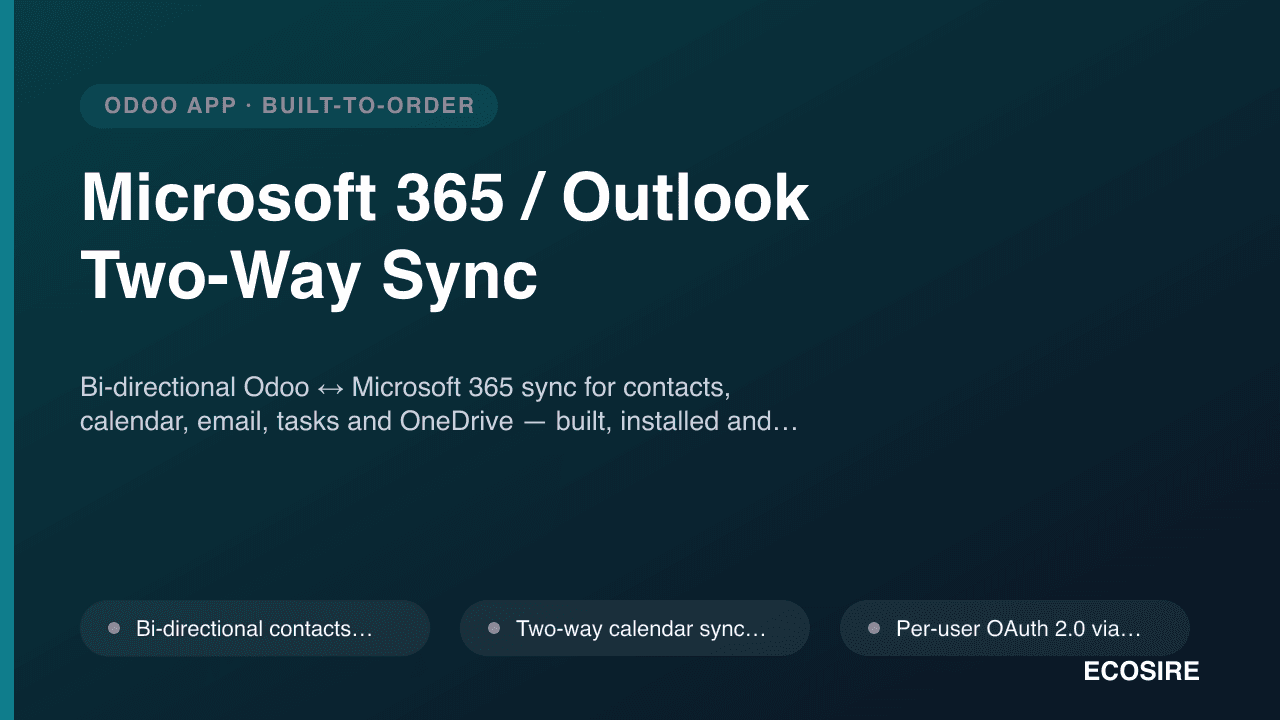
Bi-directional Odoo ↔ Microsoft 365 sync for contacts, calendar, email, tasks and OneDrive
— built, installed and supported by ECOSIRE.
Microsoft 365 / Outlook Two-Way Syncとは?
Bi-directional Odoo ↔ Microsoft 365 sync for contacts, calendar, email, tasks and OneDrive — built, installed and supported by ECOSIRE. Built to order by ECOSIRE for Odoo 17, 18, 19 — indicative price from $999.00 USD; request a quote for a scoped proposal.
主な機能
受注生産、すべておまかせ
自分での設定は不要 — ECOSIRE が構築・インストール・サポートする実働アプリです。
- 1
ご注文
一回限りの構築料金から始めます。キックオフで一緒に範囲を決めます。
- 2
構築とインストール
ECOSIRE がお客様の Odoo 上で構築・設定・インストールします。
- 3
本番稼働 + サポート
約1週間(営業日ベース)で稼働し、本番稼働後2週間のサポートが付きます。納品したコードの不具合は無償で修正します。
技術仕様
- Odoo互換性
- Odoo 17, Odoo 18, Odoo 19
- エディション
- Enterprise&Community
- ライセンス
- ライセンスの確認が必要です
- Python要件
- Python 3.10+
- データベース
- PostgreSQL 12+
この製品について
If your organization lives in Outlook, Teams and OneDrive but runs operations in Odoo, your team wastes hours re-keying the same contacts, double-booking calendars, and hunting for the "real" version of a proposal file. This build-to-order module closes that gap with a robust, bi-directional bridge between Odoo (17, 18 or 19 — Community or Enterprise) and Microsoft 365 via the Microsoft Graph API.
ECOSIRE designs, builds, installs and supports the module for you — this is not an off-the-shelf apps.odoo.com download. After purchase we run a short scoping call, register (or help you register) an Azure AD / Entra ID application for OAuth 2.0, then engineer the connector around your exact record types, ownership rules and sync direction preferences. Typical delivery is one working week from confirmed scope and access.
Under the hood the module is proper Odoo engineering, not a fragile script. Sync jobs run as Odoo scheduled actions (ir.cron) on schedules you control, each Microsoft object is mapped to Odoo models (res.partner, calendar.event, mail.message, project.task, ir.attachment / documents.document) with stored external-ID and change-token fields so re-syncs are idempotent and never duplicate. Conflict resolution is configurable (Odoo-wins, Microsoft-wins, or last-modified-wins) and every sync is logged for auditability. Field mappings are data-driven so your admins can adjust them from a settings view without touching Python.
Contacts sync both ways between res.partner and the user's Outlook / Microsoft 365 address book, with folder and category mapping. Calendar sync keeps calendar.event and Outlook calendars aligned in both directions — including attendees, reminders, recurrence and free/busy — with per-user OAuth so each employee's events sync under their own identity. Inbound and outbound Outlook emails are logged against the matching Odoo record (lead, opportunity, sale order, partner) using the Graph message API and threaded into the Odoo chatter, so the full conversation history lives where your team works. Tasks / to-dos sync between Odoo activities or project.task and Microsoft To Do / Planner. And OneDrive / SharePoint files are linked (or optionally mirrored) to Odoo records so a document stored once in Microsoft 365 is one click away from the deal, project or customer it belongs to.
Security is handled the Odoo way: access controlled through ir.model.access.csv and record rules so users only sync and see their own data, secrets stored server-side, and OAuth refresh tokens managed so day-to-day sync never interrupts your users. Delivery includes the full module source, deployment, configuration, admin documentation and a post-go-live support window. You own the code.
得られるもの
- Complete, documented Odoo module source (__manifest__.py, models, views, security, ir.cron definitions) that you own outright
- Azure AD / Microsoft Entra ID application registration and OAuth 2.0 / Microsoft Graph configuration guidance and setup
- Installation and deployment on your Odoo 17/18/19 environment (staging plus production) with the sync jobs configured
- Field-mapping and conflict-resolution configuration tailored to your record types, ownership rules and sync direction
- Administrator documentation covering connection setup, cron schedules, mapping, audit log and troubleshooting
- Admin / key-user training session on connecting user accounts, monitoring syncs and adjusting mappings
- Post-go-live support window for bug fixes and adjustments, with an SLA agreed during scoping
- Source code repository access plus a versioned handover so you can maintain, extend or re-deploy the module independently
これは誰のためのものですか
Microsoft-first operations manager
Runs a team that lives in Outlook, Teams and OneDrive but manages sales, projects and customers in Odoo. Wants one source of truth so contacts, meetings and files stop being re-keyed and double-entered across two systems.
Sales / CRM leader
Needs every Outlook email and meeting with a prospect automatically logged against the Odoo lead or opportunity, so pipeline history is complete without reps copying and pasting — and reporting reflects real activity.
IT / Odoo administrator
Owns the Azure AD tenant and the Odoo instance. Wants a secure, per-user OAuth integration with proper access rules, controllable cron schedules, an audit trail and clean code they can maintain — not a brittle unsupported script.
Microsoft 365 / Outlook Two-Way Sync の比較方法
| 基準 | エコシエール | カスタムビルド | 競合他社 | Odoo 標準機能 |
|---|---|---|---|---|
| Two-way sync of contacts, calendar, email, tasks AND OneDrive files | All five object types, bi-directional, in one module | Only if you scope and pay to build each one | Usually one or two objects (e.g. calendar only) | 含まれていない |
| Built, installed and supported for your exact record types and rules | Yes — scoped to your models, ownership and direction | Yes, but you manage the developer and risk | No — generic mapping you adapt to | 含まれていない |
| Outlook email auto-logged against Odoo leads/orders in chatter | Yes, via Microsoft Graph message API | Possible but must be built from scratch | Rarely; often manual or add-on only | 部分的なサポート |
| Idempotent, duplicate-safe sync with change tokens & audit log | Yes — external-ID + deltaLink, full audit trail | Depends on developer discipline | Varies; duplicates are a common complaint | 含まれていない |
| Configurable conflict resolution (Odoo/Microsoft/last-modified wins) | Yes, per object type | Only if explicitly built | Often fixed or not exposed | 含まれていない |
| Per-user OAuth 2.0 with proper ir.model.access.csv + record rules | Yes — per-user identity and least-privilege access | Must be designed and secured yourself | Sometimes; often a single service account | 部分的なサポート |
| Runs on Odoo 17, 18 and 19, Community and Enterprise | Yes, built and tested for your version | Whatever you commission and maintain | Depends on vendor version support | 部分的なサポート |
| Source code ownership and freedom to extend | Full source handed over — you own it | Yes | Usually licensed/obfuscated, no source | n/a |
| Total cost of ownership | Fixed build price + optional support retainer | Open-ended developer time and risk | Low upfront but limited and per-user fees add up | Free but does not exist |
Microsoft 365 / Outlook Two-Way Sync に関するよくある質問
How long does delivery take, and is this an instant download?
This is a build-to-order module, not an instant apps.odoo.com download. After purchase we run a short scoping call, then design, build, install and configure the connector for your environment. Typical delivery is one working week depending on scope — how many object types you sync (contacts, calendar, email, tasks, files), your conflict rules, and whether you need webhook near-real-time updates or scheduled polling. You'll get a firm timeline confirmed during scoping.
What do support and updates include after go-live?
Delivery includes a post-go-live support window (SLA agreed during scoping) covering bug fixes and adjustments. Because you receive and own the full source, your team can maintain and extend it freely. We also offer ongoing support and update retainers to keep the connector current with Microsoft Graph API changes and new Odoo releases (17 → 18 → 19). Microsoft occasionally deprecates Graph endpoints, so an active retainer is the safest way to stay running long-term.
Which Odoo versions and editions are supported?
Odoo 17, 18 and 19, on both Community and Enterprise editions. The module is built with standard Odoo primitives — models.Model, ir.cron scheduled actions, ir.model.access.csv, record rules and standard views — so it installs cleanly on your edition. Enterprise-only features (like the Documents app for OneDrive mirroring) are used only if you run Enterprise; on Community we fall back to ir.attachment linking.
How does authentication work — do we need an Azure AD app?
Yes. The connector uses OAuth 2.0 through the Microsoft Graph API, which requires an application registered in your Azure AD / Microsoft Entra ID tenant. We guide (or perform) that registration, request the minimum Graph scopes needed for the objects you sync, and set up per-user consent so each employee's contacts, calendar and mail sync under their own identity. Secrets and refresh tokens are stored server-side, and tokens are refreshed automatically so sync doesn't interrupt users.
How are duplicates and conflicts prevented in a two-way sync?
Every synced Odoo record stores the Microsoft external ID and a Graph change-token / deltaLink, so re-runs are idempotent and never create duplicates. When the same record changes on both sides between syncs, a configurable conflict-resolution strategy decides the winner — Odoo-wins, Microsoft-wins, or last-modified-wins — set per object type. Every sync writes to an audit log with per-record status and error detail so you can see exactly what happened.
Can we control what syncs and how often?
Absolutely. Sync runs as Odoo scheduled actions (ir.cron) you control, with independent frequencies per object type — for example calendar every few minutes and files hourly. You can scope which contact folders, calendars and Odoo tags/companies participate, choose sync direction per object, and trigger a manual 'Sync now' at any time. Optional webhook change-notifications enable near-real-time calendar and mail updates instead of polling.
What happens to our data if we later stop using ECOSIRE?
You own the module source and it runs entirely inside your own Odoo instance and your own Microsoft 365 tenant — there is no ECOSIRE-hosted middleman holding your data. If you part ways, the connector keeps running on your infrastructure. The only maintenance concern is future Odoo upgrades and Microsoft Graph API deprecations, which any competent Odoo developer (or an ECOSIRE retainer) can handle.
関連モジュール
Microsoft 365 / Outlook Two-Way Sync
Bi-directional Odoo ↔ Microsoft 365 sync for contacts, calendar, email, tasks and OneDrive — built, installed and supported by ECOSIRE.
- Bi-directional contacts sync between Odoo res.partner and Outlook / Microsoft 365 address book, with folder and category mapping
- Two-way calendar sync (calendar.event ↔ Outlook) covering attendees, reminders, recurring events and free/busy status
- Per-user OAuth 2.0 via Microsoft Graph so each employee's contacts, calendar and email sync under their own Microsoft 365 identity
- Outlook email logging: inbound and outbound messages auto-linked to the matching Odoo lead, opportunity, sale order or partner and threaded into chatter