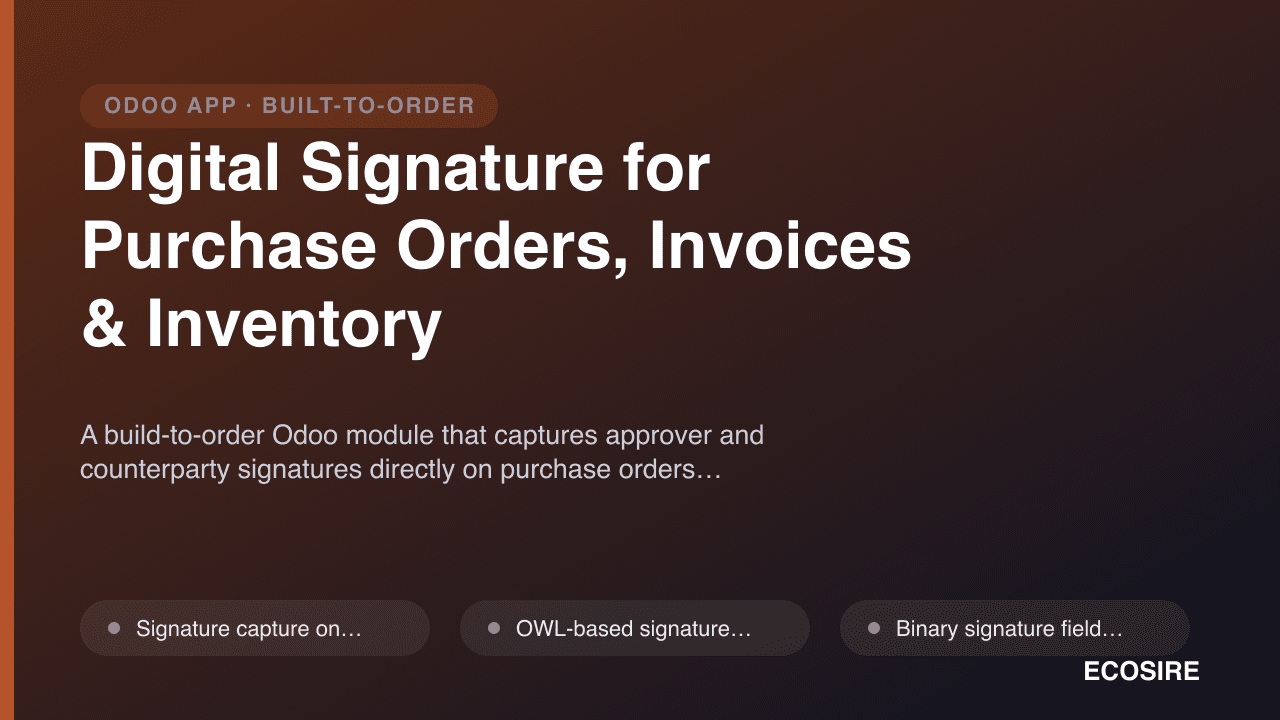
 イメージプレビュー
A build-to-order Odoo module that captures approver and counterparty signatures directly on purchase orders,
vendor bills, customer invoices and inventory transfers, then embeds them on the printed QWeb documents. Designed, installed and supported by ECOSIRE.
Digital Signature for Purchase Orders, Invoices & Inventoryとは?
A build-to-order Odoo module that captures approver and counterparty signatures directly on purchase orders, vendor bills, customer invoices and inventory transfers, then embeds them on the printed QWeb documents. Designed, installed and supported by ECOSIRE. Built to order by ECOSIRE for Odoo 17, 18, 19 — indicative price from $999.00 USD; request a quote for a scoped proposal.
主な機能
受注生産、すべておまかせ
自分での設定は不要 — ECOSIRE が構築・インストール・サポートする実働アプリです。
- 1
ご注文
一回限りの構築料金から始めます。キックオフで一緒に範囲を決めます。
- 2
構築とインストール
ECOSIRE がお客様の Odoo 上で構築・設定・インストールします。
- 3
本番稼働 + サポート
約1週間(営業日ベース)で稼働し、本番稼働後2週間のサポートが付きます。納品したコードの不具合は無償で修正します。
技術仕様
- Odoo互換性
- Odoo 17, Odoo 18, Odoo 19
- エディション
- Enterprise&Community
- ライセンス
- ライセンスの確認が必要です
- Python要件
- Python 3.10+
- データベース
- PostgreSQL 12+
この製品について
Approval sign-off in Odoo is mostly invisible. A purchase order goes from draft to purchase, an invoice gets posted, a delivery gets done — but the who, the when, and the visible authorising mark that auditors, vendors and warehouse receivers expect all live outside the record, in scanned PDFs, email threads and paper folders. Teams end up printing an Odoo document, signing it by hand, re-scanning it, and attaching it back — a loop that defeats the point of running the ERP. Odoo core gives you the approval state machine and the audit mail.thread log, but it does not capture a graphical signature on purchase.order, account.move or stock.picking, and it does not print that signature on the QWeb report. On Community the gap is total; even where sign widgets exist elsewhere, they are not wired into procurement, billing and warehouse documents the way a paper-driven or compliance-driven process needs.
This is what we build to order. We add a signature capture surface — an OWL-based signature pad plus an optional "signed by" user binding — onto the forms you actually route for approval: purchase.order, account.move (both vendor bills and customer invoices), and stock.picking (deliveries and receipts). Under the hood the signature is stored as a binary field on the target model with companion signed_by (res.users/res.partner), signed_on (Datetime), and computed signature_state fields driven by @api.depends, so the record itself carries a first-class, queryable signing state instead of a loose attachment. Access is enforced through ir.model.access.csv plus record rules so that only the roles you nominate — a purchase manager, a finance approver, a warehouse lead — can affix or clear a signature, and an automated action can require the signature before the document is allowed to leave draft. The captured image is rendered into the QWeb PDF reports (purchase.report_purchaseorder, account.report_invoice, stock.report_deliveryslip, or bespoke report templates) so the document you email or hand to a counterparty shows the signature, the signer's name and the timestamp exactly where your process expects them.
Because it is delivered as a proper module, everything is configurable to your reality: which documents require signatures, whether a second counter-signature is needed, whether the signature blocks state transitions or is advisory, and how it appears on the printout. We can bind signatures to your existing approval hierarchy, surface them in list and kanban views for at-a-glance status, expose them over the XML-RPC/JSON-RPC API so an external portal or mobile app can post a signature back, and fire an automated action or activity when a document is still awaiting sign-off. The module ships with a clean __manifest__.py declaring dependencies on purchase, account and stock, versioned for Odoo 17.0, 18.0 or 19.0, and respects Community vs Enterprise boundaries — we do not assume paid apps you may not have, and we tell you upfront if a request needs an Enterprise-only dependency.
Delivery is build-to-order: after a short scoping call we confirm exactly which documents, roles, report layouts and approval rules are in play, then build against your Odoo version, deliver on a staging database for UAT with a documented rollback, and only then install to production. Typical delivery is one working week from confirmed scope. Pricing starts from $999 (indicative, single-company base scope); additional signed document types, multi-company signing rules, custom QWeb report redesigns, and integration with an external signing or approval portal increase the quoted scope. You receive a firm fixed quote after the scoping call — never an open-ended bill.
得られるもの
- Installable, version-pinned module source code for your Odoo 17.0, 18.0 or 19.0 instance
- Installation and configuration on your environment, including report-layout wiring and role setup
- Technical documentation: model/field reference, security rules, report template hooks and configuration options
- End-user guide plus a live training session for approvers, finance and warehouse staff
- UAT on a staging database with a documented rollback plan before any production install
- Post-go-live support window for defect fixes and configuration adjustments
- Git repository handover with full commit history and tagged release
- Version-compatibility notes covering Community vs Enterprise and your target Odoo edition
これは誰のためのものですか
Procurement / Purchasing Manager
Routes purchase orders through an approval hierarchy and needs a visible, timestamped authorising signature on the PO that vendors receive — not just an internal state flip — so spend commitments are provably approved.
Finance & Accounts Controller
Wants vendor bills and customer invoices to carry a captured approver signature on the posted document and printout, tightening internal controls and giving auditors a clear sign-off trail inside Odoo.
Warehouse / Inventory Lead
Needs delivery and receipt documents (`stock.picking`) signed by the person handing over or accepting goods, with the signature printed on the delivery slip as proof of custody transfer.
Odoo Administrator / Operations Lead
Owns the Odoo instance and wants signing capability delivered as a maintainable module with proper access rules and version compatibility, rather than ad-hoc scan-and-attach workarounds across teams.
Digital Signature for Purchase Orders, Invoices & Inventory の比較方法
| 基準 | エコシエール | カスタムビルド | 競合他社 | Odoo 標準機能 |
|---|---|---|---|---|
| Signing on PO, invoice & inventory docs | Built into all three document types as scoped | Possible but you specify and maintain every model | Usually one document family, rarely all three | No graphical signature on these records |
| Signature on printed QWeb report | Rendered on PO, invoice & delivery slip PDFs | Requires you to edit each report template | Often only on-screen, printout varies | Not available |
| Fit to your approval roles | Bound to your hierarchy via record rules | Whatever you design and test yourself | Generic roles, limited configurability | State machine only, no signing role |
| Audit trail & queryable state | `signed_by`/`signed_on` fields + chatter log | Only if you build and index it | Varies; often a bare image field | Approval state and message log, no signature |
| Odoo 17/18/19 & Community/Enterprise | Built and pinned to your exact edition | Your team tracks version compatibility | Depends on vendor's update cadence | N/A — capability absent |
| Delivery model | Build-to-order, one working week, UAT + rollback | Your internal backlog and timeline | Instant download, self-install and self-fit | Already present, nothing to deliver |
| Ongoing support | Post-go-live window + optional upgrades | You own all maintenance | Forum/ticket support, quality varies | Odoo standard support only |
| Cost shape | From $999 indicative, fixed quote after scoping | Developer time, typically higher and open-ended | Low sticker price, hidden fitting cost | Included but does the job for you |
Digital Signature for Purchase Orders, Invoices & Inventory に関するよくある質問
How long does delivery take?
This is a build-to-order module, not an instant download. After a scoping call to confirm which documents, roles and report layouts are in scope, typical delivery is one working week from confirmed scope. We build against your exact Odoo version, deliver on a staging database for UAT, and install to production only after you sign off.
How does pricing and scoping work?
Pricing starts from $999 as an indicative figure for a single-company base scope. The final price is a firm fixed quote issued after the scoping call, once we know how many document types need signing, whether multi-company or counter-signature rules apply, and whether custom report redesigns or external portal integration are required. You never get an open-ended or hourly-creep bill.
What support and updates do I get?
Every build includes a post-go-live support window for defect fixes and configuration tweaks. Because you receive the full source and git repository, you own the code. We offer ongoing support and version-upgrade services (for example moving the module from Odoo 17.0 to 18.0 or 19.0) as a separate engagement when you need it.
Which documents can carry a signature?
The base scope covers purchase orders (`purchase.order`), vendor bills and customer invoices (`account.move`), and inventory receipts and deliveries (`stock.picking`). We can extend signing to other documents — sales orders, quality checks, custom models — as part of the scoped build.
Does it work on Odoo Community or only Enterprise?
The module is built to run on your edition. Core signing on purchase, invoice and inventory documents works on Community and Enterprise for Odoo 17.0, 18.0 and 19.0. If a specific request depends on an Enterprise-only feature, we tell you before you commit so there are no surprises.
Is the signature just an image, or is it auditable?
The signature is stored as a first-class field on the record alongside a `signed_by` user/partner reference and a `signed_on` timestamp, and signing events are written to the document's chatter. That gives you a queryable, filterable and auditable signing state inside Odoo — far more than a scanned attachment. Note this is a workflow and record-of-approval signature, not a cryptographic/qualified e-signature certificate unless that integration is explicitly scoped.
Can external parties sign, or only internal users?
Both are possible. Internal approvers sign directly in the Odoo form via the signature pad. For vendor or customer acknowledgement we can expose the signing action over the XML-RPC/JSON-RPC API or a portal flow, so a counterparty can post their signature back onto the document. This is defined during scoping.
関連モジュール
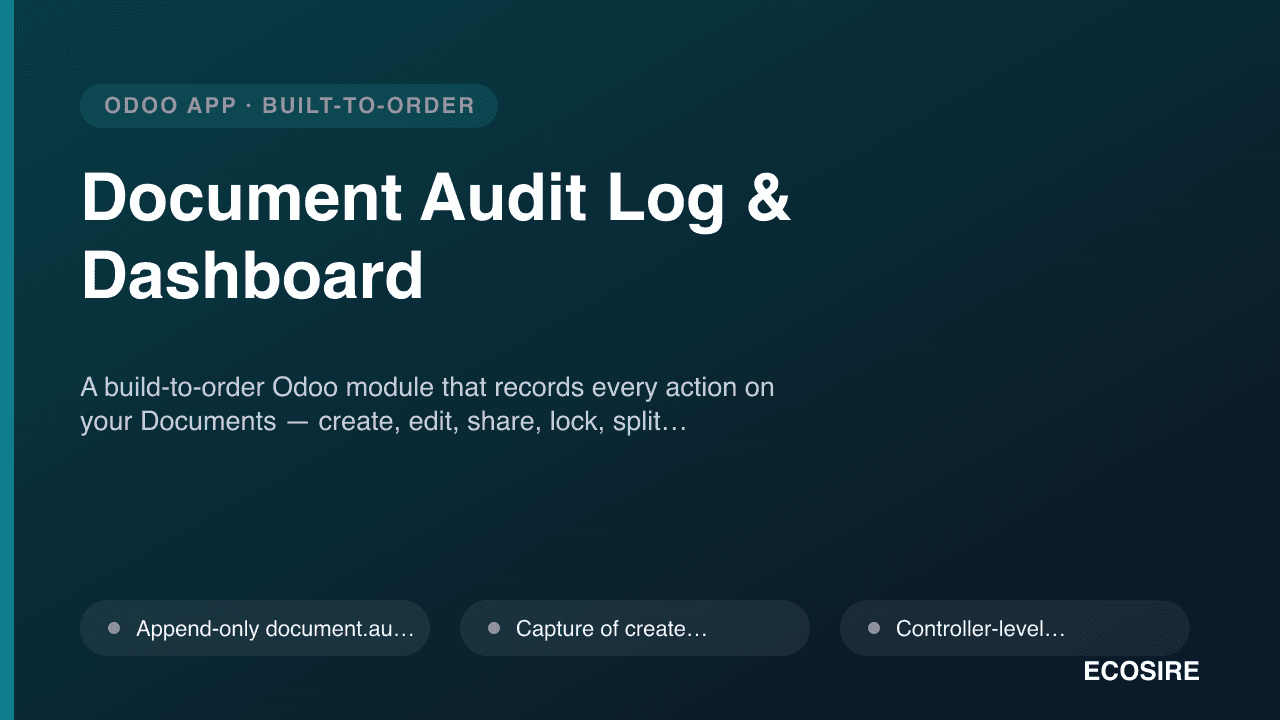
Document Audit Log & Dashboard
A build-to-order Odoo module that records every action on your Documents — create, edit, share, lock, split, download and e-sign — into a tamper-evident audit trail with dashboards and automated follow-up. ECOSIRE scopes, builds, installs and supports it for Odoo 17, 18 or 19.
Digital Signature for Purchase Orders, Invoices & Inventory
A build-to-order Odoo module that captures approver and counterparty signatures directly on purchase orders, vendor bills, customer invoices and inventory transfers, then embeds them on the printed QWeb documents. Designed, installed and supported by ECOSIRE.
- Signature capture on `purchase.order`, `account.move` (vendor bills + customer invoices) and `stock.picking` (receipts + deliveries)
- OWL-based signature pad widget embedded directly in the form view, no separate portal round-trip required
- Binary signature field plus companion `signed_by` (`res.users`/`res.partner`) and `signed_on` (`Datetime`) fields stored on the target record
- Computed `signature_state` field via `@api.depends` so signing status is queryable, filterable and reportable