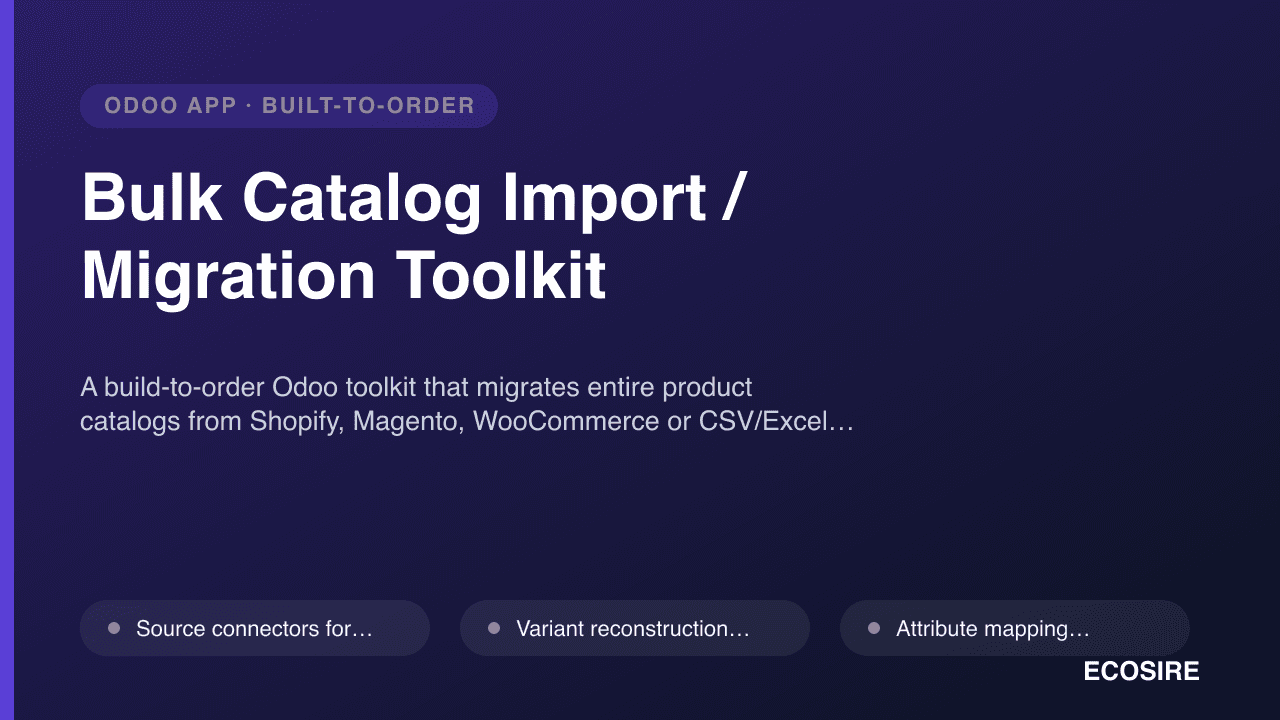
 イメージプレビュー
A build-to-order Odoo toolkit that migrates entire product catalogs from Shopify,
Magento, WooCommerce or CSV/Excel into Odoo eCommerce — variants, images, attributes, categories and SEO preserved. ECOSIRE scopes, builds, installs and supports it for Odoo 17.0, 18.0 and 19.0.
Bulk Catalog Import / Migration Toolkitとは?
A build-to-order Odoo toolkit that migrates entire product catalogs from Shopify, Magento, WooCommerce or CSV/Excel into Odoo eCommerce — variants, images, attributes, categories and SEO preserved. ECOSIRE scopes, builds, installs and supports it for Odoo 17.0, 18.0 and 19.0. Built to order by ECOSIRE for Odoo 17, 18, 19 — indicative price from $999.00 USD; request a quote for a scoped proposal.
主な機能
受注生産、すべておまかせ
自分での設定は不要 — ECOSIRE が構築・インストール・サポートする実働アプリです。
- 1
ご注文
一回限りの構築料金から始めます。キックオフで一緒に範囲を決めます。
- 2
構築とインストール
ECOSIRE がお客様の Odoo 上で構築・設定・インストールします。
- 3
本番稼働 + サポート
約1週間(営業日ベース)で稼働し、本番稼働後2週間のサポートが付きます。納品したコードの不具合は無償で修正します。
技術仕様
- Odoo互換性
- Odoo 17, Odoo 18, Odoo 19
- エディション
- Enterprise&Community
- ライセンス
- ライセンスの確認が必要です
- Python要件
- Python 3.10+
- データベース
- PostgreSQL 12+
この製品について
Moving an established online store onto Odoo eCommerce is where most migrations quietly go wrong. Your source catalog holds thousands of SKUs with option-based variants, multiple image sizes, rich HTML descriptions, nested collections and years of accumulated SEO equity — and Odoo's stock base_import wizard treats all of it as flat rows. It has no concept of mapping a Shopify option matrix onto product.template + product.product with the right product.attribute / product.attribute.value combinations, no image ingestion beyond a single field, no taxonomy remapping, and absolutely no plan for the 301 redirects that keep your Google rankings alive. Do it by hand and you get duplicated variants, broken website.slug URLs, orphaned images and a support queue full of "where did my product go" tickets.
The Bulk Catalog Import / Migration Toolkit is a purpose-built Odoo module (proper __manifest__.py, models extending models.Model, security via ir.model.access.csv + record rules, OWL/QWeb wizard UI) that ECOSIRE builds around your exact source data. It ships source connectors that read Shopify (Admin REST/GraphQL), Magento 2 (REST), WooCommerce (WC REST) and generic CSV/Excel, and normalizes each into a staging model before anything touches your live catalog. A mapping wizard lets you bind source option names to Odoo attributes, collapse or split variants, and remap source collections/tags onto product.category and product tags. Images are streamed in with de-duplication and attached to the correct template or variant, not dumped into one field. Every run is transactional and idempotent — records are matched by a stable external key so re-running updates rather than duplicates.
Technically, the toolkit runs as a job: extract to a staging table, validate against configurable rules (missing prices, invalid variant matrices, oversized images, encoding issues), then commit into product.template/product.product in batches with compute fields (@api.depends) recalculated correctly. A dry-run mode produces a full diff report (QWeb PDF/HTML) showing exactly what will be created, updated or skipped — before a single write. SEO preservation is first-class: source handles/URLs are captured, a canonical Odoo slug is generated, and a 301 redirect plan is emitted (loadable into Odoo's website.rewrite or your reverse proxy) so old URLs and their link equity survive the cutover. Meta titles, meta descriptions and OG data map straight onto the website.seo.metadata mixin. If a batch fails validation, rollback restores the prior state cleanly — nothing is left half-migrated.
Because this is build-to-order, ECOSIRE first runs a short scoping call to inspect a sample of your real export, agree the field/attribute mapping and confirm the target Odoo edition (Community vs Enterprise) and version (17.0, 18.0 or 19.0). We then build and unit-test the connectors against your data, run a full UAT migration on a staging database, hand you the diff report and 301 plan for sign-off, and only then execute the production cutover. Typical delivery is one working week from confirmed scope depending on catalog size and how clean the source data is. You receive the installable module source, a git repository, documentation and a post-go-live support window — no marketplace download, no guesswork, a migration that actually lands.
得られるもの
- Installable Odoo module source code targeting your confirmed version (17.0, 18.0 or 19.0) and edition (Community or Enterprise)
- Installation, configuration and connector-credential setup on your staging and production databases
- Technical documentation: data model, field/attribute mapping spec, connector config and validation-rule reference
- End-user guide plus a live training session for the operators running migration jobs
- UAT migration executed on a staging database with the diff report and 301 redirect plan for your sign-off before cutover
- Rollback and cutover runbook covering batch failure, re-run and go-live sequencing
- Git repository handover with full commit history and tagged release
- Post-go-live support window for defect fixes and mapping adjustments after the production migration
これは誰のためのものですか
Store owner replatforming to Odoo
Runs an existing Shopify, Magento or WooCommerce store and is consolidating onto Odoo eCommerce + ERP. Needs the full catalog — variants, images and SEO — moved without losing rankings or duplicating products.
Odoo implementation partner / integrator
Delivering an Odoo project where catalog migration is on the critical path. Wants a proven, re-runnable importer with dry-run and rollback instead of hand-writing base_import scripts for each client.
eCommerce / operations manager
Owns catalog data quality and the go-live cutover. Needs validation, a preview diff and a documented 301 plan to defend organic traffic and sign off the migration with confidence.
IT / systems administrator
Responsible for the Odoo environment and connector credentials. Needs clean access control (ir.model.access.csv + record rules), scheduled delta syncs and a git-tracked module they can maintain.
Bulk Catalog Import / Migration Toolkit の比較方法
| 基準 | エコシエール | カスタムビルド | 競合他社 | Odoo 標準機能 |
|---|---|---|---|---|
| Source platform coverage | Shopify, Magento 2, WooCommerce, CSV/Excel connectors built and tested against your data | Whatever you find time to build, usually one source | Often a single format or generic CSV only | Flat CSV/XLSX via base_import wizard only |
| Variant reconstruction | Maps option matrices onto template + variants with correct attribute values | Manual, error-prone mapping per project | Basic; complex matrices often duplicate or break | No option-to-attribute logic; manual setup |
| SEO & 301 redirects | URLs, meta and OG preserved with a generated 301 plan | Only if you scope and build it yourself | Rarely handled; SEO usually lost | Not addressed at all |
| Dry-run & validation | Staging + validation rules + create/update/skip diff report | Depends on effort invested | Limited preview, minimal validation | None; writes directly on import |
| Rollback safety | Transactional batches with clean rollback on failure | Must be engineered from scratch | Usually absent | No rollback; partial imports possible |
| Re-runnable / idempotent | Keyed on external reference — re-runs update, never duplicate | Rarely built idempotent under deadline | Often duplicates on re-run | Re-import risks duplicates |
| Version & edition fit | Built for your exact Odoo 17/18/19 and Community/Enterprise | Whatever you target | May lag Odoo releases | Ships with the version, no migration logic |
| Support & handover | Post-go-live window, docs, training and git repo handover | Internal only | Ticket-based, generic | Community forums / self-serve |
Bulk Catalog Import / Migration Toolkit に関するよくある質問
How long does delivery take?
Because this is build-to-order, we build the connectors against your actual export rather than shipping a generic download. After a short scoping call and mapping sign-off, typical delivery is one working week from confirmed scope, depending on catalog size and how clean the source data is. Very large or messy catalogs may extend this, and we tell you before you commit.
Which source platforms can you migrate from?
Out of the toolkit design we support Shopify (Admin REST/GraphQL), Magento 2 (REST), WooCommerce (WC REST) and generic CSV/Excel. If your source isn't listed, we can usually add a connector during scoping as long as it exposes an API or a structured export.
Will my SEO and existing URLs survive the migration?
Yes — that is a core reason the toolkit exists. We capture your source handles/URLs, generate canonical Odoo slugs, map meta title/description/OG data onto Odoo's website.seo.metadata mixin, and emit a 301 redirect plan you load into Odoo's website.rewrite or your reverse proxy so old URLs keep their ranking equity.
What happens if the import goes wrong?
Nothing touches your live catalog blind. Every run stages data first, validates it against configurable rules, and offers a dry-run diff report before writing. Commits are batched and transactional, and a failed batch rolls back cleanly so you are never left with a half-migrated catalog. We also run a full UAT migration on staging before production.
Does it work with Odoo Community or only Enterprise?
Both. We confirm your edition during scoping and build accordingly. The core migration engine relies on standard Odoo models (product.template, product.product, product.attribute, product.category) available in Community; any Enterprise-only touchpoints in your target are handled explicitly rather than assumed.
Which Odoo versions are supported?
We build for Odoo 17.0, 18.0 and 19.0. You tell us your target version at scoping and we deliver the module built and tested against exactly that version — no forward/backward guesswork.
What support and updates do I get after go-live?
Delivery includes a post-go-live support window for defect fixes and mapping adjustments, plus the full git repository so your team can maintain it. Beyond the included window, ECOSIRE offers ongoing support and can extend connectors or add delta-sync automation as your catalog evolves.
関連モジュール
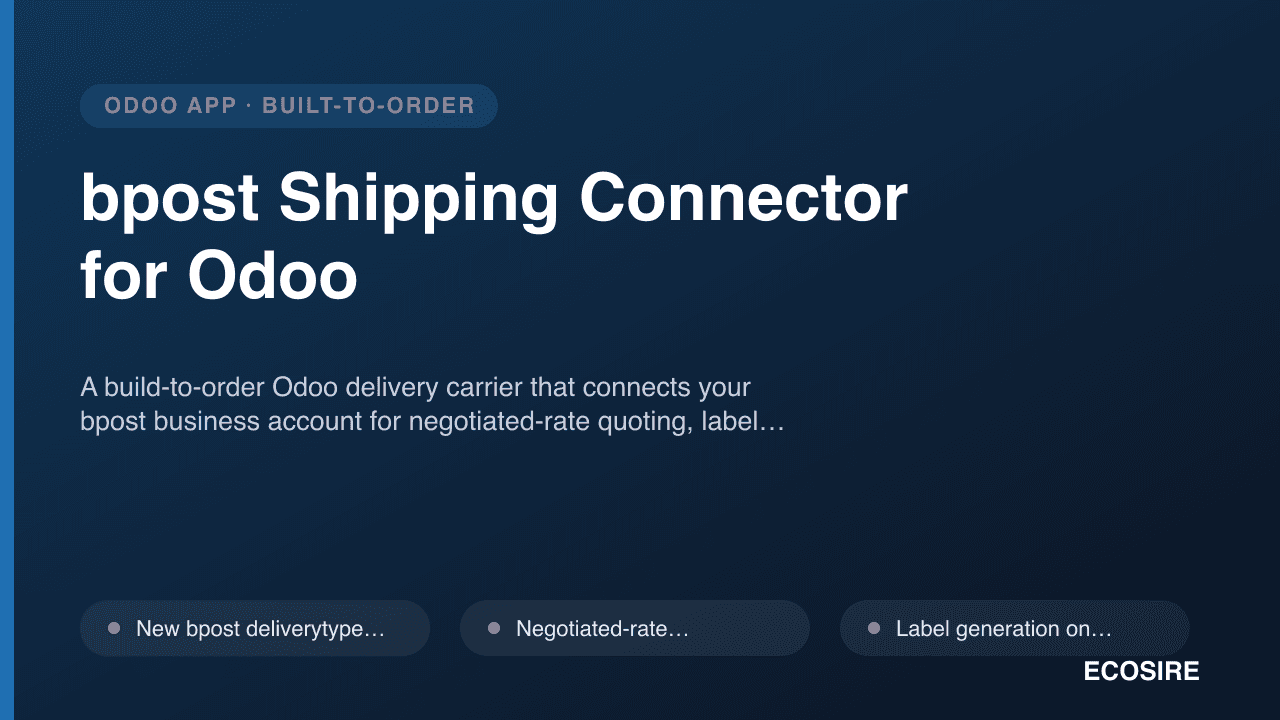
bpost Shipping Connector for Odoo
A build-to-order Odoo delivery carrier that connects your bpost business account for negotiated-rate quoting, label generation, parcel-locker and pickup-point selection, and automatic tracking status sync. ECOSIRE scopes, builds, installs, and supports it for you.
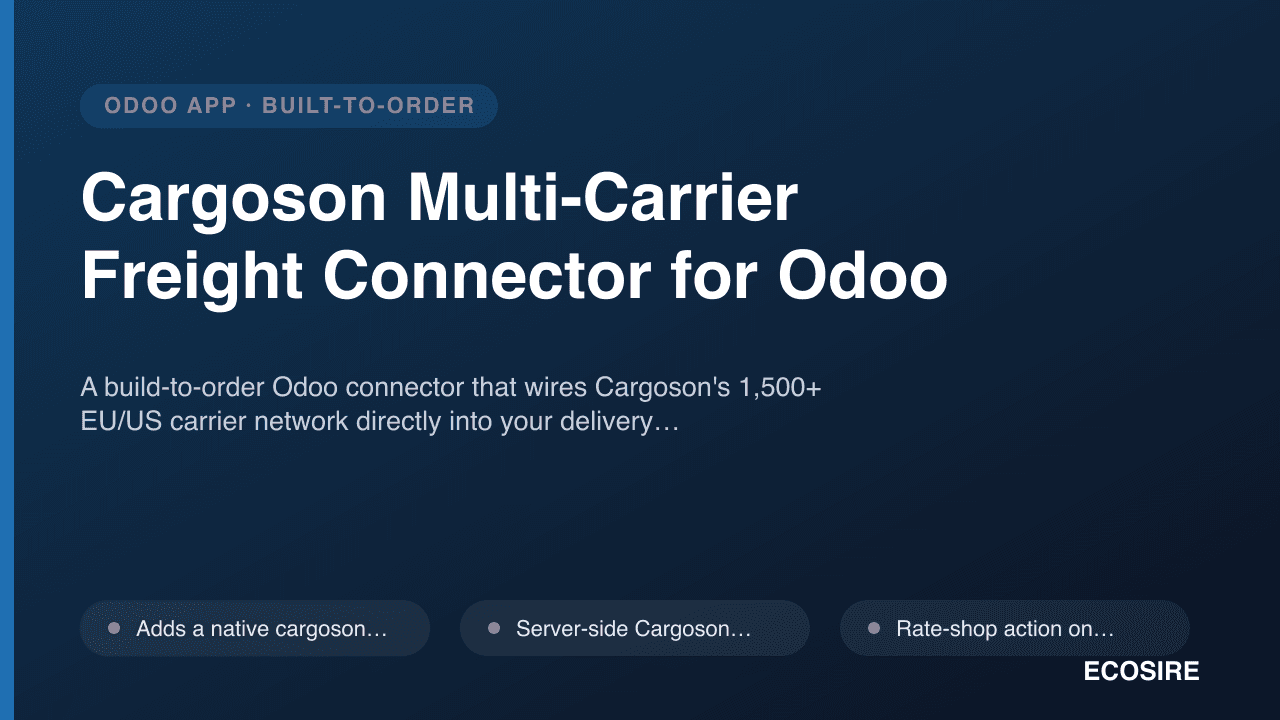
Carrier Shipping Rate Rules & Markup Engine for Odoo
A build-to-order Odoo module that layers weight/zone/value-based shipping rules, free-shipping thresholds, handling surcharges and per-carrier markups on top of your delivery carriers. ECOSIRE scopes, builds, installs and supports it for you.
Bulk Catalog Import / Migration Toolkit
A build-to-order Odoo toolkit that migrates entire product catalogs from Shopify, Magento, WooCommerce or CSV/Excel into Odoo eCommerce — variants, images, attributes, categories and SEO preserved. ECOSIRE scopes, builds, installs and supports it for Odoo 17.0, 18.0 and 19.0.
- Source connectors for Shopify (Admin REST/GraphQL), Magento 2 REST, WooCommerce WC REST and generic CSV/Excel, each normalizing into one shared staging model
- Variant reconstruction that maps source option matrices onto product.template plus product.product with correct product.attribute / product.attribute.value combinations
- Attribute mapping wizard (OWL) to bind, merge, split or rename source options before any write to the live catalog
- Category and tag taxonomy remapping from source collections onto product.category and product tags, including nested hierarchies