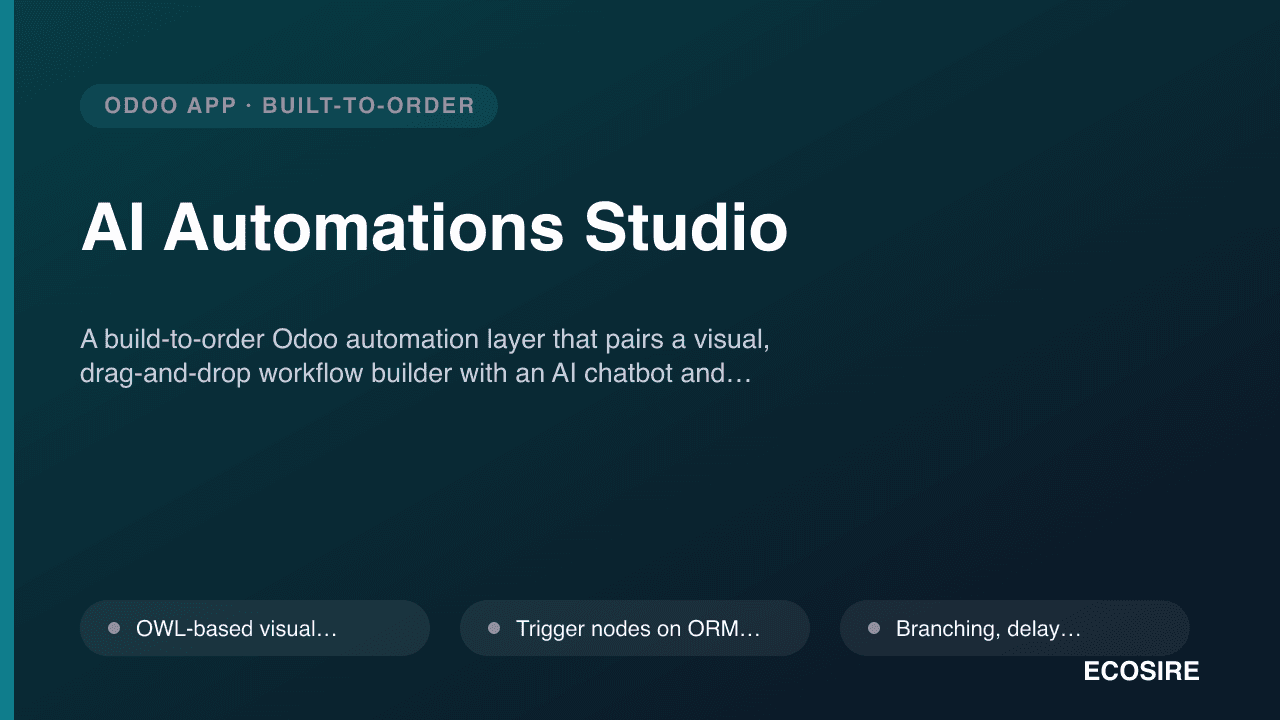
 イメージプレビュー
A build-to-order Odoo automation layer that pairs a visual,
drag-and-drop workflow builder with an AI chatbot and unified multi-channel messaging.
ECOSIRE scopes, builds, installs, and supports it on your Odoo 17, 18, or 19.
AI Automations Studioとは?
A build-to-order Odoo automation layer that pairs a visual, drag-and-drop workflow builder with an AI chatbot and unified multi-channel messaging. ECOSIRE scopes, builds, installs, and supports it on your Odoo 17, 18, or 19. Built to order by ECOSIRE for Odoo 17, 18, 19 — indicative price from $999.00 USD; request a quote for a scoped proposal.
主な機能
受注生産、すべておまかせ
自分での設定は不要 — ECOSIRE が構築・インストール・サポートする実働アプリです。
- 1
ご注文
一回限りの構築料金から始めます。キックオフで一緒に範囲を決めます。
- 2
構築とインストール
ECOSIRE がお客様の Odoo 上で構築・設定・インストールします。
- 3
本番稼働 + サポート
約1週間(営業日ベース)で稼働し、本番稼働後2週間のサポートが付きます。納品したコードの不具合は無償で修正します。
技術仕様
- Odoo互換性
- Odoo 17, Odoo 18, Odoo 19
- エディション
- Enterprise&Community
- ライセンス
- ライセンスの確認が必要です
- Python要件
- Python 3.10+
- データベース
- PostgreSQL 12+
この製品について
Teams that run Odoo hit a wall when their automation needs outgrow the built-in tools. Odoo's native base_automation (Automated Actions) fires server actions on create/write/unlink or on a timed condition, and Server Actions let you run a bit of Python — but there is no visual canvas, no branching-with-loops, no human-in-the-loop approval steps, and no way for a non-developer to see or edit what a rule actually does. The moment you want "if a lead scores above 40, wait two days, message the customer on WhatsApp, and if they reply, create a crm.lead activity and notify the salesperson," you are writing bespoke Python across several ir.actions.server records with no orchestration view and no audit trail. Multi-channel messaging is worse: Odoo Community has no first-class WhatsApp, and stitching email, SMS, and chat into one conversation thread per customer is a custom job every time.
AI Automations Studio is the layer we build to close that gap. At its core is a visual workflow builder — an OWL-based canvas backed by new models such as ecosire.automation.flow, ecosire.automation.node, and ecosire.automation.run — where triggers, conditions, delays, branches, loops, and actions are nodes you connect on a graph instead of scattered server actions. Each run is persisted so you get a full execution log with per-node status, inputs, and errors. Nodes can call any Odoo model through the ORM, invoke an AI chatbot node (an assistant grounded on your own records via retrieval over selected models and served through our LLM-adapter service with your API key), and send messages across channels through a pluggable ecosire.messaging.channel abstraction that unifies email, SMS, WhatsApp, and live chat into one mail.thread-linked conversation timeline. Inbound replies are captured via webhook controllers and can re-enter a running flow, enabling true two-way, conversational automations. Everything is secured the Odoo way: ir.model.access.csv for model-level rights plus record rules so a workflow only touches records the running user is allowed to see, and QWeb templates for any message or report a flow emits.
Because this is built to order, nothing ships until we have agreed the scope with you. We start with a short scoping call, map your triggers, channels, and target models, then build your version on Odoo 17.0, 18.0, or 19.0 — respecting the Community vs Enterprise split in your database (for example, where a capability leans on Enterprise-only modules, we either integrate cleanly or provide a Community-safe path and tell you which). You get installable source in a __manifest__.py-packaged module, tested on a staging copy of your database, then promoted to production with a rollback plan. Typical delivery is one working week from confirmed scope. Pricing starts from $999 (indicative, single-company base scope); the number of messaging channels, external integrations, AI grounding depth, and multi-company or multi-language requirements increase the quoted scope.
得られるもの
- Installable source code for your version of the module, packaged with a clean `__manifest__.py` and pinned to your Odoo major version
- Installation and configuration on your staging environment, including channel credentials and AI adapter wiring
- Technical documentation — data model, node catalog, security (access + record rules), and integration/webhook reference
- End-user guide plus a live training session for your workflow builders and admins
- UAT on a staging copy of your database with a documented, tested rollback plan before production promotion
- Post-go-live support window for defect fixes and configuration questions
- Git repository handover with full commit history and tagged release for your version
これは誰のためのものですか
Operations lead who outgrew Automated Actions
Runs several fragile server actions and scheduled jobs and wants one visual, auditable place to see and edit what fires when — with delays, branches, and approvals native automation can't express.
CRM / customer-success manager
Needs lead-score-driven follow-ups that reach customers on WhatsApp, SMS, and email from a single thread, with replies feeding back into the flow — not a separate blast tool disconnected from `crm.lead`.
Odoo functional consultant / internal admin
Owns the database and wants a supported, source-delivered automation layer that respects `ir.model.access.csv` and record rules, installs cleanly on 17/18/19, and won't become undocumented tribal knowledge.
Founder / COO of an Odoo-run SMB
Wants to automate repetitive customer messaging and internal handoffs with an AI assistant grounded on real records, without hiring a full-time developer to maintain bespoke Python.
AI Automations Studio の比較方法
| 基準 | エコシエール | カスタムビルド | 競合他社 | Odoo 標準機能 |
|---|---|---|---|---|
| Visual builder | OWL drag-and-drop canvas with branches, loops, delays | Whatever you build; usually none | Often form-based rules, limited or no true canvas | No canvas — scattered Automated/Server Actions |
| Multi-step orchestration | Stateful runs with wait-for-reply and approvals | Possible but hand-coded and fragile | Typically single-shot triggers | Single action per trigger, no true flow |
| Multi-channel messaging | Email, SMS, WhatsApp, chat in one thread | Each channel integrated separately by you | Usually one or two channels | Email/SMS separate; no unified WhatsApp in Community |
| AI chatbot | Model-grounded assistant, your own API key | Build and secure the integration yourself | Rarely included or add-on only | Not available in core |
| Execution audit log | Per-node run log with payloads and errors | Only what you choose to log | Often minimal or none | Limited server-action logging |
| Security model | `ir.model.access.csv` + record rules enforced per run | Depends on developer discipline | Varies by vendor | Standard access, no flow-level scoping |
| Ownership & support | Source + git handover + support window | You own it and maintain it | Vendor-controlled, license-bound | Community/Enterprise support terms |
| Delivery model | Scoped, built, installed in one working week | Open-ended dev timeline | Instant download, fits-all | Already in the box, but limited |
AI Automations Studio に関するよくある質問
Is this an app I can download and install today?
No. AI Automations Studio is build-to-order: ECOSIRE scopes it with you, then builds, installs, and supports your version. It is not an existing apps.odoo.com download, and we never claim instant download.
How long does delivery take?
Typically one working week from confirmed scope. After the scoping call we agree the node set, channels, and target models; the timeline moves with the number of integrations, AI grounding depth, and multi-company or localization requirements.
How does pricing and scoping work?
Pricing starts from $999 as an indicative single-company base figure. It is not a fixed price — after the scoping call we send a fixed written quote. Extra messaging channels, external integrations, AI depth, and multi-company/multi-language needs increase the quoted scope.
Which Odoo versions and editions are supported?
We build and test for Odoo 17.0, 18.0, and 19.0 on both Community and Enterprise. Where a capability depends on Enterprise-only modules we integrate cleanly or provide a Community-safe path, and we tell you exactly which applies to your database.
What about support and updates after go-live?
Every engagement includes a post-go-live support window for defect fixes and configuration help, plus the full git repository so your team owns the code. Version upgrades and new features are scoped as follow-on work when you need them.
How is the AI chatbot secured and which provider does it use?
The AI node runs through an LLM-adapter service using your own API key, so you control the provider and data boundary. Grounding is limited to the Odoo models you select, and all flow actions are constrained by `ir.model.access.csv` and record rules.
Can existing workflows and external systems trigger these flows?
Yes. Flows can be started by ORM events, cron/timed conditions, inbound message webhooks, manual buttons, or externally over Odoo's XML-RPC / JSON-RPC API, so other systems in your stack can kick off automations.
関連モジュール
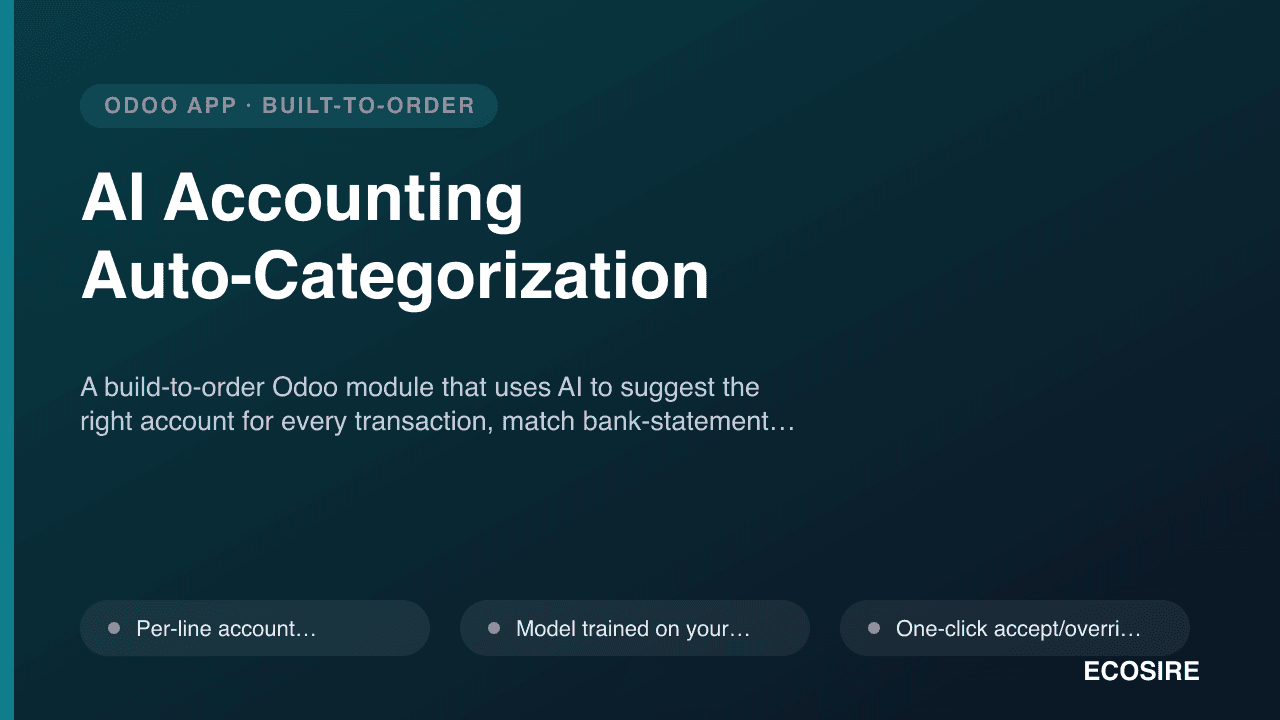
AI Accounting Auto-Categorization
A build-to-order Odoo module that uses AI to suggest the right account for every transaction, match bank-statement lines automatically, and flag anomalies and duplicates so your team closes the books faster. ECOSIRE scopes, builds, installs and supports it on Odoo 17, 18 or 19.
AI Chat-to-Report & Dashboard Assistant for Odoo
A build-to-order Odoo assistant that turns plain-language questions ("show me last quarter's sales by region") into live reports, charts, and pivot tables. ECOSIRE designs, builds, installs, and supports it on your Odoo 17, 18, or 19 instance.
AI Automations Studio
A build-to-order Odoo automation layer that pairs a visual, drag-and-drop workflow builder with an AI chatbot and unified multi-channel messaging. ECOSIRE scopes, builds, installs, and supports it on your Odoo 17, 18, or 19.
- OWL-based visual workflow canvas backed by `ecosire.automation.flow` / `.node` / `.run` models — build orchestrations as connected nodes, not scattered server actions
- Trigger nodes on ORM events (`create`/`write`/`unlink`), timed/cron conditions, incoming-message webhooks, and manual/button starts
- Branching, delay, wait-for-reply, and loop nodes for true multi-step, stateful flows instead of single-shot automated actions
- Persisted execution log — every `ecosire.automation.run` records per-node status, payload, and stack trace for full auditability and replay