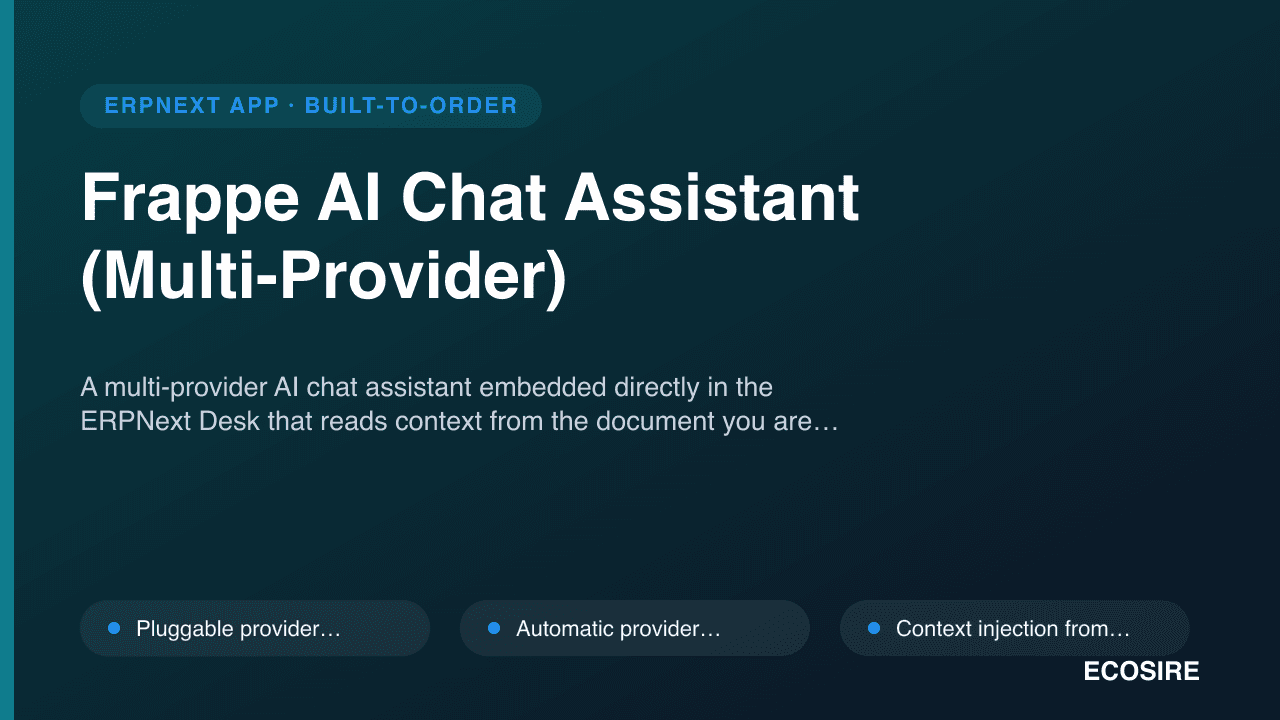
 イメージプレビュー
A multi-provider AI chat assistant embedded directly in the ERPNext Desk that reads context from the document
you are viewing and routes across OpenAI, Anthropic, Gemini, or a self-hosted Ollama model with automatic fallback.
ECOSIRE builds, installs, and supports it for your ERPNext v15/v16 site after you request a quotation.
Frappe AI Chat Assistant (Multi-Provider)とは?
A multi-provider AI chat assistant embedded directly in the ERPNext Desk that reads context from the document you are viewing and routes across OpenAI, Anthropic, Gemini, or a self-hosted Ollama model with automatic fallback. ECOSIRE builds, installs, and supports it for your ERPNext v15/v16 site after you request a quotation. Built to order by ECOSIRE for ERPNext v15, v16 — indicative price from $999.00 USD; request a quote for a scoped proposal.
主な機能
受注生産、すべておまかせ
自分での設定は不要 — ECOSIRE が構築・インストール・サポートする実働アプリです。
- 1
ご注文
一回限りの構築料金から始めます。キックオフで一緒に範囲を決めます。
- 2
構築とインストール
ECOSIRE がお客様の ERPNext 上で構築・設定・インストールします。
- 3
本番稼働 + サポート
約1週間(営業日ベース)で稼働し、本番稼働後2週間のサポートが付きます。納品したコードの不具合は無償で修正します。
技術仕様
- ERPNext互換性
- —
- ライセンス
- ライセンスの確認が必要です
- Python要件
- Python 3.10+
- データベース
- MariaDB 10.6+
この製品について
Most ERPNext teams that want an internal AI assistant end up copy-pasting record data into a public ChatGPT tab and hoping nobody pastes something they shouldn't. That is a data-governance problem and a productivity dead-end: the model has no idea what a Sales Invoice or a BOM is in your instance, it cannot see the document the user is looking at, and every question is tied to a single vendor's API, pricing, and privacy posture. ERPNext core ships no conversational AI surface at all, and the marketplace options that exist are typically single-provider wrappers with no context injection and no fallback when that one provider is rate-limited or down. Privacy-conscious shops in particular want to keep the option of running everything against a local Ollama model and never letting record data leave the network.
ECOSIRE builds a proper Frappe app (its own module, installed via bench get-app and bench install-app) that embeds a chat assistant into the Desk and treats the AI provider as a pluggable, swappable dependency. Under the hood we define DocTypes for provider configuration, prompt templates, and per-user conversation history, with API keys stored in Frappe's encrypted Password fields rather than in code or plaintext settings. Providers (OpenAI, Anthropic, Gemini, and self-hosted Ollama) sit behind a single dispatcher class so the assistant can fail over to the next configured provider automatically when one returns an error or times out. A client script adds the chat panel to Form views and captures the current DocType and document name; a whitelisted server method (@frappe.whitelist()) injects that document's fields as grounded context into the prompt, so an answer about the invoice on screen actually references the invoice on screen.
The assistant streams responses token-by-token into the Desk using Frappe's realtime (frappe.realtime / SocketIO) layer, so long answers appear as they generate instead of after a spinner. A prompt template library — stored as a DocType and filtered by the user's Role Profile — lets you ship curated, role-specific system prompts (a different default framing for an accountant than for a sales user) instead of leaving prompt engineering to each employee. Conversation history is persisted per user with standard Frappe permissions and role-based access, so users only see their own threads and admins can audit usage. Where you need periodic work — nightly summaries, usage-cost rollups, stale-thread cleanup — we wire scheduler_events in hooks.py; where you need the assistant to react to record changes, we use doc_events hooks. Everything is reachable through the standard Frappe REST API and whitelisted methods, so the same assistant can be called from custom pages or external tools you already run.
Because this is built to order, nothing is a generic download. We start from a short scoping call, confirm exactly which providers, roles, prompt templates, and DocTypes you want in scope, then build against your ERPNext v15 or v16 site. You get the installable source for your version, a UAT pass on a staging bench with a documented rollback plan, a git repository handover, and a post-go-live support window. Typical delivery is one working week from confirmed scope, depending on how many providers and role-specific prompt sets you need wired in.
得られるもの
- Installable Frappe app source code for your ERPNext version (v15 or v16), packaged as a proper app with its own module
- Installation and configuration on your bench, including provider setup and encrypted API-key wiring
- Technical documentation: DocType schema, hooks.py events, whitelisted methods, and provider-dispatcher architecture
- End-user guide plus a live training session for staff and administrators
- UAT on a staging bench with a documented, tested rollback plan before production install
- Post-go-live support window for defect fixes and configuration adjustments
- Private git repository handover with full commit history and branch structure
- Prompt template starter set mapped to your role profiles, ready to extend
これは誰のためのものですか
Privacy-conscious ERPNext operations lead
Wants staff to have an internal AI assistant but refuses to let record data flow to a single external vendor. Needs the Ollama-only mode and encrypted key storage so sensitive DocType data can stay inside the network while still allowing cloud providers where policy permits.
Frappe system administrator
Owns the bench and the site's Role Profiles. Needs an assistant that respects existing permissions, stores conversation history per user, installs cleanly via bench, and exposes scheduler and doc_events hooks so usage and costs are auditable and controllable.
Department manager standardizing AI usage
Wants accountants, sales, and support staff each to get a curated, role-specific system prompt instead of ad-hoc prompting. Needs the prompt template library filtered by Role Profile so quality and tone are consistent across the team.
IT decision-maker avoiding vendor lock-in
Wants to hedge against any one AI provider's pricing, downtime, or policy changes. Needs the multi-provider dispatcher with automatic fallback so the assistant keeps working when a provider is rate-limited or unavailable.
Frappe AI Chat Assistant (Multi-Provider) の比較方法
| 基準 | エコシエール | カスタムビルド | 競合他社 | ERPNext 標準機能 |
|---|---|---|---|---|
| AI providers supported | OpenAI, Anthropic, Gemini, and self-hosted Ollama behind one dispatcher | Whatever you build; multi-provider is extra effort | Usually a single hard-coded provider | None — ERPNext ships no AI chat |
| Provider fallback | Automatic retry to next provider on error or timeout | Must be designed and tested yourself | Rarely offered | Not applicable |
| Document context injection | Reads on-screen DocType and record via whitelisted method | Possible but you build the plumbing | Often generic, no record context | Not applicable |
| Data privacy / local model | Full Ollama-only offline mode; encrypted key storage | Depends entirely on your implementation | Typically cloud-only | Not applicable |
| Streaming in Desk | Token-by-token via Frappe realtime SocketIO | Extra work to wire realtime | Often blocking request/response | Not applicable |
| Role-based prompt templates | Template DocType filtered by Role Profile | Build the DocType and filtering yourself | Usually a single shared prompt | Not applicable |
| Ownership and handover | Installable source plus private git repo handover | You own it but carry all build cost | Licensed binary, limited source access | Not applicable |
| Support and version upgrades | Post-go-live window plus v15/v16 upgrade retainers | Your team owns all maintenance | Vendor-dependent, varies by listing | Not applicable |
Frappe AI Chat Assistant に関するよくある質問
How long does delivery take?
This is a build-to-order app, not an instant download. Typical delivery is one working week from confirmed scope. The exact timeline depends on how many providers, role-specific prompt templates, and in-scope DocTypes you want wired in. We firm up the estimate on the scoping call and confirm it in writing before any build work starts.
How do you handle support and updates after go-live?
Every engagement includes a post-go-live support window for defect fixes and configuration adjustments. You also receive the private git repository, so your own team can maintain or extend the app. Beyond the included window, we offer ongoing support and version-upgrade retainers — for example, when you move from ERPNext v15 to v16.
Which AI providers are supported, and can I run everything locally?
Out of the box we build against OpenAI, Anthropic, Gemini, and self-hosted Ollama, all behind one dispatcher. You can run in a fully offline mode where every request routes to a local Ollama model, so no record data leaves your network. Adding another provider that exposes a standard API is straightforward and can be scoped in.
Does the assistant respect ERPNext permissions and keep data private?
Yes. Conversation history is stored per user as a DocType with standard Frappe role-based permissions, so users only see their own threads. API keys are stored in encrypted Frappe Password fields, never in code or plaintext. Context injection only reads the document the user already has permission to view.
What ERPNext and Frappe versions do you support?
We build and test against Frappe and ERPNext v15 and v16, installed the standard way via bench get-app and bench install-app. If you are on an older version, tell us on the scoping call and we will advise on an upgrade path or a backport estimate.
What does context-aware actually mean here?
A client script captures the DocType and record name of the document you are viewing in the Desk. A whitelisted server method reads that record's fields and injects them as grounded context into the prompt. So when you ask about the Sales Invoice on screen, the model answers about that specific invoice rather than a generic guess.
Do I own the code you build?
Yes. You receive the installable source for your version and a private git repository handover with full commit history. There is no per-seat license lock and no dependency on ECOSIRE to keep the app running — the AI provider keys and accounts are yours.
関連モジュール
Flutterwave Gateway for ERPNext
A build-to-order Flutterwave payment integration for ERPNext that accepts cards, mobile money, USSD, and bank transfer across 30+ African currencies, with tokenized recurring charges and webhook-driven reconciliation. ECOSIRE builds, installs, and supports it after a scoping call.
Food Delivery Aggregator Connector for ERPNext
A build-to-order ERPNext connector that syncs your menu and prices out to Talabat, Uber Eats, Deliveroo, Zomato and Swiggy and pulls every delivery order back into a single ERPNext feed. ECOSIRE builds, installs and supports it for your specific outlets and aggregator accounts.
Fuel Station / Forecourt POS for ERPNext
A build-to-order ERPNext app for petrol stations and forecourts that ties pump/nozzle meter reconciliation, shift handovers, tank wet-stock and fuel-card sales into one auditable ledger. ECOSIRE builds it to your scope, installs it, and supports it after go-live.
GCC Multi-Country Payroll Suite for ERPNext
One ERPNext payroll engine that runs UAE, KSA, Qatar, Bahrain, Oman and Kuwait side by side — country-switchable WPS/SIF generation, per-jurisdiction gratuity and social-insurance rules, and unified multi-entity reporting. Build-to-order: ECOSIRE scopes, builds, installs and supports it.
Frappe AI Chat Assistant
A multi-provider AI chat assistant embedded directly in the ERPNext Desk that reads context from the document you are viewing and routes across OpenAI, Anthropic, Gemini, or a self-hosted Ollama model with automatic fallback. ECOSIRE builds, installs, and supports it for your ERPNext v15/v16 site after you request a quotation.
- Pluggable provider dispatcher supporting OpenAI, Anthropic, Gemini, and self-hosted Ollama behind one interface
- Automatic provider fallback: on error, timeout, or rate-limit the request retries the next configured provider in priority order
- Context injection from the current document via a whitelisted server method that reads the on-screen DocType and record fields
- Streaming token-by-token responses into the Desk using Frappe realtime (SocketIO), not a blocking spinner