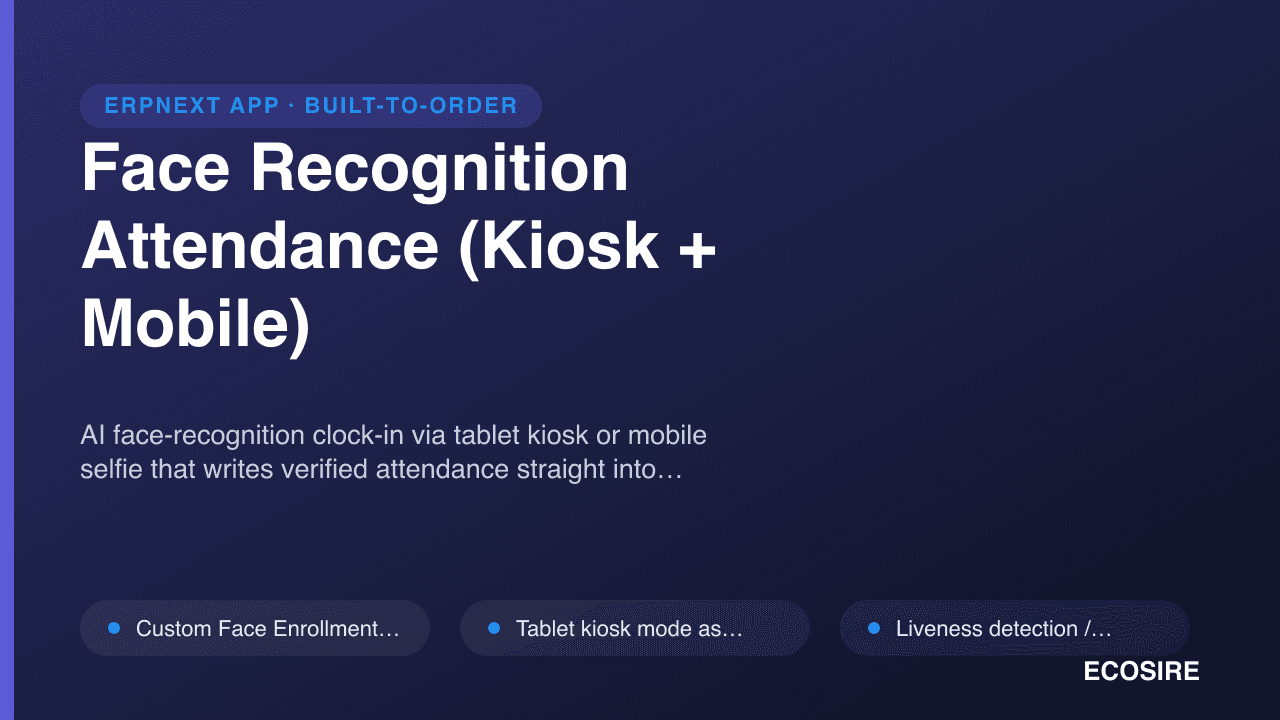
 イメージプレビュー
AI face-recognition clock-in via tablet kiosk or mobile selfie that writes verified attendance straight into
ERPNext HR. A ready-to-install Frappe app that
ECOSIRE installs, commissions, and supports for your team.
Face Recognition Attendance (Kiosk + Mobile)とは?
AI face-recognition clock-in via tablet kiosk or mobile selfie that writes verified attendance straight into ERPNext HR. A ready-to-install Frappe app that ECOSIRE installs, commissions, and supports for your team. One-time license from $499.00 USD for ERPNext 16 — includes 12 months of updates and support.
主な機能
インストールの概要
- 1
ECOSIREからダウンロード
ecosire.com でライセンスを購入し、アカウント ダッシュボードから Face Recognition Attendance (Kiosk + Mobile) アプリの ZIP をダウンロードします。
- 2
アプリをベンチに追加する
ZIP をベンチのアプリ フォルダーに抽出するか、抽出されたアプリへのパスを指定して「bench get-app」を実行します。
- 3
サイトにインストールする
`bench --site SITE_NAME install-app APP_NAME` を実行し、続いて `bench maigrate` を実行して、Face Recognition Attendance (Kiosk + Mobile) をインストールし、そのスキーマを適用します。
- 4
ライセンスをアクティベートする
サイトの ECOSIRE ライセンス設定を開き、ライセンス キーをアクティブ化します。無料の ecosire_connect アプリと ecosire_license_client アプリが必要です。
技術仕様
- ERPNext互換性
- ERPNext 16
- ライセンス
- ライセンスの確認が必要です
- Python要件
- Python 3.10+
- データベース
- MariaDB 10.6+
この製品について
Add consent-based face enrollment, mobile web check-in and paired kiosk attendance to ERPNext v16. The app creates native Employee Checkin records for your existing ERPNext and HRMS workflows.
Version 0.2.2 includes separate /face-checkin and /face-kiosk pages, company-aware enrollment and paired device controls. Matching and liveness use configurable heuristics; confidence settings are not measured accuracy guarantees or certified anti-spoofing protection. Validate the capture environment, permissions and attendance processing before rollout.
A paired kiosk supports a bounded offline queue of up to 200 captures for seven days. Pre-issued offline challenges provide weaker assurance and records can require HR review. Unpairing removes queued local data, so operators must monitor and reconcile pending captures.
The source package was verified on a fresh ERPNext v16 bench. Installation needs ERPNext, HRMS and approved model weights. Confirm deployment, enrollment, training and support arrangements for your site.
得られるもの
- ERPNext v16 source package at version 0.2.2
- Setup, kiosk, mobile check-in and troubleshooting documentation
これは誰のためのものですか
HR and attendance teams
Review enrollment, pending offline captures and native employee check-in records.
ERPNext administrators
Configure the v16 app, model files, permissions and paired devices before rollout.
Face Recognition Attendance に関するよくある質問
What is available, and how is installation arranged?
The source package targets ERPNext v16 with ERPNext and HRMS installed. Confirm server requirements, model setup, enrollment and rollout arrangements before deployment. Existing accepted installation, commissioning and support agreements remain unchanged.
How do face matching and liveness checks work?
Employees enroll with consent. The app compares a capture with enrolled embeddings and applies configurable matching and liveness heuristics. A confidence threshold is a setting, not a measured accuracy guarantee. The checks are not certified presentation-attack detection and cannot guarantee rejection of every spoof.
Does this replace ERPNext HR?
The app creates native Employee Checkin records. ERPNext and HRMS continue to handle shifts, attendance processing and payroll. Validate those workflows for your site during rollout.
What happens when a kiosk loses its connection?
A paired kiosk can queue up to 200 captures for up to seven days using pre-issued challenges. These captures have weaker assurance and can require HR review. Unpairing clears local data. Operators should monitor and reconcile pending records; offline capture does not guarantee against data loss.
Which versions and interfaces are verified?
Version 0.2.2 was tested on a fresh ERPNext v16 bench. The app provides a separate mobile web check-in page and a paired kiosk page. It does not add an attendance tile to the separate Frappe HR mobile application. Other versions require compatibility review.
What biometric data and models are required?
Enrollment stores face embeddings. Setup requires approved model weights, employee consent and appropriate access controls. Review retention, browser/device security and local biometric requirements before enabling collection.
関連モジュール
Excel Import/Export Pro for ERPNext
A build-to-order ERPNext app that exports any DocType to formatted, multi-sheet Excel workbooks with saved field presets and formulas, and imports back with validation and field mapping. ECOSIRE scopes, builds, installs, and supports it for finance and ops teams who live in Excel.
Exotel & Cloud Telephony CTI for ERPNext
A cloud-telephony CTI that connects Exotel (and compatible providers) to ERPNext CRM — inbound screen-pop with caller context, click-to-dial from any record, and automatic call logging with recording links. Built to your call-center workflow, installed on your bench, and supported by ECOSIRE.
Fawry Gateway for ERPNext
A build-to-order Fawry payment integration for ERPNext that lets Egyptian merchants accept cards, mobile wallets, valU installments, and reference-code cash payments at 200k+ outlets — with automatic webhook reconciliation into your Sales Invoices. ECOSIRE builds, installs, and supports it on your bench.
Face Recognition Attendance について ECOSIRE の専門家に相談してください
カスタム見積もり、ライブデモ、または適合性評価のサポートを入手してください。