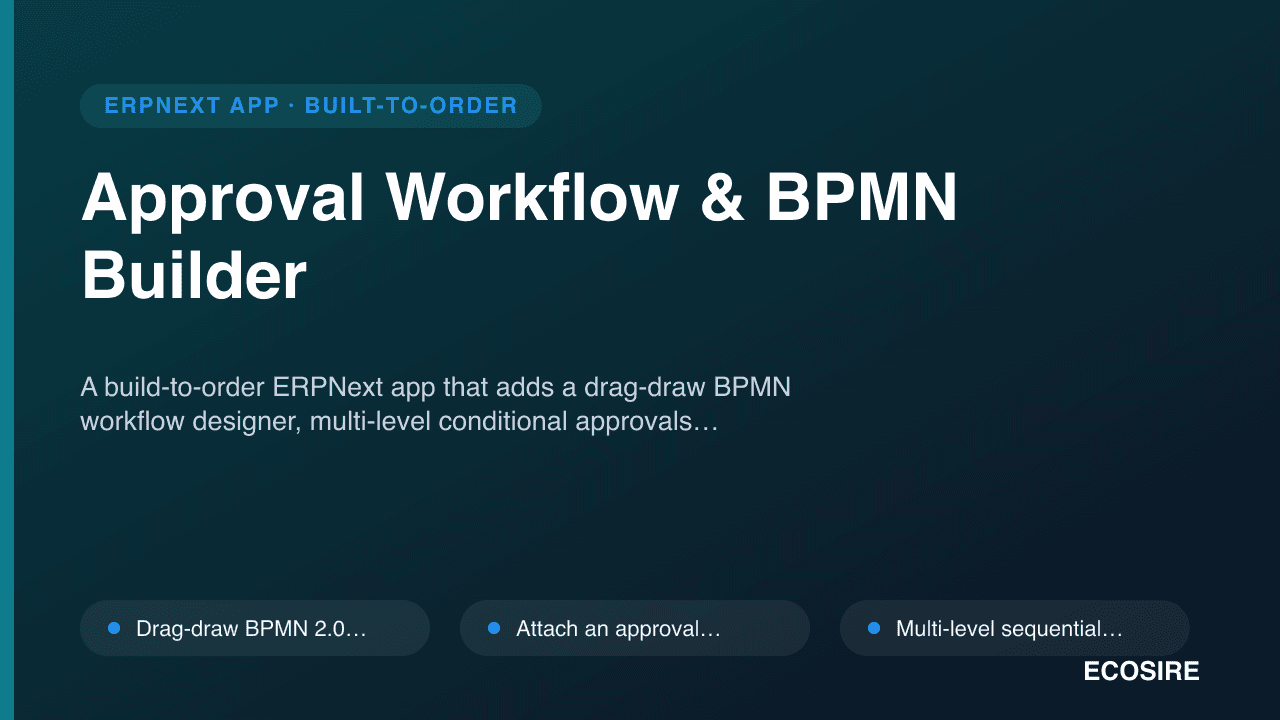
 イメージプレビュー
A build-to-order ERPNext app that adds a drag-draw BPMN workflow designer,
multi-level conditional approvals, delegation rules and SLA auto-escalation on any DocType.
ECOSIRE scopes, builds, installs and supports it — no marketplace download.
Approval Workflow & BPMN Builderとは?
A build-to-order ERPNext app that adds a drag-draw BPMN workflow designer, multi-level conditional approvals, delegation rules and SLA auto-escalation on any DocType. ECOSIRE scopes, builds, installs and supports it — no marketplace download. Built to order by ECOSIRE for ERPNext v15, v16 — indicative price from $999.00 USD; request a quote for a scoped proposal.
主な機能
受注生産、すべておまかせ
自分での設定は不要 — ECOSIRE が構築・インストール・サポートする実働アプリです。
- 1
ご注文
一回限りの構築料金から始めます。キックオフで一緒に範囲を決めます。
- 2
構築とインストール
ECOSIRE がお客様の ERPNext 上で構築・設定・インストールします。
- 3
本番稼働 + サポート
約1週間(営業日ベース)で稼働し、本番稼働後2週間のサポートが付きます。納品したコードの不具合は無償で修正します。
技術仕様
- ERPNext互換性
- —
- ライセンス
- ライセンスの確認が必要です
- Python要件
- Python 3.10+
- データベース
- MariaDB 10.6+
この製品について
Every growing company hits the same wall: approvals live in email threads, WhatsApp messages and one manager's memory. ERPNext ships a native Workflow engine and Workflow Action queue, which is solid for a linear draft-to-approved state machine — but it runs out of road fast. There is no visual BPMN canvas to model a real process, no first-class delegation or out-of-office routing, no SLA timer that escalates a stuck Purchase Order after two days, and conditional branching beyond a simple condition expression means hand-writing server scripts per DocType. Finance ends up chasing signatures and nobody can prove who approved what, when.
We build a proper Frappe app — ecosire_approvals — that layers a visual process engine on top of ERPNext instead of fighting the native one. At its core are a handful of custom DocTypes: an Approval Process (the BPMN definition, stored as a versioned JSON graph of tasks, gateways and sequence flows), Approval Step and Approval Instance (the live run tied to a source document via reference_doctype + reference_name), a Delegation Rule, and an Escalation Policy. A drag-draw BPMN designer built with bpmn-js renders in a Frappe Page/Workspace; you draw the flow, bind each task to a role or role profile, and set gateway conditions using safe evaluated expressions against the source doc's fields. On the backend, hooks.py doc events (on_submit, on_update_after_submit, validate) instantiate an approval run, and whitelisted methods (frappe.whitelist()) handle approve/reject/reassign actions from the desk, the mobile app or the Frappe REST API. Multi-level and parallel approvals are modeled as sequential or parallel gateways; conditional routing evaluates document fields (amount thresholds, cost center, department) to pick a branch.
SLA and escalation are driven by Frappe's scheduler. A scheduler_events hook runs periodically, compares each open Approval Instance against its Escalation Policy (elapsed time vs. threshold, business-hours aware), and auto-escalates: reassign to the delegate, notify the next level, or breach-flag the step. Delegation and out-of-office rules mean an approver going on leave routes their queue to a backup for a date range without changing the process definition. Approvers act where they already are — a desk notification, an email with approve/reject action links (signed, single-use tokens), a WhatsApp message via your provider, or the ERPNext mobile app. Every action writes an immutable audit trail (who, when, from which channel, with comments), and role-and-permission integration ensures a user only sees and acts on steps their role profile allows. It is built and tested for Frappe/ERPNext v15 and forward-compatible with v16.
Because this is build-to-order, nothing ships until we agree on your exact processes. We start with a scoping call to map the DocTypes, roles and approval matrices you actually run, then build against your requirements on a staging bench, validate through UAT, and hand you installable source, docs and a git repo. Typical delivery is one working week from confirmed scope depending on how many processes and channels you need. You own the code, and we back it with a post-go-live support window.
得られるもの
- Installable source code for the `ecosire_approvals` Frappe app, built to your confirmed scope (v15, with a v16 path)
- Installation and configuration on your bench/site, including scheduler and hook setup plus your initial approval matrices and role profiles
- Technical documentation: DocType schema, hooks, whitelisted API methods, scheduler events and extension points
- User guide plus a live training session for approvers and process administrators
- UAT on a staging bench with a documented test plan and a rollback plan before go-live
- Post-go-live support window for bug fixes and configuration questions
- Git repository handover with full commit history so your team owns and can extend the code
- Sample BPMN process definitions for common flows (purchase, expense, HR) as a starting point for your own
これは誰のためのものですか
Finance / Procurement Controller
Needs enforceable spend thresholds and multi-level sign-off on Purchase Orders, Journal Entries and Expense Claims, plus a clean audit trail to satisfy internal and external auditors.
HR Operations Lead
Wants Leave Applications, offer approvals and onboarding steps to route through the right managers with delegation when approvers are on leave, and SLA escalation so nothing stalls.
ERPNext System Administrator
Wants approval logic in a proper Frappe app with hooks, whitelisted methods and version control — not a pile of ad-hoc server scripts — that survives ERPNext upgrades and is documented for handover.
Operations / COO
Needs visibility into where every approval sits, who is the bottleneck, and proof that governance policies are actually followed across purchasing, HR and expenses.
Approval Workflow & BPMN Builder の比較方法
| 基準 | エコシエール | カスタムビルド | 競合他社 | ERPNext 標準機能 |
|---|---|---|---|---|
| Process modeling | Visual drag-draw BPMN designer on any DocType | Whatever you build; usually hard-coded logic | Fixed forms or a basic state list | Linear state machine, no visual canvas |
| Multi-level & conditional routing | Sequential/parallel gateways, field-based conditions, configured not coded | Possible but per-DocType server scripts to maintain | Often single-level or limited branching | Single condition expression per transition |
| Delegation / out-of-office | Date-range delegation rules, no process edit needed | Build it yourself | Rarely included | Not supported natively |
| SLA & escalation | Business-hours SLA timers, scheduler-driven auto-escalation | Build your own scheduler jobs | Usually none or basic reminders | None |
| Approval channels | Desk, email links, WhatsApp, mobile — all server-enforced | Depends on effort | Typically desk/email only | Desk notifications and Workflow Action email |
| Audit trail | Immutable per-action log (who/when/channel/comment) | Only if you build it | Varies, often thin | Version + workflow action history |
| Ownership & fit | Built to your scope, full source + git repo handover | Full ownership but full build cost and risk | Generic; you adapt to it, closed roadmap | Core code, limited to native capabilities |
| Support & upgrades | Post-go-live window; v15 tested, v16 path | Your team maintains everything | Vendor-dependent, may lag ERPNext releases | Covered by ERPNext but feature-limited |
Approval Workflow & BPMN Builder に関するよくある質問
How long until it goes live, and can I download it now?
This is a build-to-order app, not an instant marketplace download. After a scoping call to confirm your DocTypes, roles and approval matrices, typical delivery is one working week from confirmed scope, depending on the number of processes and notification channels. You get source code, install, docs and a training session — we build and install it, you don't self-serve a ZIP.
Does this replace ERPNext's native Workflow engine?
No — it layers on top of it. ERPNext's native Workflow is a good linear state machine but has no visual BPMN canvas, no first-class delegation, and no SLA escalation. We integrate with document submit/state where it helps and add the BPMN designer, conditional routing, delegation and escalation via a dedicated Frappe app, so you keep native behavior where it already works.
Which ERPNext versions are supported?
We build and test against Frappe/ERPNext v15 as the baseline, with a v16 upgrade path. Because it's a standard Frappe app using hooks.py, whitelisted methods and scheduler events rather than core patches, it upgrades cleanly with your bench. Tell us your exact version on the scoping call and we target it.
What support and updates do I get after go-live?
Every engagement includes a post-go-live support window for bug fixes and configuration questions. Because you receive the full git repository, your team can extend it independently; we also offer ongoing support and enhancement retainers if you'd prefer we maintain and evolve it as your processes change.
Can approvers act without logging into ERPNext?
Yes. Approve and reject links can be delivered by email (signed, single-use tokens), WhatsApp via your provider, or the ERPNext mobile app, in addition to desk notifications. All actions still resolve through server-side whitelisted methods with the same permission and audit enforcement as the desk.
Can it handle conditional and parallel approvals, like amount-based routing?
Yes. The BPMN designer supports exclusive and parallel gateways. Conditions are evaluated server-side against the source document's fields — for example route Purchase Orders over a threshold to a second approver, or send high-value expenses to finance and the department head in parallel. Rules are configured, not hard-coded per DocType.
Do we own the code?
Yes. We hand over the full source and the git repository with commit history. It's your app to run, audit and extend — there is no per-seat lock-in on the code itself, and your admins can modify BPMN definitions and configuration without us.
関連モジュール
AI Sales & Demand Forecasting
A predictive analytics app for ERPNext that turns your historical Sales Invoices, Sales Orders and Stock Ledger into item- and territory-level sales forecasts, reorder-point suggestions and cash-flow projections. Built to order by ECOSIRE for Frappe/ERPNext v15/v16.
Android / Mobile POS for ERPNext
A native Android POS app for handheld terminals and tablets that bills, prints receipts and takes payments directly against ERPNext. ECOSIRE scopes, builds, installs and supports it for your hardware and workflow — this is a build-to-order engagement, not an instant download.
Australia Payroll & Payday Super
An ERPNext app for Australian employers that adds STP Phase 2 reporting, award-aligned pay components, NES leave accruals and payday-super-ready superannuation processing to ERPNext HR & Payroll. Built, installed and supported by ECOSIRE on your own bench.
Authorize.Net Gateway for ERPNext
A build-to-order Frappe app that wires Authorize.Net into ERPNext with Accept.js hosted card fields, CIM tokenization, ARB recurring billing, and webhook-driven reconciliation. ECOSIRE scopes, builds, installs, and supports it for your site.
Approval Workflow & BPMN Builder
A build-to-order ERPNext app that adds a drag-draw BPMN workflow designer, multi-level conditional approvals, delegation rules and SLA auto-escalation on any DocType. ECOSIRE scopes, builds, installs and supports it — no marketplace download.
- Drag-draw BPMN 2.0 designer (bpmn-js) rendered in a Frappe Page/Workspace, saving each process as a versioned JSON graph on an `Approval Process` DocType
- Attach an approval flow to ANY DocType via `reference_doctype`/`reference_name` — Purchase Order, Expense Claim, Material Request, Leave Application, Journal Entry or your own custom DocTypes
- Multi-level sequential and parallel approvals modeled as BPMN gateways, with an `Approval Instance` tracking live state per source document
- Conditional routing that evaluates source-document fields (amount thresholds, cost center, department, grade) using safe server-side expression evaluation, not per-DocType hand-coded scripts