Finance does not want to leave Excel, and it should not have to
Every Dynamics 365 Finance & Operations implementation eventually discovers the same thing: the accountants keep working in Excel. Not out of stubbornness — Excel is where the reconciliation logic, the allocation model, the accrual schedule and the twenty years of institutional formula knowledge actually live.
The cost shows up on the way back in. Journals are re-keyed line by line into the general journal. The annual budget arrives as a workbook and someone types it into budget register entries. A supplier sends a price list and a purchasing clerk updates trade agreements one row at a time. Each of those is a manual re-keying step with no validation until posting fails, and no record of who changed what.
Standard Open in Excel handles reads well and simple entity writes acceptably. It stops short exactly where finance needs it most: multi-line journal construction with dimension validation, budget uploads mapped to your own dimension structure, and price updates that need approval before they touch a live agreement.
What ECOSIRE builds
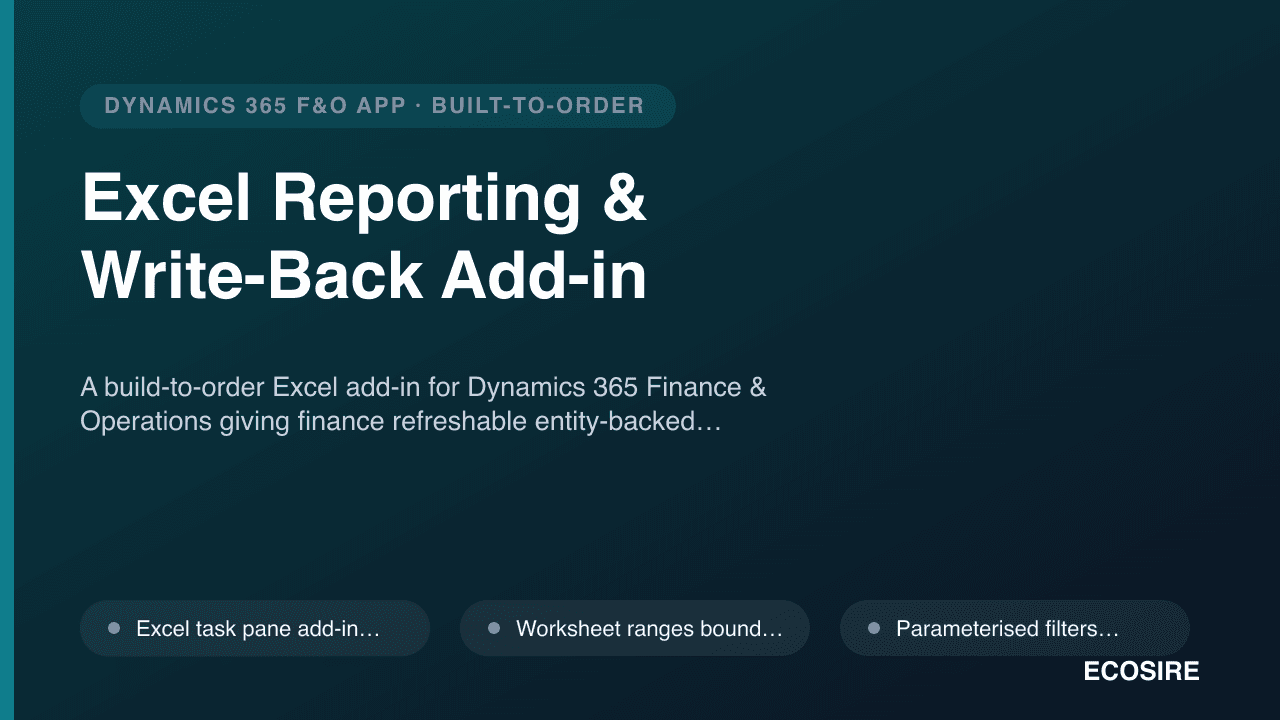
A task pane add-in for Excel, backed by data entities in your F&O environment, built to your templates. Build-to-order — nothing is downloaded ready-made.
Refreshable queries
We build data entities for the datasets your team actually pulls — trial balance, open customer and vendor transactions, project actuals, inventory valuation, whatever came out of scoping — and expose them over OData. The add-in binds a worksheet range to an entity query with your filters, and refresh re-runs it in place without disturbing formulas or formatting built around the range. Filters are parameterised, so the same workbook serves every legal entity and period rather than existing in eleven near-identical copies.
Queries respect the signed-in user's F&O security. A user who cannot see a legal entity in the client cannot pull its rows into Excel — the add-in authenticates against your tenant with Microsoft Entra ID and calls the same secured endpoints, so there is no back door around your role assignments.
Validated write-back
This is the part standard Open in Excel does not reach.
Journal import. A worksheet in your journal layout — including derived columns and lookup formulas your team already uses — is validated client-side before anything is sent: main account exists and is active, financial dimension combination is valid against your dimension set rules, the voucher balances by legal entity and currency, the posting date falls in an open FiscalCalendarPeriod, and the journal name permits the account types used. Failures are written back onto the offending rows with a plain-English reason. Only a clean sheet submits, creating journal lines through the journal data entities and leaving the journal unposted for your normal review and approval workflow. We do not post on your behalf.
Budget upload. Budget workbooks map to BudgetTransactionLine at whatever dimension granularity you budget on, with a mapping layer that handles the reality that a budget workbook rarely carries dimension values in F&O's exact format. Validation covers the budget model, budget code, dimension combination validity and period alignment. Where budget control is configured, the add-in flags entries that would breach a control rule before submission rather than after.
Price and trade agreement updates. Price rows are validated against item existence, unit of measure, currency, date effectivity and overlapping-agreement conflicts, then staged through the Data management framework for review. Where you require it, submission raises a workflow so a manager approves the change before it reaches a live agreement — the same approval trail an auditor would expect.
How the data actually moves
Small submissions go through OData entity calls synchronously with immediate row-level feedback. Large files route through the Data management framework as a recurring integration job, and the add-in polls execution status and surfaces staging errors row by row in the worksheet instead of leaving the user to hunt through the data management job history.
Every submission is logged — user, timestamp, target entity, row count, outcome — in a table you can query, which is usually the first thing your auditor asks about once spreadsheet write-back exists.
Who this is for
Finance and operations teams on Dynamics 365 Finance & Operations who prepare work in Excel and currently re-key it into F&O — month-end accrual and allocation journals, annual and revised budgets, periodic supplier price lists. If your journals are all system-generated and your budget lives natively in F&O, this solves a problem you do not have.
How delivery works
1. Scoping call. We collect your actual workbooks — the real accrual template with its merged cells and its helper columns, not an idealised one — and agree which write-back targets are in scope, what validation each needs, and where approval workflow is required. 2. Fixed quote. Written scope, fixed price, delivery date, before any code is written. 3. Build. Data entities and validation logic as X++ extensions with no overlayering; the task pane add-in built against your templates and branded to your organisation. 4. Install in test. Entity extensions deploy to your sandbox through your LCS pipeline; the add-in is sideloaded for the pilot group. Your team runs a real month-end journal, a real budget file and a real price list through it before anyone commits to production. 5. Production. The package promotes through your normal release process and the add-in is published through your Microsoft 365 admin centre for centralised deployment to the users you nominate. 6. Support. A defined support window covering defects and questions is included, spanning your first live close on it.
Typical lead time is one working week from signed quote to a working add-in in your sandbox, depending on how many write-back targets and templates are in scope.
What we do not claim
This is not certified by anyone and not sold on any marketplace. It is custom software built to your specification, delivered as X++ source, add-in source and a deployable package. It will not post journals without human approval, and we would refuse to build it that way — validated staging plus your existing workflow is the control that makes spreadsheet write-back defensible to an auditor.