 イメージプレビュー
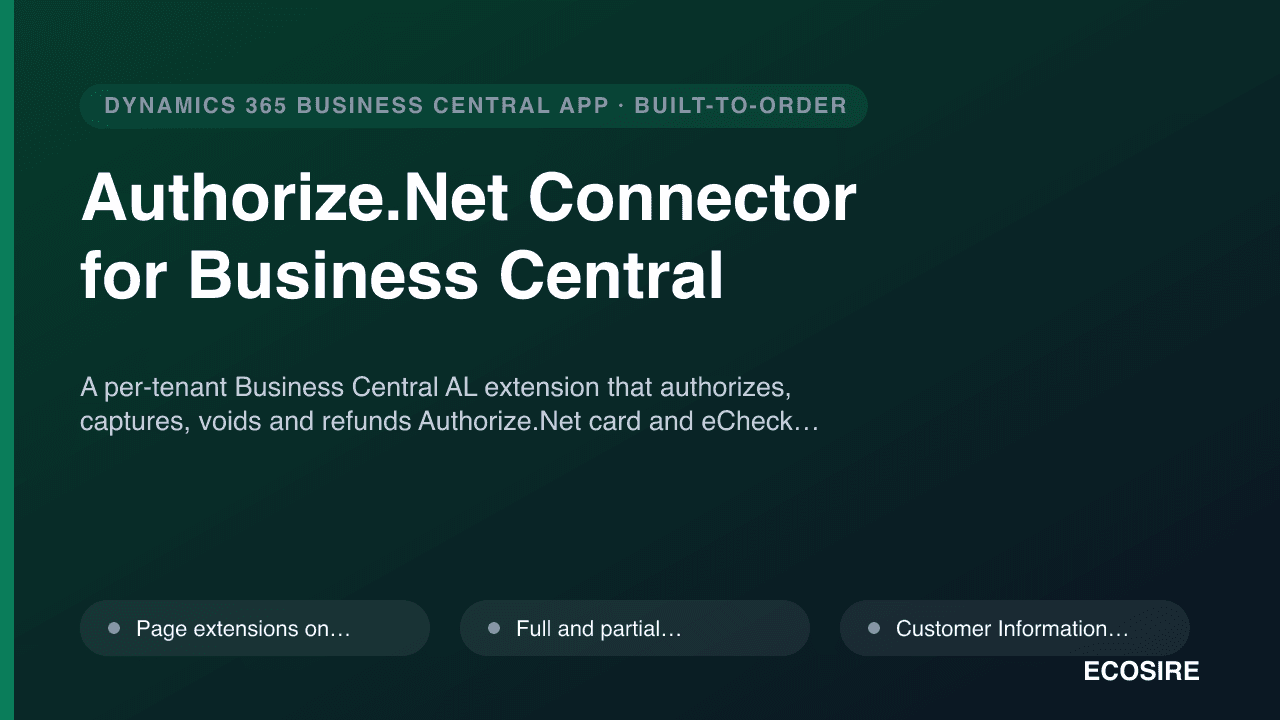
A per-tenant Business Central AL extension that authorizes,
captures, voids and refunds Authorize.Net card and eCheck payments directly on sales orders and posted invoices, with tokenized CIM stored profiles. Built, installed and supported by
ECOSIRE on your tenant.
Authorize.Net Connector for Business Centralとは?
A per-tenant Business Central AL extension that authorizes, captures, voids and refunds Authorize.Net card and eCheck payments directly on sales orders and posted invoices, with tokenized CIM stored profiles. Built, installed and supported by ECOSIRE on your tenant. Built to order by ECOSIRE for Dynamics 365 BC (build-to-order) — indicative price from $999.00 USD; request a quote for a scoped proposal.
主な機能
受注生産、すべておまかせ
自分での設定は不要 — ECOSIRE が構築・インストール・サポートする実働アプリです。
- 1
ご注文
一回限りの構築料金から始めます。キックオフで一緒に範囲を決めます。
- 2
構築とインストール
ECOSIRE がお客様の Dynamics 365 Business Central 上で構築・設定・インストールします。
- 3
本番稼働 + サポート
約1週間(営業日ベース)で稼働し、本番稼働後2週間のサポートが付きます。納品したコードの不具合は無償で修正します。
この製品について
This is a build-to-order Dynamics 365 Business Central extension, not an instant AppSource download. ECOSIRE builds the connector in AL, installs it as a per-tenant extension on your Business Central environment (SaaS cloud or on-prem), and supports it after go-live. There are no fabricated download links and no "click-to-install" claims — you buy the build, we deliver and maintain it.
The extension wires Authorize.Net into the documents your team already uses. It adds page extensions to the Sales Order, Sales Invoice and Posted Sales Invoice pages so a clerk can authorize a card, capture a settled amount, void an un-settled transaction, or issue a full or partial refund without leaving Business Central. Every API call goes server-side from your tenant to the Authorize.Net JSON transaction endpoint; raw PANs are never stored — cardholder data is tokenized through Authorize.Net's Customer Information Manager (CIM), and only the customer/payment-profile IDs land in a table extension on Customer.
The build covers the seed scope end to end: authorize-capture-void-refund against orders and invoices; a CIM payment-profile vault for stored cards; eCheck/ACH acceptance; Level 2 and Level 3 line-item data to qualify for lower interchange; and an optional Automated Recurring Billing (ARB) sync for subscription charges. Transaction results, AVS/CVV response codes and reference IDs are logged to a custom ledger table for reconciliation.
Delivery is honest and scoped. We confirm your sandbox credentials, build against the Authorize.Net sandbox, demo on a sandbox company in your environment, then promote to production behind your sign-off. Permission sets, a Job Queue entry for ARB sync, and a settings page (sandbox vs production toggle, default transaction type) ship with the extension. Source AL is yours.
得られるもの
- Per-tenant Business Central AL extension (.app) installed on your sandbox and production environments
- Full AL source project (page/table extensions, event subscribers, codeunits, permission sets) handed over to you
- Authorize.Net Setup page with sandbox/production toggle, default transaction type and CIM options
- Permission sets scoped to capture/void/refund and configuration roles
- Job Queue entry configured for Automated Recurring Billing sync
- Sandbox build-and-test cycle against Authorize.Net test credentials, demoed in your environment before go-live
- Setup and operator documentation plus a post-go-live support window
これは誰のためのものですか
US BC Merchant / Controller
Runs an existing Authorize.Net merchant account and wants card and eCheck charges captured directly on Business Central orders and invoices, with stored cards for repeat customers and clean reconciliation against the gateway.
Operations / AR Clerk
Processes daily orders and needs to authorize, capture, void or refund without switching to the Authorize.Net web portal or re-keying card data, while staying inside the BC document workflow.
BC Implementation Partner / IT Manager
Owns the tenant and wants a clean per-tenant extension with proper permission sets, isolated-storage credentials and Job Queue automation, plus AL source they can audit and extend rather than a black-box AppSource app.
Authorize.Net Connector for Business Central の比較方法
| 基準 | エコシエール | カスタムビルド | 競合他社 | Dynamics 365 Business Central 標準機能 |
|---|---|---|---|---|
| Embedded authorize/capture/void/refund on BC documents | 付属 | 部分的なサポート | 部分的なサポート | 含まれていない |
| Tokenized CIM stored-card vault (no PAN in BC) | 付属 | 部分的なサポート | 付属 | 含まれていない |
| eCheck / ACH acceptance | 付属 | 部分的なサポート | 部分的なサポート | 含まれていない |
| Level 2 / Level 3 interchange data from document lines | 付属 | 部分的なサポート | 部分的なサポート | 含まれていない |
| Automated Recurring Billing (ARB) sync via Job Queue | 付属 | 部分的なサポート | 部分的なサポート | 含まれていない |
| Tailored to your exact documents, fields and posting flow | 付属 | 付属 | 含まれていない | 含まれていない |
| AL source code handed to you (no lock-in) | 付属 | 付属 | 含まれていない | 含まれていない |
| Vendor builds, installs and supports it for you | 付属 | 含まれていない | 部分的なサポート | 含まれていない |
Authorize.Net Connector for Business Central に関するよくある質問
How long does delivery take, and is this on AppSource?
This is build-to-order, not an AppSource download. Typical delivery is about one working week from when we receive your Authorize.Net sandbox credentials and confirm scope. We build and test against the sandbox, demo on a sandbox company in your environment, then promote to production after your sign-off. Lead time grows if you add custom flows beyond the standard authorize/capture/void/refund, CIM and ARB scope.
What do you need from us to start?
Authorize.Net sandbox API Login ID and Transaction Key (and production credentials at go-live), a Business Central user with permission to install a per-tenant extension on your sandbox, and confirmation of which documents you process payments on. We never ask for raw card numbers — cardholder data is tokenized through CIM at the gateway.
How are stored cards and PCI scope handled?
Cards are vaulted as Authorize.Net CIM payment profiles. Business Central stores only the CIM customer-profile and payment-profile IDs in a table extension — no PAN, expiry or CVV is ever persisted in your tenant. All transaction calls run server-side from your environment to the Authorize.Net JSON API, which keeps your PCI footprint minimal.
What about ongoing support and updates after go-live?
Every build includes a post-go-live support window for fixes and questions. After that, we offer ongoing support and maintenance — including Business Central monthly/major release compatibility checks (so the extension keeps working across BC update waves), Authorize.Net API changes, and small enhancements. Because you receive the AL source, you are never locked in; your own partner can also maintain it.
Can it do partial captures, partial refunds and recurring billing?
Yes. You can capture less than the authorized amount, issue full or partial refunds against a settled transaction using the original reference ID, and sync subscriptions through Authorize.Net Automated Recurring Billing (ARB) driven by a Job Queue entry. Level 2/3 data is assembled from your document lines to help B2B transactions qualify for lower interchange.
関連モジュール
AR Collections Automation & Dunning for Business Central
A custom-built Business Central (AL) extension that automates past-due reminders, multi-step dunning cadences and click-to-pay follow-ups so your AR team recovers receivables faster — built, installed per-tenant and supported by ECOSIRE.
Audit & Internal Controls / Trail for Business Central
A per-tenant Business Central (AL) extension that strengthens auditability with field-level change logging, segregation-of-duties checks, posting anomaly detection and audit-ready export packages. Built, installed and supported by ECOSIRE on your environment.

Avalara-Style Sales Tax & VAT Calculation Engine for Business Central
A real-time, multi-jurisdiction sales tax, VAT and GST determination engine for Dynamics 365 Business Central — built as a per-tenant AL extension, with address cleansing, exemption handling and nexus monitoring, installed and supported by ECOSIRE.
Bahrain VAT Compliance for Business Central
An AL extension that puts Bahrain NBR-aligned VAT setup, bilingual tax invoice formats, return-period views and an auditable archive inside Dynamics 365 Business Central. ECOSIRE builds it to your chart of accounts and posting groups after a scoping call.
Authorize.Net Connector for Business Central
A per-tenant Business Central AL extension that authorizes, captures, voids and refunds Authorize.Net card and eCheck payments directly on sales orders and posted invoices, with tokenized CIM stored profiles. Built, installed and supported by ECOSIRE on your tenant.
- Page extensions on Sales Order, Sales Invoice and Posted Sales Invoice add Authorize, Capture, Void and Refund actions inline
- Full and partial refunds against settled transactions, with the original Authorize.Net reference ID carried automatically
- Customer Information Manager (CIM) vault stores cards as tokenized payment profiles — no PAN ever persists in Business Central
- Table extension on the Customer record holds CIM customer-profile and payment-profile IDs for repeat charges